


Tynker - Learn to Code
Spiele auf dem PC mit BlueStacks - der Android-Gaming-Plattform, der über 500 Millionen Spieler vertrauen.

Seite geändert am: May 20, 2022
Play Tynker - Learn to Code on PC or Mac
Tynker – Learn to Code brings the Educational genre to life, and throws up exciting challenges for gamers. Developed by Tynker, this Android game is best experienced on BlueStacks, the World’s #1 app player for PC and Mac users.
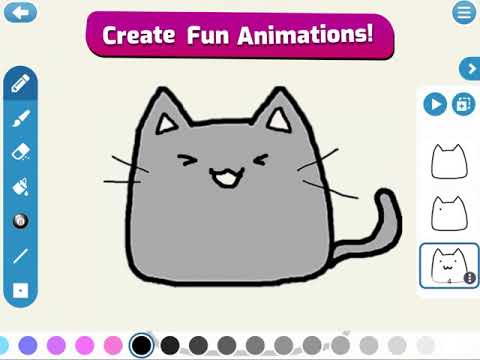
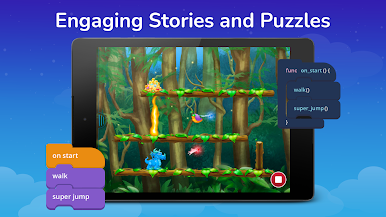
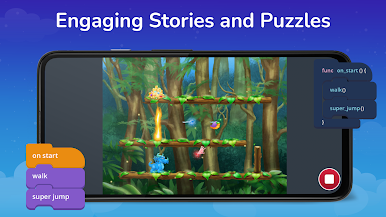
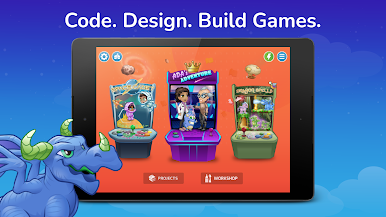
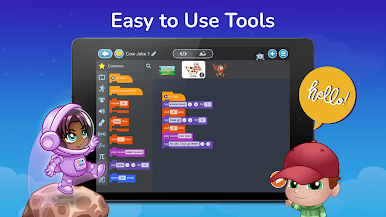
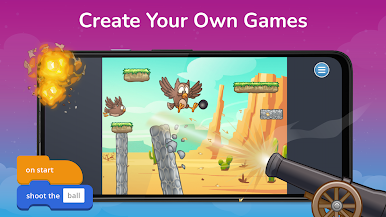
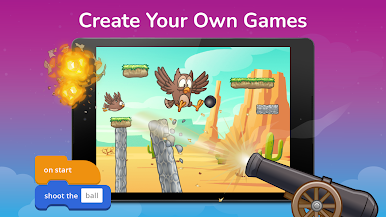
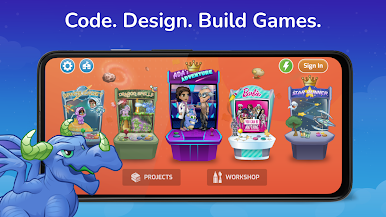
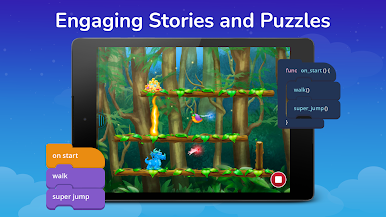
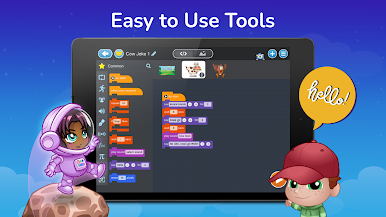
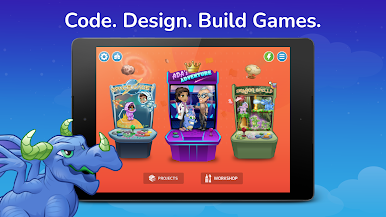
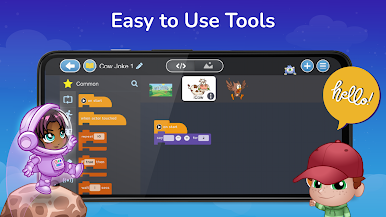
Tynker feels like a bunch of friendly mini games that secretly teach real coding ideas. It starts with bright, simple puzzles where kids snap blocks together to move a character, collect candy, open a chest, that kind of thing. The blocks are the usual suspects like loops, ifs, functions, and little subroutines, so they are learning sequencing and pattern spotting without getting stuck on syntax. As they get the hang of it, it nudges them into building small games, math art, and app-style projects. There is a big pile of starter tutorials, so it rarely leaves someone wondering what to try next.
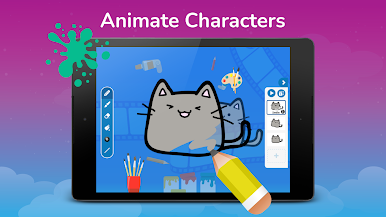
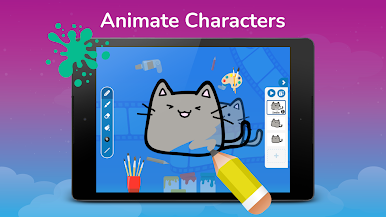
What stands out is that it does not stop at blocks. There is a switch to real code, with Swift in some lessons and paths that lead toward JavaScript and Python later. There is also a Barbie set that lets kids try out six careers, animate characters, make music, and decorate scenes, which keeps it from feeling dry. On PC with BlueStacks, the drag-and-drop feels cleaner with a mouse, and the bigger screen makes those step-by-step tips easier to read, which helps when a kid is figuring out why a loop runs one time too many.
It is clearly meant for grade-school and early middle-school learners, though older beginners can still use it. There is a subscription for the full library, and parents should know that. But the core idea is steady practice, quick feedback, and lots of chances to fix bugs without stress.
Start your journey now. Download the game on BlueStacks, invite your friends, and march on a new adventure.





Spiele Tynker - Learn to Code auf dem PC. Der Einstieg ist einfach.
-
Lade BlueStacks herunter und installiere es auf deinem PC
-
Schließe die Google-Anmeldung ab, um auf den Play Store zuzugreifen, oder mache es später
-
Suche in der Suchleiste oben rechts nach Tynker - Learn to Code
-
Klicke hier, um Tynker - Learn to Code aus den Suchergebnissen zu installieren
-
Schließe die Google-Anmeldung ab (wenn du Schritt 2 übersprungen hast), um Tynker - Learn to Code zu installieren.
-
Klicke auf dem Startbildschirm auf das Tynker - Learn to Code Symbol, um mit dem Spielen zu beginnen

