


Udemy - онлайн-курсы
Играйте на ПК с BlueStacks – игровой платформе для приложений на Android. Нас выбирают более 500 млн. игроков.

Страница изменена: Feb 28, 2026
Играй Udemy - онлайн-курсы На ПК
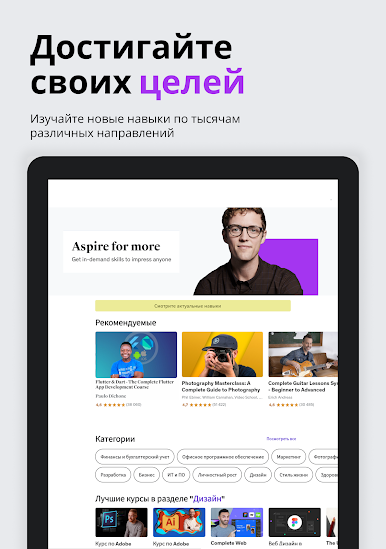
Будь то подготовка к новой должности в сфере технологий, выбор совершенно новой области знаний либо оттачивание базовых навыков ведения бизнеса, лидерства или коммуникации, Udemy предлагает инструменты для динамического, персонализированного и непрерывного развития. Персональная подписка поможет вам выстроить особый путь к новым знаниям согласно вашим потребностям, в то время как Карьерные бустеры позволят находить подборки с материалами, способными обеспечить быстрый прогресс в самых актуальных сферах. Для практической работы можно использовать Ролевые игры — ИИ-симуляции, в которых можно активно практиковать реальные ситуации, такие как разрешение конфликтов и совместная работа в команде, чтобы вы не только располагали нужными знаниями, но и могли претендовать на компетентную работу в коллективе.
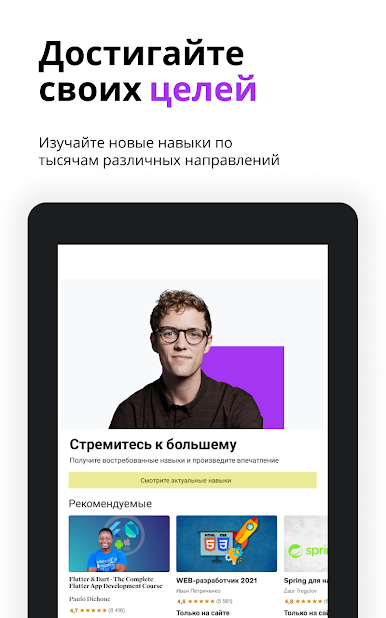
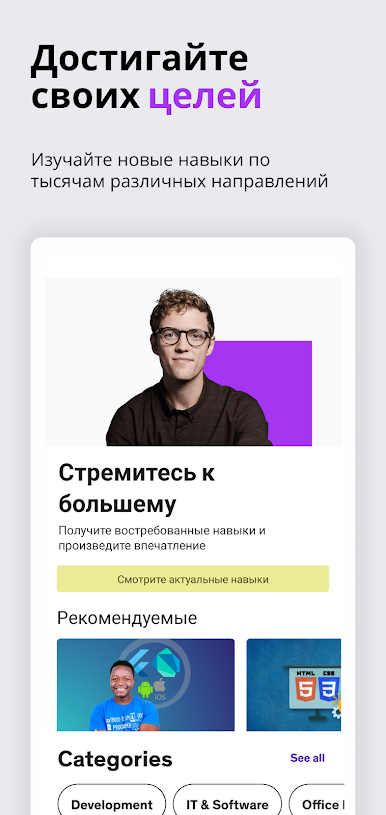
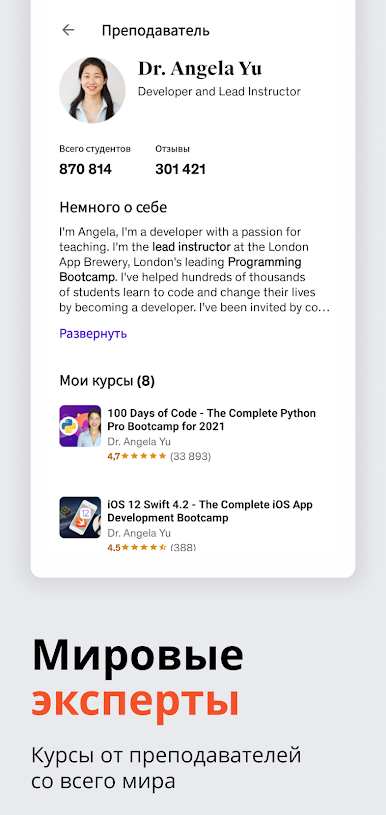
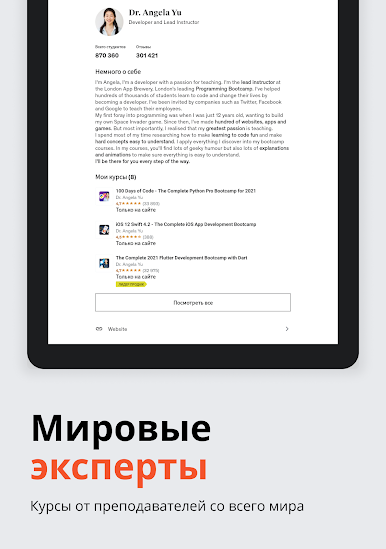
Изучайте разные навыки у экспертов с реальным опытом — от технологий и бизнеса до творческого мышления и личностного роста. С рекомендациями на базе ИИ, гибкими форматами и инструментами с удобной интеграцией в рабочий процесс Udemy сделает непрерывное развитие частью вашей повседневности.
Вот почему обучение с Udemy — это настолько здорово:
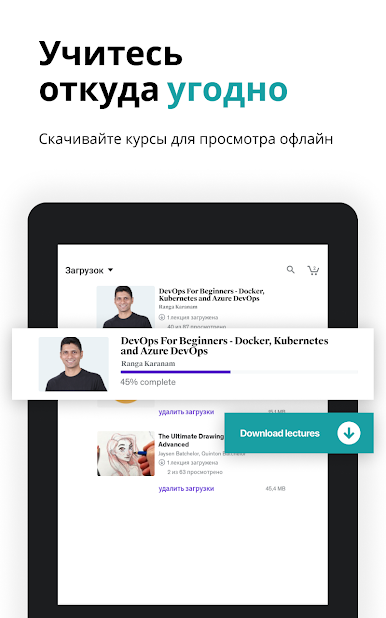
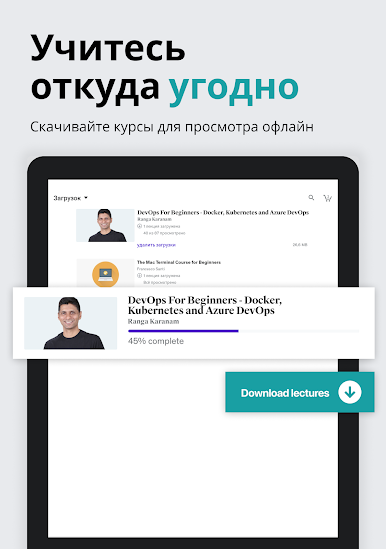
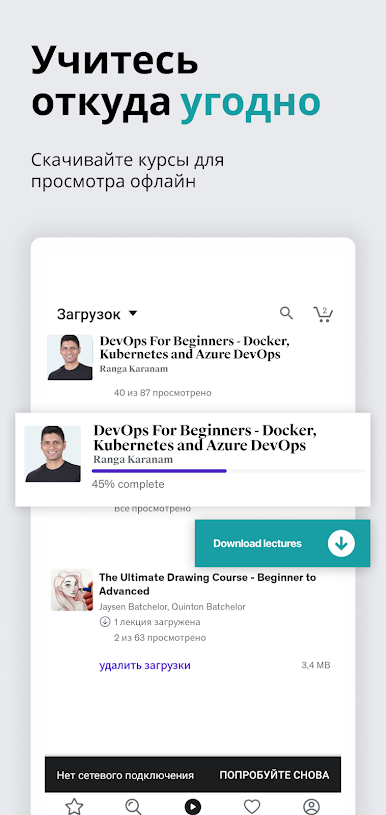
ДОСТУП БЕЗ ИНТЕРНЕТА: Загружайте инструменты и материалы, чтобы не оставаться без новых знаний даже без доступа к Сети
ПОДДЕРЖКА БОЛЬШОГО ЭКРАНА: Транслируйте через Chromecast для еще более удобной работы с платформой
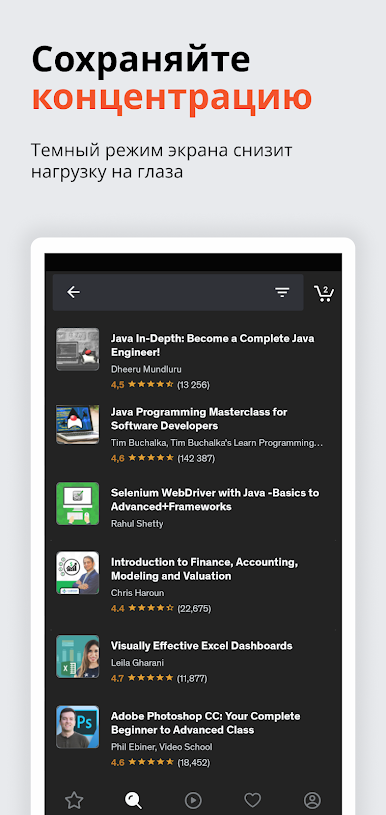
ТЕМНАЯ ТЕМА: Сосредоточьтесь на обучении без отвлекающих факторов
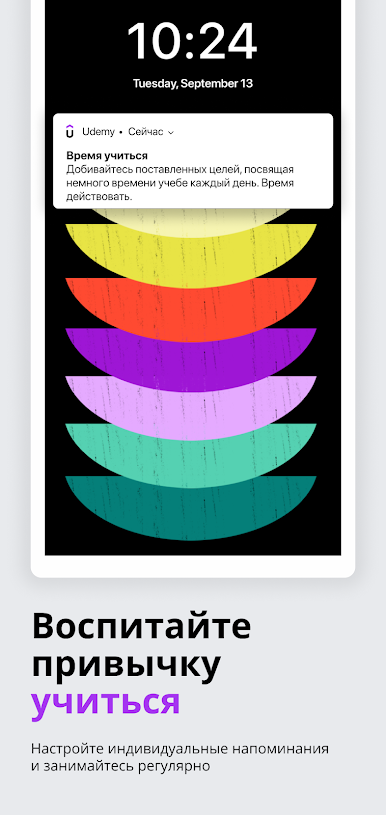
НАПОМИНАНИЯ ОБ ОБУЧЕНИИ: Не забывайте учиться с пользовательскими push-уведомлениями
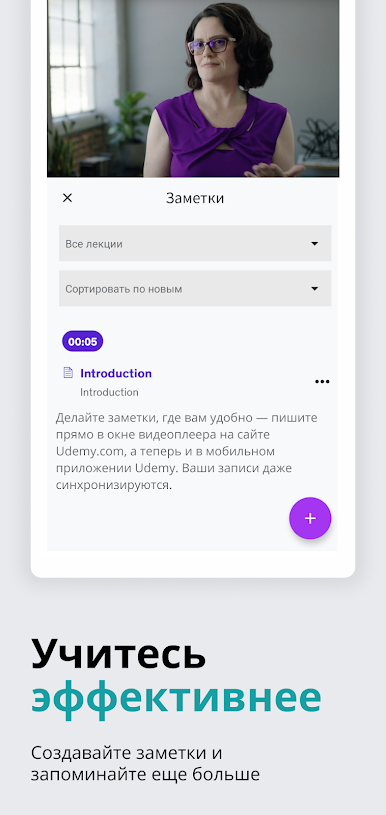
ЗАМЕТКИ И ЗАКЛАДКИ: Сохраняйте ключевую информацию, чтобы при необходимости возвращаться к самым важным темам
ТЕСТЫ: Закрепляйте полученные знания с помощью быстрых тестов в приложении
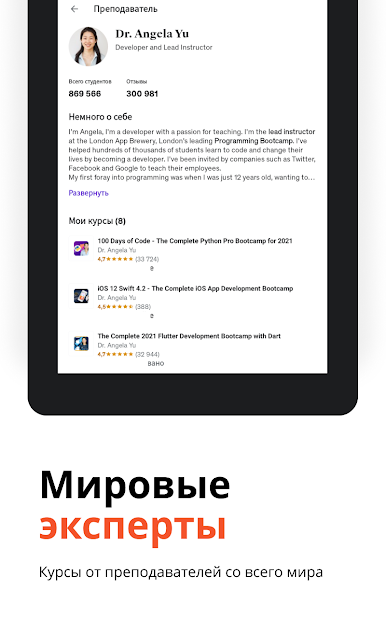
ВОПРОСЫ И ОТВЕТЫ С ЭКСПЕРТАМИ: Получайте четкие ответы и рекомендации от преподавателей, если вам нужна поддержка
ПОЖИЗНЕННЫЙ ДОСТУП: Вспоминайте ранее изученный материал в любое удобное вам время
Наши преподаватели регулярно обновляют свои курсы, отражая в них новые инструменты, технологии и потребности специалистов, чтобы у вас под рукой всегда были самые актуальные знания для достижения успеха. Инвестируя время в работу с Udemy, вы напрямую инвестируете в умение адаптироваться, карьерный рост и успех.




Играйте в игру Udemy - онлайн-курсы на ПК. Это легко и просто.
-
Скачайте и установите BlueStacks на ПК.
-
Войдите в аккаунт Google, чтобы получить доступ к Google Play, или сделайте это позже.
-
В поле поиска, которое находится в правой части экрана, введите название игры – Udemy - онлайн-курсы.
-
Среди результатов поиска найдите игру Udemy - онлайн-курсы и нажмите на кнопку "Установить".
-
Завершите авторизацию в Google (если вы пропустили этот шаг в начале) и установите игру Udemy - онлайн-курсы.
-
Нажмите на ярлык игры Udemy - онлайн-курсы на главном экране, чтобы начать играть.

