


Undead Slayer: Offline Action
Spiele auf dem PC mit BlueStacks - der Android-Gaming-Plattform, der über 500 Millionen Spieler vertrauen.

Seite geändert am: Dec 14, 2025
Play Undead Slayer Action Roguelike on PC or Mac
Undead Slayer Action Roguelike brings the Action genre to life, and throws up exciting challenges for gamers. Developed by Enigma Publishing Limited, this Android game is best experienced on BlueStacks, the World’s #1 app player for PC and Mac users.
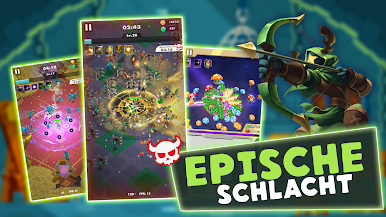
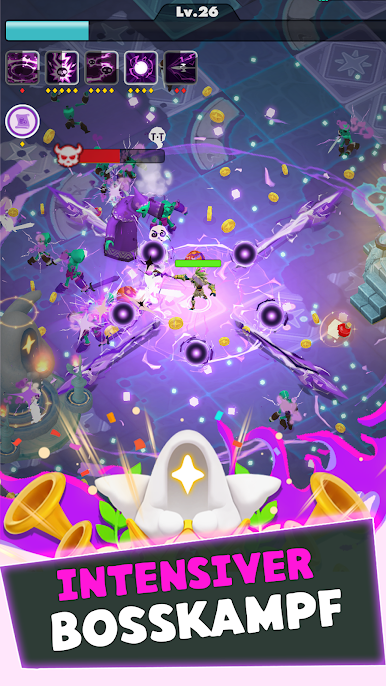
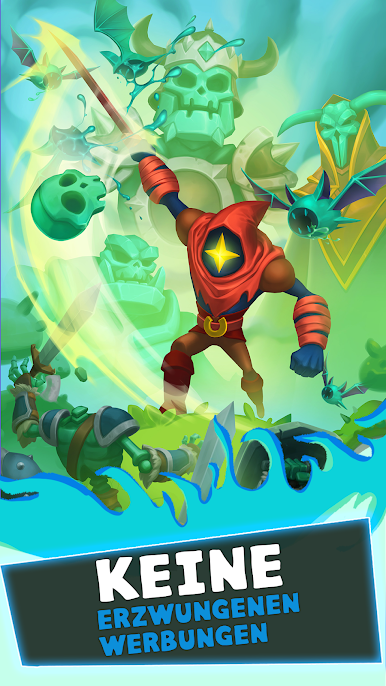
Undead Slayer Action Roguelike is a fast roguelite where the player gets dropped into a cursed kingdom and has to dance through swarms of undead while the build ramps up. The story does not get in the way much. Devora is in trouble, a sage calls for a champion, and then it is straight into runs full of skeletons, ghouls, and big packs that keep piling in until the screen looks busy. What makes it click is how simple it feels to control. Movement does the heavy lifting, attacks fire on their own, and every few moments a new choice pops up that tilts the build into something wild like spinning blades, shock chains, or burning fields. It gets hectic fast, but not confusing.
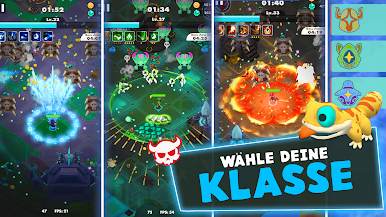
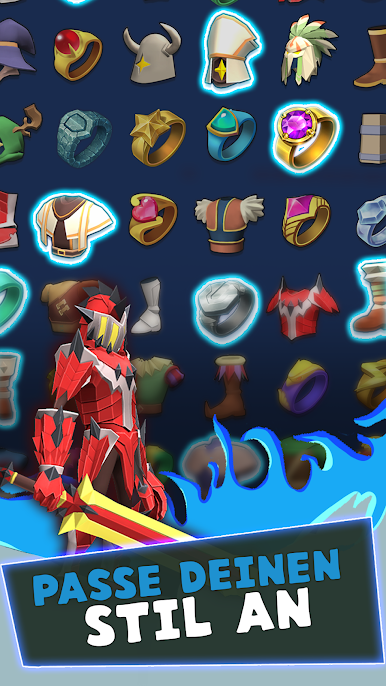
There are different classes that actually play different, so a nimble archer run feels nothing like a bruiser with lifesteal tricks. The game throws a mountain of gear and trinkets at the player, well over a hundred pieces, so there is always a way to push damage, defense, or weird utility. The skill list is big too, and the mix and match stuff creates those silly moments where the horde melts the second it touches the character. Waves are thick, sometimes thousands on screen, and there is a nice rhythm of kiting, scooping up drops, then spiking power again. On PC with BlueStacks, it works well with a mouse, since the one-thumb mobile setup translates into smooth pointer movement, and the bigger screen makes it easier to read the chaos without squinting. Sessions are quick, satisfying, and a little addictive when a build starts to snowball.
Get ready for a buttery smooth, high-performance gaming action only on BlueStacks.




Spiele Undead Slayer: Offline Action auf dem PC. Der Einstieg ist einfach.
-
Lade BlueStacks herunter und installiere es auf deinem PC
-
Schließe die Google-Anmeldung ab, um auf den Play Store zuzugreifen, oder mache es später
-
Suche in der Suchleiste oben rechts nach Undead Slayer: Offline Action
-
Klicke hier, um Undead Slayer: Offline Action aus den Suchergebnissen zu installieren
-
Schließe die Google-Anmeldung ab (wenn du Schritt 2 übersprungen hast), um Undead Slayer: Offline Action zu installieren.
-
Klicke auf dem Startbildschirm auf das Undead Slayer: Offline Action Symbol, um mit dem Spielen zu beginnen

