


Sperrbildschirm OS 17
Spiele auf dem PC mit BlueStacks - der Android-Gaming-Plattform, der über 500 Millionen Spieler vertrauen.

Seite geändert am: Oct 31, 2025
Play Lock Screen OS 17 on PC
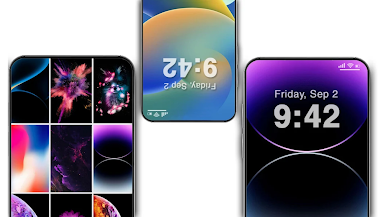
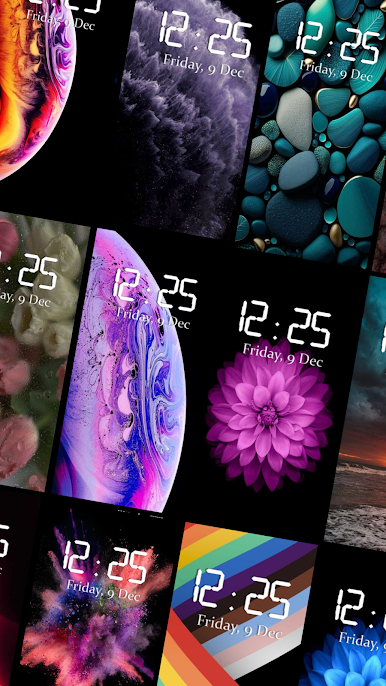
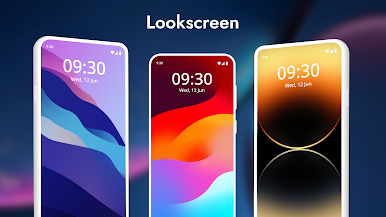
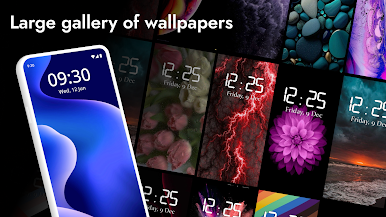
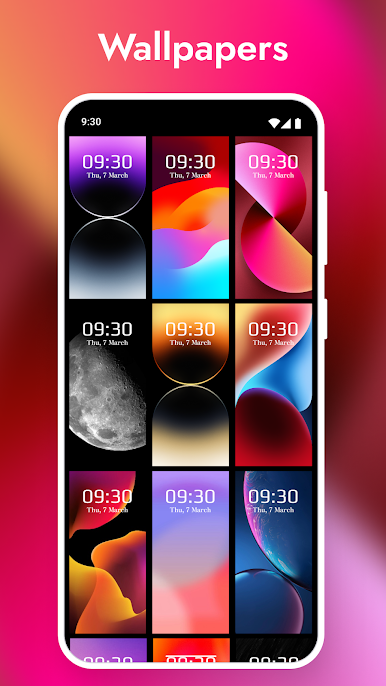
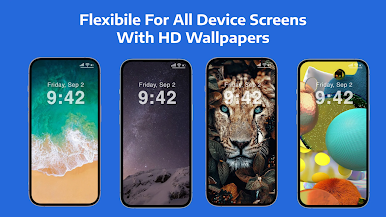
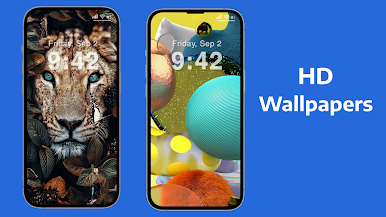
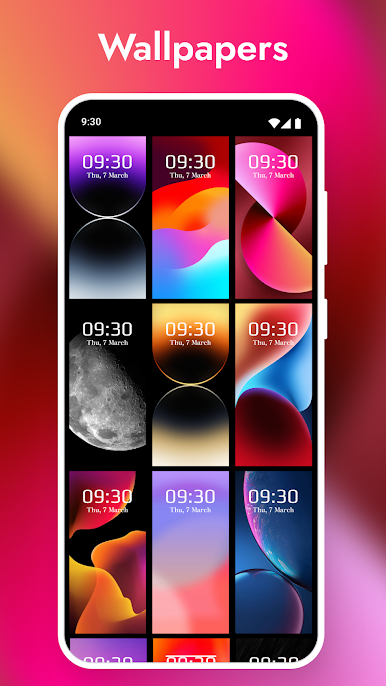
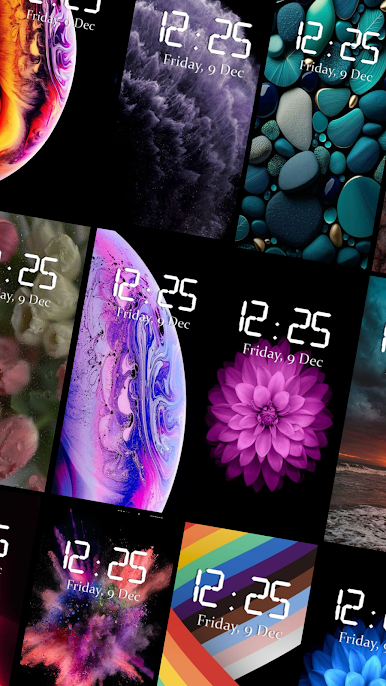
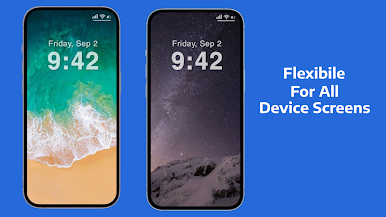
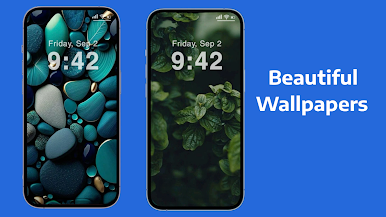
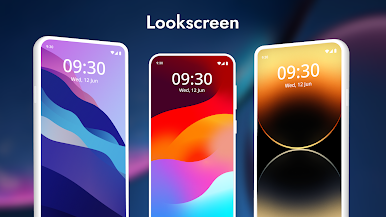
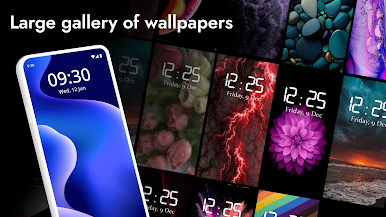
Change your Android into OS interface with all-new ways to personalize your Lock Screen. You can now create different Lock Screens, each with a unique backdrop and style, and easily switch between them. Browse a gallery of wallpapers with suggested photos and themed collections for inspiration. The application helps you to personalize your lock screen with HD wallpapers. Transform your Android phone's lock screen with Lock Screen OS 17. Choose from various themes, wallpapers to create a lock screen that suits your style and needs.
Looking to make your Android phone's lock screen your own? Look no further than Lock Screen OS 17 - the ultimate solution for customizing your lock screen!
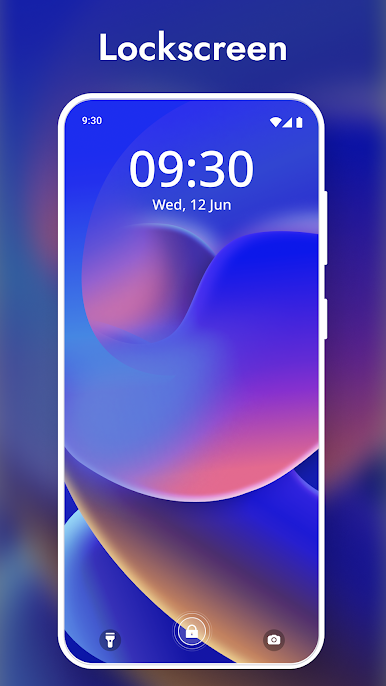
With Lock Screen OS 17, you can choose from a variety of themes, wallpapers, and layouts to create a lock screen that reflects your personal style. Our app is fully optimized for the latest Android operating system, ensuring full compatibility with your device. In addition to wallpapers, Lock Screen OS 17 lets you add time widgets to your lock screen to display useful information.
Lock Screen OS 17 – os locker is the best application to help you have a wonderful Lock Screen or os style screen lock, make your phone simple and pretty os like screen.
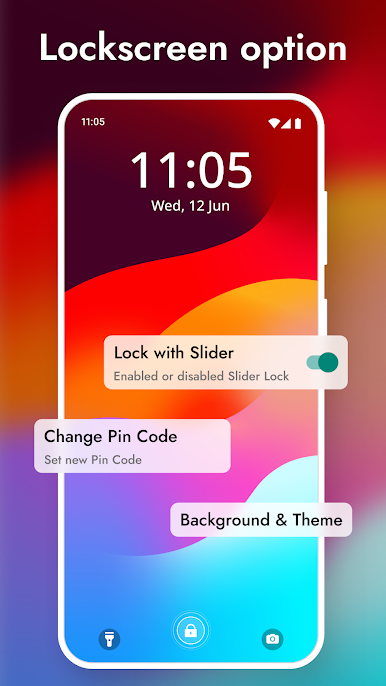
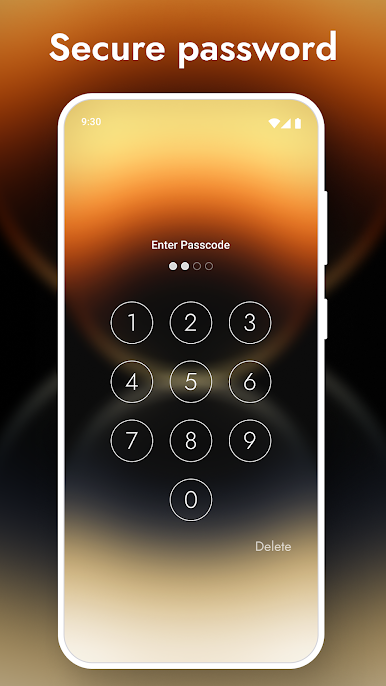
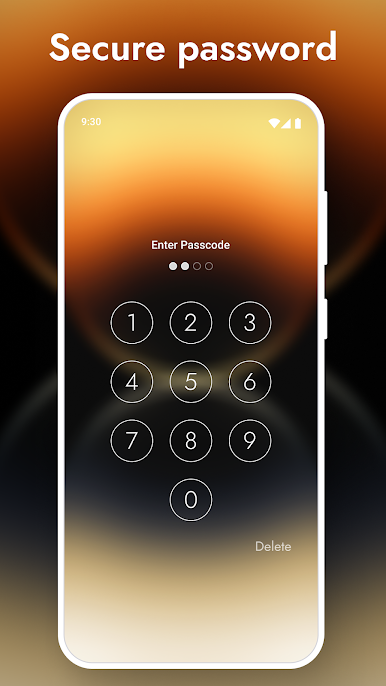
Customize your lock screen, combine OS style passcode with amazing OS wallpaper themes to gain a unique lock screen with lock screen personalization.
• Features:
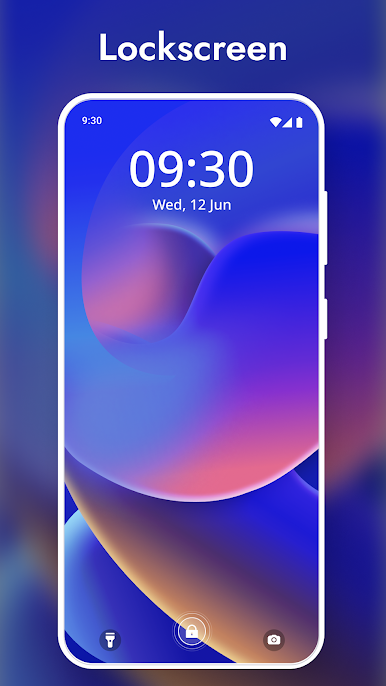
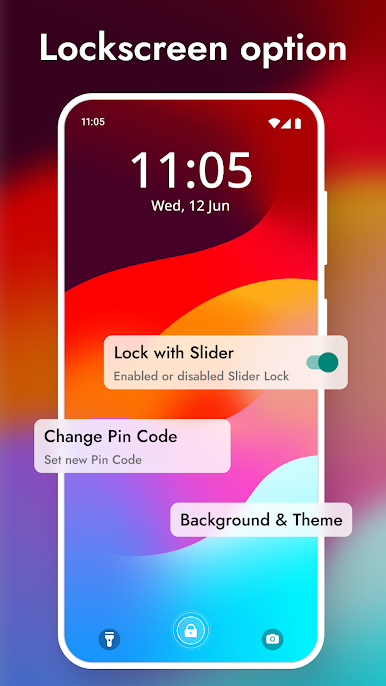
. Lock Screen with Notification Center
. Lock Screen with personal wallpaper
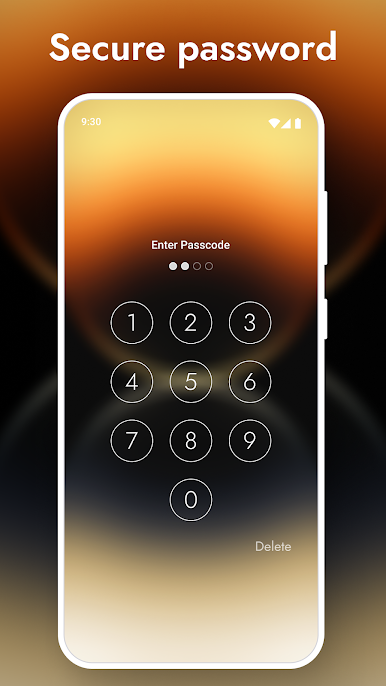
. Set a Passcode on your phone to help protect your phone
. Long press on Flash & Camera to quick action on Lock Screen
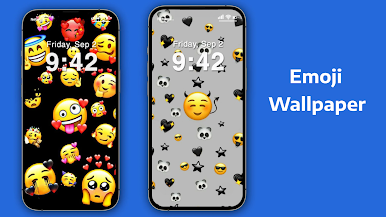
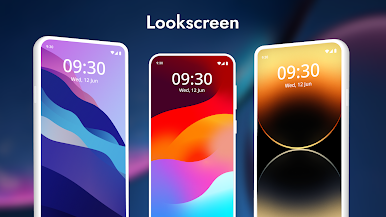
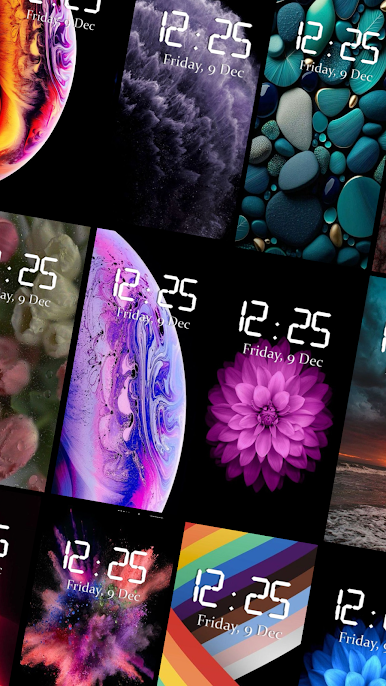
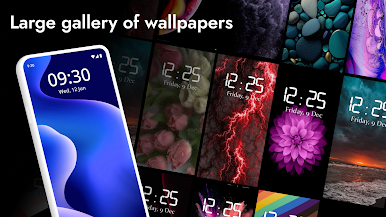
. Personalize with more and more wallpaper option
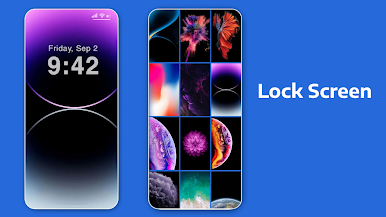
. Background wallpaper on Lock Screen
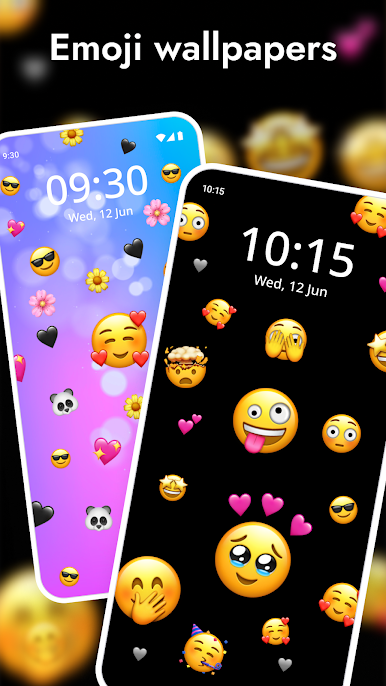
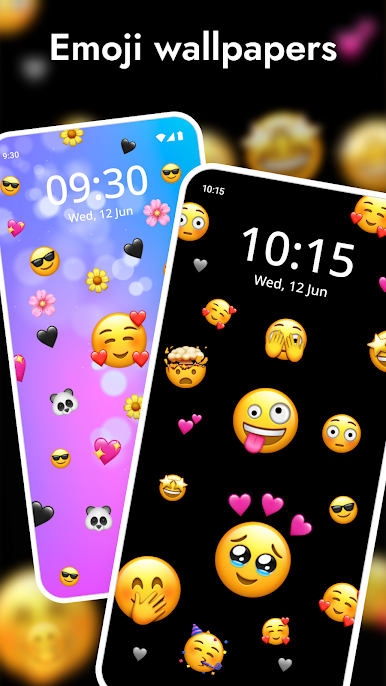
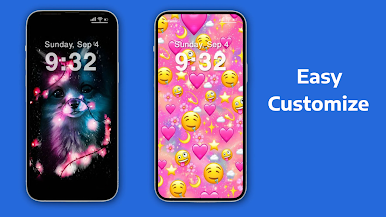
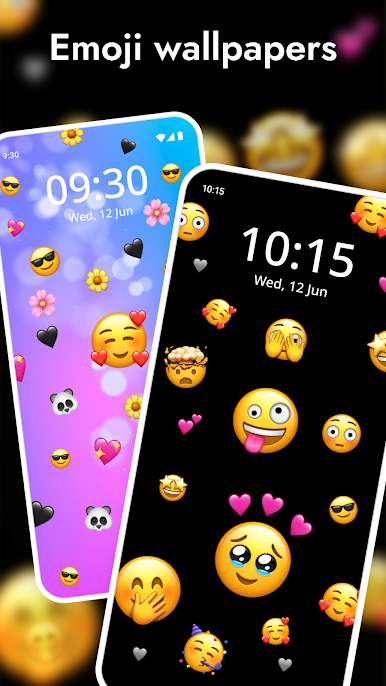
. Emoji background setup
Lock Screen OS 17 is easy to discover and download on the Google Play Store. Simply search for "Lock Screen OS 17" and you will find our app in the results. With frequent updates and improvements, we're committed to providing the best lock screen customization experience on the market.
So what are you waiting for? Download Lock Screen OS 17 today and unlock a world of possibilities for your Android phone's lock screen!
let's turn off and turn on the screen to enjoy it now!
Please give your valuable feedback so that we make improvement and provide useful tool. Your suggestions and feedback will be highly appreciated. We will respond your query as soon as possible.
Spiele Sperrbildschirm OS 17 auf dem PC. Der Einstieg ist einfach.
-
Lade BlueStacks herunter und installiere es auf deinem PC
-
Schließe die Google-Anmeldung ab, um auf den Play Store zuzugreifen, oder mache es später
-
Suche in der Suchleiste oben rechts nach Sperrbildschirm OS 17
-
Klicke hier, um Sperrbildschirm OS 17 aus den Suchergebnissen zu installieren
-
Schließe die Google-Anmeldung ab (wenn du Schritt 2 übersprungen hast), um Sperrbildschirm OS 17 zu installieren.
-
Klicke auf dem Startbildschirm auf das Sperrbildschirm OS 17 Symbol, um mit dem Spielen zu beginnen

