


Upco Mobile Messenger
Играйте на ПК с BlueStacks – игровой платформе для приложений на Android. Нас выбирают более 500 млн. игроков.

Страница изменена: Oct 22, 2025
Обзор
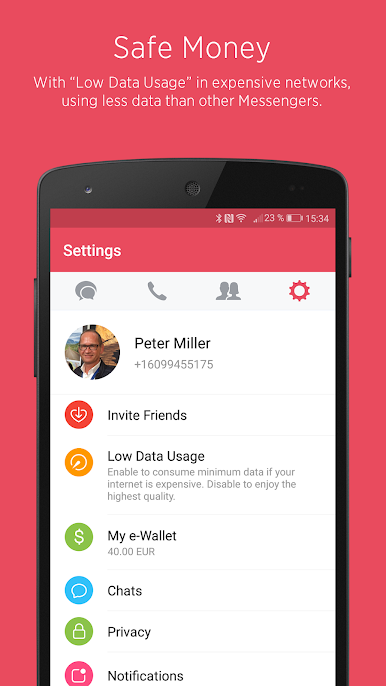
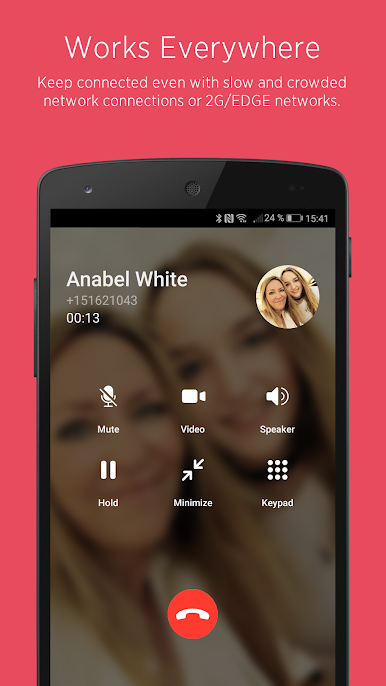
Upco works almost everywhere and supports audio and video calls in best HD quality even with slow and crowded network connections or 2G/EDGE networks, using less data than other Messengers.
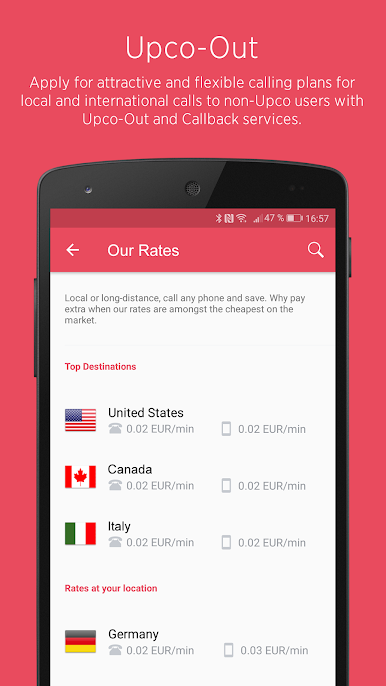
To call non-Upco landline or mobile phone numbers you can use Upco-Out and buy one of the attractive and flexible calling plans or just use our international airtime top-up.
Main features:
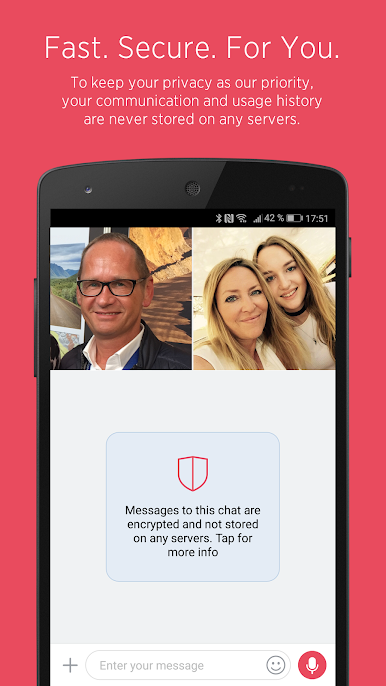
★ Fast and fully secure communication (multi-level encryption), your communication and usage history are never stored on any servers.
★ No need for speed. Upco works almost everywhere even with slow and crowded network connections or 2G/EDGE networks, using less data than other Messengers.
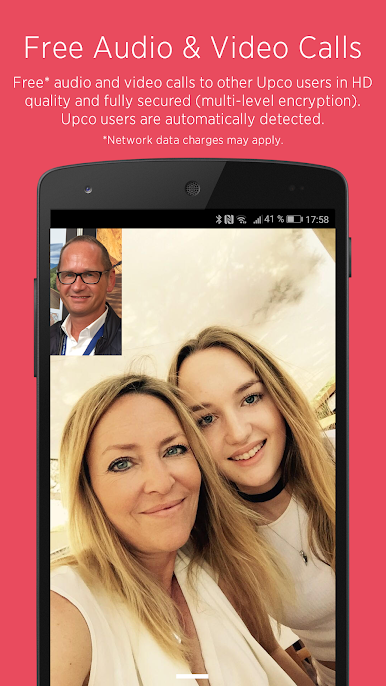
★ Free* audio and video calls to other Upco users in HD quality at 720p resolution. Other Upco users are automatically detected.
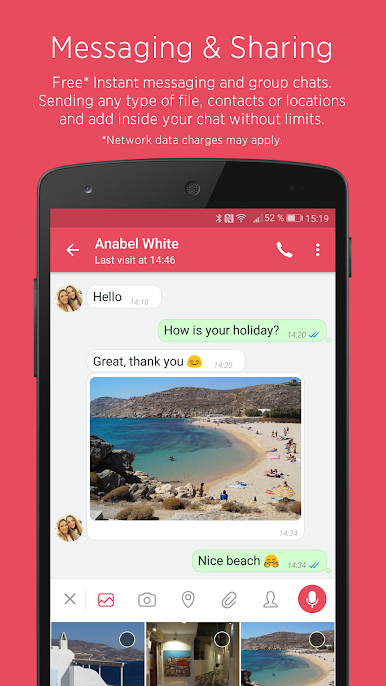
★ Free* Instant messaging and private group chats. Add fun and emotions with a variety of cool stickers. Personalize your chats with own image, name, background and more.
★ Sending any type of file, contacts or locations and add inside your chat without limits.
★ Attractive and flexible calling plans for local and international calls to non-Upco users with Upco-Out and Callback services.
★ PUSH notifications - never miss messages and calls, even if Upco is closed.
★ After signing out of Upco you decide whether to keep or delete all communication and usage history on your individual device.
Upco is a cross-platform application currently available for Android and Apple iOS.
*Upco uses your internet connection. Wi-Fi is recommended and network data charges may apply where you are connected through your personal network data plan.
Играйте в игру Upco Mobile Messenger на ПК. Это легко и просто.
-
Скачайте и установите BlueStacks на ПК.
-
Войдите в аккаунт Google, чтобы получить доступ к Google Play, или сделайте это позже.
-
В поле поиска, которое находится в правой части экрана, введите название игры – Upco Mobile Messenger.
-
Среди результатов поиска найдите игру Upco Mobile Messenger и нажмите на кнопку "Установить".
-
Завершите авторизацию в Google (если вы пропустили этот шаг в начале) и установите игру Upco Mobile Messenger.
-
Нажмите на ярлык игры Upco Mobile Messenger на главном экране, чтобы начать играть.

