


Jewel Maker : Match 3 Puzzle
Играйте на ПК с BlueStacks – игровой платформе для приложений на Android. Нас выбирают более 500 млн. игроков.

Страница изменена: Oct 29, 2025
Play Jewel Maker on PC or Mac
Bring your A-game to Jewel Maker, the Puzzle game sensation from V2R. Give your gameplay the much-needed boost with precise game controls, high FPS graphics, and top-tier features on your PC or Mac with BlueStacks.
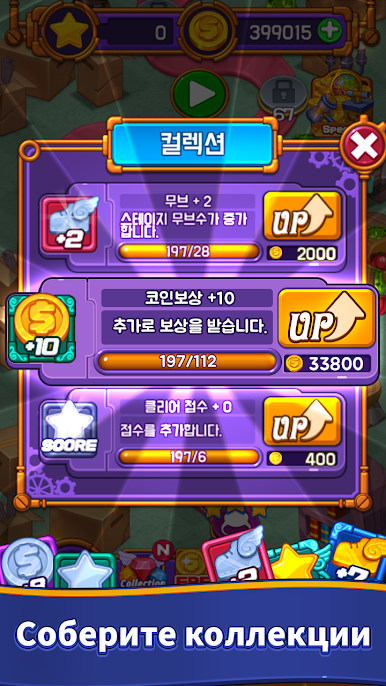
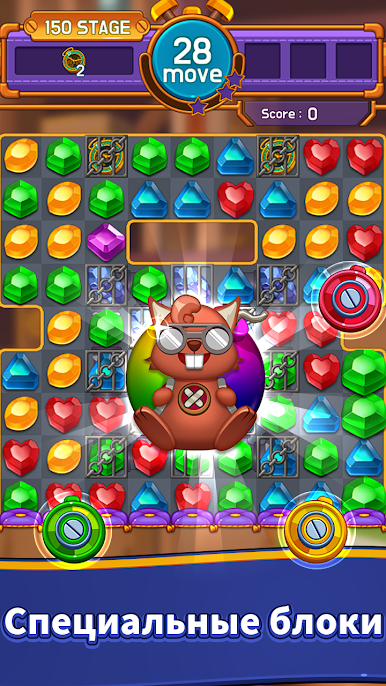
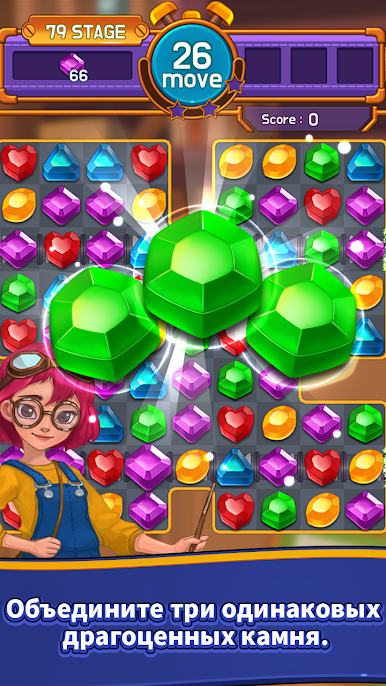
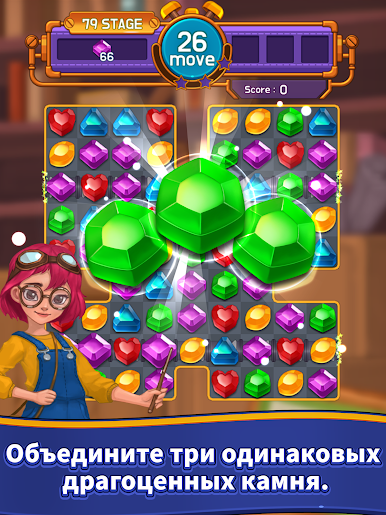
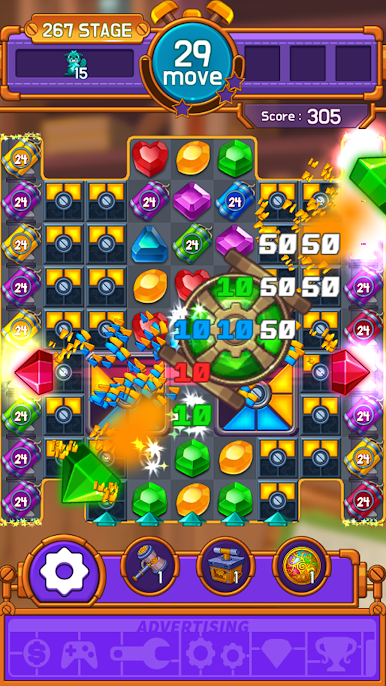
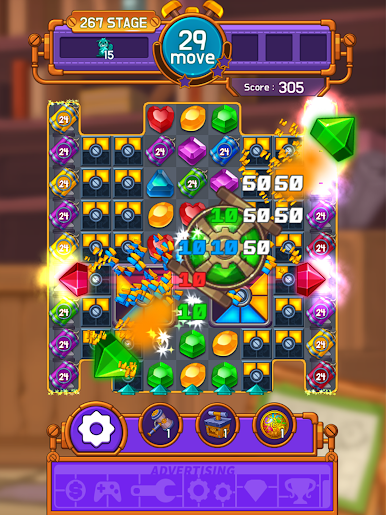
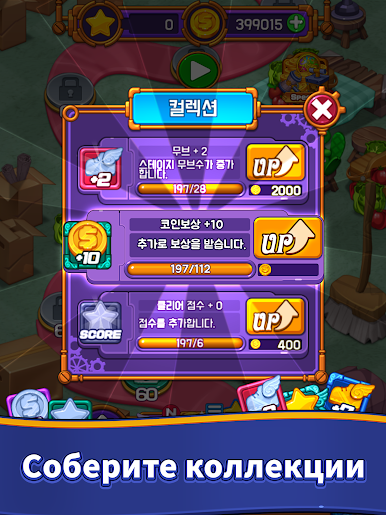
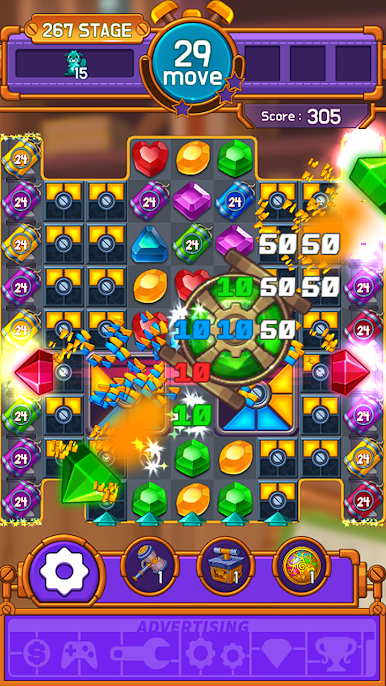
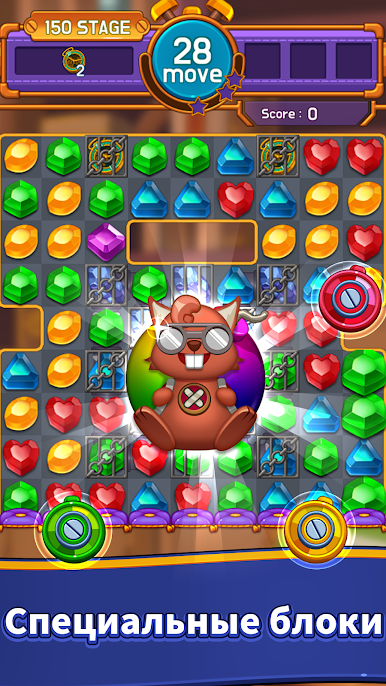
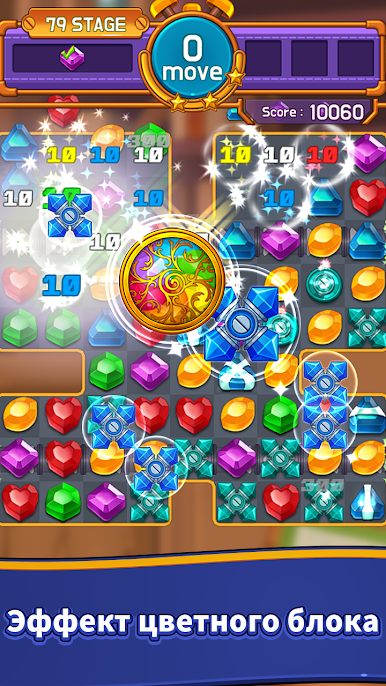
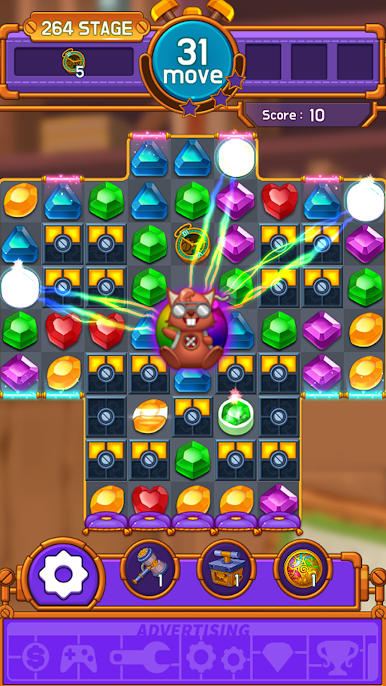
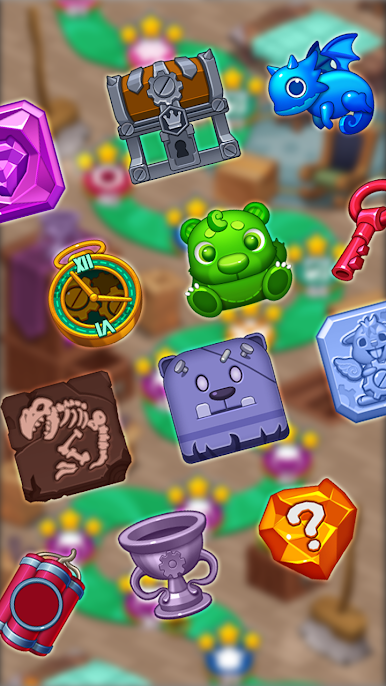
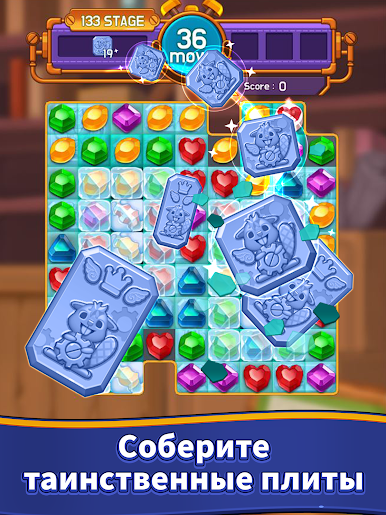
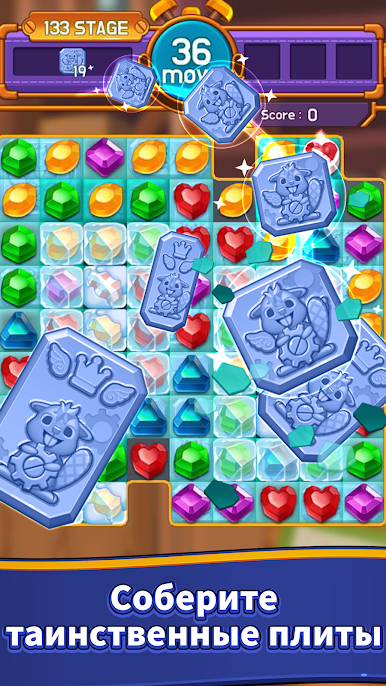
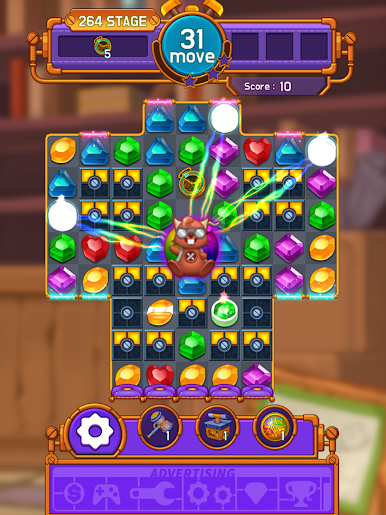
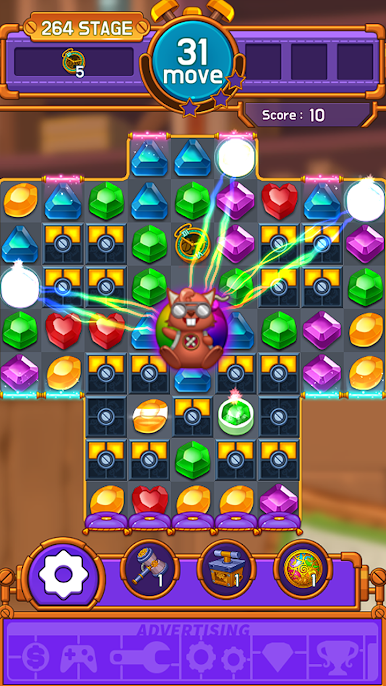
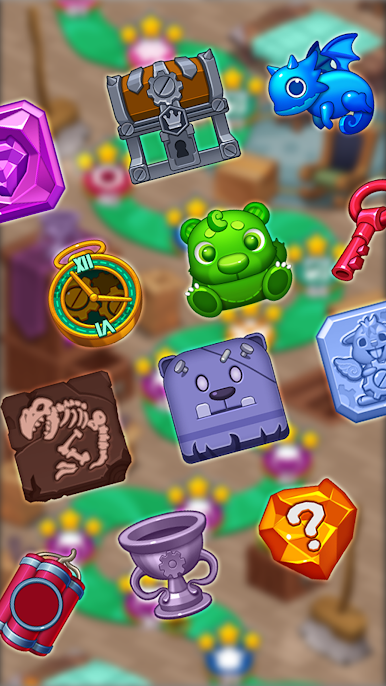
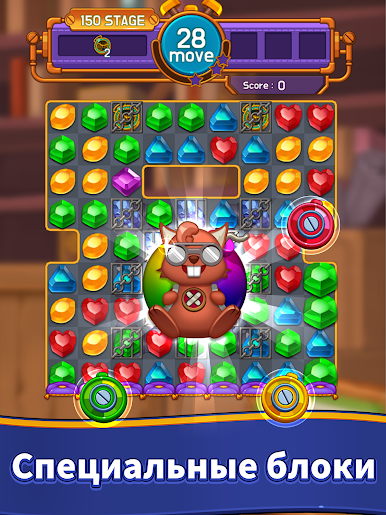
Jewel Maker is basically a match-3 puzzle game that keeps things simple but stays interesting thanks to all the different stage modes. There are a ton of these levels—hundreds, actually—each with their own little twists, so boredom doesn’t really set in even if you play for a while. It’s the kind of game where you just swap jewels around, trying to line up three or more of the same color, and the controls are easy enough that anyone can get the hang of it in a few seconds. The game doesn’t flood you with complicated features, but there are some light collections and upgrades using in-game currency for anyone who likes tweaking and exploring a bit more, especially when a tricky stage shows up.
What stands out is how easy it is to play for as long as you want—there are no limits or energy bars stopping you from just running level after level. The visuals are clean and there are these little cute characters on the side, which is a nice touch but doesn’t distract from the main puzzles. It doesn’t even need an internet connection, so starting up a round anywhere is possible (really nice on the go, or even on PC if the WiFi drops for a bit). On BlueStacks, the controls stay smooth, and the bigger screen makes it a bit easier to spot matches quickly. The game’s pretty light on storage too, so it works fine on just about any setup. It’s free to play, though there are some paid bits and ads here and there, but nothing too over the top. Overall, it’s easygoing, easy to pick up, but there’s enough variety in the levels that it never really feels stale.
Ready to top the leaderboard? We bet you do. Let precise controls and sharp visuals optimized on BlueStacks lead you to victory.

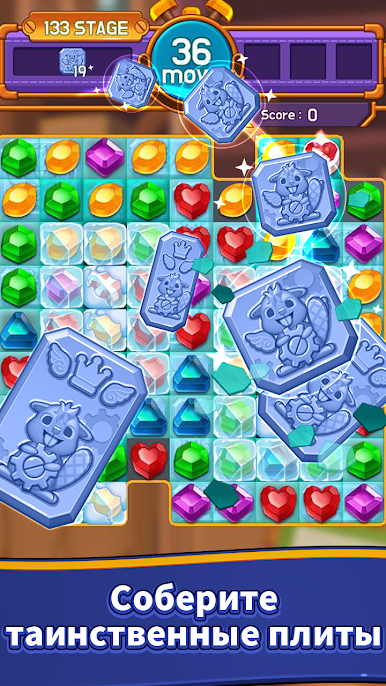
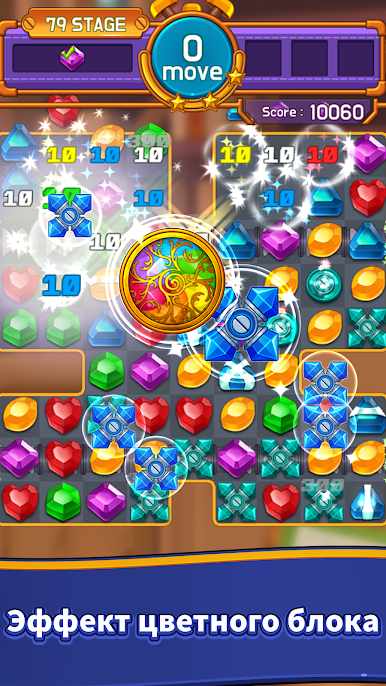
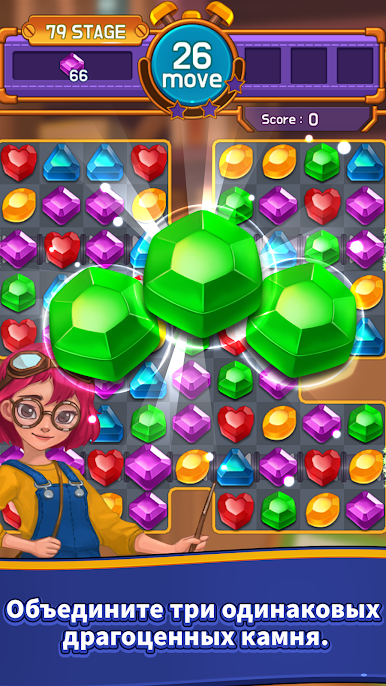

Играйте в игру Jewel Maker : Match 3 Puzzle на ПК. Это легко и просто.
-
Скачайте и установите BlueStacks на ПК.
-
Войдите в аккаунт Google, чтобы получить доступ к Google Play, или сделайте это позже.
-
В поле поиска, которое находится в правой части экрана, введите название игры – Jewel Maker : Match 3 Puzzle.
-
Среди результатов поиска найдите игру Jewel Maker : Match 3 Puzzle и нажмите на кнопку "Установить".
-
Завершите авторизацию в Google (если вы пропустили этот шаг в начале) и установите игру Jewel Maker : Match 3 Puzzle.
-
Нажмите на ярлык игры Jewel Maker : Match 3 Puzzle на главном экране, чтобы начать играть.

