


Viator: Touren und Aktivitäten
Spiele auf dem PC mit BlueStacks - der Android-Gaming-Plattform, der über 500 Millionen Spieler vertrauen.

Seite geändert am: Dec 3, 2025
Play Viator Tours & Attractions on PC
Book and manage your trip on the go:
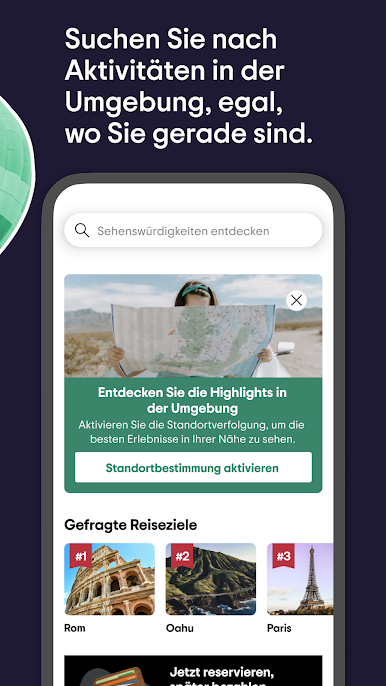
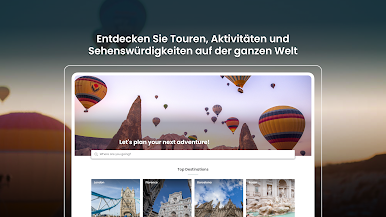
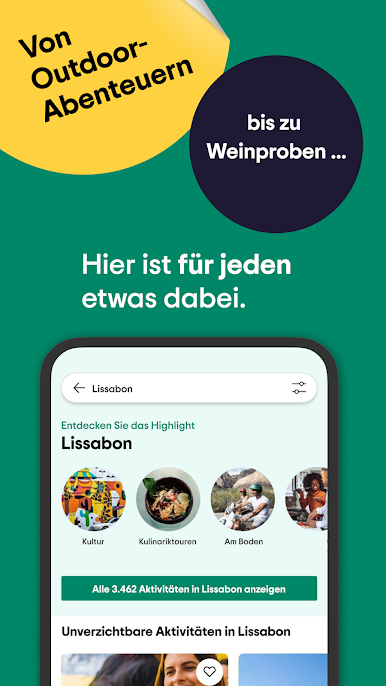
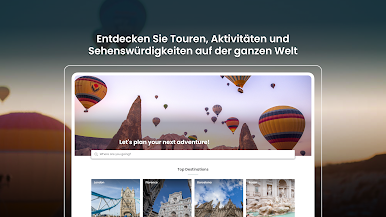
• Browse our amazing selection of tours and activities before and during your trip
• Easily access tickets offline
• Modify, edit, or cancel your bookings from wherever you are
• Get same-day notifications about your activity with directions to your departure and pickup points
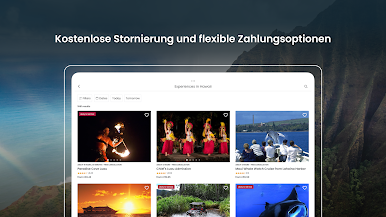
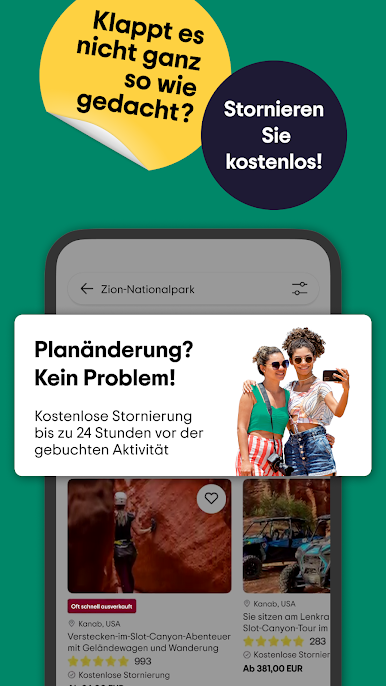
• Free cancellation up to 24 hours in advance
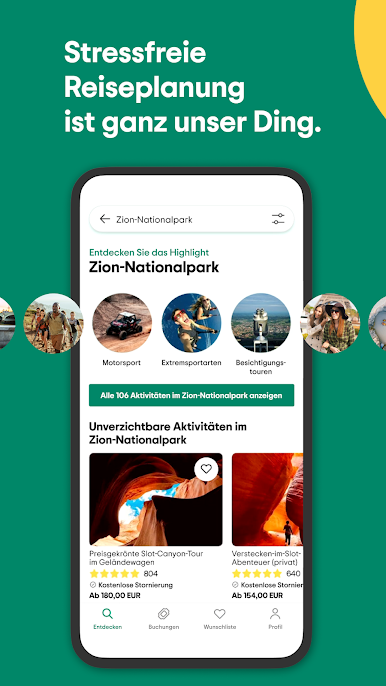
Easy trip planning:
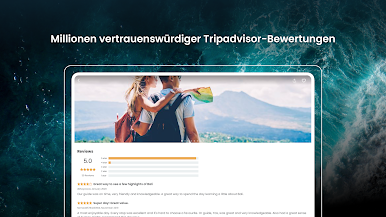
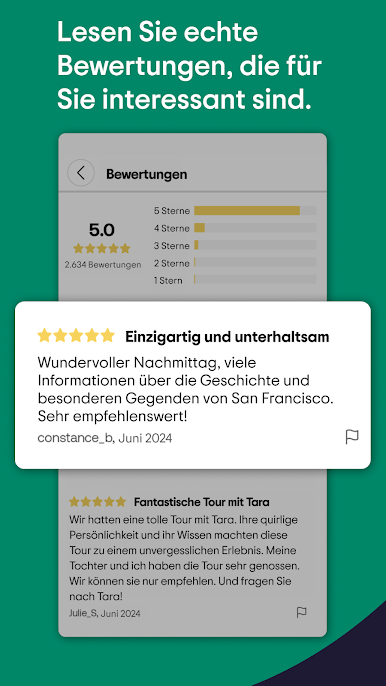
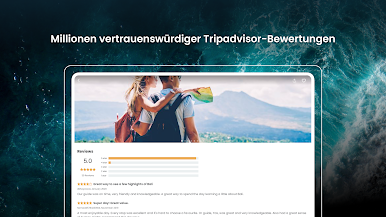
• Read millions of reviews from Tripadvisor and our Viator travel communities
• Contact tour guides directly for easy communication
• Create wishlists of all tours and activities you want to book
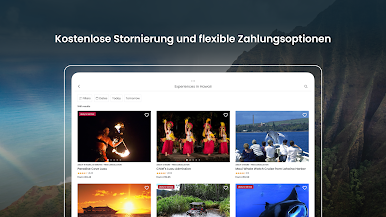
Flexible payment options:
• Reserve now and pay later
• Pay in installments with Klarna
• Book with Credit Card, PayPal, or Apple Pay
Exclusive app-only promos:
• Take advantage of in-app messaging offering the latest promos and special offers
Viator Rewards
With Viator Rewards, you’ll earn rewards on every eligible purchase. The best part? You can use them to save actual money on future bookings. Do more with Viator. Earn. Redeem. Repeat. Simple as that.
No matter what type of traveler you are, Viator is your all-in-one vacation planner, travel itinerary tool, and activity guide - helping you make memories that will last a lifetime.
But don’t just take our word for it—check out the millions of reviews from our travelers so you can book with confidence.
P.S. Having technical issues with the app? Please email mobileappsupport@viator.com
Join the Viator App Feedback Team
Share your thoughts about the Viator App to make it better for our travel community.
https://www.userinterviews.com/opt-in/bTQXz4p6A6krCkVi475HFRm7




Spiele Viator: Touren und Aktivitäten auf dem PC. Der Einstieg ist einfach.
-
Lade BlueStacks herunter und installiere es auf deinem PC
-
Schließe die Google-Anmeldung ab, um auf den Play Store zuzugreifen, oder mache es später
-
Suche in der Suchleiste oben rechts nach Viator: Touren und Aktivitäten
-
Klicke hier, um Viator: Touren und Aktivitäten aus den Suchergebnissen zu installieren
-
Schließe die Google-Anmeldung ab (wenn du Schritt 2 übersprungen hast), um Viator: Touren und Aktivitäten zu installieren.
-
Klicke auf dem Startbildschirm auf das Viator: Touren und Aktivitäten Symbol, um mit dem Spielen zu beginnen

