


Лекарственные растения
Играйте на ПК с BlueStacks – игровой платформе для приложений на Android. Нас выбирают более 500 млн. игроков.

Страница изменена: Aug 19, 2024
Play Лекарственные растения on PC
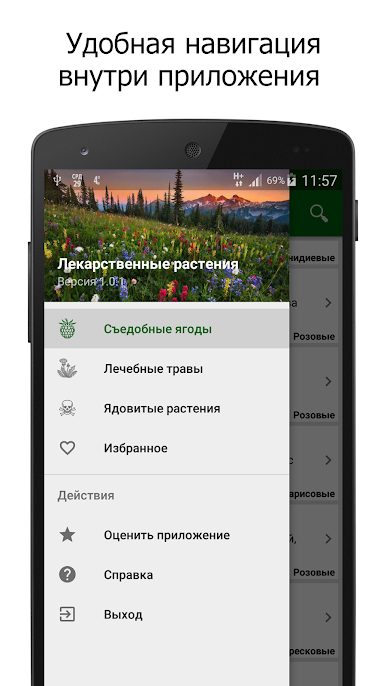
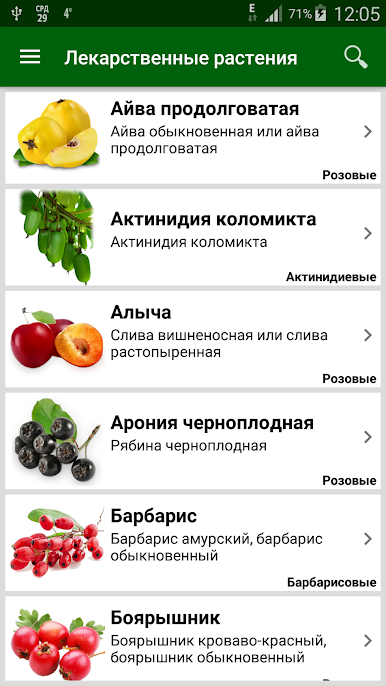
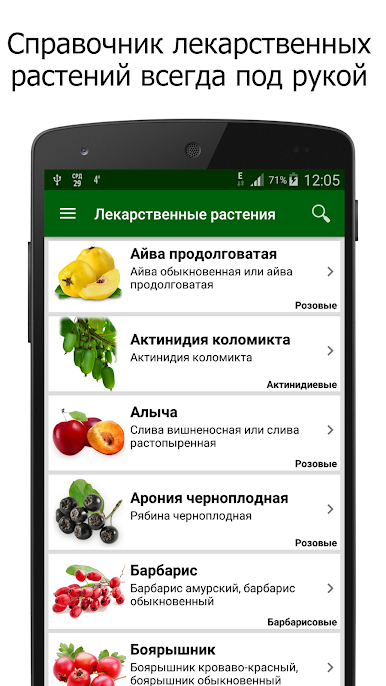
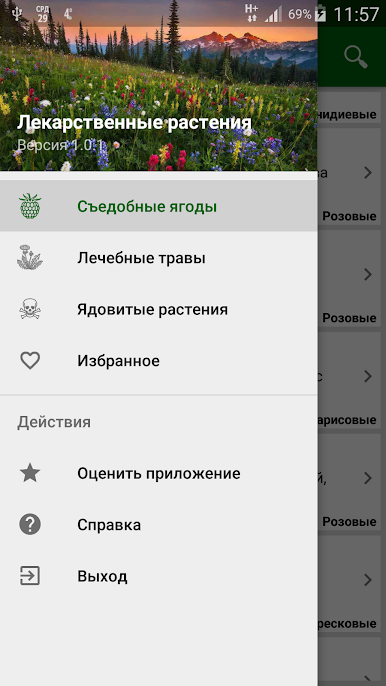
The application contains three main sections:
1. "Fruits and Berries";
2. "Healing Herbs";
3. "Poisonous Plants".
There is also a "Favorites" section, with which you can create your own list of medicinal plants.
At this point in the application described about 200 species of plants.
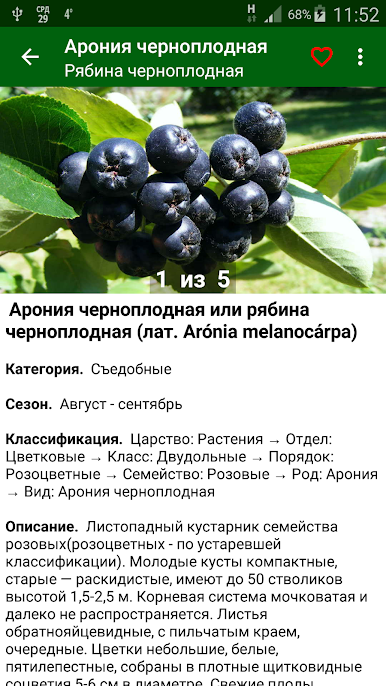
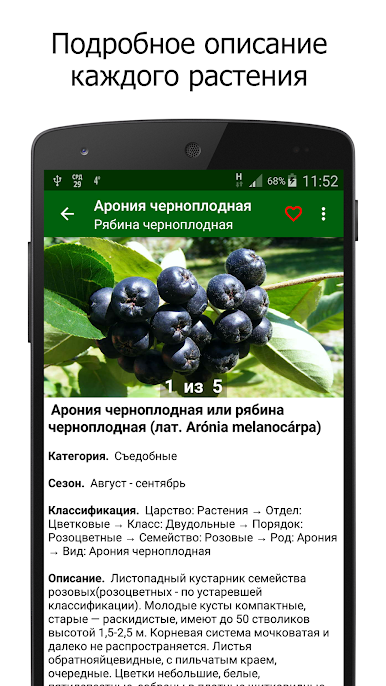
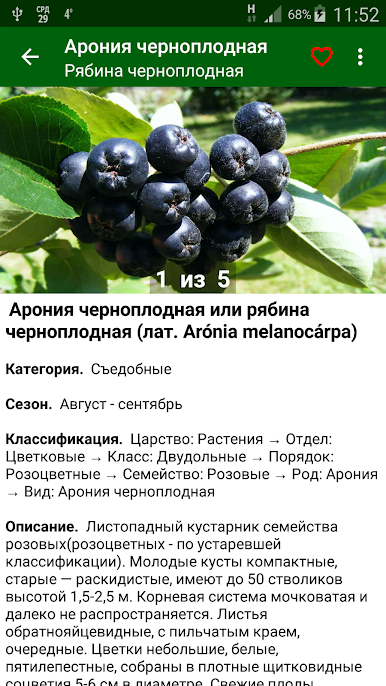
For each medicinal plant is given the name in Russian and Latin languages, the situation in the classification system, as well as a detailed description of which includes the following paragraphs:
• The botanical characteristics of the plant;
• the locus;
• Preparation and chemical composition of raw materials;
• pharmacological properties;
• The use of medicine;
• Medications;
• Contraindications;
• The symptoms of poisoning and first aid (for poisonous plants);
• Use of the farm;
• Recommendations for cultivation.
Also, the description of each plant contains 3 or 5 color photographs in high resolution.
To move from one picture to another, briefly touch her. To view images in full screen, tap and hold the pictures.
In full screen mode, available zoom and swipe left or right, and view them in landscape.
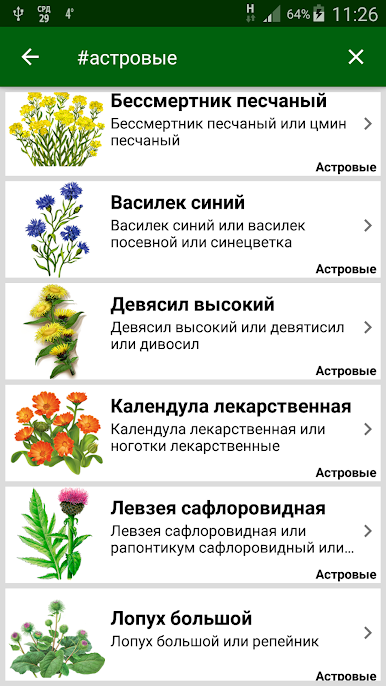
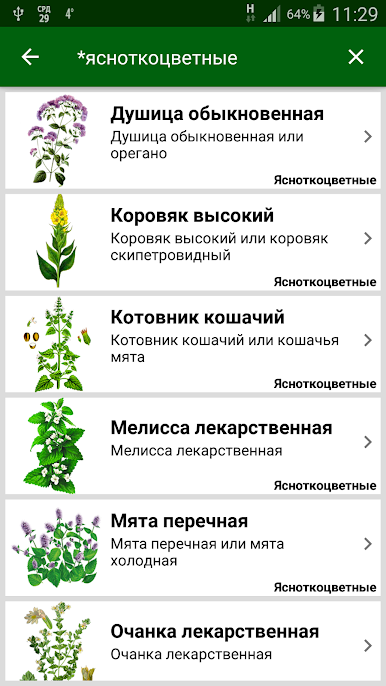
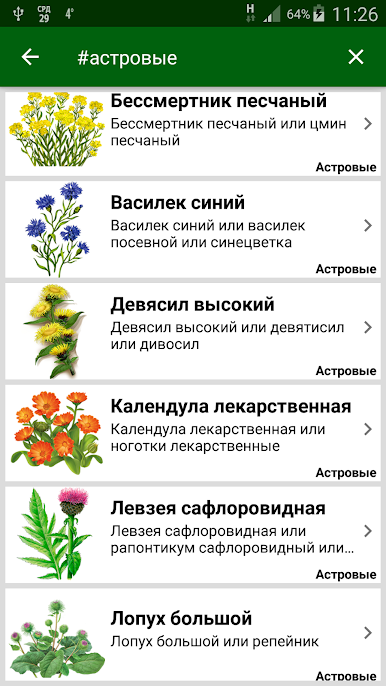
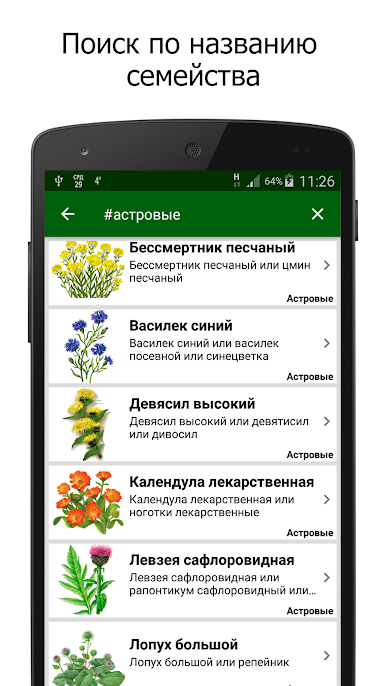
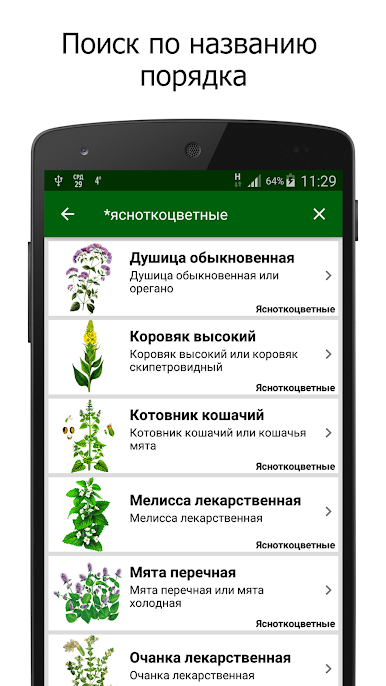
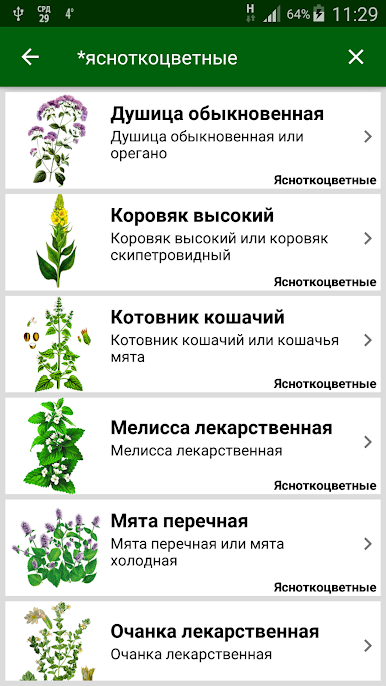
The app supports searching by name plants and search for the name of the family or of the order, which belongs to the plant.
• To search for the name of the family you need to enter in the search box the symbol "#" and then the name of the family. For example, "# Lamiaceae".
• To search by name order, enter the symbol "*" and then the name of the order. For example, "* Rosaceae."
As a result, the list displays all the plants belonging to this family or order.


Играйте в игру Лекарственные растения на ПК. Это легко и просто.
-
Скачайте и установите BlueStacks на ПК.
-
Войдите в аккаунт Google, чтобы получить доступ к Google Play, или сделайте это позже.
-
В поле поиска, которое находится в правой части экрана, введите название игры – Лекарственные растения.
-
Среди результатов поиска найдите игру Лекарственные растения и нажмите на кнопку "Установить".
-
Завершите авторизацию в Google (если вы пропустили этот шаг в начале) и установите игру Лекарственные растения.
-
Нажмите на ярлык игры Лекарственные растения на главном экране, чтобы начать играть.

