

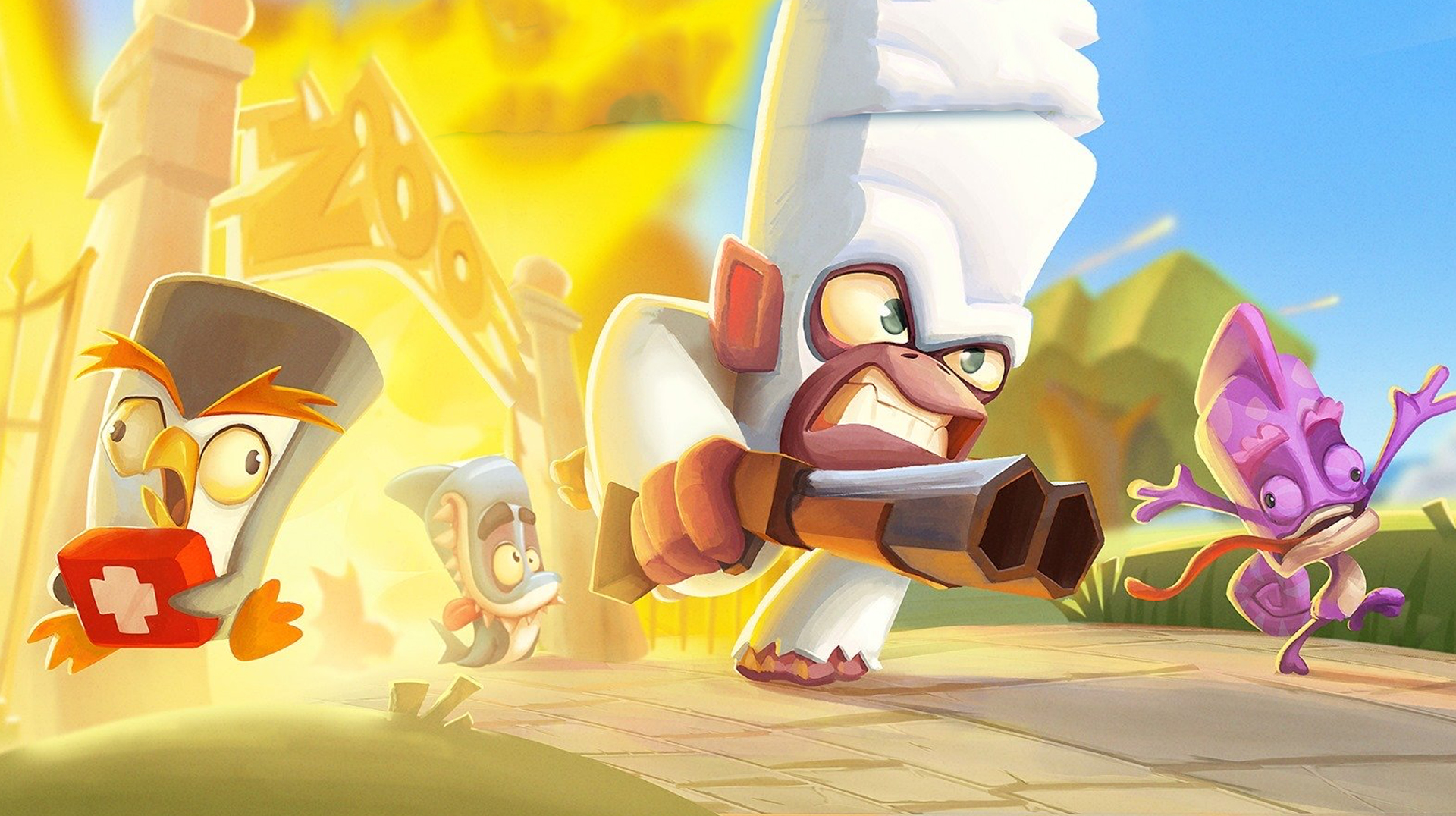
Zooba: очумелые онлайн-битвы
Играйте на ПК с BlueStacks – игровой платформе для приложений на Android. Нас выбирают более 500 млн. игроков.

Страница изменена: Sep 2, 2026
Играйте Zooba: очумелые онлайн-битвы на ПК или Mac
Zooba: очумелые онлайн-битвы оживляет жанр Экшен и предлагает геймерам захватывающие испытания. В Андроид игру, разработанную Wildlife Studios, лучше всего играть на BlueStacks — №1 приложении для пользователей ПК и Mac.
Об игре
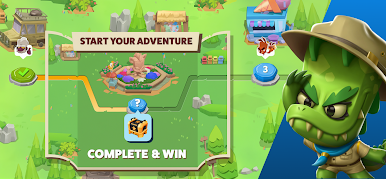
Zooba: очумелые онлайн-битвы — бодрая королевская битва в жанре Action, где на аренах сходятся не суровые бойцы, а звери с характером и уникальными фишками. Матчи быстрые и шумные: бегаете по биомам зоопарка, ловко применяете способности и пытаетесь пережить всех остальных. Хочется играть на большом экране и с удобным управлением? Легко запустить на ПК через BlueStacks.
Особенности игры
- Уникальные звери-герои: Каждый персонаж — со своим темпераментом и особыми приемами. Хотите хитрой лисой выманивать соперников или пингвином устраивать ледяные розыгрыши? Выбирайте стиль и побеждайте по-своему.
- Веселые режимы: Тут не только «выжил — молодец». Форматы меняются, правила подкидывают сюрпризы, а динамика не отпускает — найдете тот, где чувствуете себя как дома.
- Биомы зоопарка: От жаркой саванны до прохладных укрытий — каждая арена диктует свой темп и тактику. Учитесь прятаться, поджимать противника и использовать окружение с выгодой.
- Игра с друзьями: Собирайте пати и устраивайте шумные разборки в онлайне. Командная координация решает — раздавайте роли и комбинируйте способности.
- Простая схватка — глубокая тактика: Управление интуитивное, но победа приходит к тем, кто вовремя отступает, преследует и грамотно выбирает момент для ульты.
- Коллекция персонажей: Открывайте новых животных, экспериментируйте со связками и неожиданными тактиками. Чем разнообразнее ростер, тем больше вариантов удивить соперников.
Начните свое путешествие прямо сейчас. Скачайте игру с BlueStacks, пригласите друзей и отправляйтесь навстречу новым приключениям.
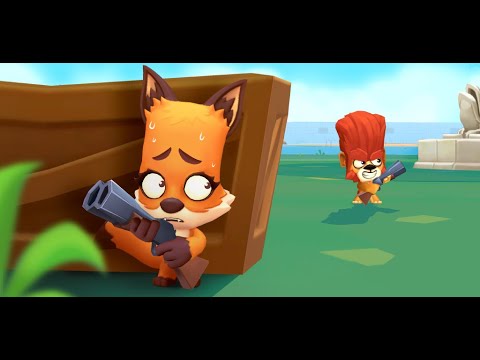
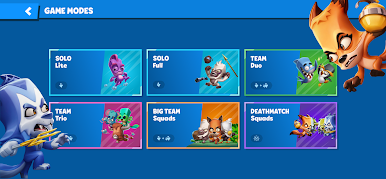
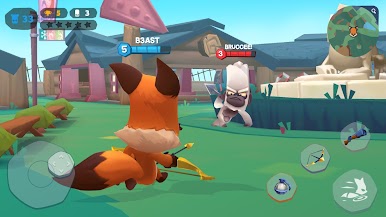
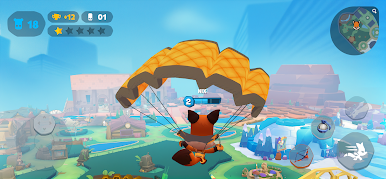
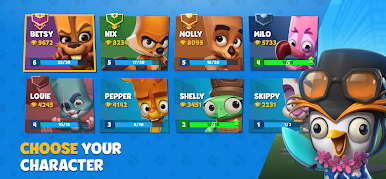
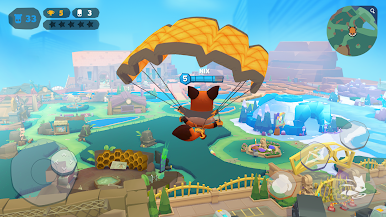
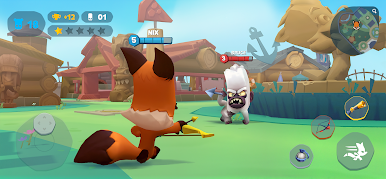
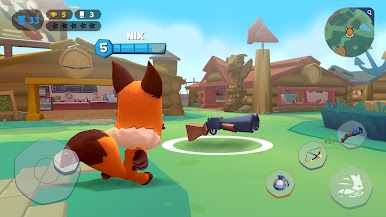
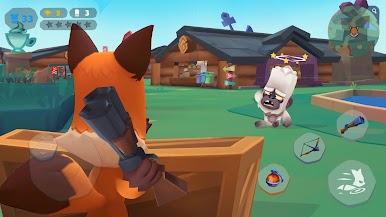
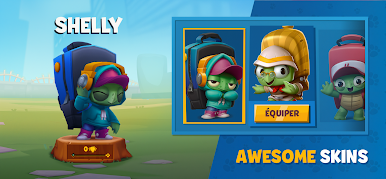
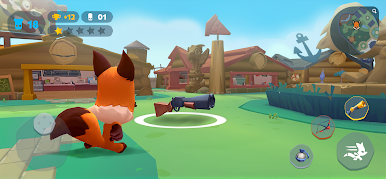
Играйте в игру Zooba: очумелые онлайн-битвы на ПК. Это легко и просто.
-
Скачайте и установите BlueStacks на ПК.
-
Войдите в аккаунт Google, чтобы получить доступ к Google Play, или сделайте это позже.
-
В поле поиска, которое находится в правой части экрана, введите название игры – Zooba: очумелые онлайн-битвы.
-
Среди результатов поиска найдите игру Zooba: очумелые онлайн-битвы и нажмите на кнопку "Установить".
-
Завершите авторизацию в Google (если вы пропустили этот шаг в начале) и установите игру Zooba: очумелые онлайн-битвы.
-
Нажмите на ярлык игры Zooba: очумелые онлайн-битвы на главном экране, чтобы начать играть.

