


Woblink
Играйте на ПК с BlueStacks – игровой платформе для приложений на Android. Нас выбирают более 500 млн. игроков.

Страница изменена: Dec 2, 2025
Play Woblink on PC
Use the app in the way that suits you best:
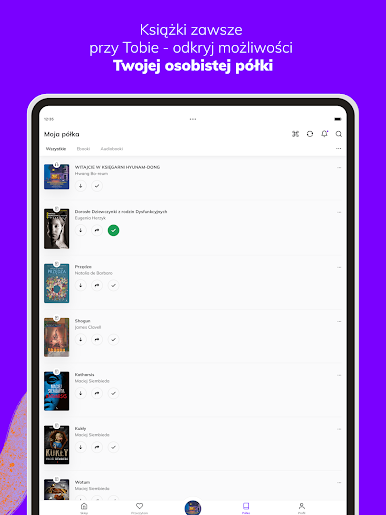
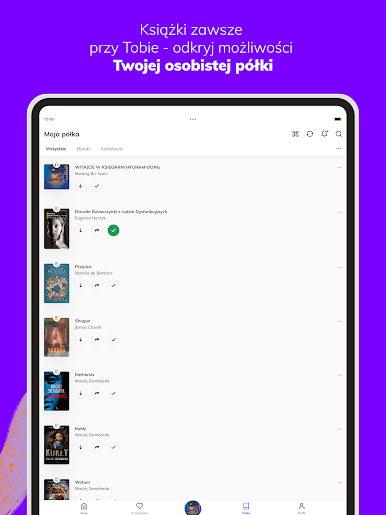
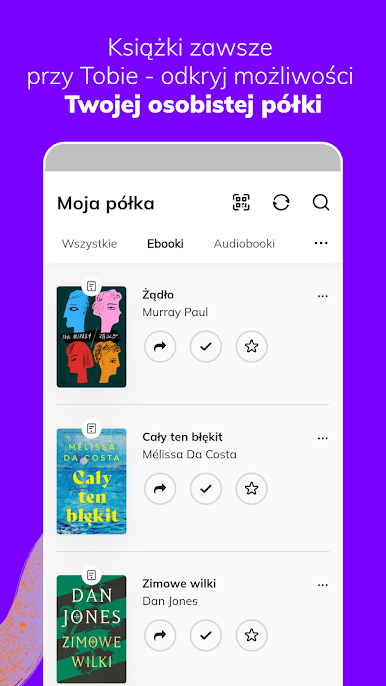
- Enjoy reading immediately after purchase - all titles are available on your personal shelf.
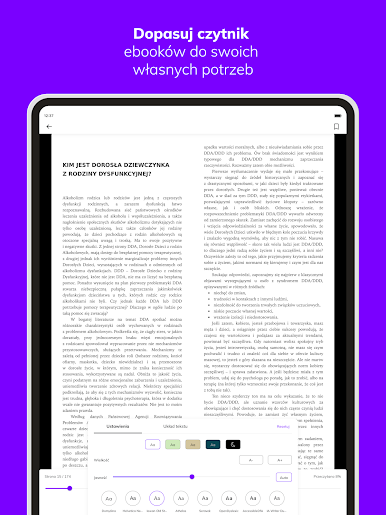
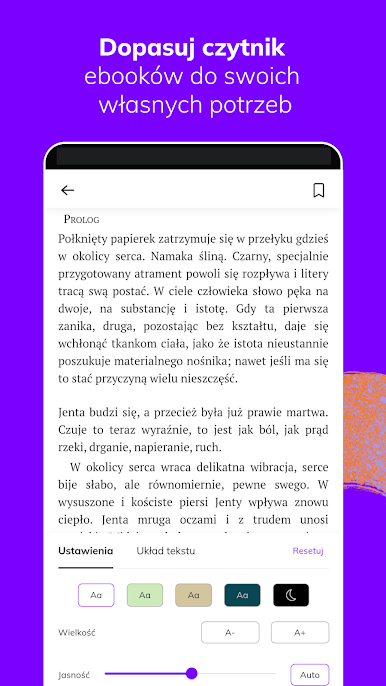
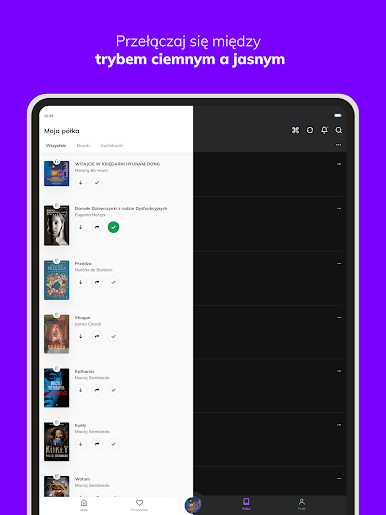
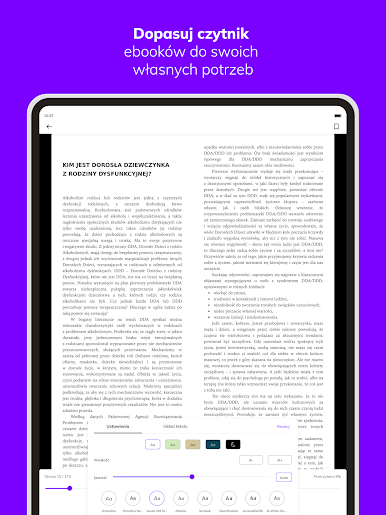
- Customize the e-book reader to your preferences: change the brightness settings, font type and size, margins and background color.
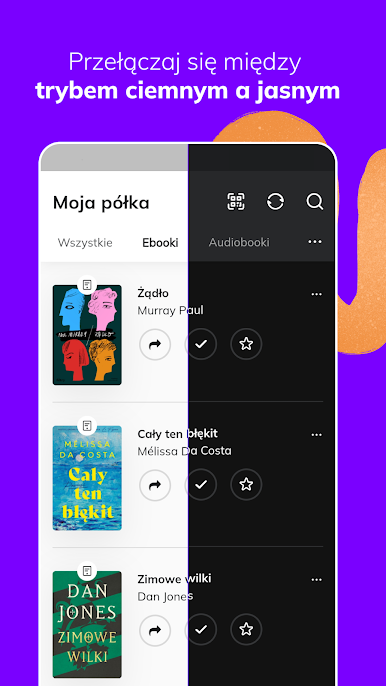
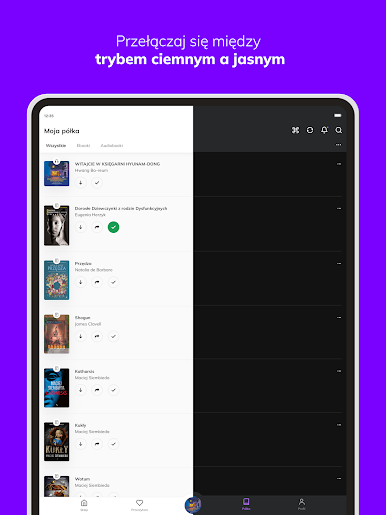
- Organize your library and track your reading progress.
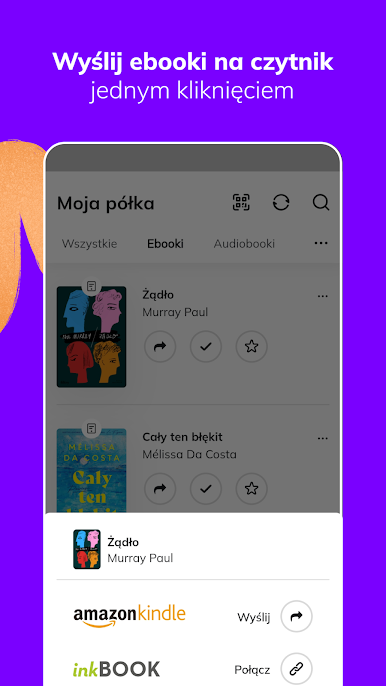
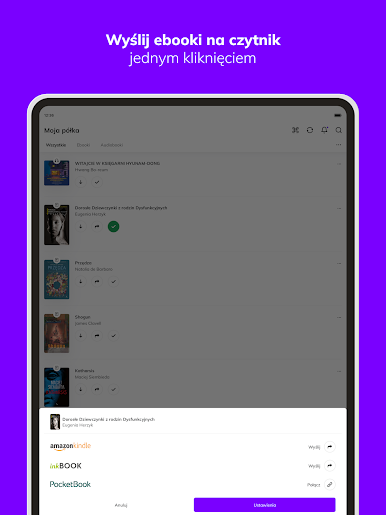
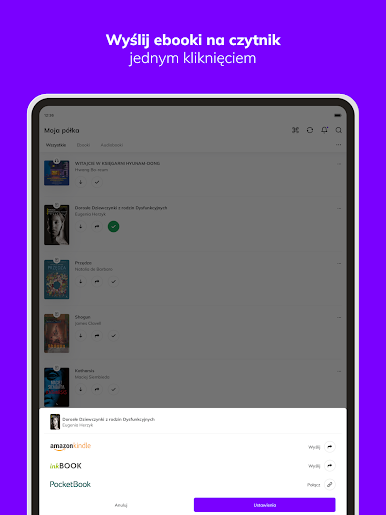
- Transfer your e-books to your e-reader with one click.
Read and listen to what you like:
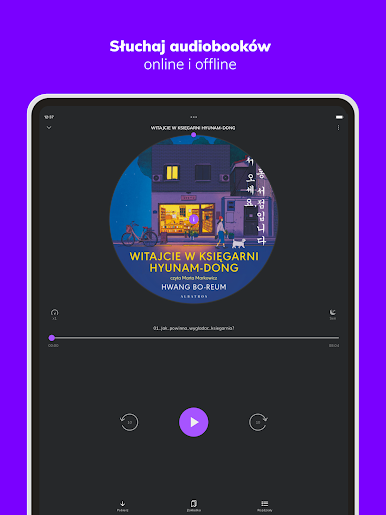
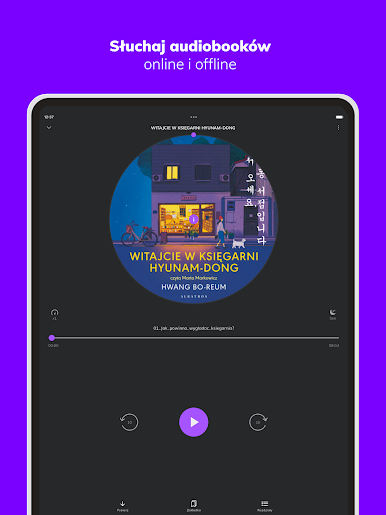
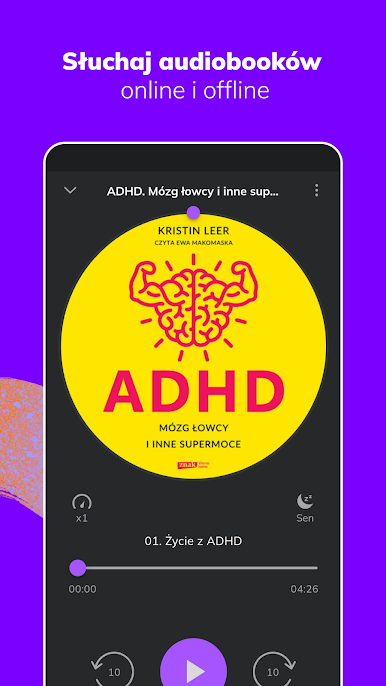
- Choose from more than 80,000 e-books and audiobooks and explore different genres.
- Use our recommendations and tips.
- Rate and review the books you read - share your opinion with the community.
- Add books to your favorites.
- We love to read and realize that reading can accompany us everywhere. That's why since 2010 we have been providing books to hundreds of thousands of readers in Poland and abroad in every available format - e-book (EPUB, MOBI, PDF), audiobook, as well as traditional book. Our customers can buy books and read them on many devices, such as readers, smartphones, tablets, laptops. Read where you want and how you want
Играйте в игру Woblink на ПК. Это легко и просто.
-
Скачайте и установите BlueStacks на ПК.
-
Войдите в аккаунт Google, чтобы получить доступ к Google Play, или сделайте это позже.
-
В поле поиска, которое находится в правой части экрана, введите название игры – Woblink.
-
Среди результатов поиска найдите игру Woblink и нажмите на кнопку "Установить".
-
Завершите авторизацию в Google (если вы пропустили этот шаг в начале) и установите игру Woblink.
-
Нажмите на ярлык игры Woblink на главном экране, чтобы начать играть.

