

English Verbs
Spiele auf dem PC mit BlueStacks - der Android-Gaming-Plattform, der über 500 Millionen Spieler vertrauen.

Seite geändert am: Nov 16, 2025
Run English Verbs on PC or Mac
Let BlueStacks turn your PC, Mac, or laptop into the perfect home for English Verbs, a fun Education app from Universk.
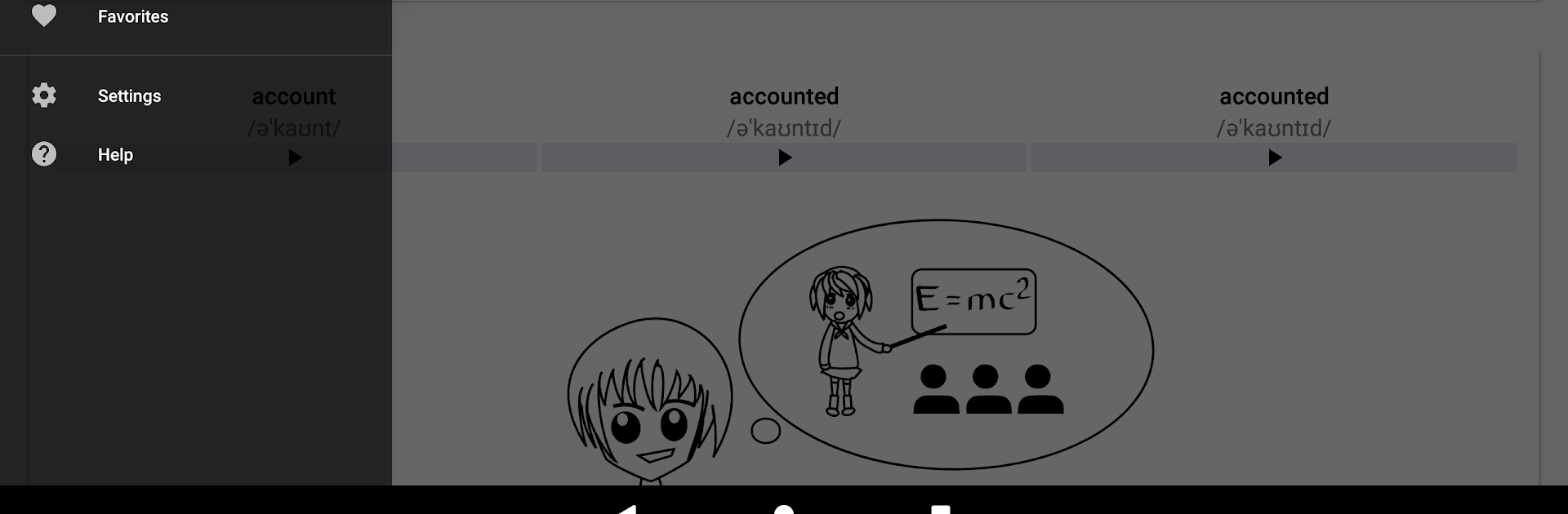
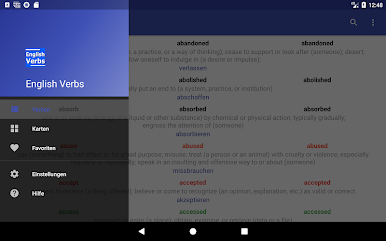
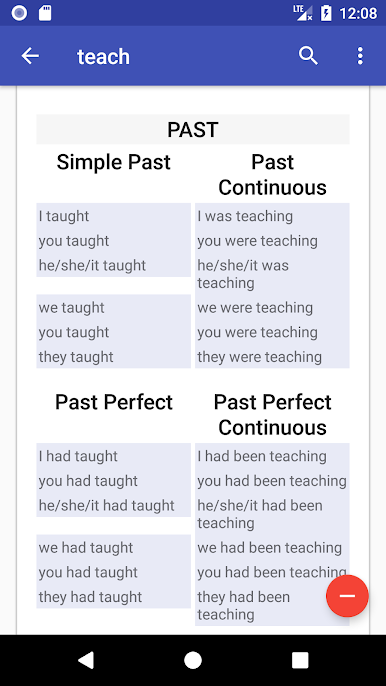
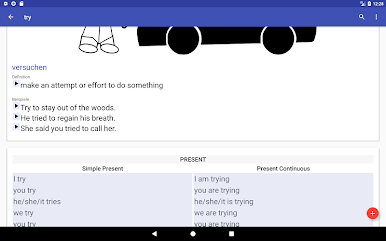
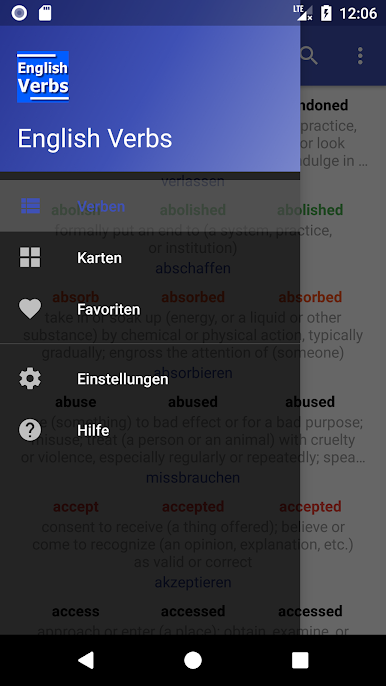
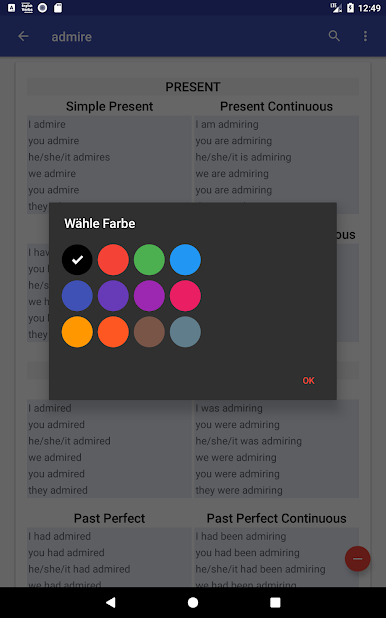
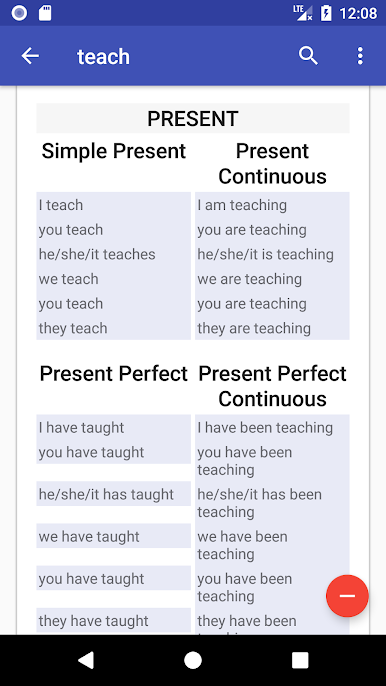
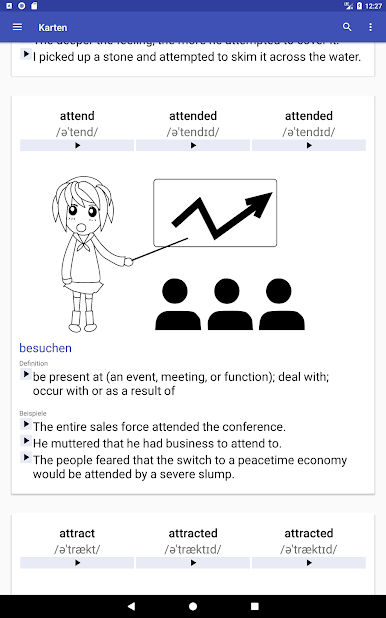
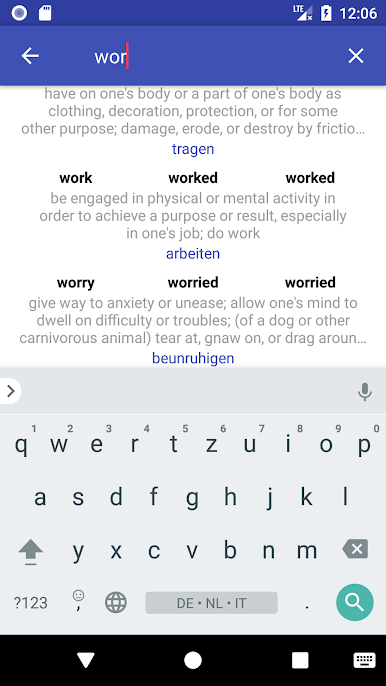
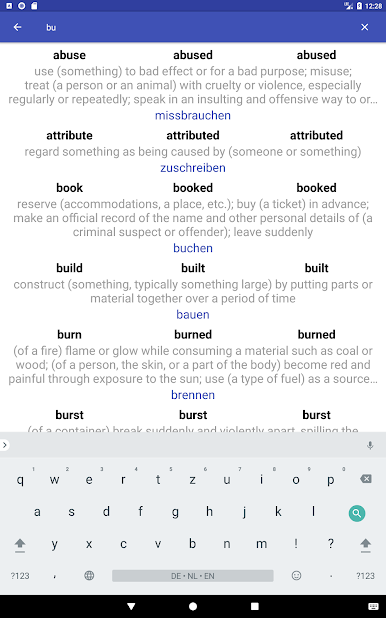
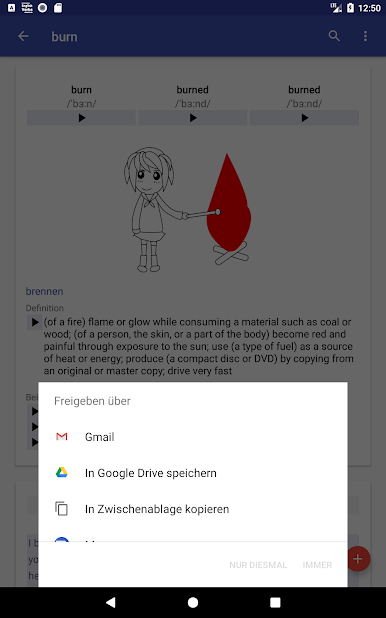
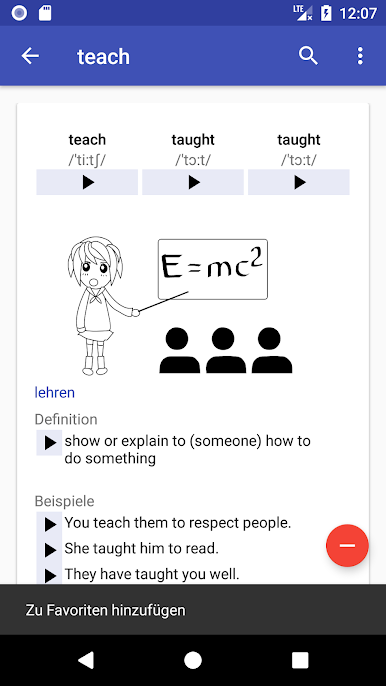
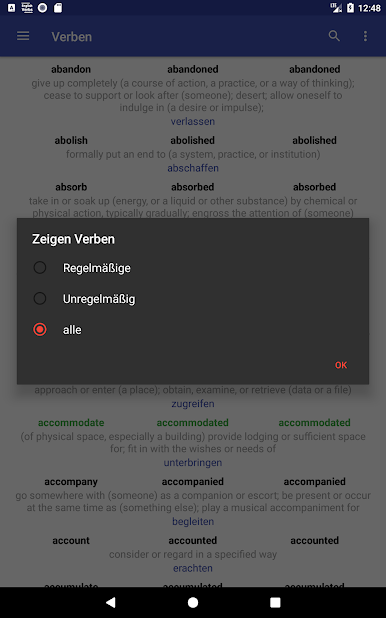
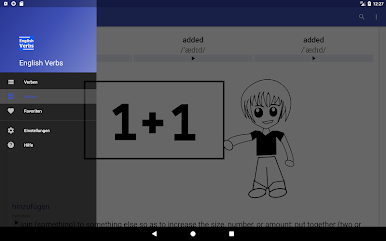
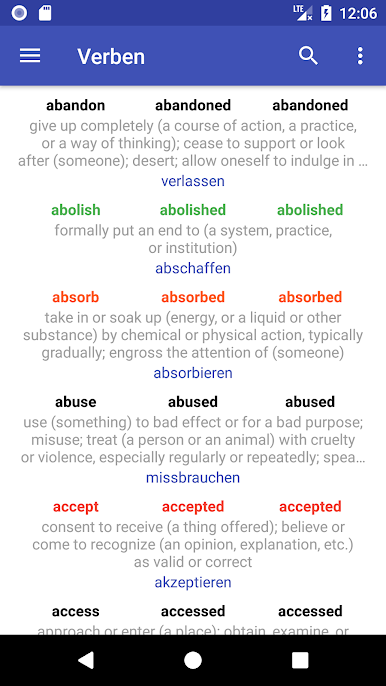
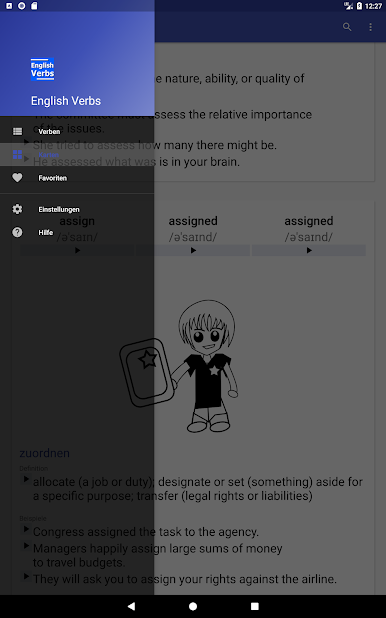
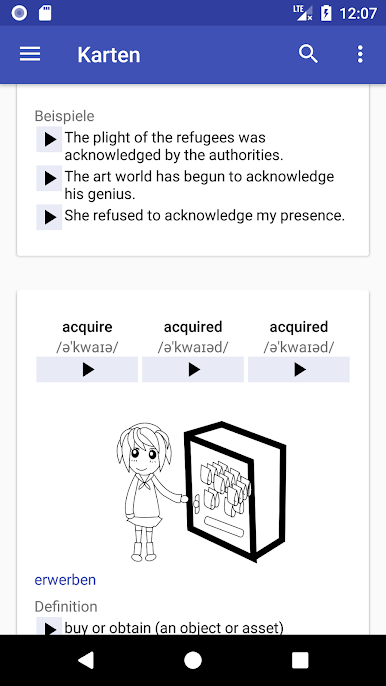
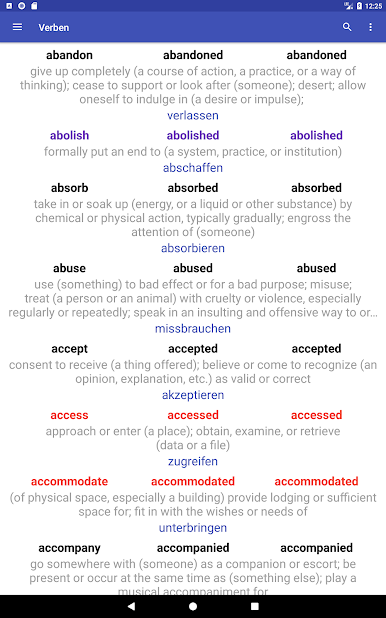
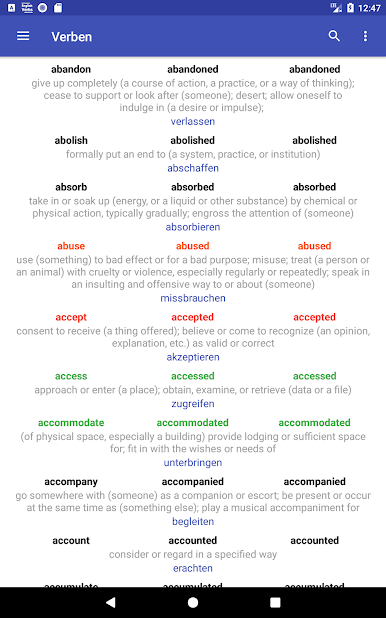
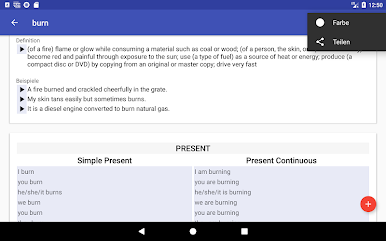
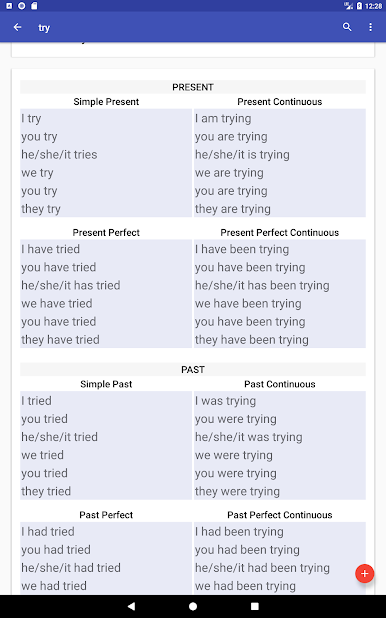
So, playing around with English Verbs on PC (it works smoothly through BlueStacks), it’s kind of like having a whole library of verbs right at your fingertips, without any of the old-fashioned grammar book hassle. Scrolling through, there are just tons of verbs — and not just regular ones, all those oddball irregular verbs show up too, fully sorted. Each verb pops up with all its different forms like past, participle, present, and so on, and the app breaks down the different tenses for you, so it’s not just the basics. Everything’s laid out in a clean way, but you can switch things up with card view or a simple list if you prefer skimming.
The thing that’s clever is you can favorite the verbs you’re learning or just want to keep checking, and there’s even a way to make your own personal verb list, so you don’t lose track. It’s helpful if you’re into examples and pronunciations, since those are there too. Some folks might care that the app’s set up for lots of different languages — so you get translations in a bunch, not just English. Searching is quick, and there are options to sort by how common a verb is or if it’s regular or irregular, which cuts down a lot of scrolling. Notifications can remind you to keep at it, but it doesn’t nag. All in all, it doesn’t feel stuffy or textbook-like. Good if you just want to brush up or make sense of all those weird verb endings without getting bogged down.
Eager to take your app experience to the next level? Start right away by downloading BlueStacks on your PC or Mac.
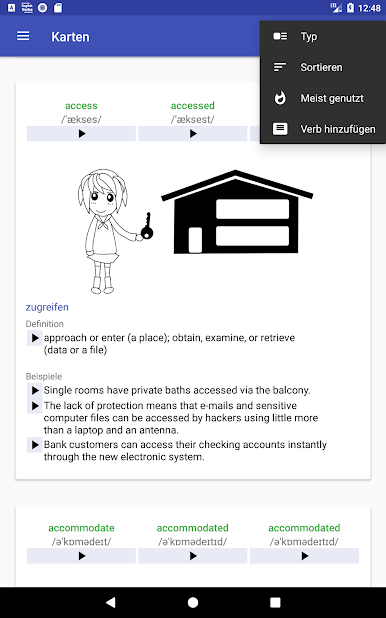
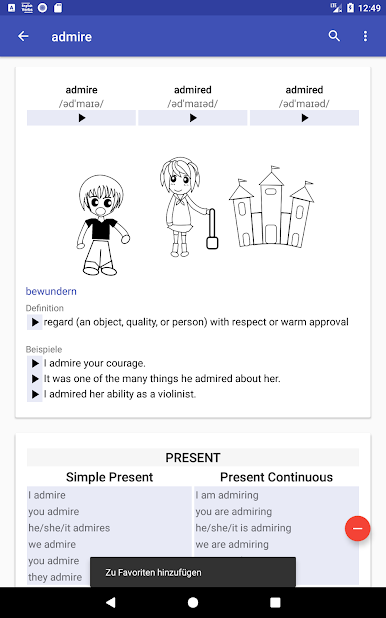
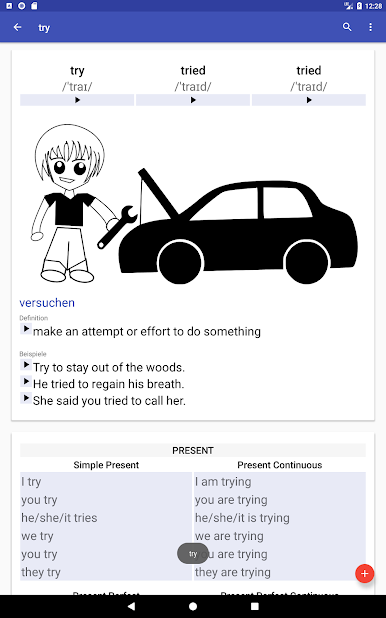
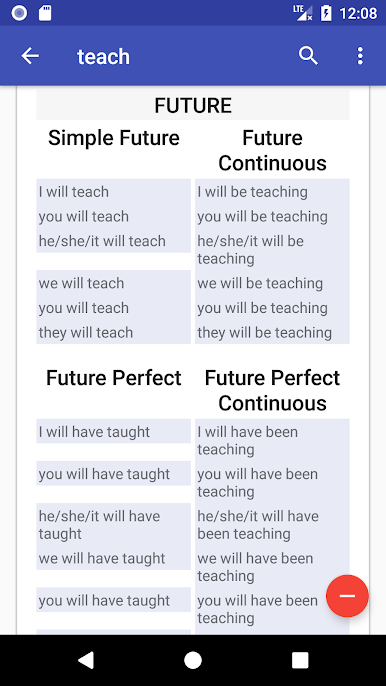
Spiele English Verbs auf dem PC. Der Einstieg ist einfach.
-
Lade BlueStacks herunter und installiere es auf deinem PC
-
Schließe die Google-Anmeldung ab, um auf den Play Store zuzugreifen, oder mache es später
-
Suche in der Suchleiste oben rechts nach English Verbs
-
Klicke hier, um English Verbs aus den Suchergebnissen zu installieren
-
Schließe die Google-Anmeldung ab (wenn du Schritt 2 übersprungen hast), um English Verbs zu installieren.
-
Klicke auf dem Startbildschirm auf das English Verbs Symbol, um mit dem Spielen zu beginnen

