


XnConvert - Photo Resize
500M + oyuncunun güvendiği Android Oyun Platformu, BlueStacks ile PC'de oynayın.

Sayfa Değiştirilme tarihi: Aug 11, 2025
Play XnConvert - Photo Resize on PC
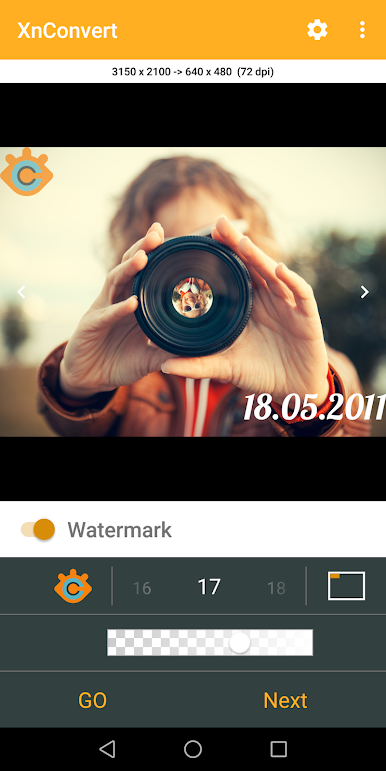
XnConvert allows you to easily and quickly reduce the picture size or resolution before to send emails, or to share on social media like Instagram, Facebook, Twitter.
-- SELECT your photos
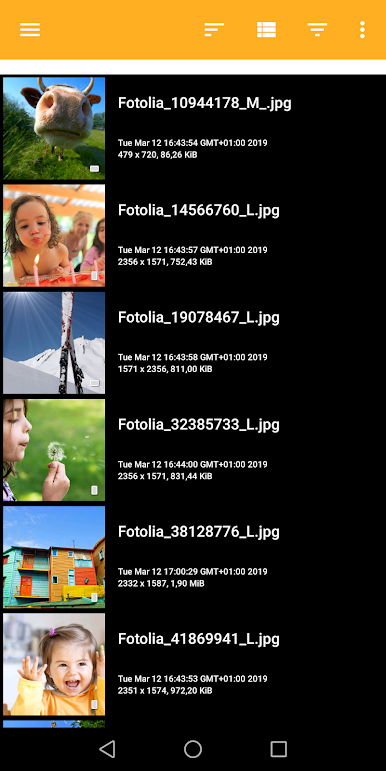
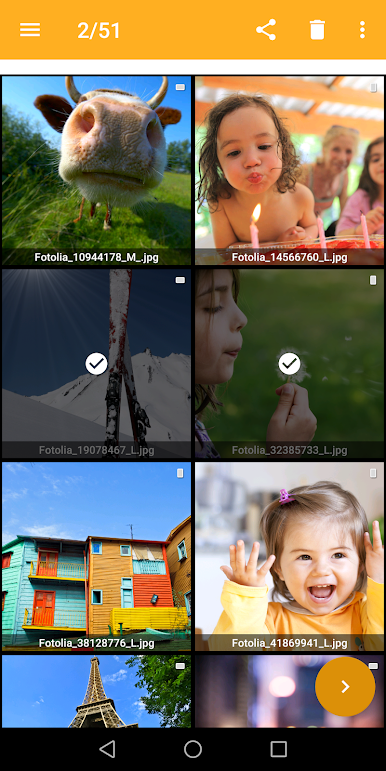
* Select in the gallery your photos
* Grid or Detail mode
* Sort by filename, pathname, date
* Group photos following criteria
-- BATCH convert, resize, compress photos
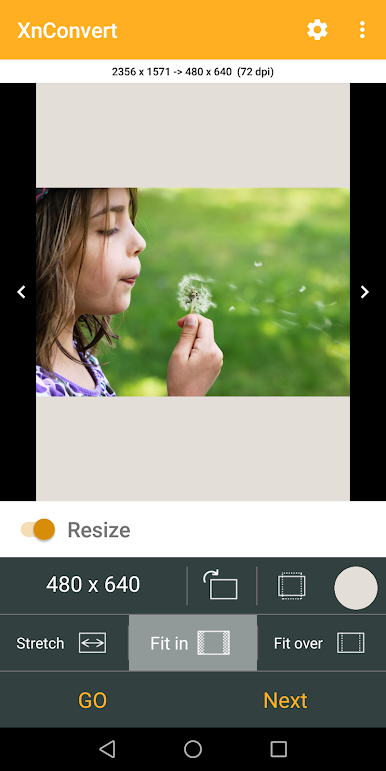
* Mode to resize photos: Stretch, Fit In, Fit over
* Predefined most-used photo resolutions
* Bilinear or Lanzcos method
* Sharpen
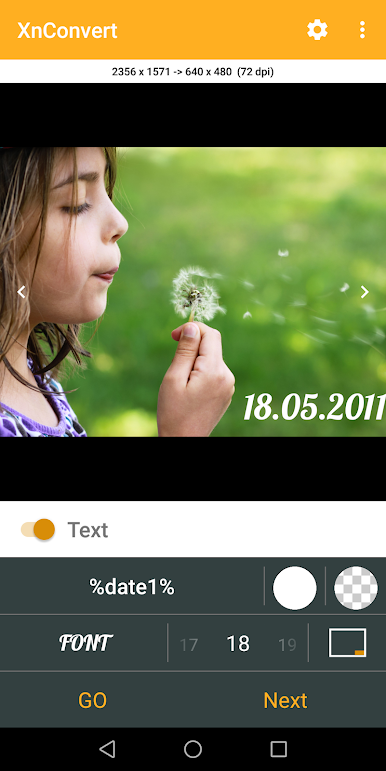
* Add text to your photos
* Add your watermark or logo to mark your photos - Affix your professional footprint
* Convert into JPEG, PNG or WEBP format
-- EDIT single photo
* Crop or rotate
* Resize
-- Features:
* Original photos are not modified
* Choose the compression of output photos
* Keep EXIF metadata
* Keep original modified file's date
* Custom image resolution
* Create your own template, and use it for a batch convert
- You can purchase the Pro version
* No Ads
* No template limit
* No limit for batch convert
RESIZE PHOTO - RESIZE IMAGE - CROP IMAGE - PHOTO BATCH CONVERT
WATERMARK, TEXT, LOGO on Photos
Help us to improve XnConvert by sending your bugs or requests on contact@xnview.com
Facebook: http://www.facebook.com/xnview
Twitter: http://www.twitter.com/xnview
Icon based on work of ArrayOfLilly
Beta tester: Jens Pous
XnConvert - Photo Resize oyununu PC'de oyna. Başlamak çok kolay.
-
BlueStacks'i PC'nize İndirin ve Yükleyin
-
Play Store'a erişmek için Google girişi yapın ya da daha sonraya bırakın.
-
Sağ üst köşeye XnConvert - Photo Resize yazarak arayın.
-
XnConvert - Photo Resize uygulamasını arama sonuçlarından indirmek için tıklayın.
-
(iEğer Adım 2'yi atladıysanız) XnConvert - Photo Resize uygulamasını yüklemek için Google'a giriş yapın.
-
Oynatmaya başlatmak için ekrandaki XnConvert - Photo Resize ikonuna tıklayın.

