


Clavis GO
Spiele auf dem PC mit BlueStacks - der Android-Gaming-Plattform, der über 500 Millionen Spieler vertrauen.

Seite geändert am: Sep 24, 2025
Play Clavis GO on PC
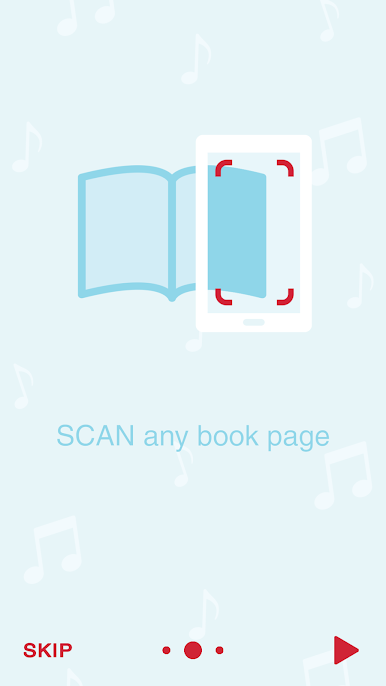
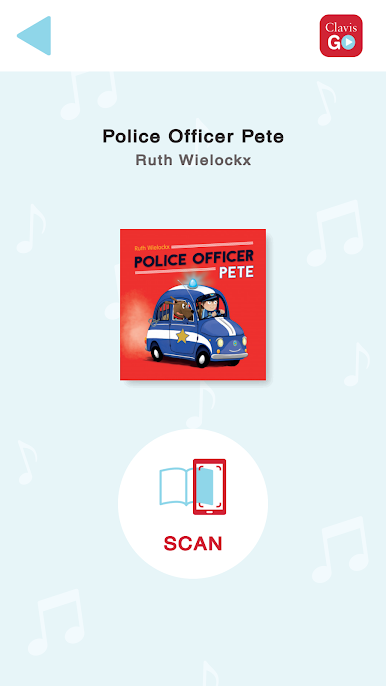
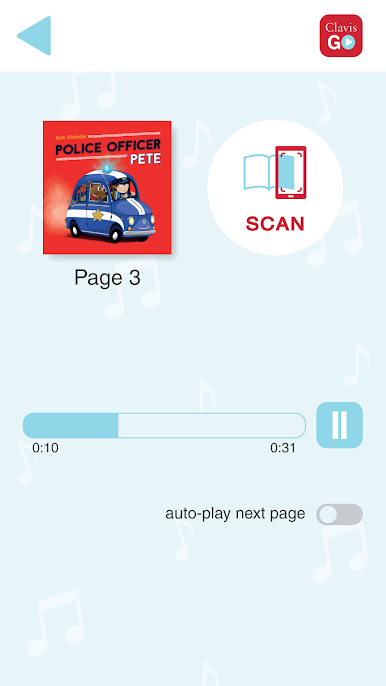
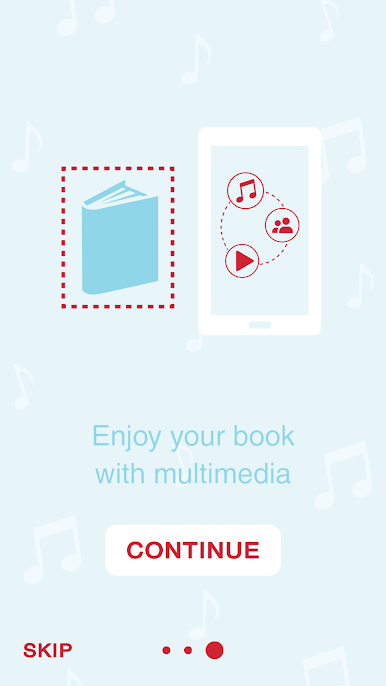
Download the app and select your book. Your phone camera will recognize pages with extra media: spoken text, music, videos, or websites. Think of Clavis GO as a QR code scanner, but without the need of having actual QR codes printed on any of the pages. That way, listening to stories, reading and enjoying fun extra’s are constantly within reach.
Clavis GO encourages children to engage in the story. The app enhances their involvement and stimulates active observation and listening. You can use Clavis GO everywhere: all you need is a book and a phone or a tablet!
Using the Clavis GO application is child's play. Just open the book on any page, scan it with your phone or tablet camera and discover the extra multimedia for your book.


Spiele Clavis GO auf dem PC. Der Einstieg ist einfach.
-
Lade BlueStacks herunter und installiere es auf deinem PC
-
Schließe die Google-Anmeldung ab, um auf den Play Store zuzugreifen, oder mache es später
-
Suche in der Suchleiste oben rechts nach Clavis GO
-
Klicke hier, um Clavis GO aus den Suchergebnissen zu installieren
-
Schließe die Google-Anmeldung ab (wenn du Schritt 2 übersprungen hast), um Clavis GO zu installieren.
-
Klicke auf dem Startbildschirm auf das Clavis GO Symbol, um mit dem Spielen zu beginnen

