

Mech-Dinosaurier-Krieg
Spiele auf dem PC mit BlueStacks - der Android-Gaming-Plattform, der über 500 Millionen Spieler vertrauen.

Seite geändert am: Oct 27, 2025
Play Mech Dinosaur War on PC or Mac
Mech Dinosaur War brings the Adventure genre to life, and throws up exciting challenges for gamers. Developed by SUPERIOR STUDIO, this Android game is best experienced on BlueStacks, the World’s #1 app player for PC and Mac users.
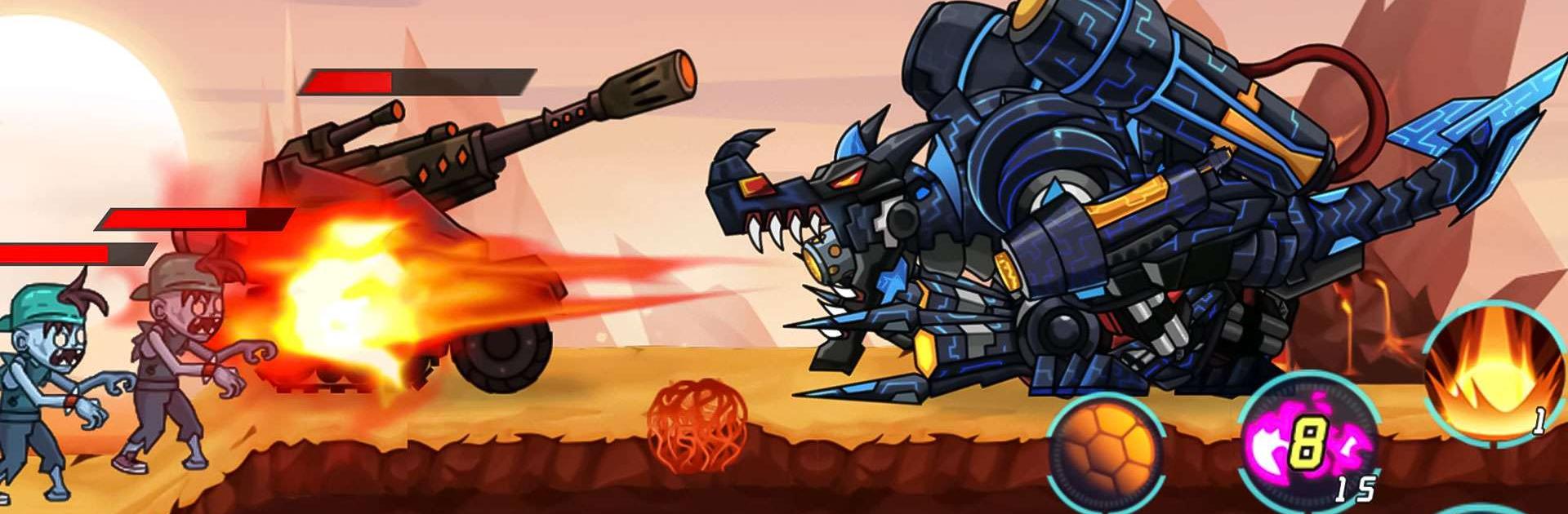
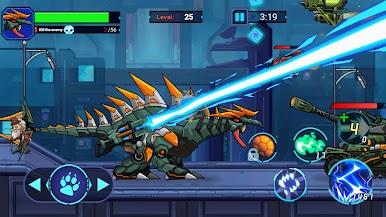
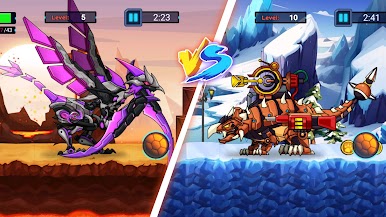
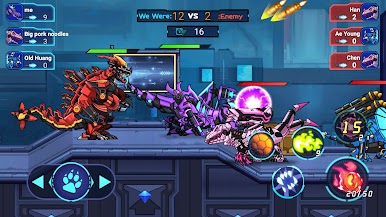
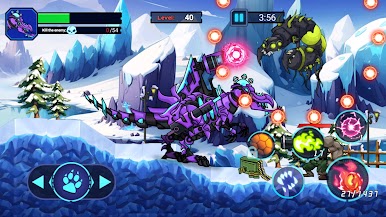
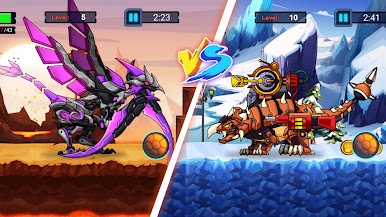
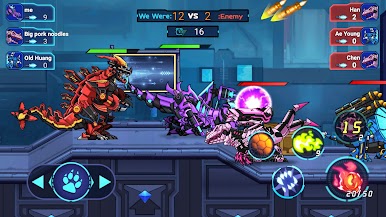
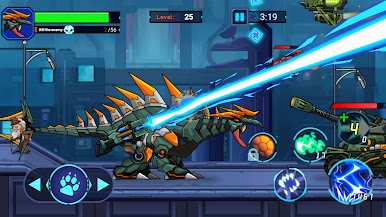
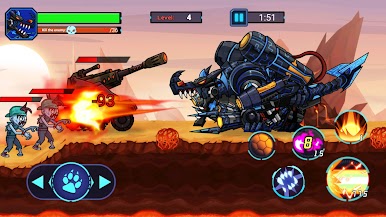
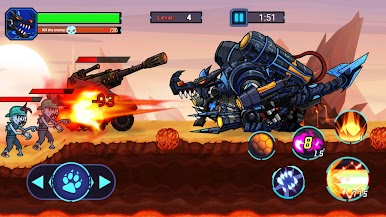
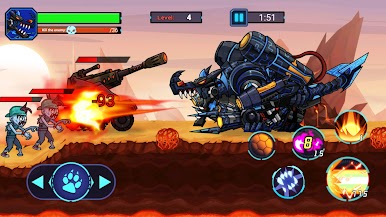
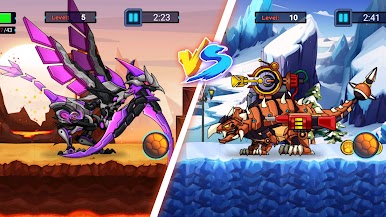
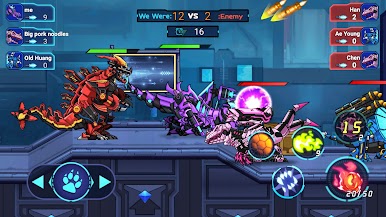
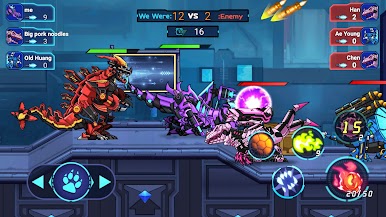
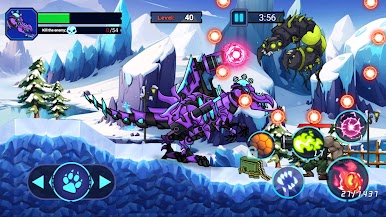
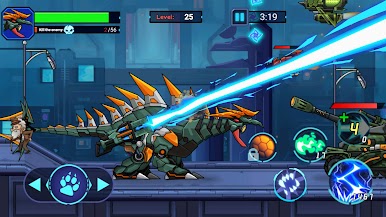
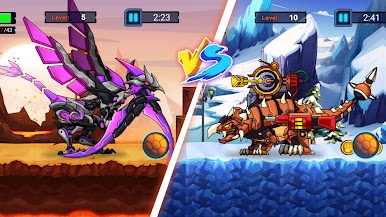
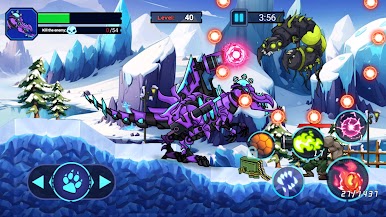
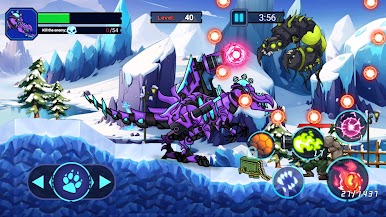
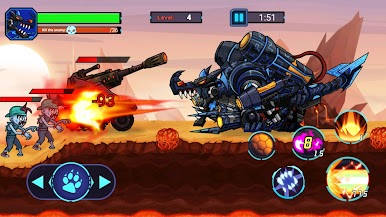
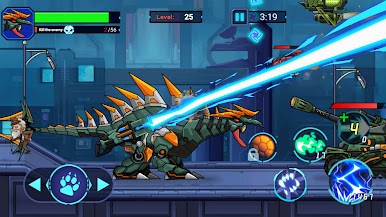
Mech Dinosaur War is a first person shooter with a funny twist. Every match puts the player inside a heavy metal dinosaur, so it feels chunky and loud in a good way. There are straight PVP brawls, co op PVE missions, and little challenge runs that test aim or survival. The loop is simple. pick a mech dino, jump into a mission, blast through enemies, and haul back parts and currency for upgrades. Armor is a big deal here. the same base machine can get new plates and frames that change both the stats and the look, so a basic raptor can turn into a mean tank with spiky plating and bigger guns. Missions throw different tasks at the player like clearing a fortified lane, holding a point, or breaking out of an encirclement to reach an extraction, and that keeps the pace from getting dull.
Gunfeel is punchy and the dinos actually feel heavy, so movement has a bit of weight without being slow. On PC with BlueStacks, mouse aim and keyboard movement make headshots and weapon swapping feel sharper than tapping on glass. Upgrades do not hand everything over at once, but rewards from finished missions come steady, so a new cannon or missile rack is never far off. Loadouts can lean long range with rails and rockets or close range with shotguns and flamers, and that choice matters in both PVP skirmishes and the tougher PVE waves. Sessions are short enough for quick runs, but chaining a few missions to chase a part for a favorite dino is easy to do.
Slay your opponents with your epic moves. Play it your way on BlueStacks and dominate the battlefield.
Spiele Mech-Dinosaurier-Krieg auf dem PC. Der Einstieg ist einfach.
-
Lade BlueStacks herunter und installiere es auf deinem PC
-
Schließe die Google-Anmeldung ab, um auf den Play Store zuzugreifen, oder mache es später
-
Suche in der Suchleiste oben rechts nach Mech-Dinosaurier-Krieg
-
Klicke hier, um Mech-Dinosaurier-Krieg aus den Suchergebnissen zu installieren
-
Schließe die Google-Anmeldung ab (wenn du Schritt 2 übersprungen hast), um Mech-Dinosaurier-Krieg zu installieren.
-
Klicke auf dem Startbildschirm auf das Mech-Dinosaurier-Krieg Symbol, um mit dem Spielen zu beginnen

