


UTM Measure
Играйте на ПК с BlueStacks – игровой платформе для приложений на Android. Нас выбирают более 500 млн. игроков.

Страница изменена: Sep 17, 2025
Play UTM Measure on PC
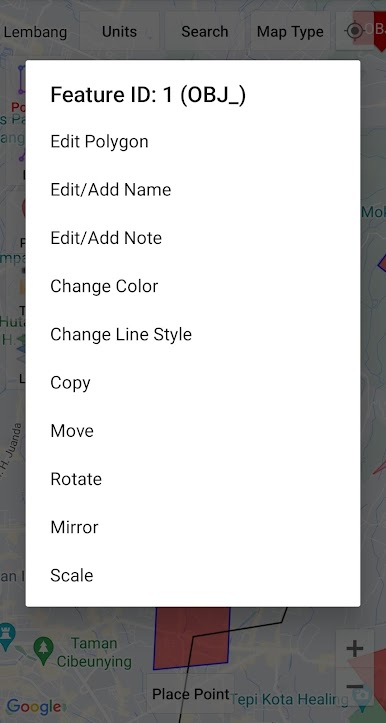
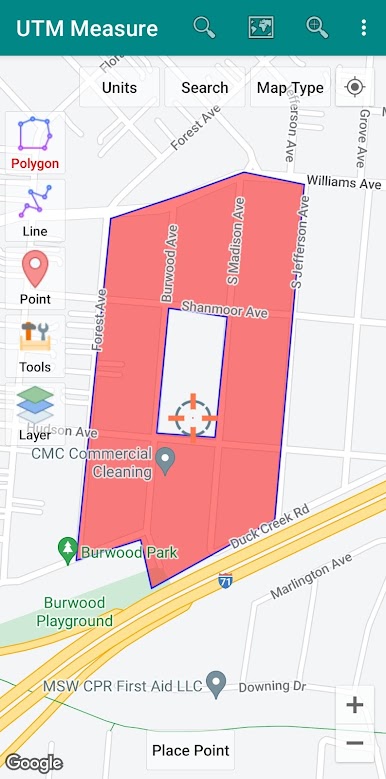
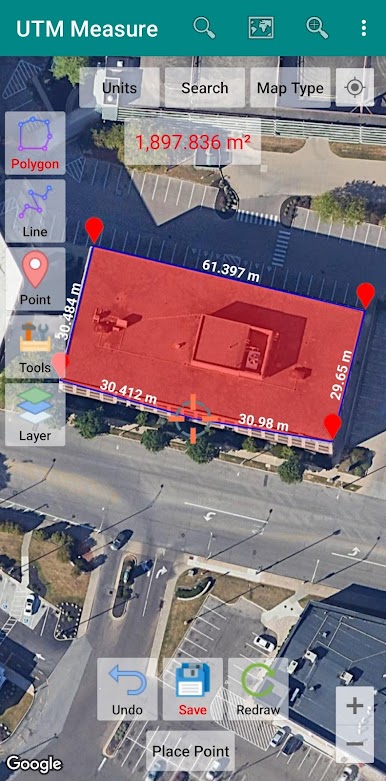
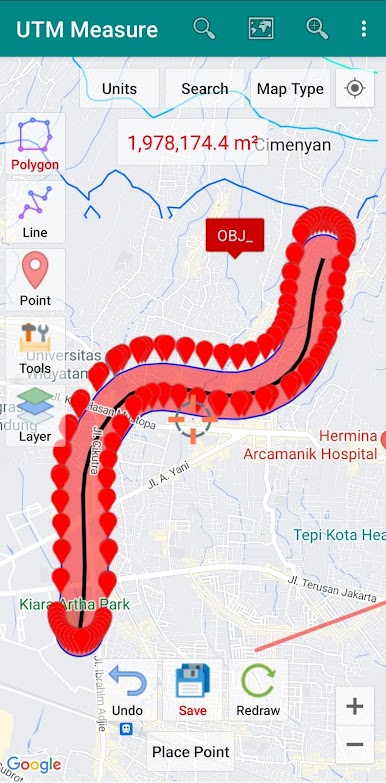
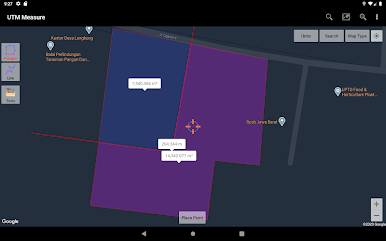
Equipped with sophisticated spatial drawing & editing tools such as snap nearest, cutting / dividing polygons with lines, smoothing, reducing vertices using Douglas Peucker's algorithm, editing vertices of lines / polygons, combining 2 lines / joints, turning lines into polygons, polygons into lines etc. .
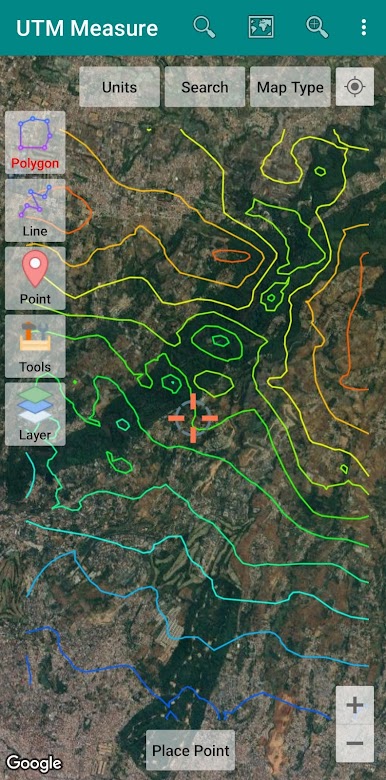
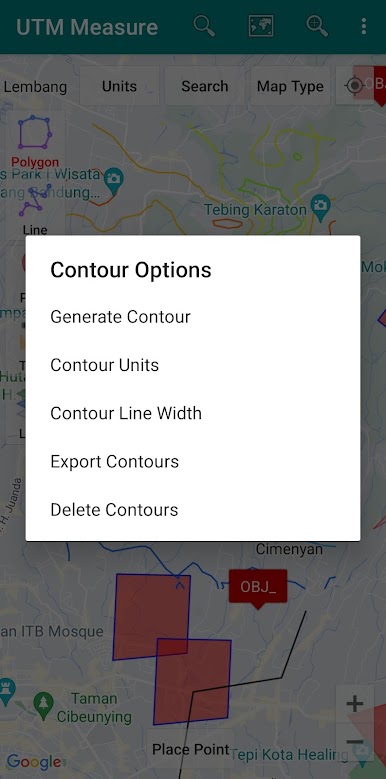
Make a contour line (premium).
Store unlimited amount of data in your local database including feature name information, photos, labels / notes, etc.
Export your data to KML, DXF or CSV files.
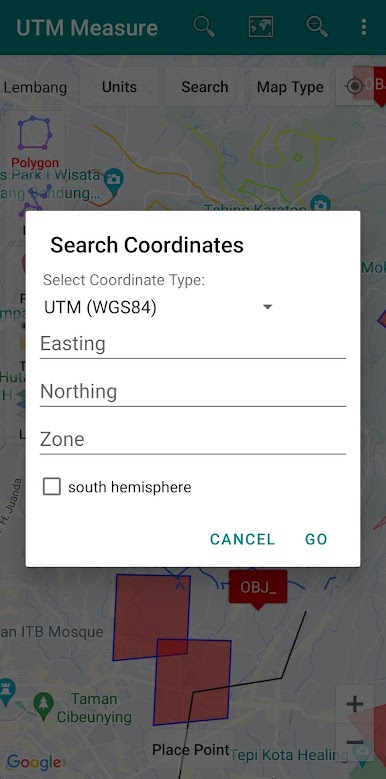
Working with Coordinate Reference Systems around the world from Minna Datum (Nigeria) to TM-3 (Indonesia), plot your polygons on a map based on coordinate data from various local CRS using EPSG Code.
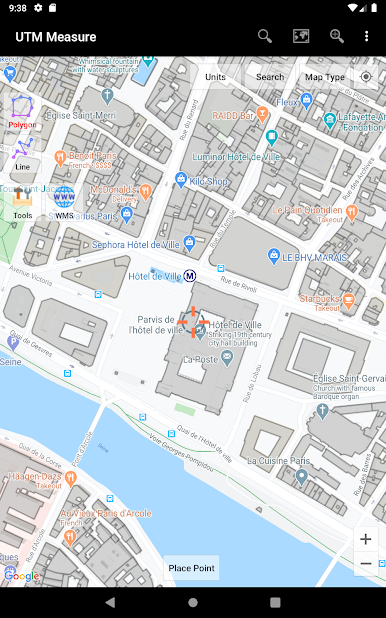
Supports WMS (Map Server).
Any suggestions are welcome, please send via email to y2inatech@gmail.com or write a review. thanks.

Играйте в игру UTM Measure на ПК. Это легко и просто.
-
Скачайте и установите BlueStacks на ПК.
-
Войдите в аккаунт Google, чтобы получить доступ к Google Play, или сделайте это позже.
-
В поле поиска, которое находится в правой части экрана, введите название игры – UTM Measure.
-
Среди результатов поиска найдите игру UTM Measure и нажмите на кнопку "Установить".
-
Завершите авторизацию в Google (если вы пропустили этот шаг в начале) и установите игру UTM Measure.
-
Нажмите на ярлык игры UTM Measure на главном экране, чтобы начать играть.

