


Oohla
Spiele auf dem PC mit BlueStacks - der Android-Gaming-Plattform, der über 500 Millionen Spieler vertrauen.

Seite geändert am: Dec 11, 2025
Play Oohla on PC
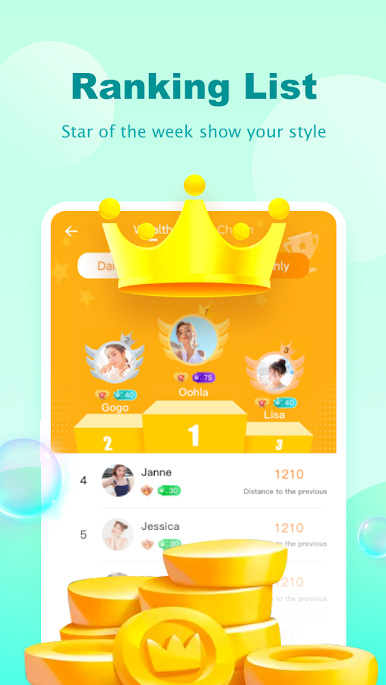
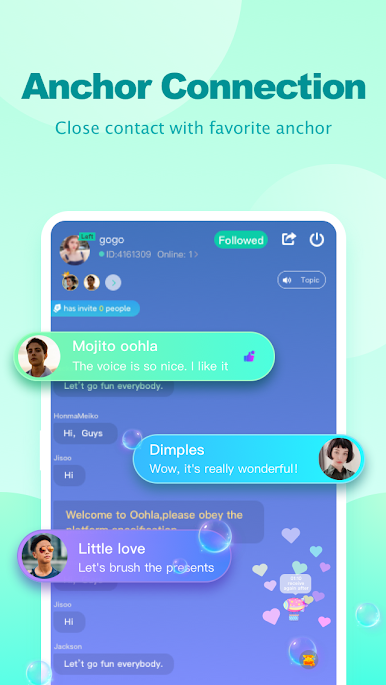
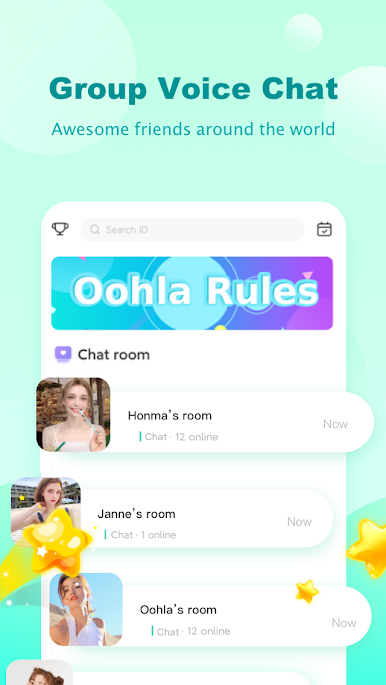
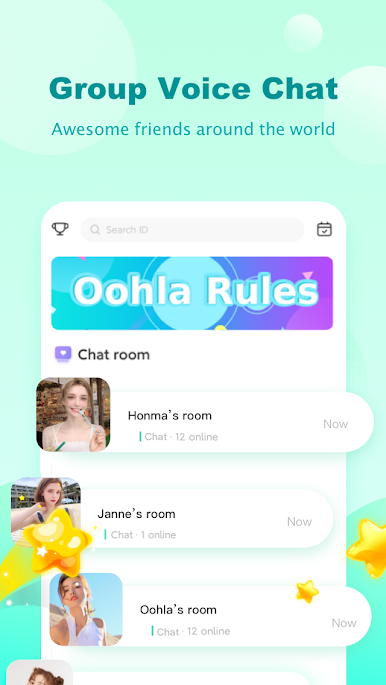
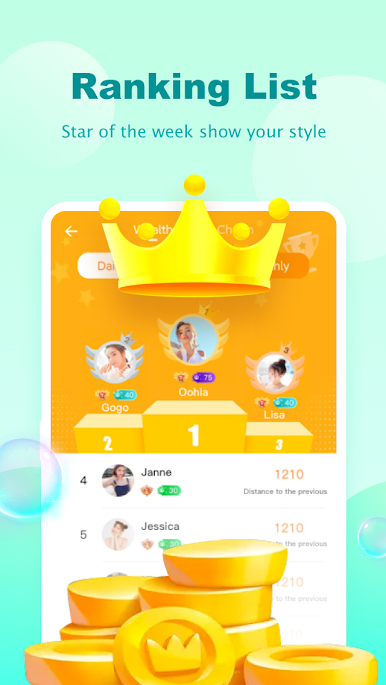
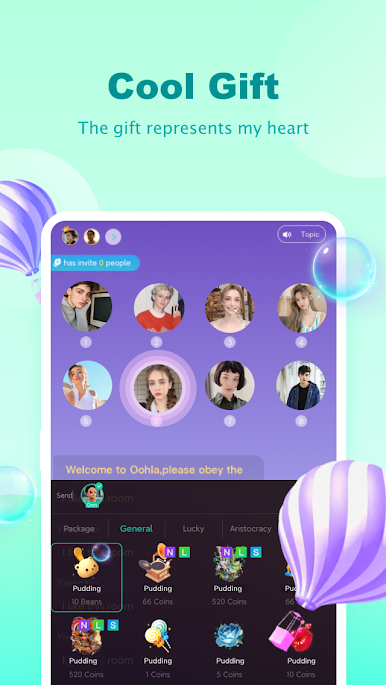
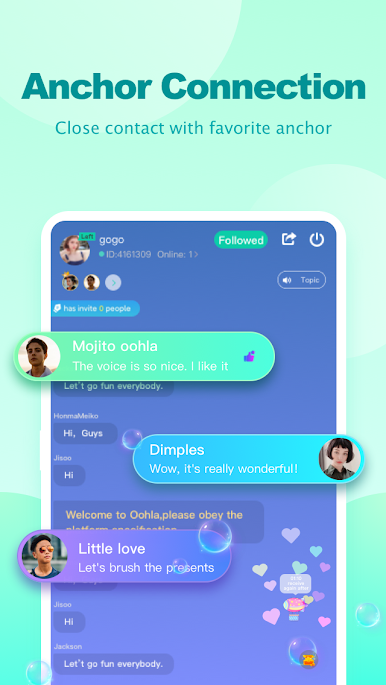
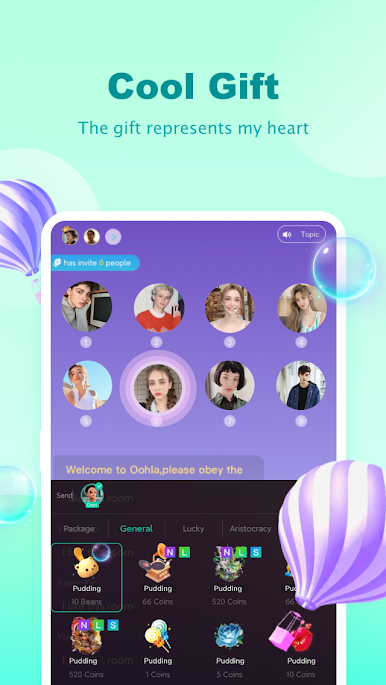
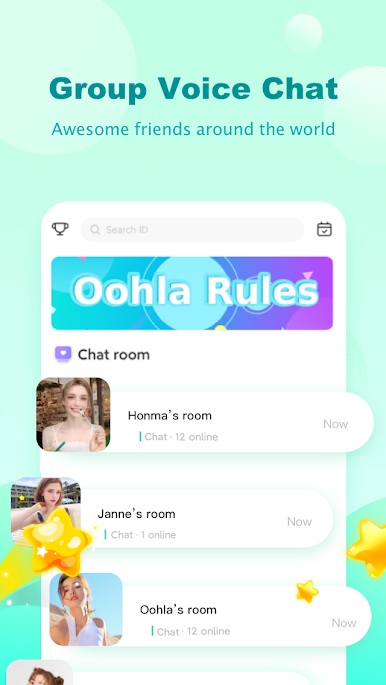
Oohla - Free and Lite version of Cuddle Group Voice Chat Room App 😊: \ Live Chat and have Fun with Friends; Sing, Karaoke & Play Music; ASMR Sleep & Join HQ trivia; Grow Fans & Get Famous! Have Fun with Friends at the Club House party Online!
📻Oohla is NOT a radio app, even though we have lots of DJs that host live shows, play music, and sing every day, all of whom engage and interact with their listeners!
🗣️Oohla is NOT a walkie talkie, even though people call in and talk with each other about all kinds of topics while having fun in the community.
🎙️Oohla is a group voice chat room app, where people can enjoy anything they want to kill time and have fun together.

Spiele Oohla auf dem PC. Der Einstieg ist einfach.
-
Lade BlueStacks herunter und installiere es auf deinem PC
-
Schließe die Google-Anmeldung ab, um auf den Play Store zuzugreifen, oder mache es später
-
Suche in der Suchleiste oben rechts nach Oohla
-
Klicke hier, um Oohla aus den Suchergebnissen zu installieren
-
Schließe die Google-Anmeldung ab (wenn du Schritt 2 übersprungen hast), um Oohla zu installieren.
-
Klicke auf dem Startbildschirm auf das Oohla Symbol, um mit dem Spielen zu beginnen

