


Learn CSS
Spiele auf dem PC mit BlueStacks - der Android-Gaming-Plattform, der über 500 Millionen Spieler vertrauen.

Seite geändert am: Dec 16, 2025
Play Learn CSS on PC
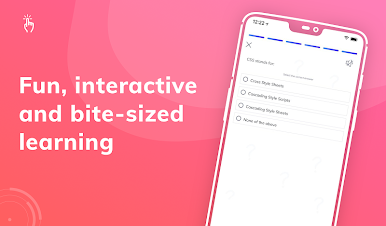
Learn CSS is a must have app for all coding learners or computer science students to learn CSS programming language whenever they want and wherever they want. Whether you’re preparing for a CSS interview or any exam that requires CSS programming knowledge, you can find amazing content on this programming learning app.
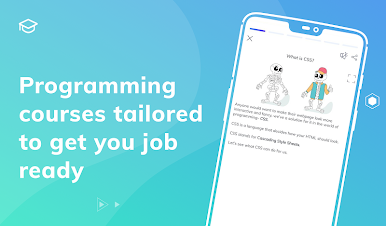
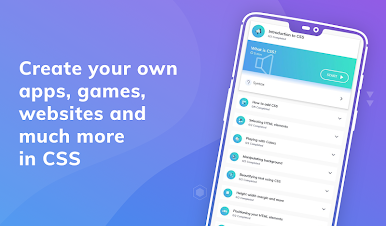
This amazing CSS Programming Learning app has amazing content such as CSS Programming Tutorials, CSS Programming Lessons, Programs, Questions & Answers and all that you need to either learn CSS programming basics or to become a CSS programming expert.
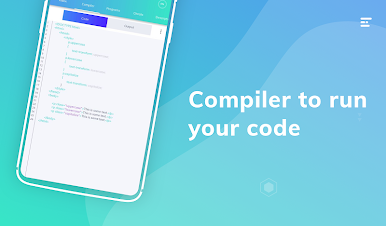
With an amazing collection of CSS Programs (code examples) with comments, multiple questions and answers, all your programming learning needs are bundled in a single code learning app.
**************************
APP FEATURES
**************************
“Learn CSS” app makes your code learning fun whether you’re looking to learn basics or become an expert programmer. Here are the features that would make us your single choice to learn CSS programming language -
💻Best collection of CSS Tutorials
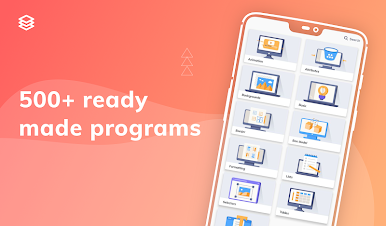
💻100+ CSS Programs with proper comments for better understanding
💻Learn CSS Basics for beginners
💻Questions & Answers in different categories
💻Important Exam Questions
💻Share the Tutorials & Programs with other friends
💻Tutorials for beginner programmers or those who’re looking to learn advanced programming
“Learn CSS” app has a really simple and intuitive user interface. It is the best app to let you learn the CSS programming language for free. So, what are you waiting for? Download the app now to become a CSS Programming Pro.
If you have any feedback for us, please write us an email and we will be happy to help you out. If you have liked any feature of this app, feel free to rate us on play store and share with other friends.
Spiele Learn CSS auf dem PC. Der Einstieg ist einfach.
-
Lade BlueStacks herunter und installiere es auf deinem PC
-
Schließe die Google-Anmeldung ab, um auf den Play Store zuzugreifen, oder mache es später
-
Suche in der Suchleiste oben rechts nach Learn CSS
-
Klicke hier, um Learn CSS aus den Suchergebnissen zu installieren
-
Schließe die Google-Anmeldung ab (wenn du Schritt 2 übersprungen hast), um Learn CSS zu installieren.
-
Klicke auf dem Startbildschirm auf das Learn CSS Symbol, um mit dem Spielen zu beginnen

