


Photos To Directories By Date
Spiele auf dem PC mit BlueStacks - der Android-Gaming-Plattform, der über 500 Millionen Spieler vertrauen.

Seite geändert am: Jul 10, 2025
Play Photos To Directories By Date on PC
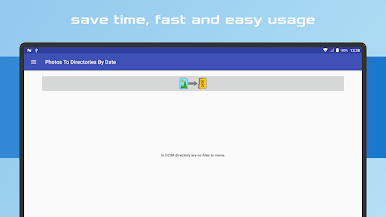
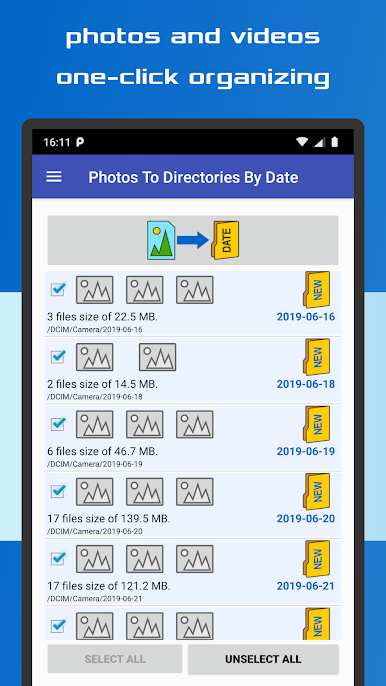
✔️ Effortlessly organize photos and videos into directories by date
✔️ Fast and intuitive sorting by date or month
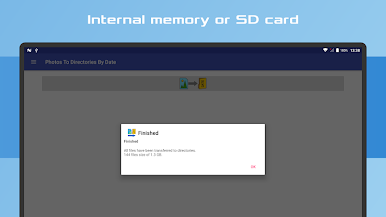
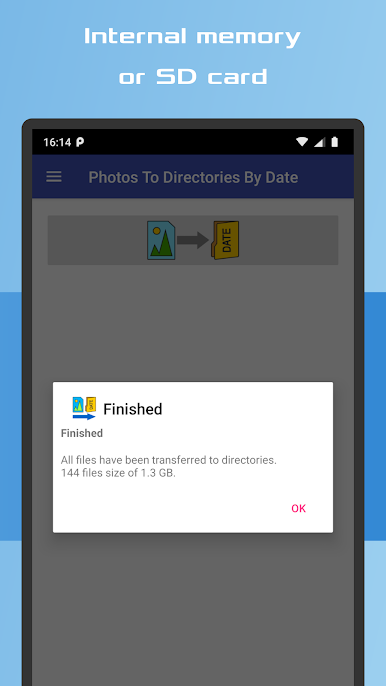
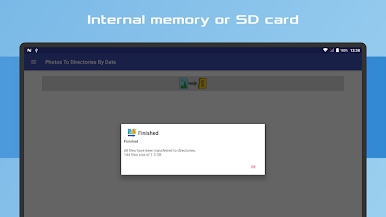
✔️ Compatible with Internal memory and SD Card storage
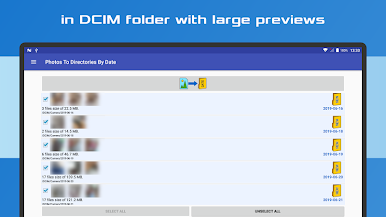
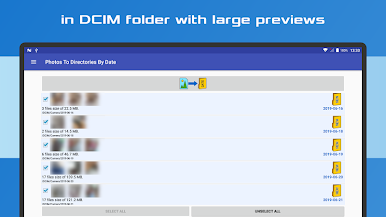
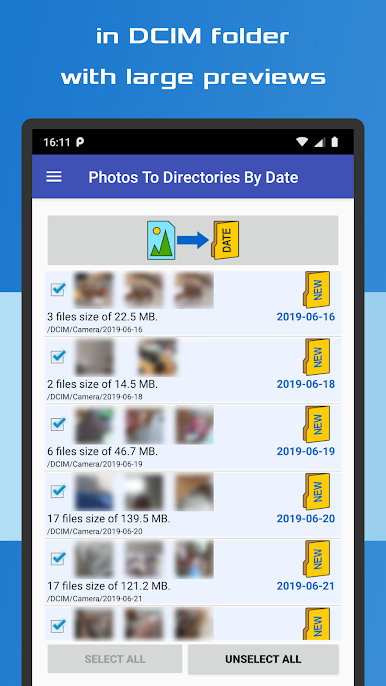
✔️ Enhanced file previews with detailed information
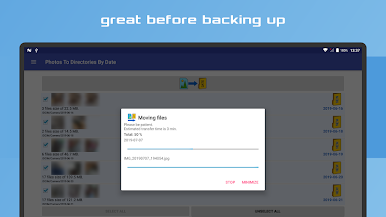
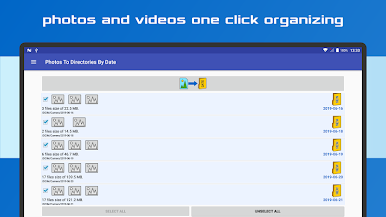
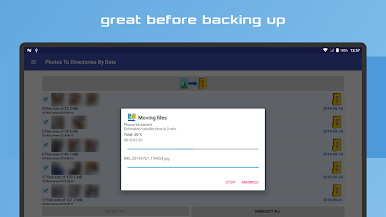
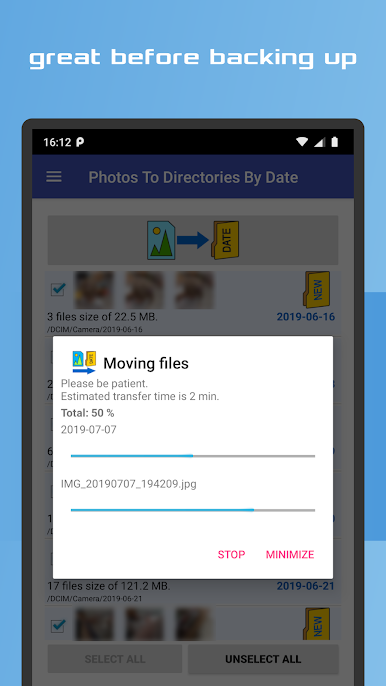
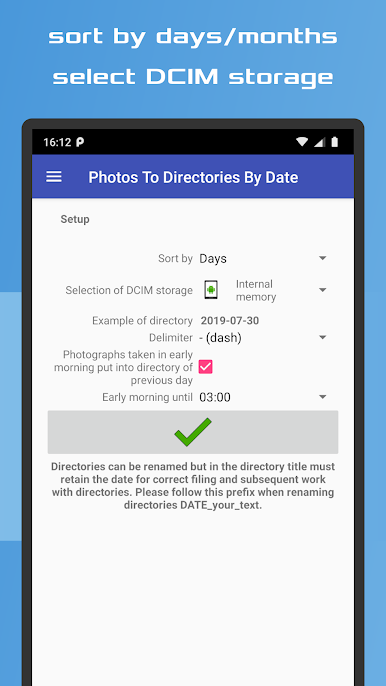
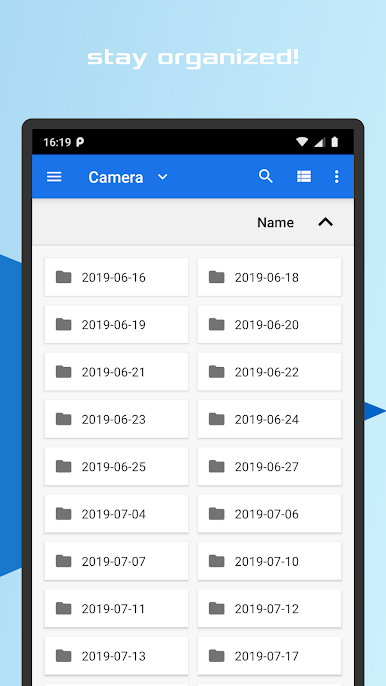
With just one click, you can instantly sort your photos and videos into the appropriate directories within the DCIM folder of your device's internal storage or SD card.
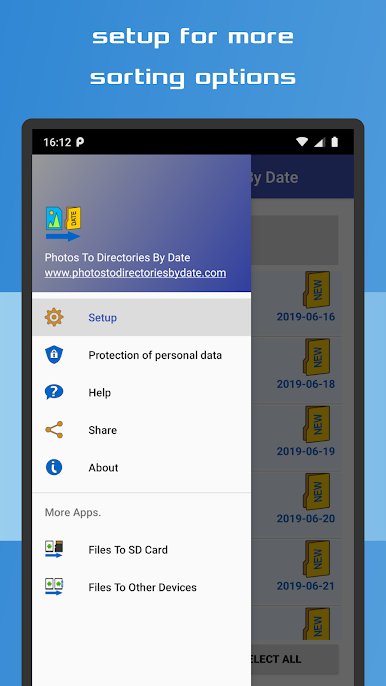
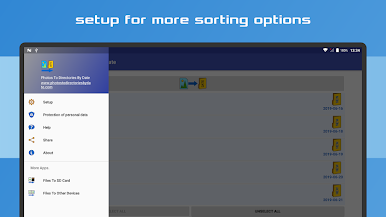
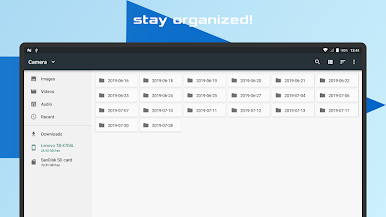
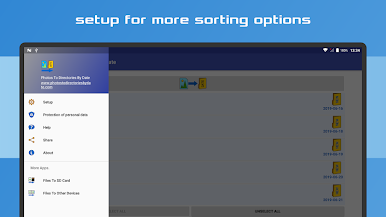
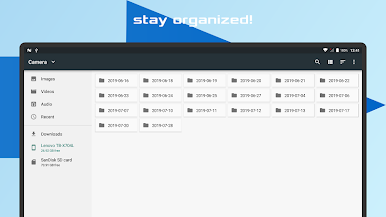
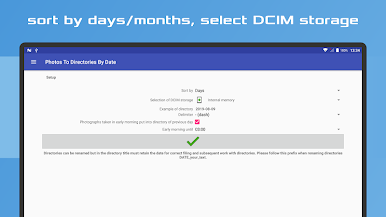
The app ensures a streamlined and orderly arrangement of your media files, categorized by their respective capture dates. It automates the entire organization process, making it an ideal solution for simplifying your photo and video management tasks prior to backup. Customize your sorting preference to either day or month, and adjust the date format in the "Settings" menu. Click the button, and the app will take care of the rest!
Feel free to rename the created directories, keeping in mind that it is essential to maintain the format "date_yourtext" to ensure optimal functionality. Whether you attended a late-night party or need to group photos taken at a specific time, this app offers the flexibility to organize your media accordingly.
Experience the convenience of quickly organizing your pictures and videos with this user-friendly app. It guarantees efficient and hassle-free management of your media files while complying with the guidelines set by Google Play and AdMob advertising network.



Spiele Photos To Directories By Date auf dem PC. Der Einstieg ist einfach.
-
Lade BlueStacks herunter und installiere es auf deinem PC
-
Schließe die Google-Anmeldung ab, um auf den Play Store zuzugreifen, oder mache es später
-
Suche in der Suchleiste oben rechts nach Photos To Directories By Date
-
Klicke hier, um Photos To Directories By Date aus den Suchergebnissen zu installieren
-
Schließe die Google-Anmeldung ab (wenn du Schritt 2 übersprungen hast), um Photos To Directories By Date zu installieren.
-
Klicke auf dem Startbildschirm auf das Photos To Directories By Date Symbol, um mit dem Spielen zu beginnen

