

Vespucci - an OSM Editor
500M + oyuncunun güvendiği Android Oyun Platformu, BlueStacks ile PC'de oynayın.

Sayfa Değiştirilme tarihi: Dec 19, 2025
Run Vespucci - an OSM Editor on PC or Mac
Why limit yourself to your small screen on the phone? Run Vespucci – an OSM Editor, an app by Marcus Wolschon, best experienced on your PC or Mac with BlueStacks, the world’s #1 Android emulator.
About the App
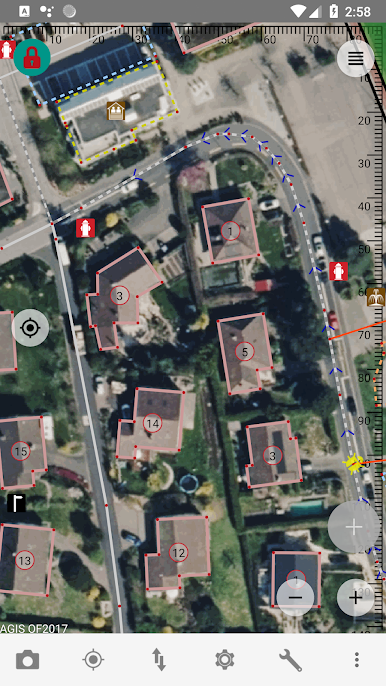
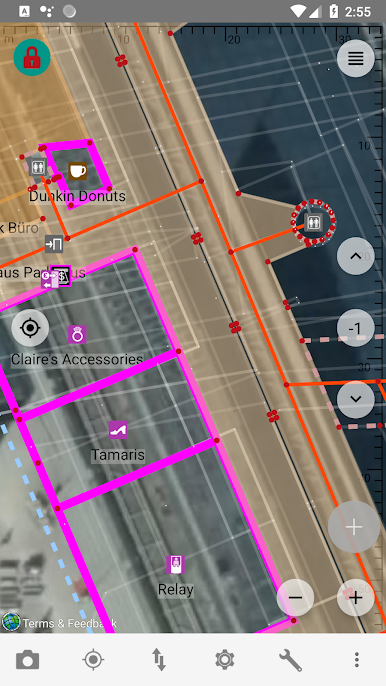
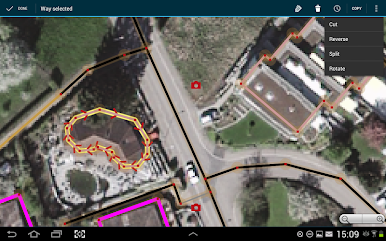
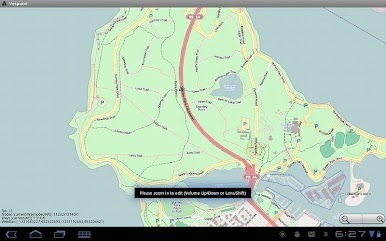
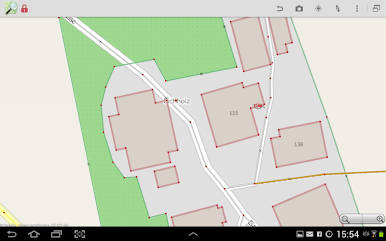
Ever wanted to roll up your sleeves and edit real map data? Vespucci – an OSM Editor puts that power in your hands. Built for folks who love tinkering with OpenStreetMap, this app lets you make actual changes and improvements, not just browse or navigate. Expect hands-on editing with a flexible toolset that’s perfect for everything from correcting street details to adding those missing parks—or whatever your neighborhood needs.
App Features
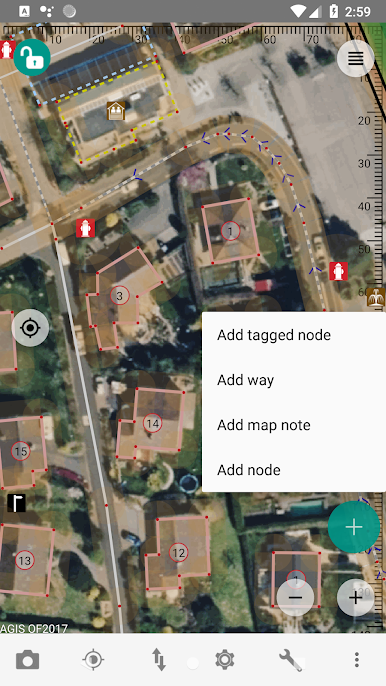
- Direct Map Editing
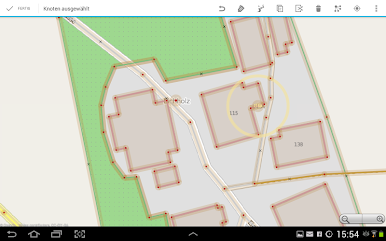
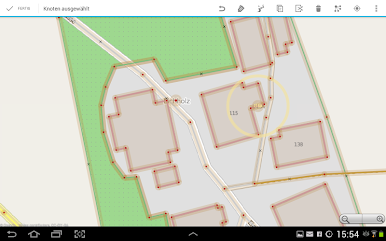
- Grab map data for your area, then tweak, add, or fix as you please. All you need is an OpenStreetMap account and a bit of curiosity.
- Quick Undo and Review
- Made a mistake? No worries—just undo your last changes. You can also go over your entire edit history before sending anything live.
- Tag Autocomplete
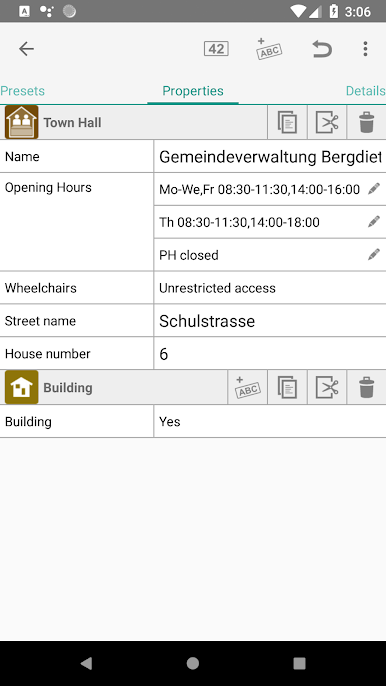
- Not sure what tags to use? The app suggests options as you type and even autocompletes nearby street names, making things smoother and quicker.
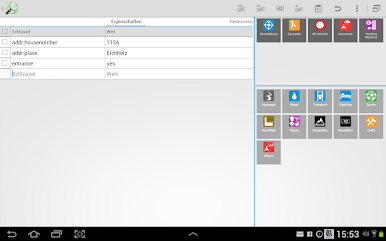
- JOSM-Compatible Presets
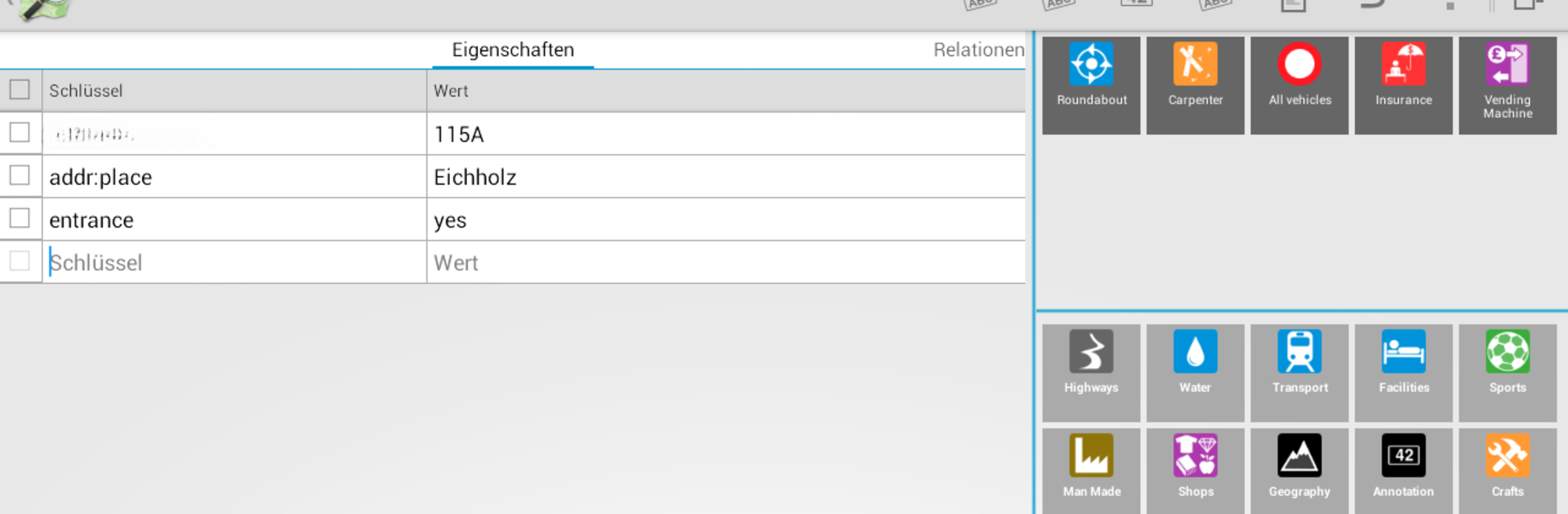
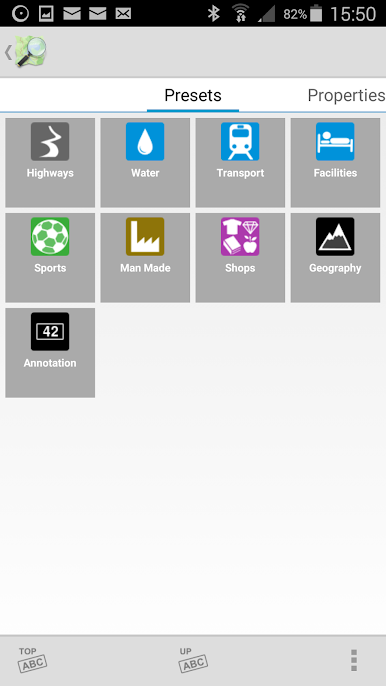
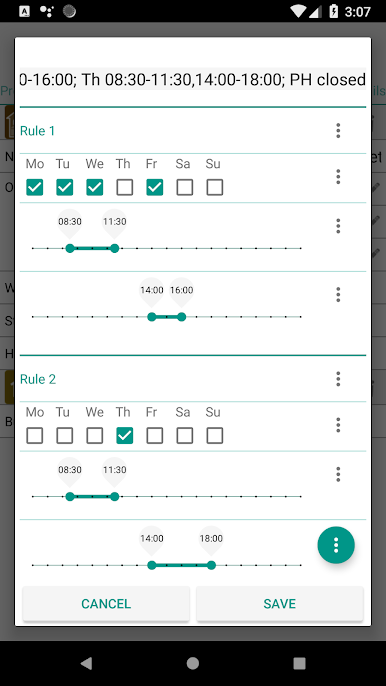
- Tap into presets for common map features, so you’re not starting from scratch each time. It’s all about guiding you to the right choices, fast.
- Integrated Help
- Got questions? Access handy, on-device help and links to detailed OSM feature pages right inside the app.
- Seamless Data Upload
- When you’re done editing, send your changes straight to OSM servers—no extra steps or fuss.
- Manual Updates Recommended
- For more control, it’s best to turn off auto-updates, so you can finish uploading your edits before any new app version rolls out.
- Works Smoothly on BlueStacks
- Want a bigger screen for map editing? The app plays nicely on BlueStacks, perfect for when you want a desktop experience without leaving your tools behind.
BlueStacks gives you the much-needed freedom to experience your favorite apps on a bigger screen. Get it now.


Vespucci - an OSM Editor oyununu PC'de oyna. Başlamak çok kolay.
-
BlueStacks'i PC'nize İndirin ve Yükleyin
-
Play Store'a erişmek için Google girişi yapın ya da daha sonraya bırakın.
-
Sağ üst köşeye Vespucci - an OSM Editor yazarak arayın.
-
Vespucci - an OSM Editor uygulamasını arama sonuçlarından indirmek için tıklayın.
-
(iEğer Adım 2'yi atladıysanız) Vespucci - an OSM Editor uygulamasını yüklemek için Google'a giriş yapın.
-
Oynatmaya başlatmak için ekrandaki Vespucci - an OSM Editor ikonuna tıklayın.

