


dream Player for TVHeadend
Играйте на ПК с BlueStacks – игровой платформе для приложений на Android. Нас выбирают более 500 млн. игроков.

Страница изменена: Sep 17, 2025
Run dream Player for TVHeadend on PC or Mac
Why limit yourself to your small screen on the phone? Run dream Player for TVHeadend, an app by Christian Fees, best experienced on your PC or Mac with BlueStacks, the world’s #1 Android emulator.
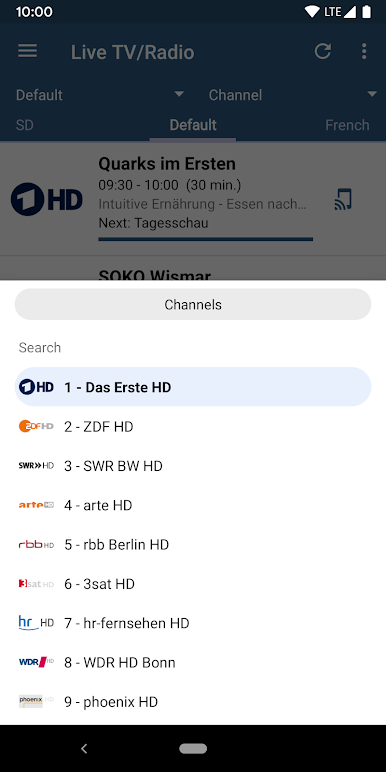
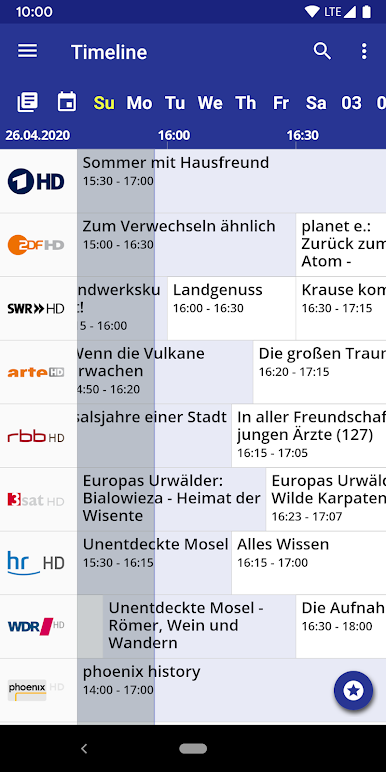
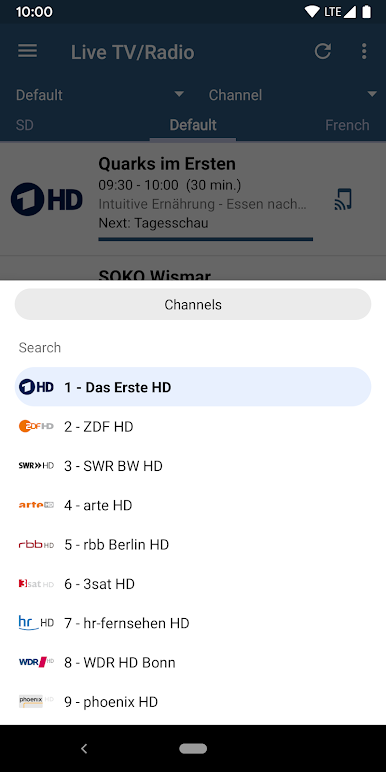
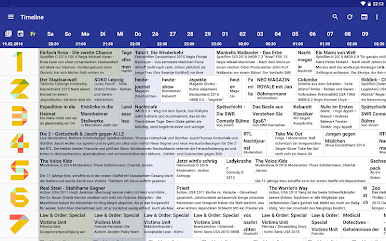
dream Player for TVHeadend feels like a clean remote for a home TVHeadend setup, just running on a phone screen that happens to be on a PC. On BlueStacks it scrolls and swipes fine with a mouse, so flipping through live channels is quick, and the channel logos help spot stuff fast. The guide has both a timeline view and a magazine style list, which makes browsing tonight’s options less annoying than most TV apps. Live TV loads solid on SD and HD, radio stations are in there too, and recorded shows sit right beside everything so there is no hunting through menus.
What stands out is how practical it is. Subtitles toggle without fuss, aspect ratio can be nudged to fix odd broadcasts, and the quick jump buttons make skipping ads or rewinding a scene painless. Volume and brightness gestures translate to the PC pretty well, and there is a small window mode for keeping a game or work open while TV floats in the corner. Background audio is handy for radio while doing other stuff. It can even play local files if someone wants one player for everything. There is an option to download recordings for offline viewing, but that is part of the premium unlock. The only real catch is that it needs a TVHeadend server set up first, ideally a newer one, otherwise the app will not have anything to show.
Big screen. Bigger performance. Use BlueStacks on your PC or Mac to run your favorite apps.
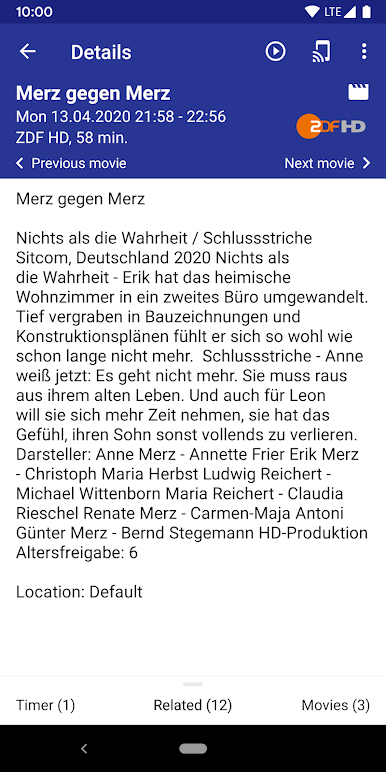
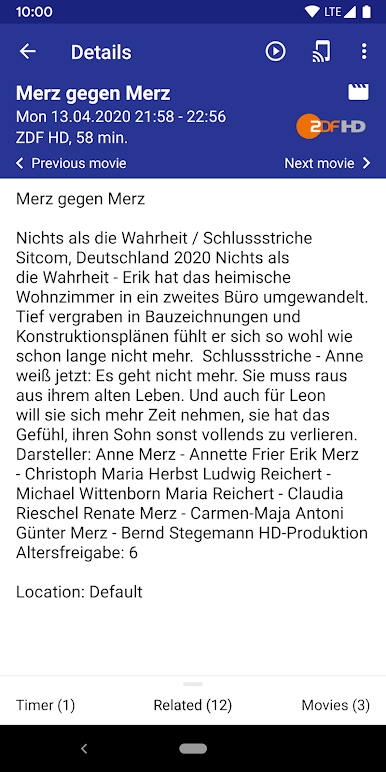

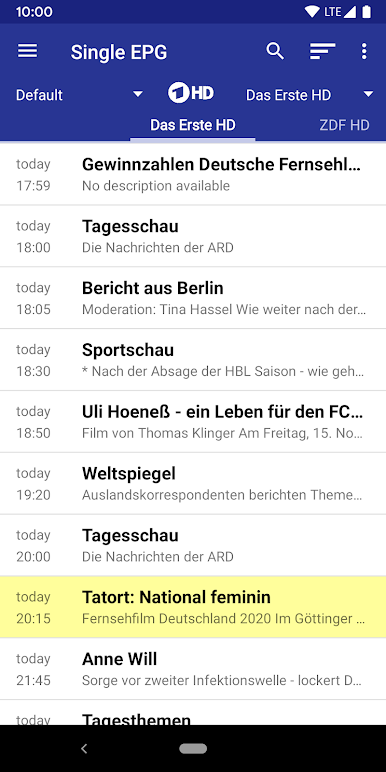

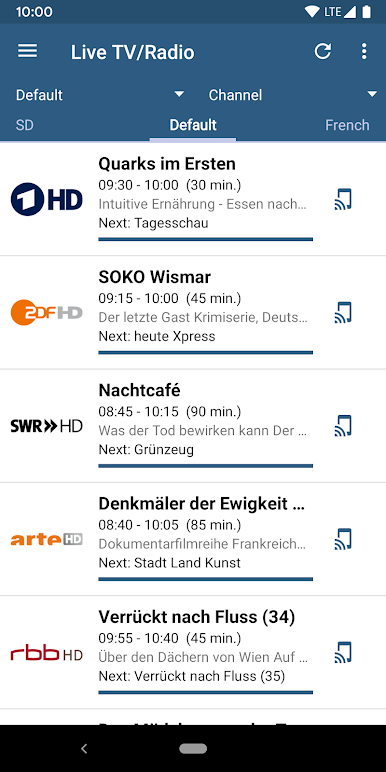
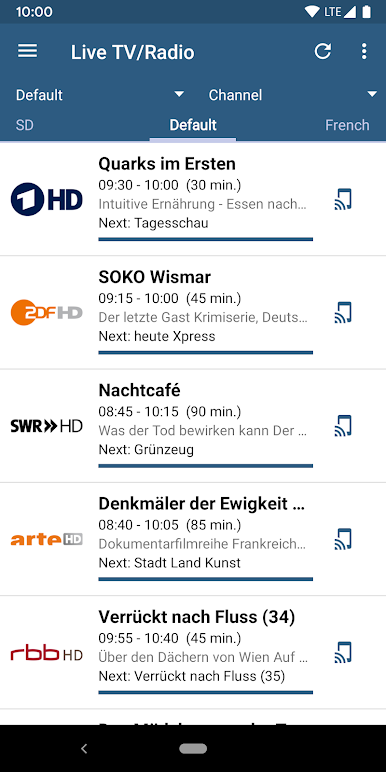
Играйте в игру dream Player for TVHeadend на ПК. Это легко и просто.
-
Скачайте и установите BlueStacks на ПК.
-
Войдите в аккаунт Google, чтобы получить доступ к Google Play, или сделайте это позже.
-
В поле поиска, которое находится в правой части экрана, введите название игры – dream Player for TVHeadend.
-
Среди результатов поиска найдите игру dream Player for TVHeadend и нажмите на кнопку "Установить".
-
Завершите авторизацию в Google (если вы пропустили этот шаг в начале) и установите игру dream Player for TVHeadend.
-
Нажмите на ярлык игры dream Player for TVHeadend на главном экране, чтобы начать играть.

