


Random Image Pro
Играйте на ПК с BlueStacks – игровой платформе для приложений на Android. Нас выбирают более 500 млн. игроков.

Страница изменена: Sep 3, 2025
Play Random Image Pro on PC
Effortless Image Rediscovery
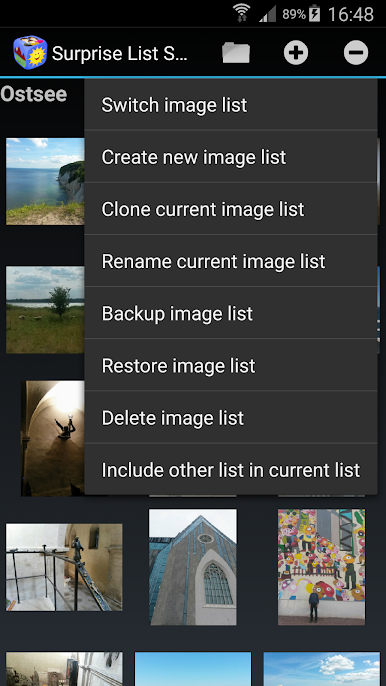
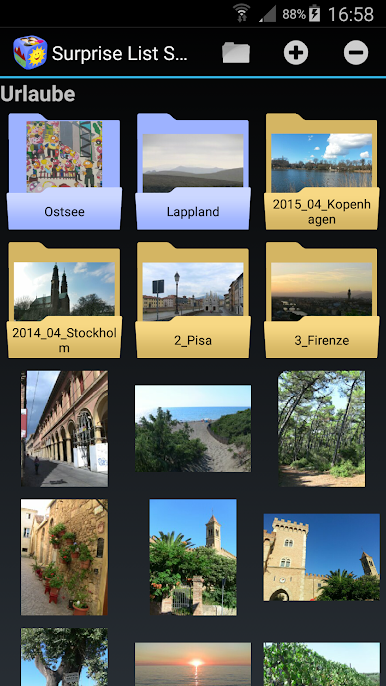
This intuitive app empowers you to curate personalized lists by selecting from your myriad of images and folders stored on your device. Create multiple lists for different occasions – relive cherished moments from vacations, gaze upon snapshots of loved ones, or revel in the nostalgia of your children's earlier years.
Seamless Display Options
Your images, your way. Choose how to rediscover these moments:
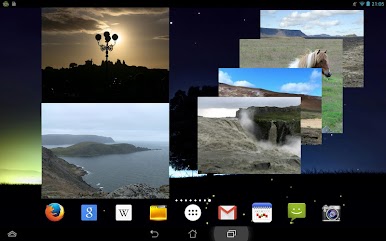
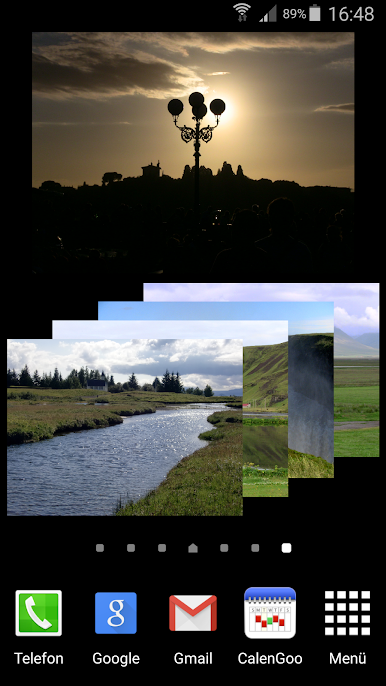
- Set up a widget on your home screen for a regular dose of fresh images.
- Access a random image instantly via a home screen icon.
- Delight in surprises with notifications that reveal images at varied intervals.
Explore the app's diverse offerings:
- Effortlessly configure image lists for quick access.
- Dive into a single, random image or seamlessly switch between them.
- Zoom in on displayed images for a closer look.
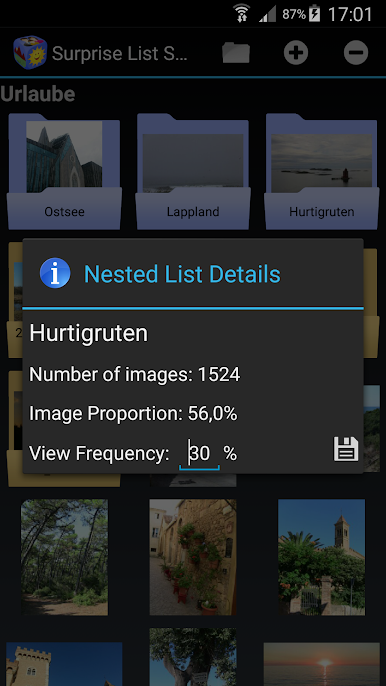
- Create nested lists with weighted preferences, ensuring rare gems get their spotlight.
- Backup and restore your image lists hassle-free.
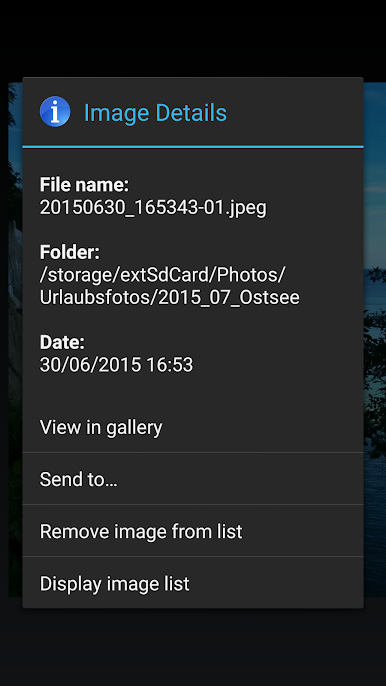
- Share your displayed images with friends and family effortlessly.
The trial version of the app is limited to three image lists. The pro version does not have this limitation.
Rediscover the joy of your images. Try our app today and embark on a journey through your digital photo gallery!
Играйте в игру Random Image Pro на ПК. Это легко и просто.
-
Скачайте и установите BlueStacks на ПК.
-
Войдите в аккаунт Google, чтобы получить доступ к Google Play, или сделайте это позже.
-
В поле поиска, которое находится в правой части экрана, введите название игры – Random Image Pro.
-
Среди результатов поиска найдите игру Random Image Pro и нажмите на кнопку "Установить".
-
Завершите авторизацию в Google (если вы пропустили этот шаг в начале) и установите игру Random Image Pro.
-
Нажмите на ярлык игры Random Image Pro на главном экране, чтобы начать играть.

