


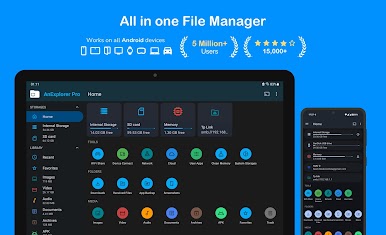
AnExplorer Pro File Manager
Spiele auf dem PC mit BlueStacks - der Android-Gaming-Plattform, der über 500 Millionen Spieler vertrauen.

Seite geändert am: Oct 28, 2025
Play AnExplorer Pro File Manager on PC
Key features:
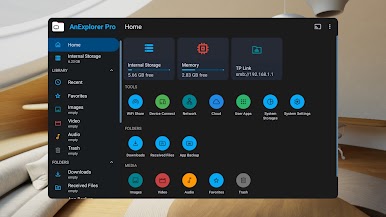
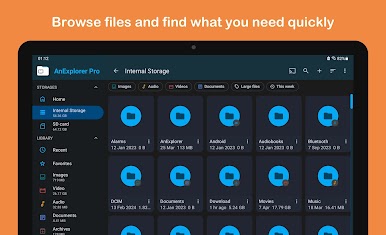
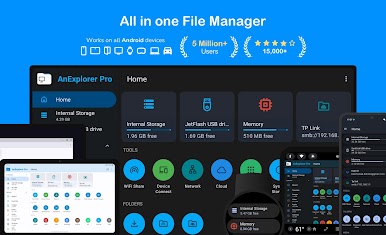
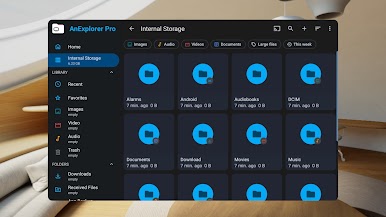
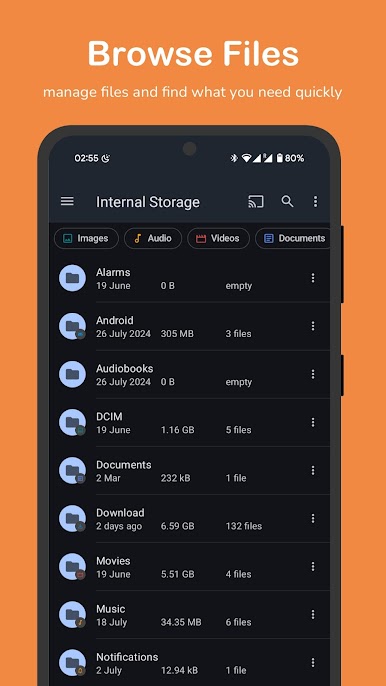
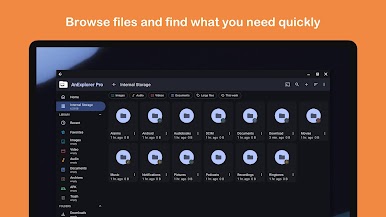
📂 File Organizer
• Browse, copy, move, rename, delete, compress, and extract files and folders
• Search by file name, type, size, or date; filter by media types
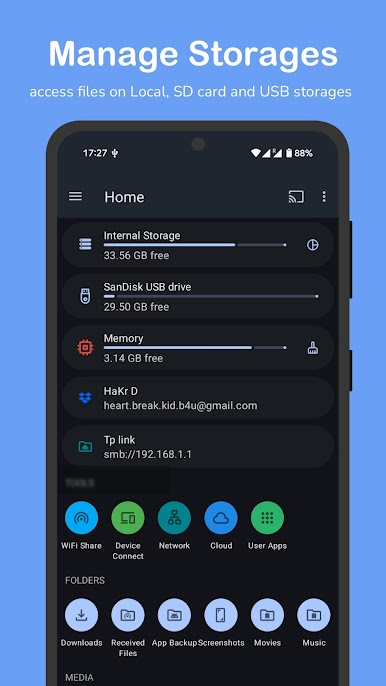
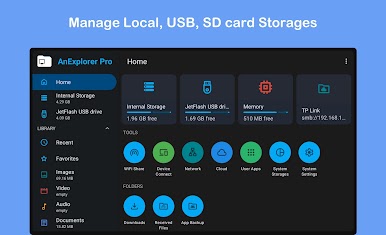
• Show hidden folders and thumbnails, view folder sizes across all storage types
• Full support for FAT32 and NTFS file systems (SD cards, USB OTG, Pen Drives, etc.)
🖼️ Photo Viewer
• Preview images with zoom, swipe navigation, and slideshow support
• View metadata and organize photos by folders
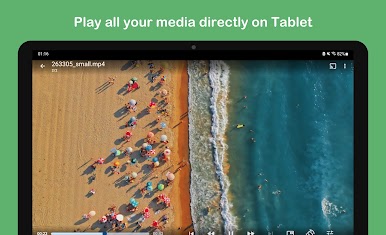
🎵 Music & Video Player
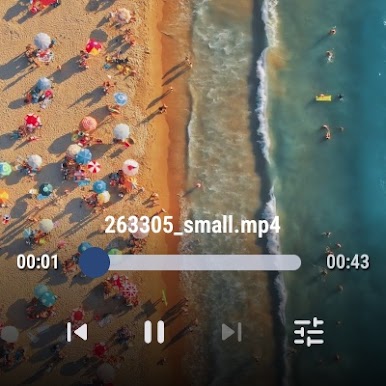
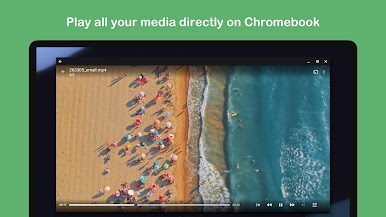
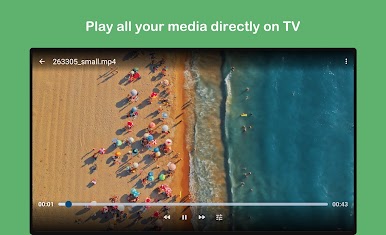
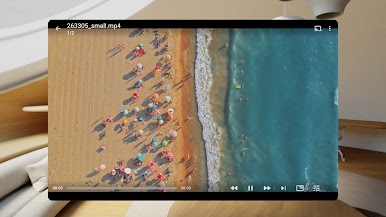
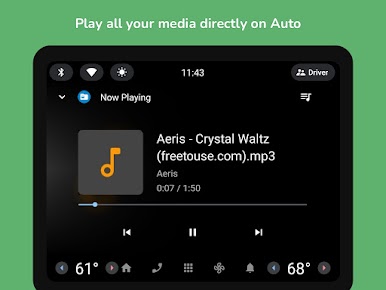
• Play audio and video files within the app and manage media playback queues and playlists
• Supports background playback and casting. Also supports streaming media
📦 Archive ZIP Viewer
• View and extract contents of ZIP, RAR, TAR, 7z, and more
• Create zip archives with existing files
📄 Text Editor & PDF Viewer
• Edit text files like HTML, TXT, PDF and more
• Root mode supports editing system-level files
🪟 App Installer
• Install APK installation files like apk, apkm, apks, xapk
• Batch uninstall apps or backup APKs for offline use
• Useful for managing limited storage
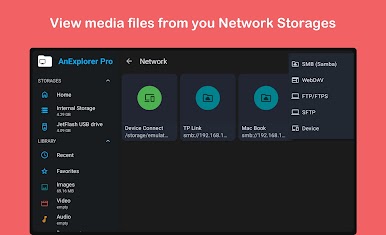
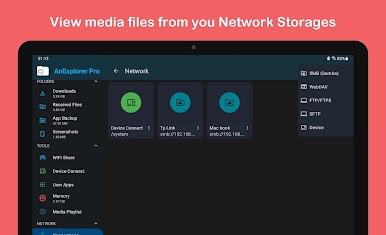
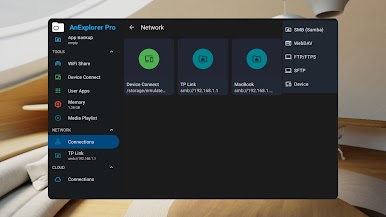
🕸️ Network File Manager
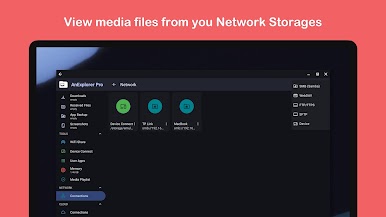
• Connect to FTP, FTPS, SMB, and WebDAV servers
• Stream and transfer files from NAS devices and shared folders
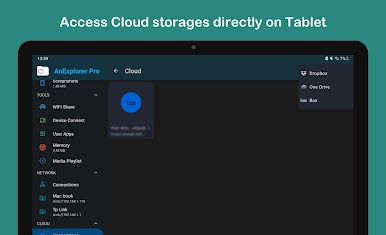
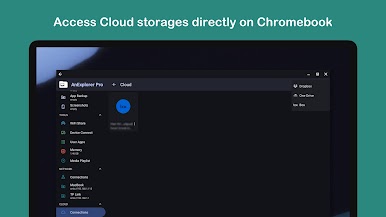
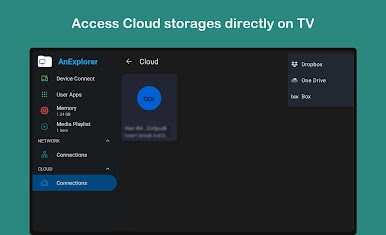
☁️ Cloud File Manager
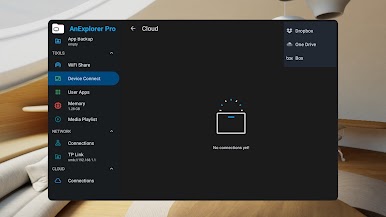
• Manage Box, Dropbox and OneDrive
• Upload, download, delete, or preview media directly in the cloud
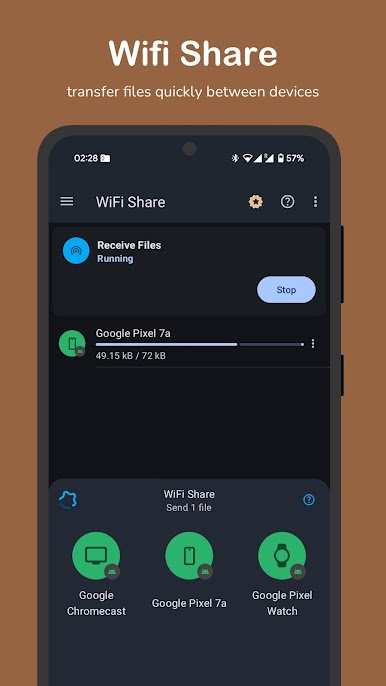
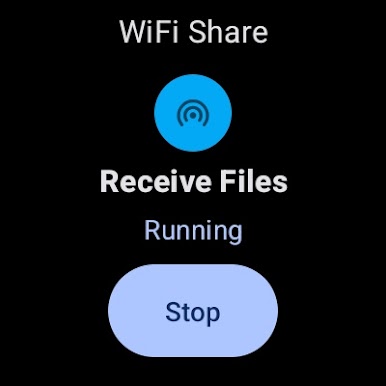
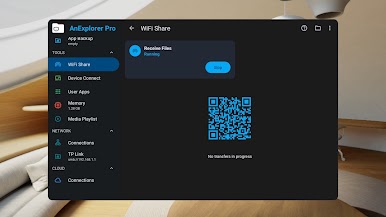
⚡ Offline WiFi Share
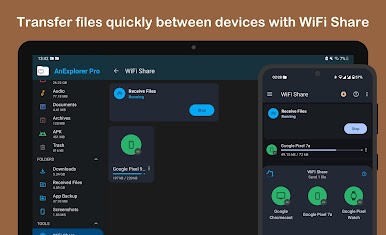
• Wirelessly transfer files between Android devices without creating a hotspot
• Send multiple files instantly over the same WiFi network
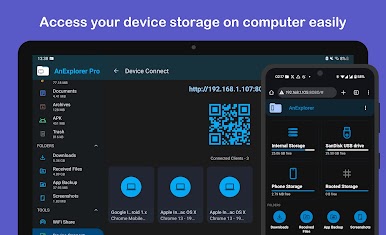
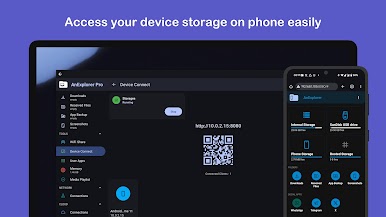
💻 Device Connect
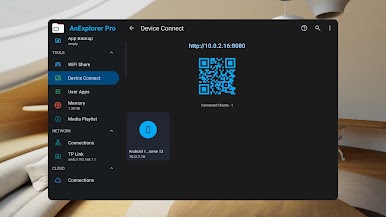
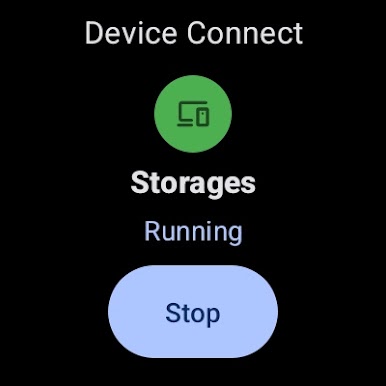
• Turn your device into a server to access files from a browser
• No cable required—just enter the IP in your computer browser
📶 Cast File Manager
• Stream media to Chromecast devices including Android TVs and Google Home
• Manage and play playlists from your file manager
🧹 Memory Cleaner
• Free up RAM and boost device speed
• Deep clean cache and junk files via built-in storage analyzer
🗂️ Media Library Manager
• Auto-categorize files: Images, Videos, Music, Documents, Archives, APKs
• Organize downloads and Bluetooth transfers
• Bookmark favorite folders for quick access
🤳 Social Media File Manager
• Organize WhatsApp media: Photos, Videos, Audio, Documents, Stickers, and more
• Quickly clean up and manage space
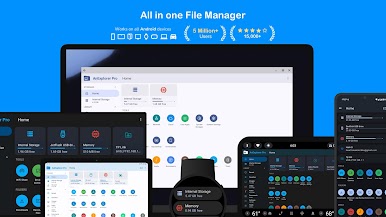
📺 TV File Manager
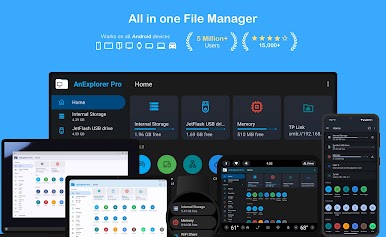
• Full storage access on Android TVs like Google TV, NVIDIA Shield, and Sony Bravia
• Easily transfer files from phone to TV and vice versa
⌚ Watch File Manager
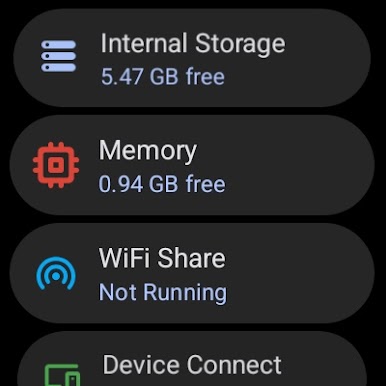
• Browse and manage Wear OS storage directly from your phone
• Supports file transfer and media access
🥽 VR / XR File Manager
• Explore files on VR / XR Headsets like Meta Quest, Galaxy XR Pico, HTC Vive, and more
• Install APKs, manage VR app content, and sideload files with ease
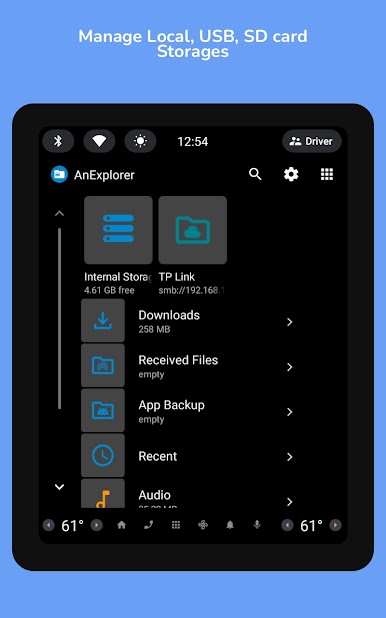
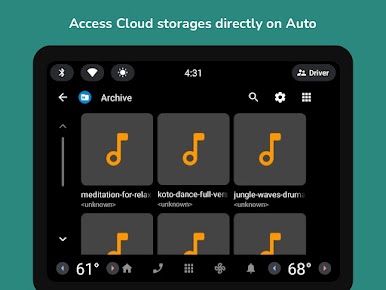
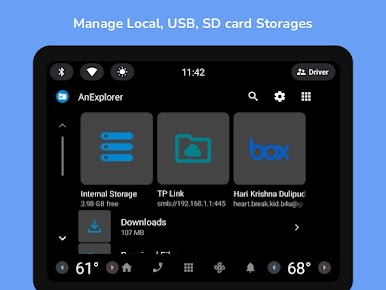
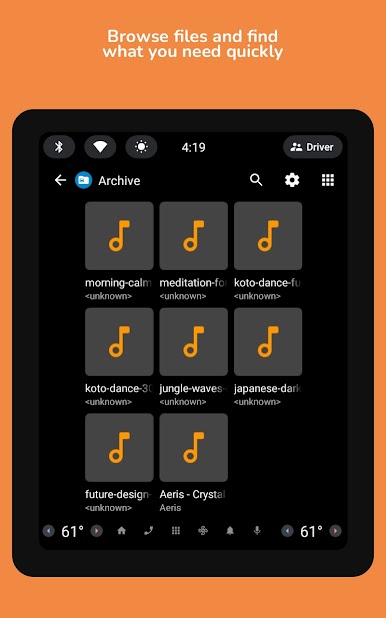
🚗 Car File Manager
• File access for Android Auto and Android Automotive OS (AAOS)
• Manage USB drives and internal storage directly from your car
• Install APKs, view media, and sideload files with ease
🌴 Root File Manager
• Advanced users can explore, edit, copy, paste and delete files in the root partition of phone storage for development purposes with root access
• Explore system folders like data, cache with root permissions




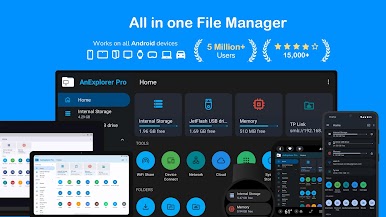
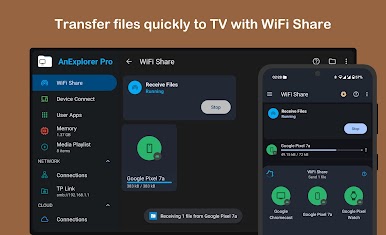
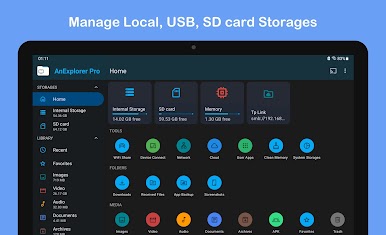
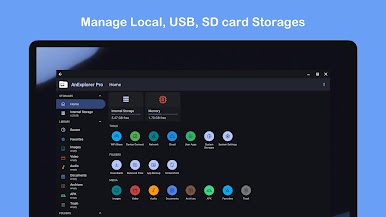




Spiele AnExplorer Pro File Manager auf dem PC. Der Einstieg ist einfach.
-
Lade BlueStacks herunter und installiere es auf deinem PC
-
Schließe die Google-Anmeldung ab, um auf den Play Store zuzugreifen, oder mache es später
-
Suche in der Suchleiste oben rechts nach AnExplorer Pro File Manager
-
Klicke hier, um AnExplorer Pro File Manager aus den Suchergebnissen zu installieren
-
Schließe die Google-Anmeldung ab (wenn du Schritt 2 übersprungen hast), um AnExplorer Pro File Manager zu installieren.
-
Klicke auf dem Startbildschirm auf das AnExplorer Pro File Manager Symbol, um mit dem Spielen zu beginnen

