

Mocha TN5250
Spiele auf dem PC mit BlueStacks - der Android-Gaming-Plattform, der über 500 Millionen Spieler vertrauen.

Seite geändert am: Jun 19, 2025
Run Mocha TN5250 on PC or Mac
Why limit yourself to your small screen on the phone? Run Mocha TN5250, an app by MochaSoft, best experienced on your PC or Mac with BlueStacks, the world’s #1 Android emulator.
About the App
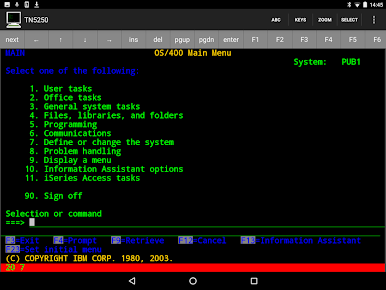
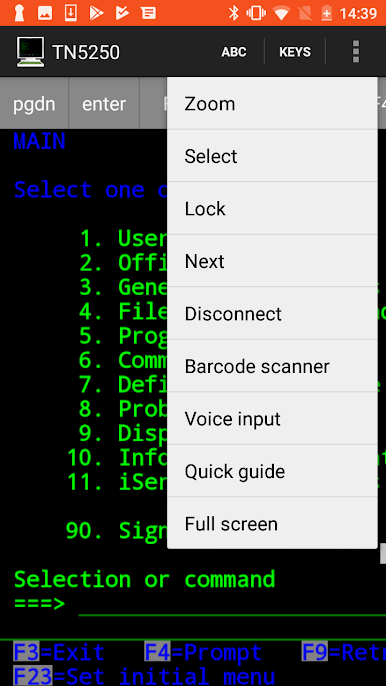
Mocha TN5250 is all about connecting your Android device to your AS/400 systems without unnecessary hassle. Whether you’re working on-the-go or just need quick, reliable access to those classic terminals, this app has you covered. Everything is neatly packed with modern ease, so you won’t be left fiddling with confusing setups.
App Features
-
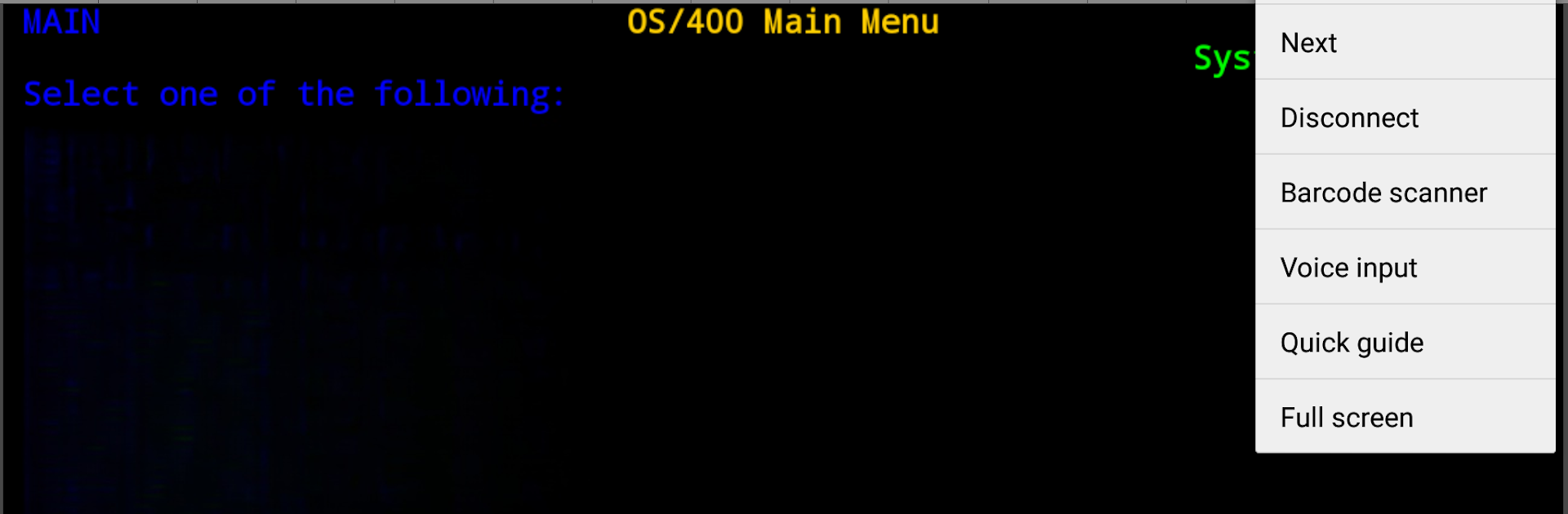
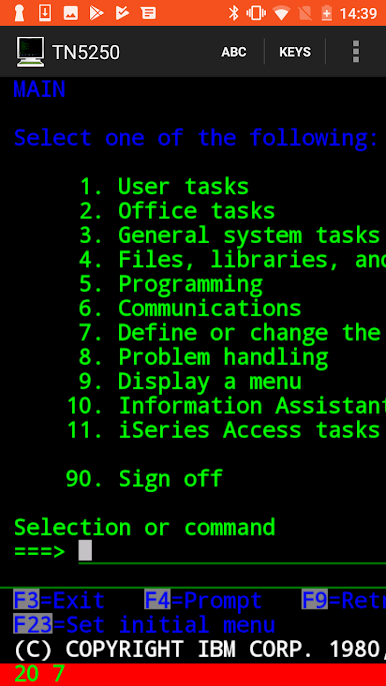
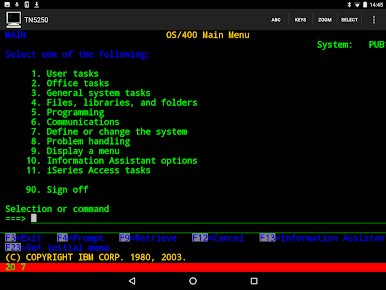
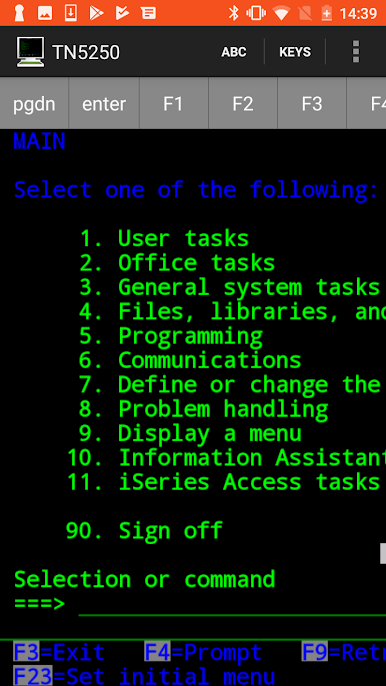
Full TN5250 Emulation
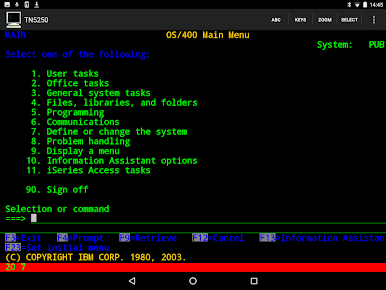
Access your AS/400 terminals just like you would from a classic terminal, but right from your Android device. All standard features are along for the ride. -
Big Screen Friendly
Got a tablet? Perfect—Mocha TN5250 supports larger displays, giving you more room to work (or squint less). -
Customizable Screen Sizes
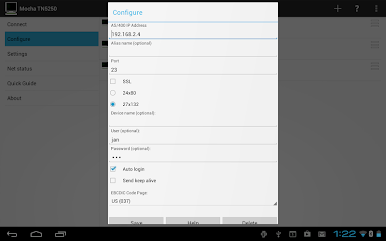
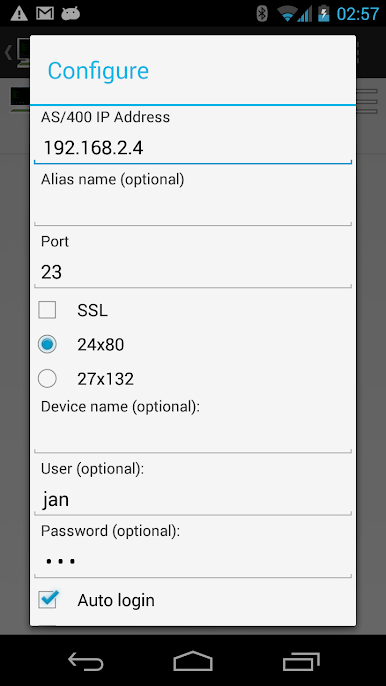
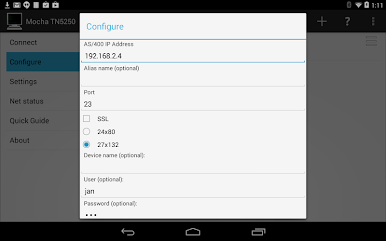
Choose between the traditional 24×80 layout or go for a more spacious 27×132 screen. Flexibility’s always nice. -
SSL Security
Feel confident working over Wi-Fi with SSL encryption, tapping directly into Android’s built-in security layers. -
Quick Access with Auto Login
Save your login details and skip straight to your workflow—no more typing passwords over and over. -
Multiple Configuration Support
Juggle up to 20 different AS/400 setups depending on where (or how) you work. -
Full Keypad & Special Keys
All your usual function keys (F1 to F24) are there, plus must-haves like SYSREQ and more, so nothing’s missing. -
Multiple EBCDIC Code Pages
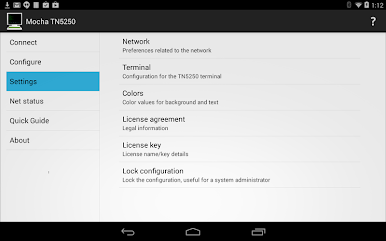
Got unique language or character needs? Nine different EBCDIC code pages are built in. -
Color Customization
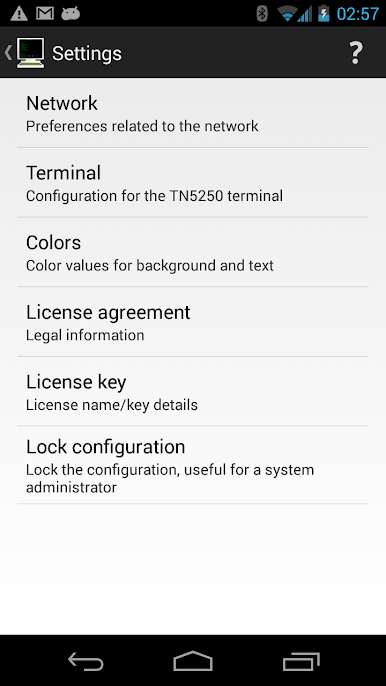
Tweak the colors to match your preferences—or just make it look a little more “you.” -
Easy Device Name Setup
Set a recognizable device name for clearer system management. -
Intuitive Zoom
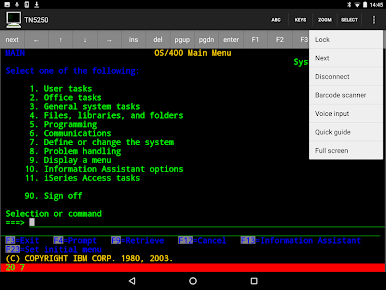
Pinch with two fingers to zoom in or out, making reading and navigating screens a breeze. -
Barcode Scanning
Integrated with the ZXing camera scanner, so barcode input’s a snap. -
Handy Help System
Stuck? There’s a help section right inside the app, so answers are never far away.
Works smoothly, and you can even try it out on PC or Mac using BlueStacks for a change of pace.
Ready to experience Mocha TN5250 on a bigger screen, in all its glory? Download BlueStacks now.



Spiele Mocha TN5250 auf dem PC. Der Einstieg ist einfach.
-
Lade BlueStacks herunter und installiere es auf deinem PC
-
Schließe die Google-Anmeldung ab, um auf den Play Store zuzugreifen, oder mache es später
-
Suche in der Suchleiste oben rechts nach Mocha TN5250
-
Klicke hier, um Mocha TN5250 aus den Suchergebnissen zu installieren
-
Schließe die Google-Anmeldung ab (wenn du Schritt 2 übersprungen hast), um Mocha TN5250 zu installieren.
-
Klicke auf dem Startbildschirm auf das Mocha TN5250 Symbol, um mit dem Spielen zu beginnen

