


Material Komponents - Android
500M + oyuncunun güvendiği Android Oyun Platformu, BlueStacks ile PC'de oynayın.

Sayfa Değiştirilme tarihi: Jun 16, 2021
Play Material Komponents - Android on PC
📥 First you need to download any of these apps
- KLWP Live Wallpaper Maker: https://play.google.com/store/apps/details?id=org.kustom.wallpaper
- KWGT Kustom Widget Maker: https://play.google.com/store/apps/details?id=org.kustom.widget
- KLCK Kustom Lock Screen Maker: https://play.google.com/store/apps/details?id=org.kustom.lockscreen
📦 Pack includes these Material komponents:
- status bar
- adaptive app icon with a notification badge
- app shortcuts
- connectivity controls
- this week's events & forecast
- hourly weather forecast
- music card
- Google Maps card
- a custom graph
- search bar (with doodles)
- notifications card
- calendar card
- Pixel widget
- Pill widget
- Holo widgets
- 3 Nest dials
- 3 Fit rings
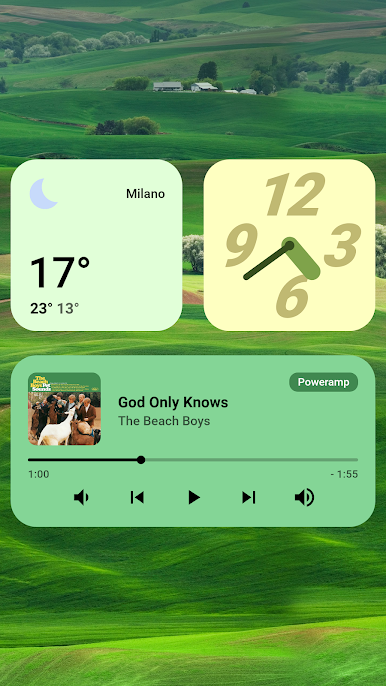
Android 12 / Material You komponents:
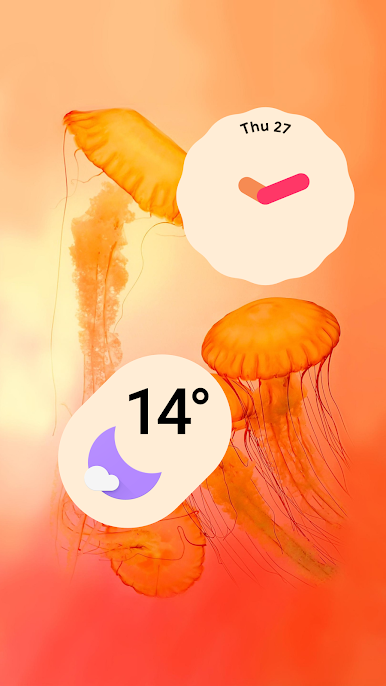
- 4 clocks
- 4 app cards
- 1 card with shape theming and custom symbol
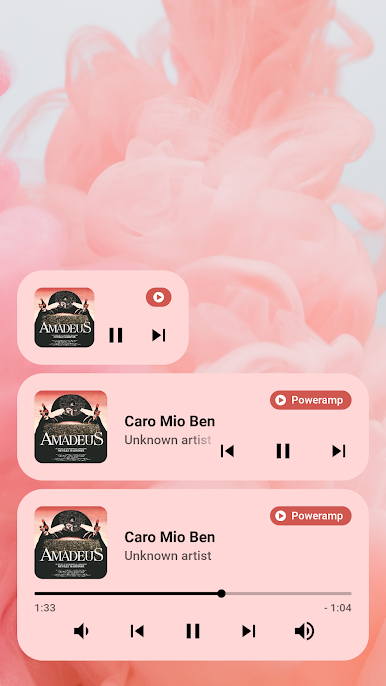
- 3 music cards
- 9 weather widgets
- 1 photo card
- 1 search bar
- 1 slider
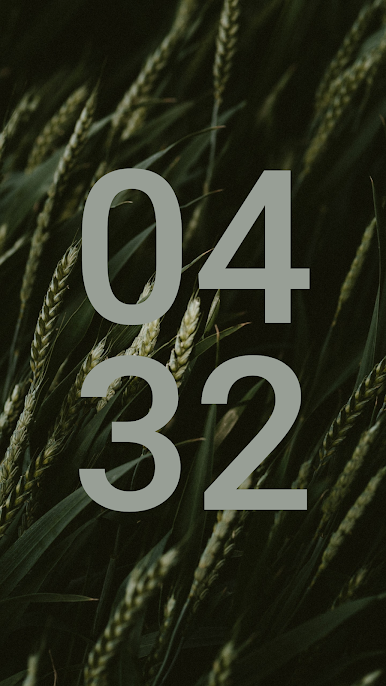
- 1 counter
- 1 outlined button
- 1 widget template
- 1 apps stack widget
- 1 toggles stack widget
- 1 cards stack widget
📲 Setup (assuming you already know how to use KLWP/KWGT)
- add a widget to your home screen (KWGT only)
- load a new blank preset (or choose a premade preset)
- add a new item and select komponent
- pick a komponent you'd like to import
- when loaded, open the komponent (tap on it)
- change the globals to your liking
💾 tap the save button (set the wallpaper/widget) and go to the homepage
✨ Features
A12 komponents exctract colors from your wallpaper and adjust to you.
All komponents are highly customizable (shape, size, elevation, font, etc.).
Globals with the same names do the same thing across all presets.
📜 Credits
Material Design Guidelines @ https://material.io.
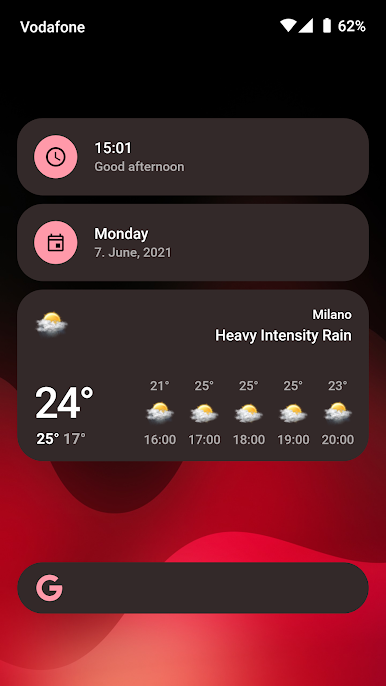
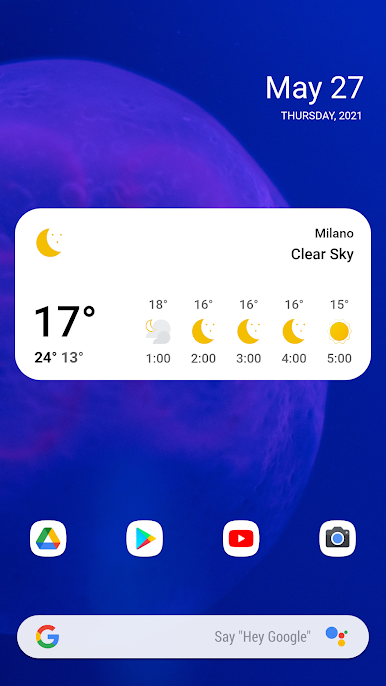
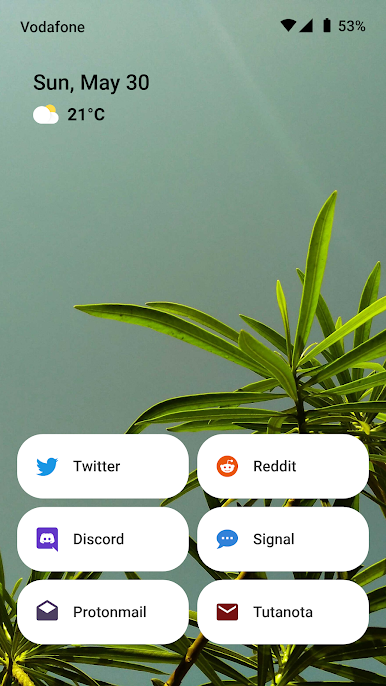
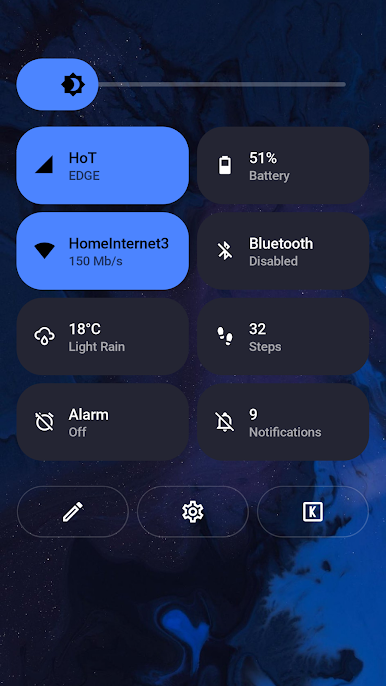
Material Komponents - Android oyununu PC'de oyna. Başlamak çok kolay.
-
BlueStacks'i PC'nize İndirin ve Yükleyin
-
Play Store'a erişmek için Google girişi yapın ya da daha sonraya bırakın.
-
Sağ üst köşeye Material Komponents - Android yazarak arayın.
-
Material Komponents - Android uygulamasını arama sonuçlarından indirmek için tıklayın.
-
(iEğer Adım 2'yi atladıysanız) Material Komponents - Android uygulamasını yüklemek için Google'a giriş yapın.
-
Oynatmaya başlatmak için ekrandaki Material Komponents - Android ikonuna tıklayın.

