

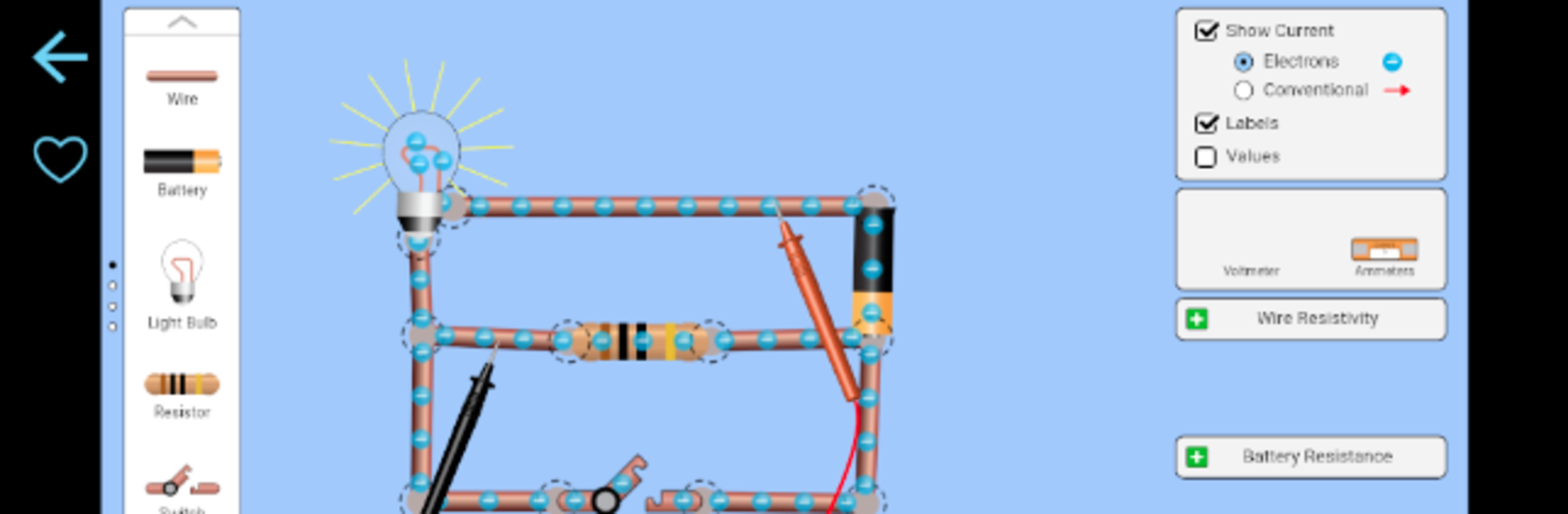
PhET Simulations
Играйте на ПК с BlueStacks – игровой платформе для приложений на Android. Нас выбирают более 500 млн. игроков.

Страница изменена: Jul 24, 2024
Run PhET Simulations on PC or Mac
Get freedom from your phone’s obvious limitations. Use PhET Simulations, made by University of Colorado Boulder, a Education app on your PC or Mac with BlueStacks, and level up your experience.
About the App
Looking for a hands-on way to explore science and math? PhET Simulations packs interactive learning into a single app, making it easy and fun to experiment with concepts—wherever you happen to be. Created by the minds at University of Colorado Boulder, this Education app isn’t just for the classroom; it’s a handy resource for students, parents, and teachers, offering a fresh approach to tricky topics.
App Features
-
Works Offline
No internet? No problem. Run all of the HTML5 simulations while you’re on the go—at home, in the backseat, or pretty much anywhere you want to learn without being tied down by WiFi. -
Over 85 Interactive Sims
Tinker with everything from atoms to energy or fractions to force—there’s a simulation for just about every curious mind, and new ones roll out automatically as they’re released. -
Multi-Language Support
Whether you’re bilingual or learning in a different language, PhET Simulations has you covered with translations in a bunch of languages. -
Custom Favorites List
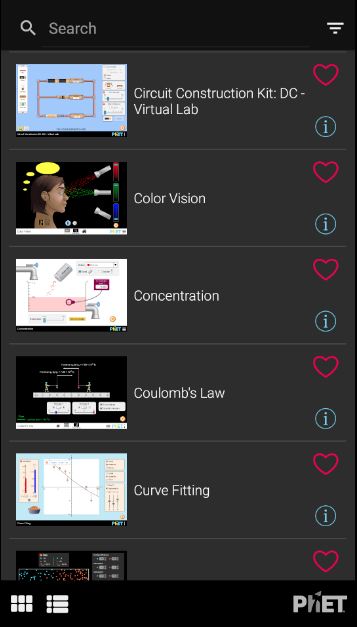
Got a few favorites? Bookmark the sims you love most and build your own quick-access collection so they’re always just a tap away. -
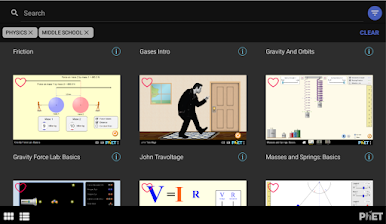
Simple Sorting & Search
Find the right simulation faster by sorting through categories or using handy filters—it’s less time searching, more time learning (or having fun with those animated models). -
Fullscreen Exploration
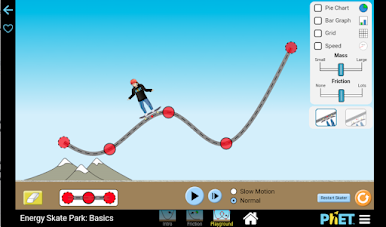
Go fullscreen and make the most of your device’s display—ideal for experiments where you want a big, clear view of every detail. -
Automatic Updates
No need to remember to check for new content. The app keeps your library fresh with the latest HTML5 additions.
PhET Simulations doesn’t include Java or Flash content, and accessibility enhancements are ongoing. If you’re using BlueStacks, you’ll enjoy the biggest possible screen while experimenting with all those interactive activities.
Switch to BlueStacks and make the most of your apps on your PC or Mac.

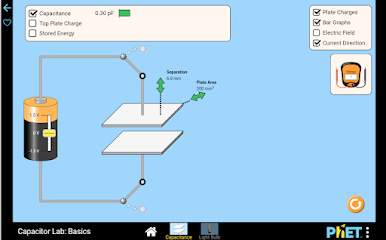
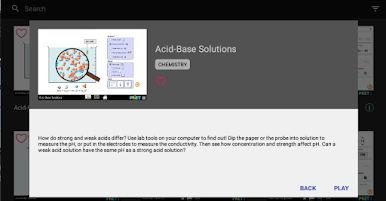
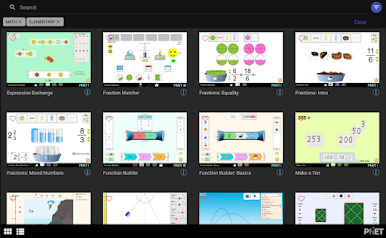
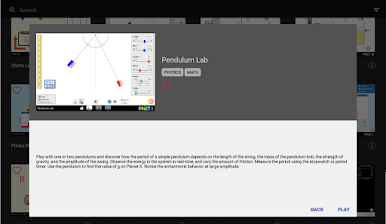
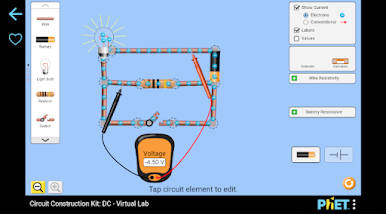
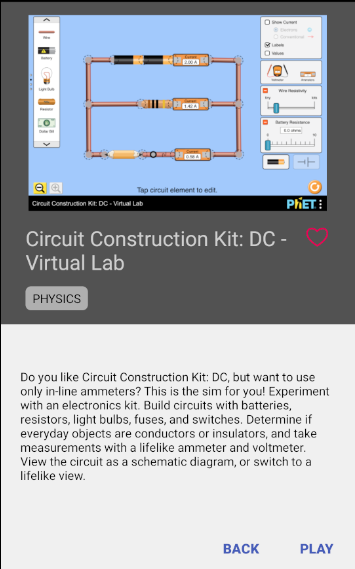
Играйте в игру PhET Simulations на ПК. Это легко и просто.
-
Скачайте и установите BlueStacks на ПК.
-
Войдите в аккаунт Google, чтобы получить доступ к Google Play, или сделайте это позже.
-
В поле поиска, которое находится в правой части экрана, введите название игры – PhET Simulations.
-
Среди результатов поиска найдите игру PhET Simulations и нажмите на кнопку "Установить".
-
Завершите авторизацию в Google (если вы пропустили этот шаг в начале) и установите игру PhET Simulations.
-
Нажмите на ярлык игры PhET Simulations на главном экране, чтобы начать играть.

