


OttPlayer
Играйте на ПК с BlueStacks – игровой платформе для приложений на Android. Нас выбирают более 500 млн. игроков.

Страница изменена: Oct 11, 2025
Run OttPlayer on PC or Mac
Get freedom from your phone’s obvious limitations. Use OttPlayer, made by ottplayer, a Entertainment app on your PC or Mac with BlueStacks, and level up your experience.
About the App
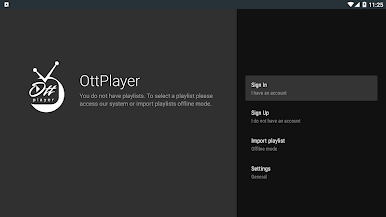
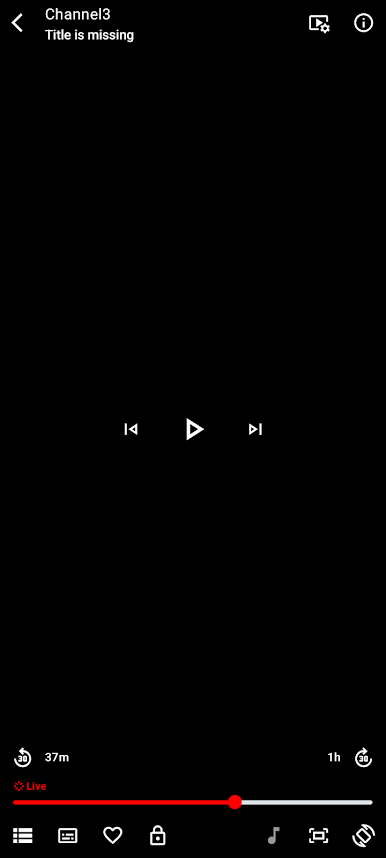
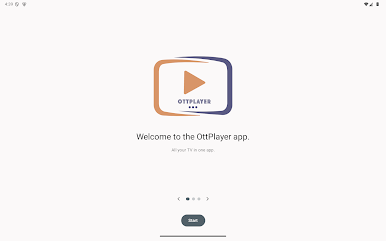
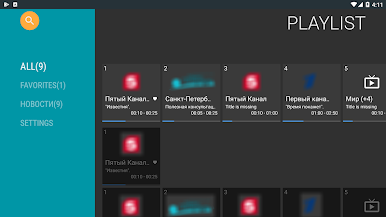
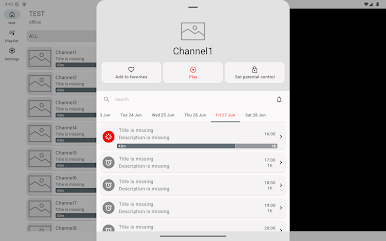
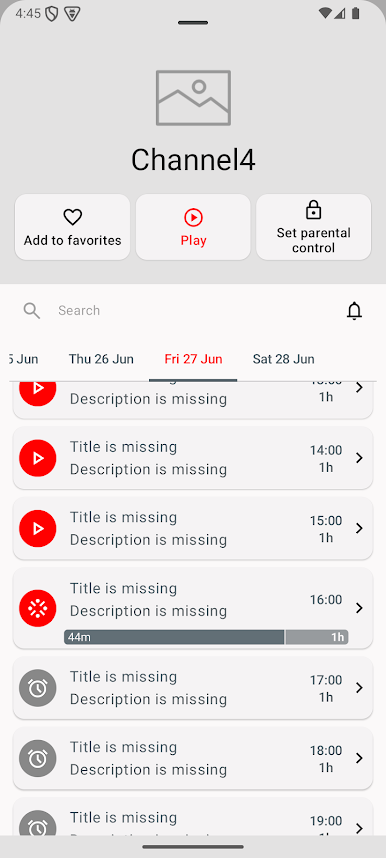
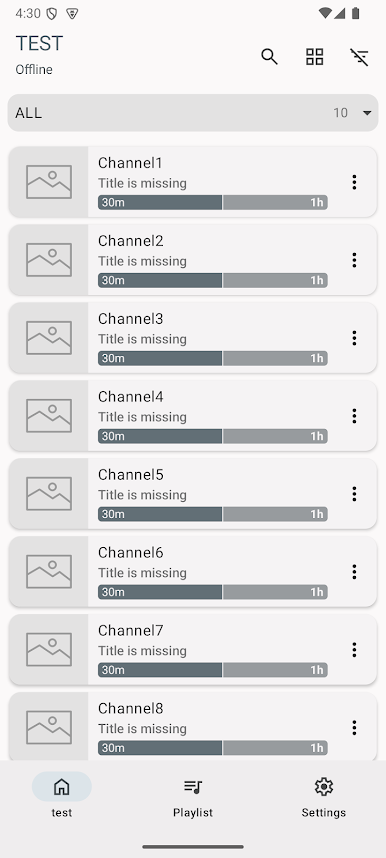
OttPlayer by ottplayer is your go-to entertainment hub for streaming IPTV from your Internet Service Provider or other sources directly to your phone, tablet, set-top box, or TV. Excited to manage everything from one spot? Get centralized control through the website, making it a breeze to organize and enjoy your favorite channels!
App Features
Multiple Protocol Support:
– Dive into seamless streaming with support for HLS, RTSP, TS by UDP, and RTMP.
Playlist Management:
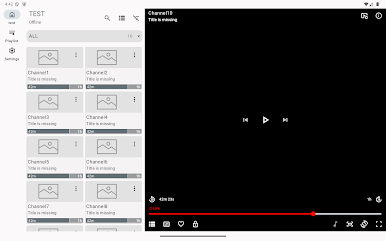
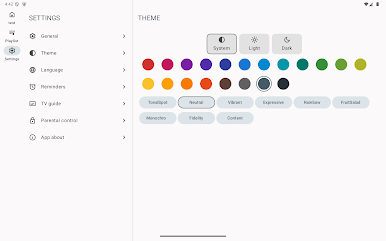
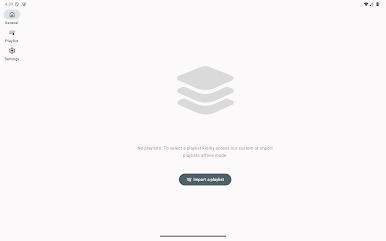
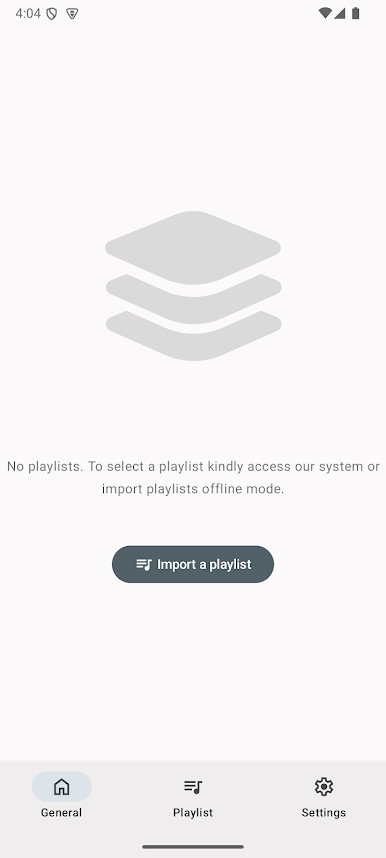
– Easily manage and organize your M3U8 playlists and customize channel icons effortlessly.
No Ads:
– Enjoy an uninterrupted viewing experience without pesky ads getting in the way.
Simple Setup:
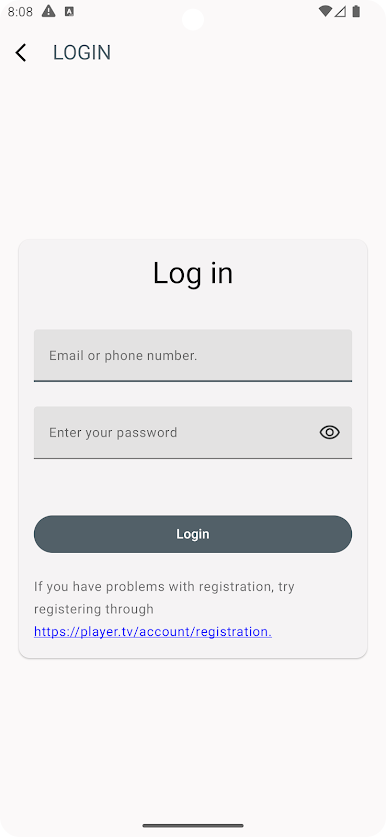
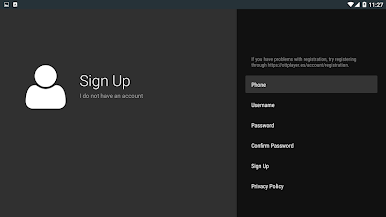
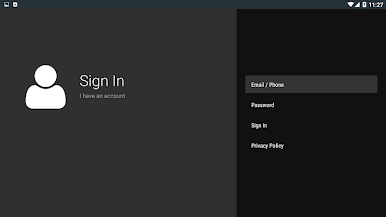
– Start by creating an account at ottplayer.tv, download your m3u8 playlist from a trusted source, snap the device to a playlist, and you’re all set for a viewing session.
OttPlayer does not include any TV channels; it simplifies viewing for IPTV enthusiasts. Experience the best on a bigger screen via BlueStacks, if you prefer.
Switch to BlueStacks and make the most of your apps on your PC or Mac.

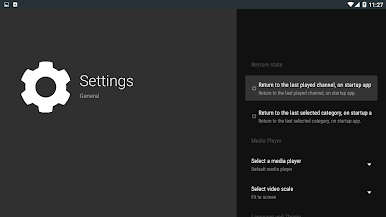
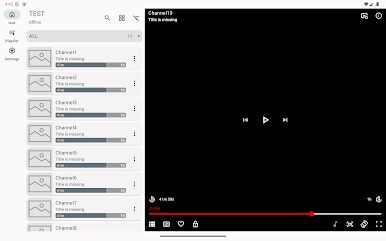
Играйте в игру OttPlayer на ПК. Это легко и просто.
-
Скачайте и установите BlueStacks на ПК.
-
Войдите в аккаунт Google, чтобы получить доступ к Google Play, или сделайте это позже.
-
В поле поиска, которое находится в правой части экрана, введите название игры – OttPlayer.
-
Среди результатов поиска найдите игру OttPlayer и нажмите на кнопку "Установить".
-
Завершите авторизацию в Google (если вы пропустили этот шаг в начале) и установите игру OttPlayer.
-
Нажмите на ярлык игры OttPlayer на главном экране, чтобы начать играть.

