

Music Tutor Sight Read
Играйте на ПК с BlueStacks – игровой платформе для приложений на Android. Нас выбирают более 500 млн. игроков.

Страница изменена: Aug 29, 2024
Run Music Tutor Sight Read on PC or Mac
Get freedom from your phone’s obvious limitations. Use Music Tutor Sight Read, made by VirtualCode.es, a Education app on your PC or Mac with BlueStacks, and level up your experience.
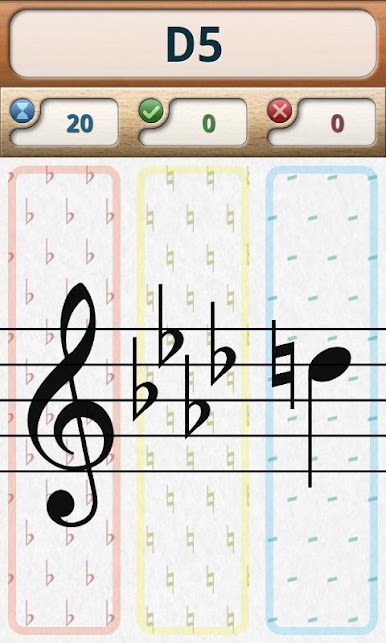
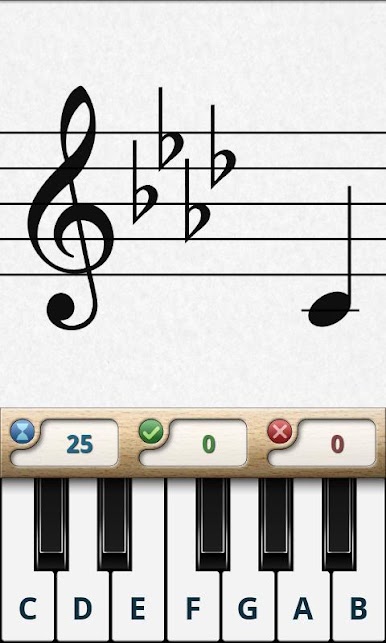
Music Tutor Sight Read is one of those apps that really feels built for people who want to pick up sheet music and just read it naturally, like it’s second nature. Playing it on PC with BlueStacks is actually kind of nice, since there’s more room for all the staff lines and note names, and it all feels a bit more comfortable than poking around on a phone. What stands out right away is how the app keeps things simple: the main idea is quiz-style sight-reading practice, but it’s flexible. The app gives you a note on the staff—then you answer on a little onscreen keyboard or with buttons. If you’re right, you get instant feedback with a sound, which is oddly motivating. If you’re wrong, there’s a different sound, and you just try again.
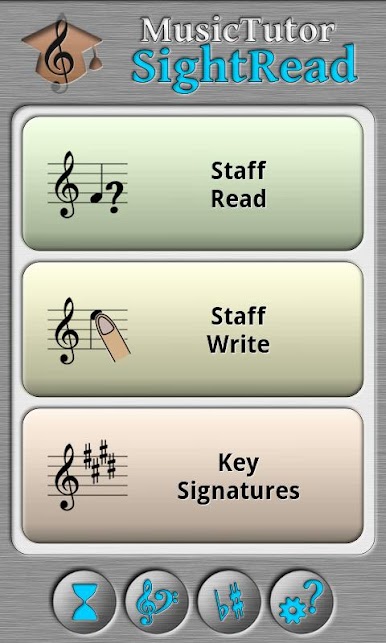
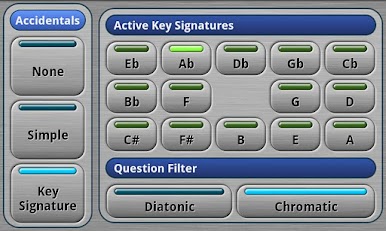
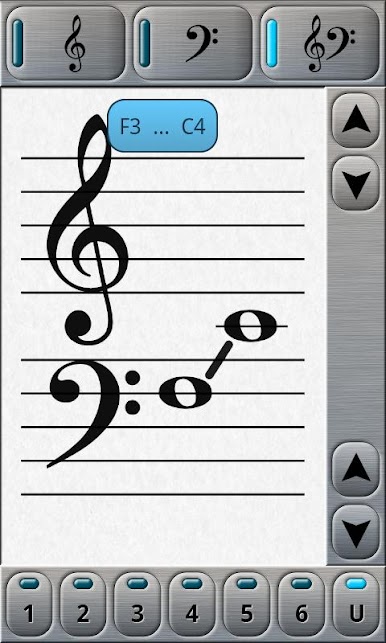
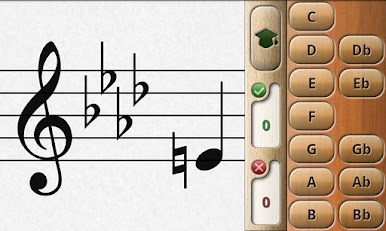
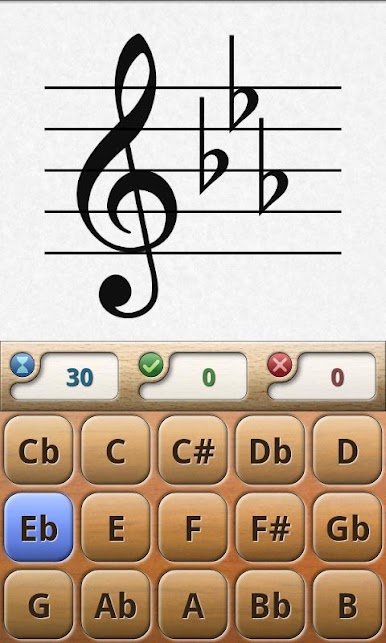
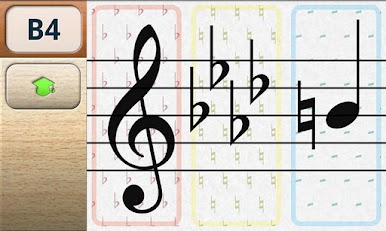
There are a couple of different games inside, like reading the note on the staff, writing a note’s name by dragging it to the right spot, and even stuff for key signatures, where you have to recognize which one is shown. You can set the whole thing up for timed challenges or just study at your own speed with no pressure. There are options for which clef you want (treble, bass, or both at once), and what really helps is you can set the note ranges to focus on the ones you want to practice. Notation changes are there too—so you’re covered whether you think of notes as C-D-E or Do-Re-Mi. The accidental (sharp/flat) settings are actually pretty detailed, with ways to focus just on naturals, or mix in flats and sharps, or train specifically in a given key, if you want to get really specific. Even little things like if you want to repeat a question until you get it, or just move on, are covered—so you can make the app fit how you want to practice. For anyone trying to get better at sight reading, it’s basically just a focused little app with just enough options to keep things from getting boring or repetitive, especially when playing on a bigger screen.
Big screen. Bigger performance. Use BlueStacks on your PC or Mac to run your favorite apps.
Играйте в игру Music Tutor Sight Read на ПК. Это легко и просто.
-
Скачайте и установите BlueStacks на ПК.
-
Войдите в аккаунт Google, чтобы получить доступ к Google Play, или сделайте это позже.
-
В поле поиска, которое находится в правой части экрана, введите название игры – Music Tutor Sight Read.
-
Среди результатов поиска найдите игру Music Tutor Sight Read и нажмите на кнопку "Установить".
-
Завершите авторизацию в Google (если вы пропустили этот шаг в начале) и установите игру Music Tutor Sight Read.
-
Нажмите на ярлык игры Music Tutor Sight Read на главном экране, чтобы начать играть.

