


Clipper+: Clipboard Manager
Spiele auf dem PC mit BlueStacks - der Android-Gaming-Plattform, der über 500 Millionen Spieler vertrauen.

Seite geändert am: Jan 12, 2024
Run Clipper+: Clipboard Manager on PC or Mac
Get freedom from your phone’s obvious limitations. Use Clipper+: Clipboard Manager, made by rojekti, a Productivity app on your PC or Mac with BlueStacks, and level up your experience.
About the App
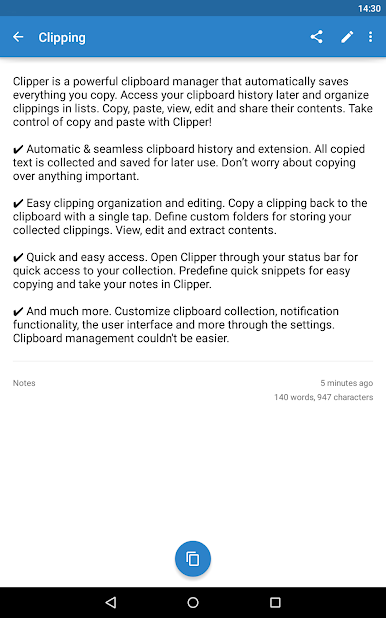
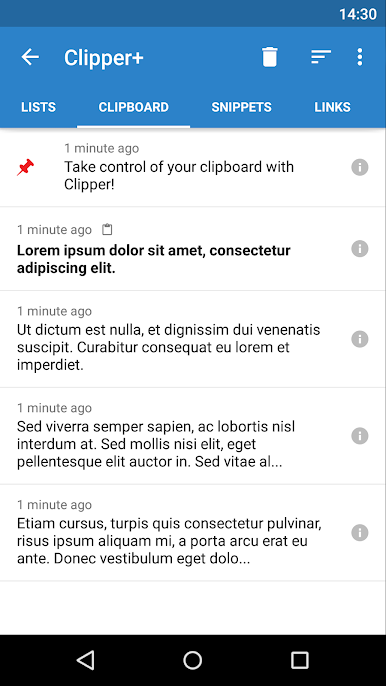
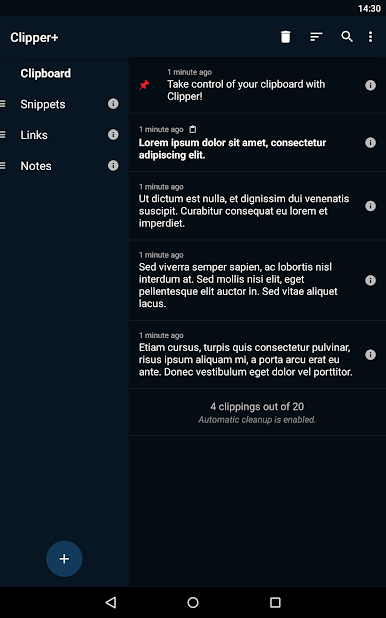
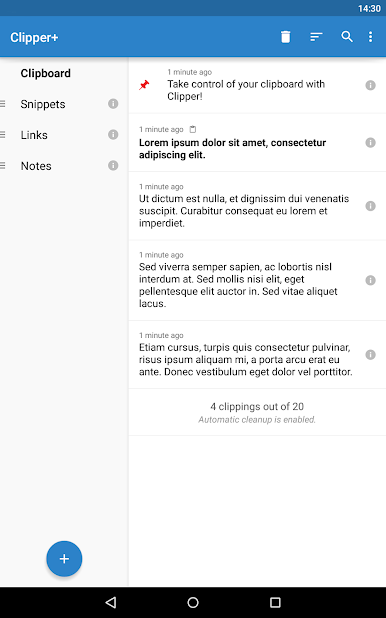
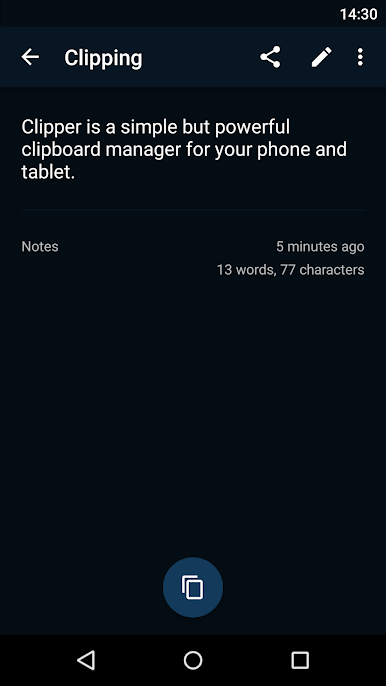
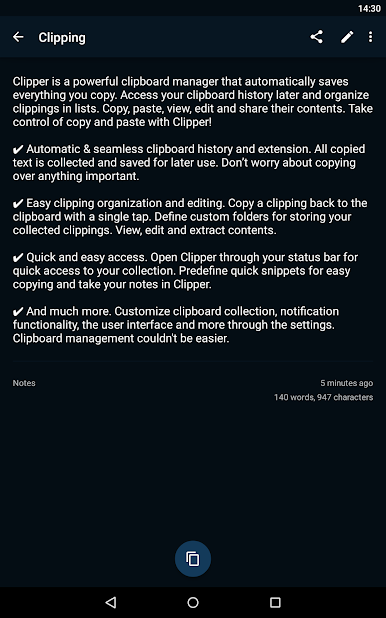
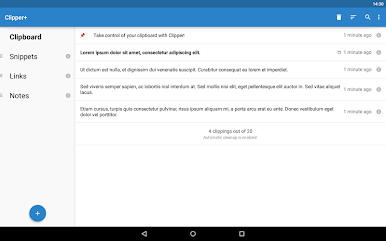
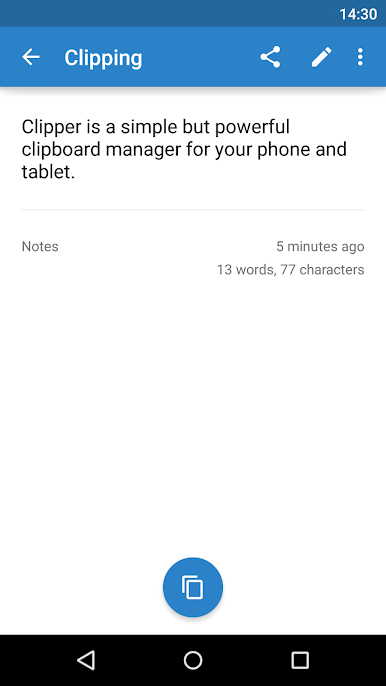
Clipper+: Clipboard Manager by rojekti is the go-to productivity app for anyone seeking control over their copy-paste world. This app automatically captures everything you copy and lets you organize these clippings for easy access later. Copy, paste, edit, and share your snippets effortlessly. Whether you’re storing repetitive text or searching through past clippings, Clipper+ makes clipboard management a breeze.
App Features
Unlimited Collected Clippings
– Hang on to more than just the 20 most recent items—no need to worry about losing important info ever again.
Dynamic Values
– Automatically insert the current date and time into your custom snippets. Handy for those dynamic reminders!
Clipping Search
– Quickly find what you’re looking for. No more scrolling endlessly through lists.
Ad-Free Experience
– Enjoy a completely ad-free interface; your purchase supports further development.
Seamless Clipboard History
– Don’t fret about losing clippings—with automatic saving and organization, access everything from your status bar with a single tap.
Use BlueStacks to experience Clipper+ on your PC or Mac, extending your productivity further.
Ready to experience Clipper+: Clipboard Manager on a bigger screen, in all its glory? Download BlueStacks now.

Spiele Clipper+: Clipboard Manager auf dem PC. Der Einstieg ist einfach.
-
Lade BlueStacks herunter und installiere es auf deinem PC
-
Schließe die Google-Anmeldung ab, um auf den Play Store zuzugreifen, oder mache es später
-
Suche in der Suchleiste oben rechts nach Clipper+: Clipboard Manager
-
Klicke hier, um Clipper+: Clipboard Manager aus den Suchergebnissen zu installieren
-
Schließe die Google-Anmeldung ab (wenn du Schritt 2 übersprungen hast), um Clipper+: Clipboard Manager zu installieren.
-
Klicke auf dem Startbildschirm auf das Clipper+: Clipboard Manager Symbol, um mit dem Spielen zu beginnen

