


1000 Mots FLE / Apprendre à li
Играйте на ПК с BlueStacks – игровой платформе для приложений на Android. Нас выбирают более 500 млн. игроков.

Страница изменена: Dec 1, 2025
Run 1000 Mots FLE / Apprendre à li on PC or Mac
What’s better than using 1000 Mots FLE / Apprendre à li by netizis.fr? Well, try it on a big screen, on your PC or Mac, with BlueStacks to see the difference.
About the App
1000 Mots FLE / Apprendre à li helps newcomers to French build real, everyday vocabulary and get comfortable with spelling. It’s made for allophone learners and anyone who wants a simple, hands-on way to practice. Prefer learning on a bigger screen? You can also run it on your PC using BlueStacks.
App Features
- Thematic vocabulary: Explore nine practical areas—body, school, home, food, animals, nature, work, leisure, and the world—so words make sense in context.
- Bite-size subtopics: Each theme is split into 63 clear sections, covering ideas like family, body parts, positions, appearance, hygiene, health, safety, how to protect, and how to act.
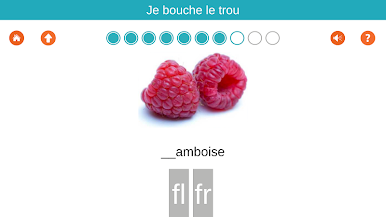
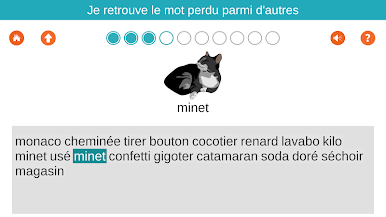
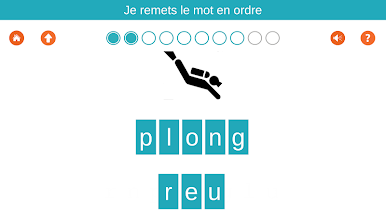
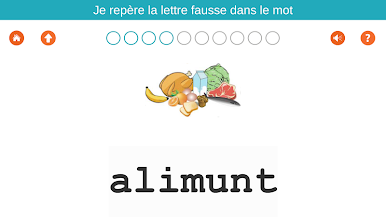
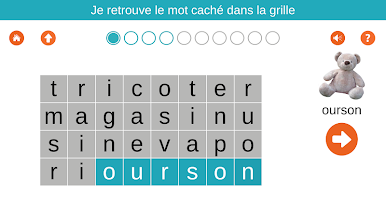
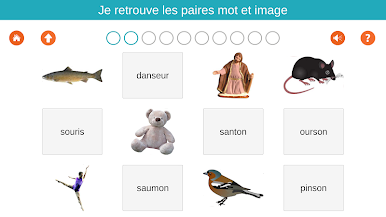
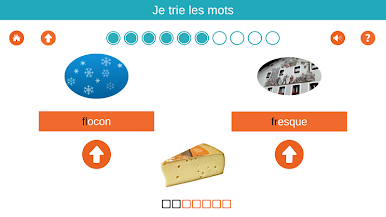
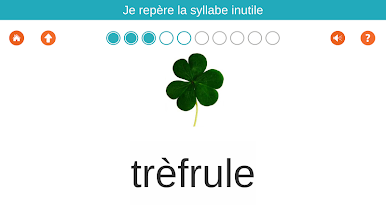
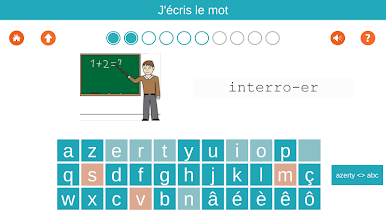
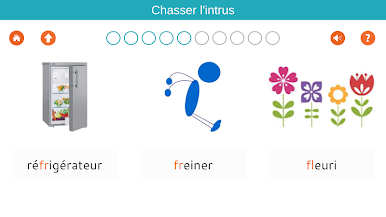
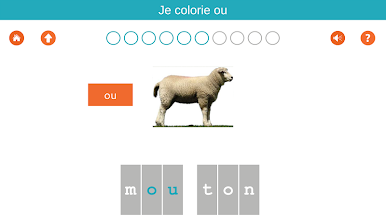
- Playful practice: Learn through interactive activities and mini-puzzles designed to keep sessions short, varied, and memorable.
- Spelling made simple: See, hear, and write words so spelling sticks—not just recognition.
- Made for newcomers: Perfect for allophone students, recent arrivals, or anyone brushing up their French in Education settings or at home.
- Multi-user friendly: One tablet can host up to three separate learners, each with their own progress.
- Start free, go further: Try 48 exercises at no cost. When you’re ready, a single in-app purchase unlocks 730+ additional activities (3.99 €).
- Pro option available: There’s also a Pro edition that bundles this app’s content with GS and CP–CE1 material for broader learning paths.
- Built by educators: Created by netizis.fr with a classroom-friendly structure that works just as well for self-study.
Switch to BlueStacks and make the most of your apps on your PC or Mac.
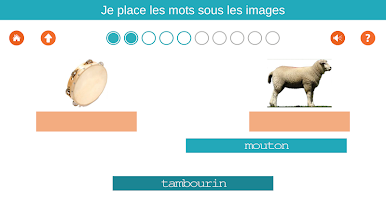
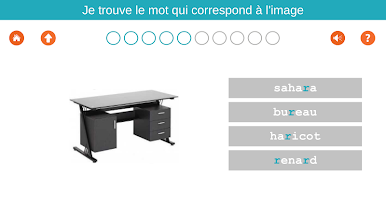
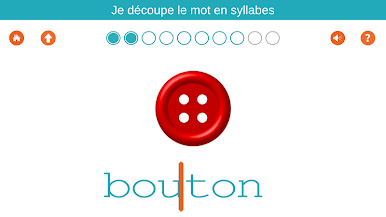
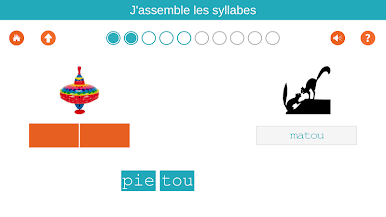
Играйте в игру 1000 Mots FLE / Apprendre à li на ПК. Это легко и просто.
-
Скачайте и установите BlueStacks на ПК.
-
Войдите в аккаунт Google, чтобы получить доступ к Google Play, или сделайте это позже.
-
В поле поиска, которое находится в правой части экрана, введите название игры – 1000 Mots FLE / Apprendre à li.
-
Среди результатов поиска найдите игру 1000 Mots FLE / Apprendre à li и нажмите на кнопку "Установить".
-
Завершите авторизацию в Google (если вы пропустили этот шаг в начале) и установите игру 1000 Mots FLE / Apprendre à li.
-
Нажмите на ярлык игры 1000 Mots FLE / Apprendre à li на главном экране, чтобы начать играть.

