Grid games (crossword & sudoku
500M + oyuncunun güvendiği Android Oyun Platformu, BlueStacks ile PC'de oynayın.
Sayfa Değiştirilme tarihi: Nov 19, 2020
Play Grid games (crossword & sudoku on PC or Mac
From the innovators and creators at NGHS.fr, Grid games (crossword & sudoku is another fun addition to the World of Word games. Go beyond your mobile screen and play it bigger and better on your PC or Mac. An immersive experience awaits you.
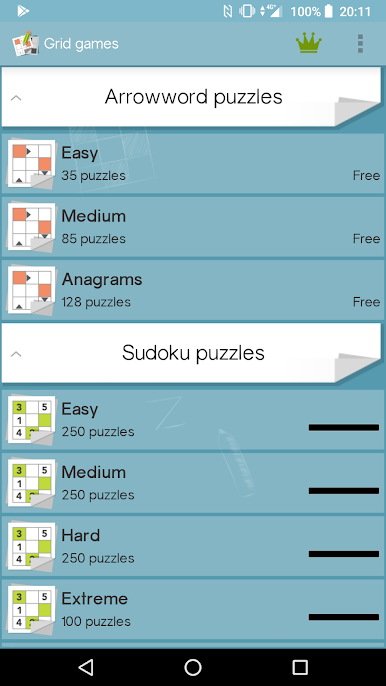
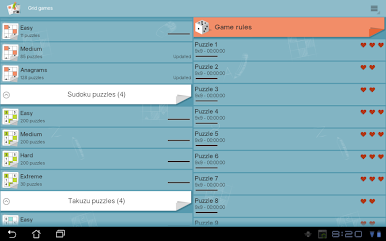
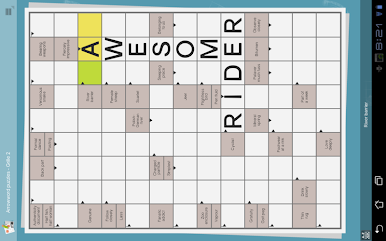
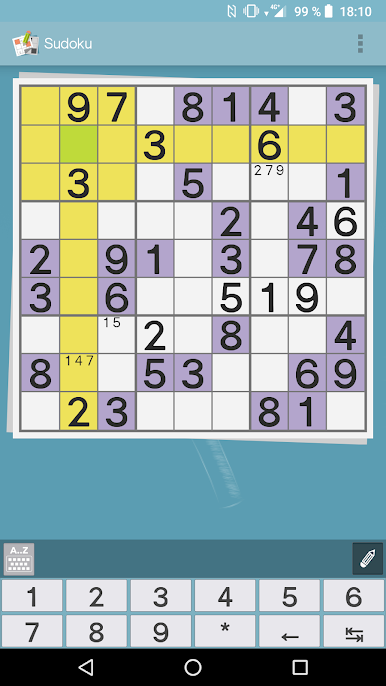
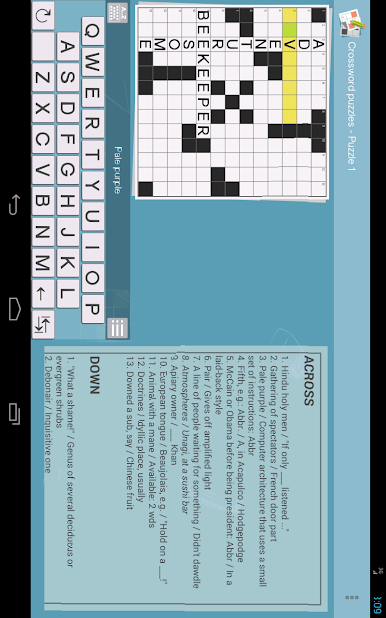
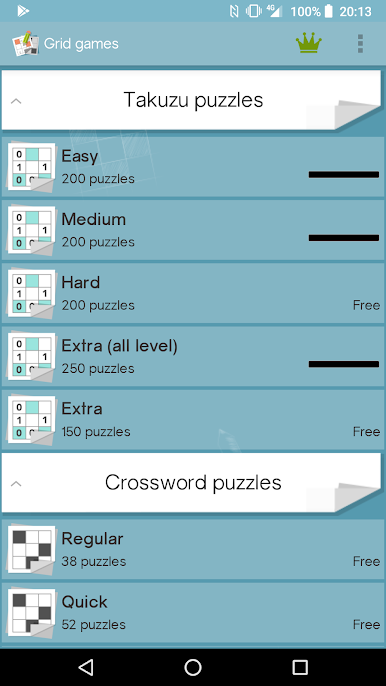
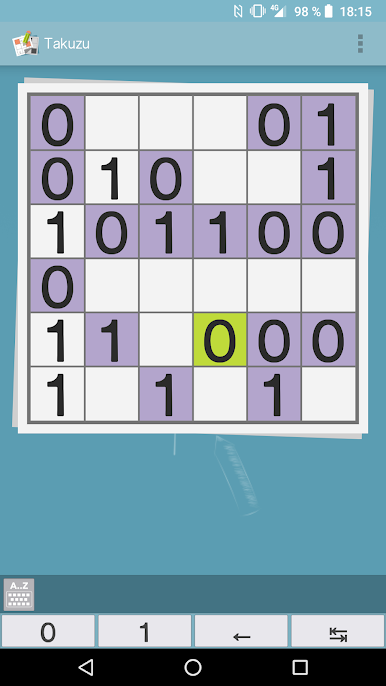
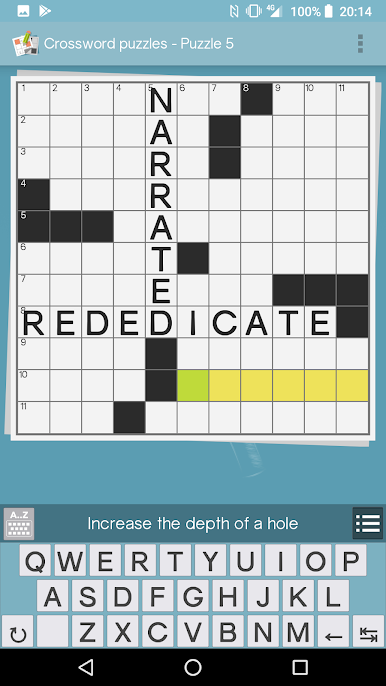
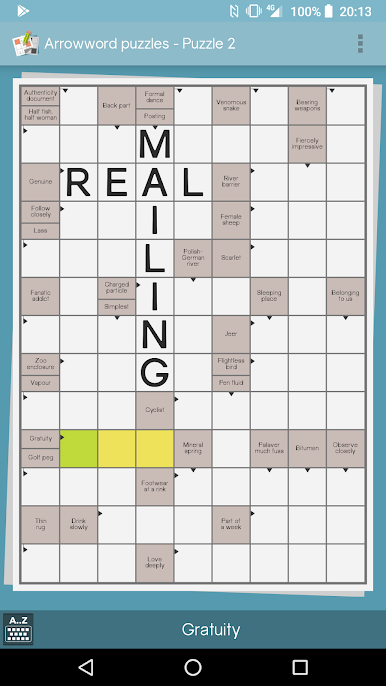
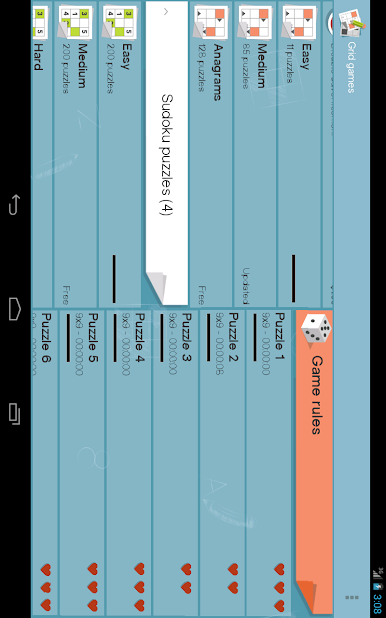
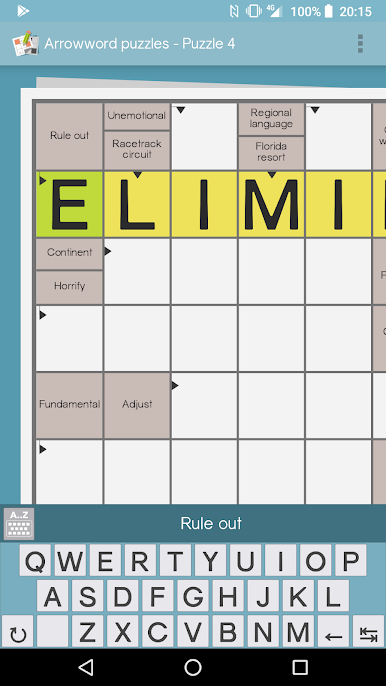
Grid games throws a bunch of brain teasers into one spot, so it feels like a little puzzle desk on the screen. There are crosswords, arrowwords where clues point right inside the grid, classic sudoku, and takuzu for that clean binary logic fix. It is easy to hop between them when the mood changes. The tools are what make it smooth: auto save so progress never vanishes, quick hints when a clue will not click, or even the full solution if someone just wants to see how it ends. There is a check for errors button that catches slip ups early. Sudoku has proper pencil marks and the neat option to save multiple states of the same puzzle, which lets a player test a risky path without ruining a good run.
Controls are simple, pinch or double tap to zoom on mobile, and on PC with BlueStacks the mouse and keyboard make filling grids feel very tidy. Typing crossword letters is faster, and clicking through cells feels more exact. There is even a built-in option to search a word online when a clue feels familiar but refuses to surface. Difficulty sliders range from laid back to stubbornly hard, so it suits quick coffee breaks or longer sessions. New puzzles show up regularly, which keeps the library feeling fresh without hunting for new packs all the time. If someone likes words, numbers, or just clean logic loops, this scratches that itch without fuss.
Ready to top the leaderboard? We bet you do. Let precise controls and sharp visuals optimized on BlueStacks lead you to victory.
Grid games (crossword & sudoku oyununu PC'de oyna. Başlamak çok kolay.
-
BlueStacks'i PC'nize İndirin ve Yükleyin
-
Play Store'a erişmek için Google girişi yapın ya da daha sonraya bırakın.
-
Sağ üst köşeye Grid games (crossword & sudoku yazarak arayın.
-
Grid games (crossword & sudoku uygulamasını arama sonuçlarından indirmek için tıklayın.
-
(iEğer Adım 2'yi atladıysanız) Grid games (crossword & sudoku uygulamasını yüklemek için Google'a giriş yapın.
-
Oynatmaya başlatmak için ekrandaki Grid games (crossword & sudoku ikonuna tıklayın.