


Skull Wear Watch Face
Spiele auf dem PC mit BlueStacks - der Android-Gaming-Plattform, der über 500 Millionen Spieler vertrauen.

Seite geändert am: Nov 30, 2025
Play Skull Wear Watch Face on PC
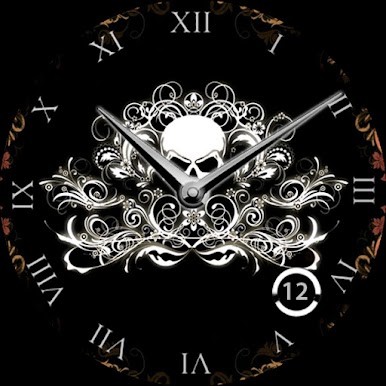
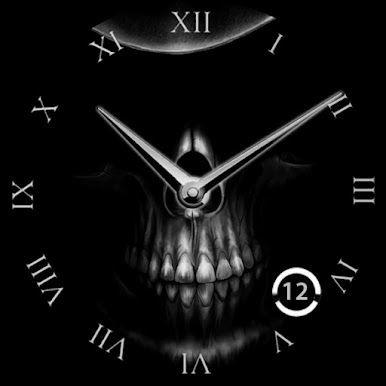
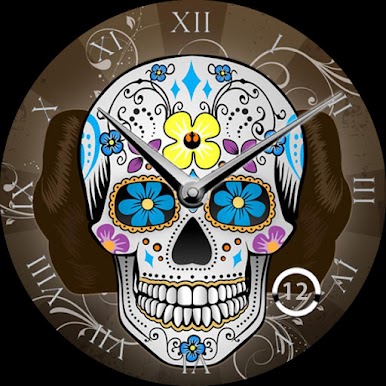
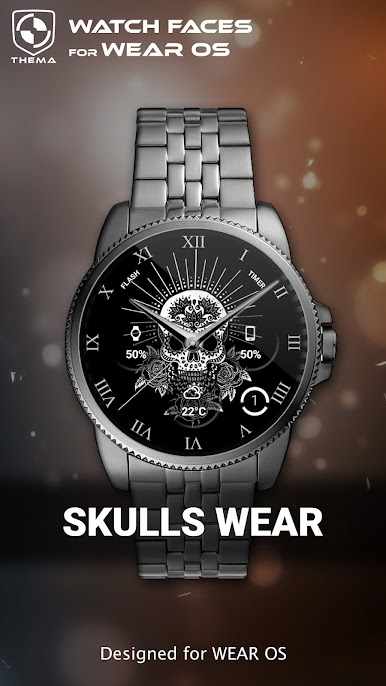
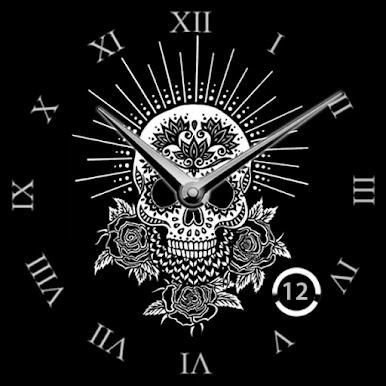
This skull watch shows the basics of what a watch should display : hour & day.
★ Features of Skull Wear Watch Face ★
- Choose design colors
- Day
- Watch battery
- Mobile battery (requires phone app)
- Weather (requires phone app)
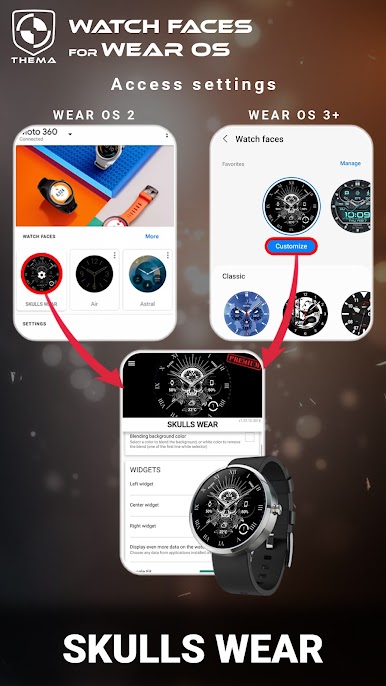
The settings of the watch face are located in the "Wear OS" app of your mobile.
Just hit the gear icon over the watch face preview and the settings screen will show up!
★ Settings ★
🔸Wear OS 2.X / 3.X / 4.X
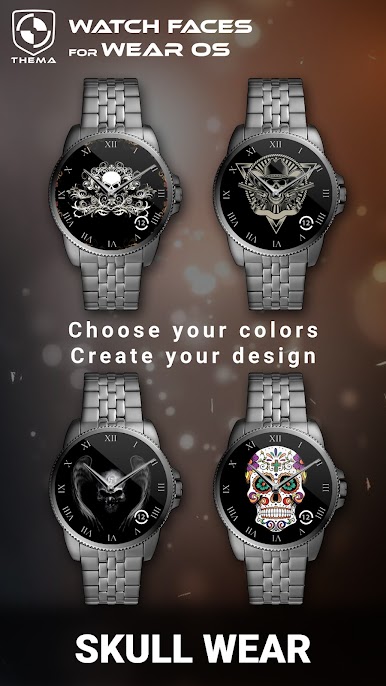
This watch face allows you to choose your favorite skull design (10 availables).
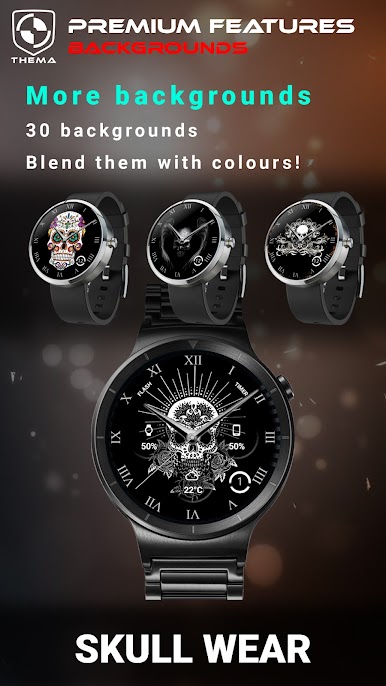
Choose also among more than 50 image backgrounds for ambient mode
- Define heartbeat frequency refresh rate
- Define weather refresh rate
- Weather unit
- Define interactive mode duration
- Choose the ambient mode b&w and eco luminosity
- Switch between éco / simple b&w / full ambient mode
- Data:
+ Change the indicator to display on the 3 positions
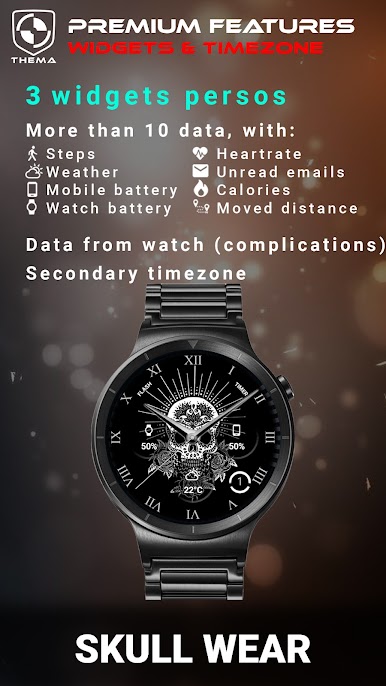
+ Choose between up to 8 indicators (Daily step count, Heartbeat frequency, Unread Email from Gmail, etc...)
+ Complication (wear 2.0 & 3.0)
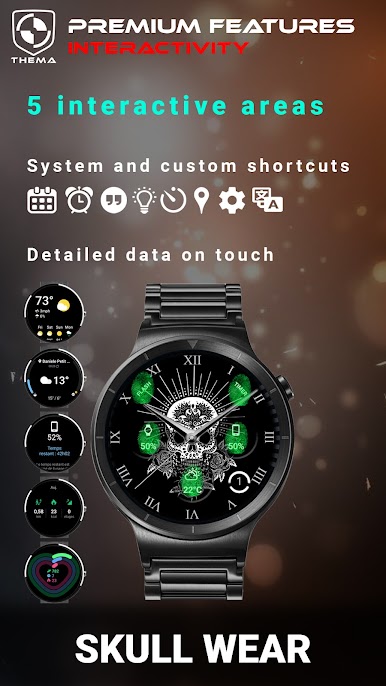
- Interactivity
+ Access to detailed data by touching a widget
+ Switch the displayed data by touching a widget
+ Change the shortcut to execute on the 2 positions
+ Choose your shortcut among all applications installed on your watch!
+ Choose to display the interactive areas
🔸Wear OS 6.X
- Display shortcuts or not
- Choose background among different styles
- Complication data:
+ Set the data you want on the widgets
+ Touch the widgets to start the data activity if available
- Interactivity
+ Access to detailed data by touching a widget
+ Modify the shortcuts: choose your shortcut among all applications installed on your watch!
- ... and more
★ Additional features on phone ★
- Notifications for new designs
- Access to support
- ... and more
★ Installation ★
🔸Wear OS 2.X / 3.X / 4.X
A notification will be displayed on your watch, right after your mobile installation. You just have to hit it to start the installation process of the watch face.
If the notification did not display for some reason, you can still install the watch face by using the Google Play Store available on your watch: just search the watch face by its name.
🔸Wear OS 6.X
Install the watch face directly from your watch or phone play store. Once installed, find your watch face in the "downloaded" category of your watch faces list.
★ More watch faces ★
Visit my watch faces collection for Wear OS on the Play Store at https://goo.gl/CRzXbS
** If you have any issues or questions, feel free to contact me by email (English or French language) before giving a bad rating. Thanks!
Website: https://www.themaapps.com/
Youtube: https://youtube.com/ThomasHemetri
Twitter: https://x.com/ThomasHemetri
Instagram: https://www.instagram.com/thema_watchfaces
Spiele Skull Wear Watch Face auf dem PC. Der Einstieg ist einfach.
-
Lade BlueStacks herunter und installiere es auf deinem PC
-
Schließe die Google-Anmeldung ab, um auf den Play Store zuzugreifen, oder mache es später
-
Suche in der Suchleiste oben rechts nach Skull Wear Watch Face
-
Klicke hier, um Skull Wear Watch Face aus den Suchergebnissen zu installieren
-
Schließe die Google-Anmeldung ab (wenn du Schritt 2 übersprungen hast), um Skull Wear Watch Face zu installieren.
-
Klicke auf dem Startbildschirm auf das Skull Wear Watch Face Symbol, um mit dem Spielen zu beginnen

