


Öğrenmek ve oynamak İngilizce
500M + oyuncunun güvendiği Android Oyun Platformu, BlueStacks ile PC'de oynayın.

Sayfa Değiştirilme tarihi: Oct 19, 2025
Run Learn and play English words on PC or Mac
What’s better than using Learn and play English words by DOMOsoft? Well, try it on a big screen, on your PC or Mac, with BlueStacks to see the difference.
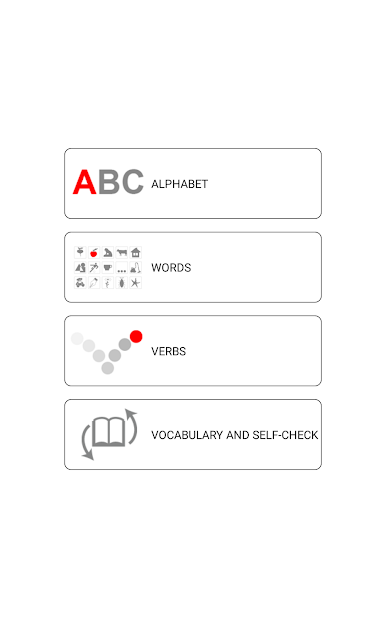
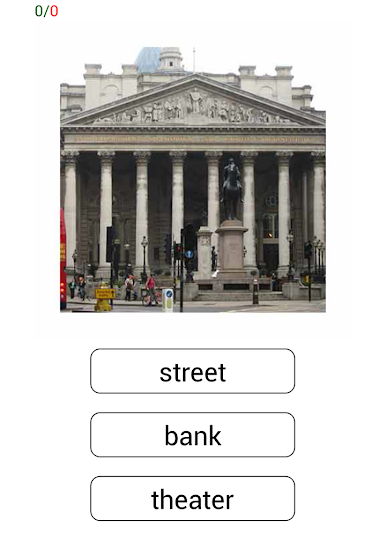
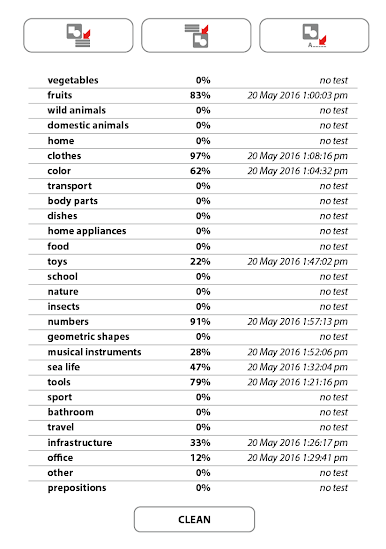
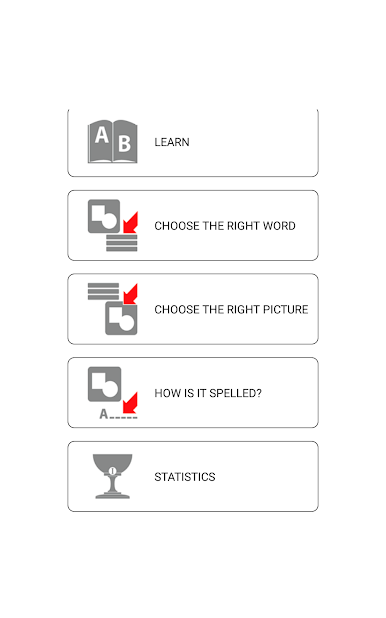
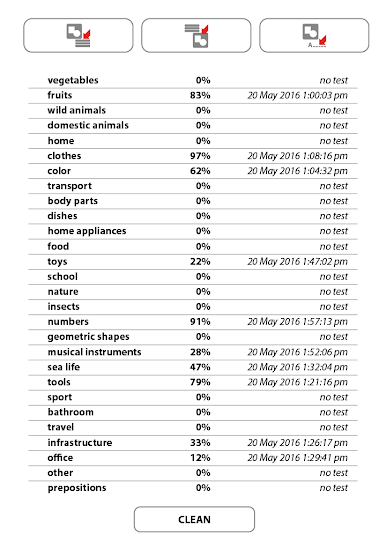
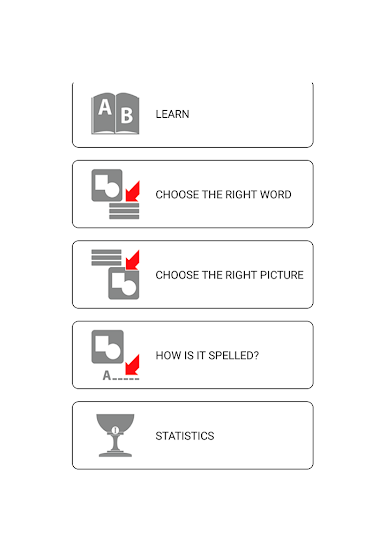
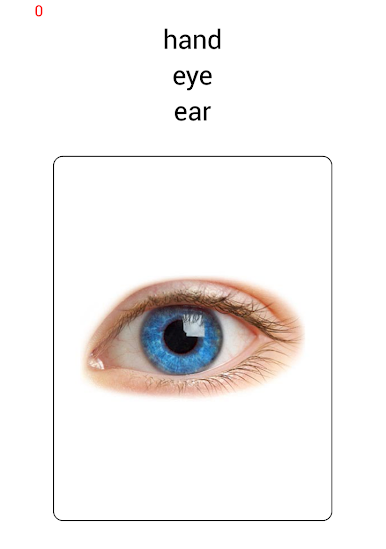
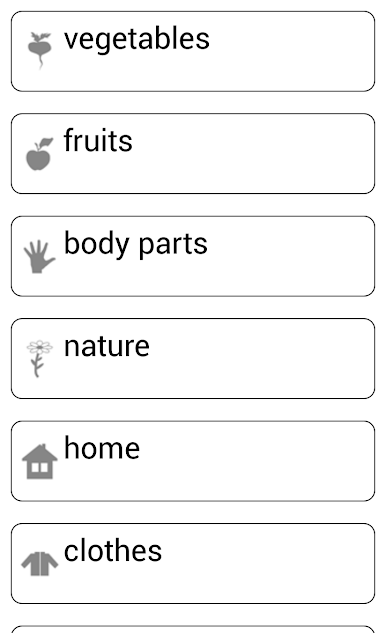
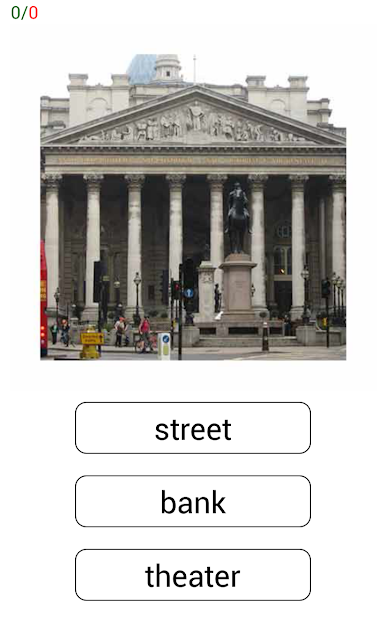
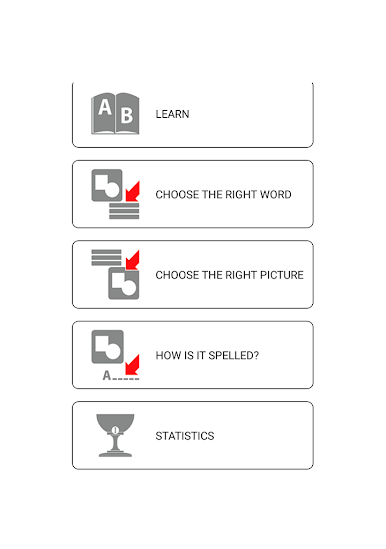
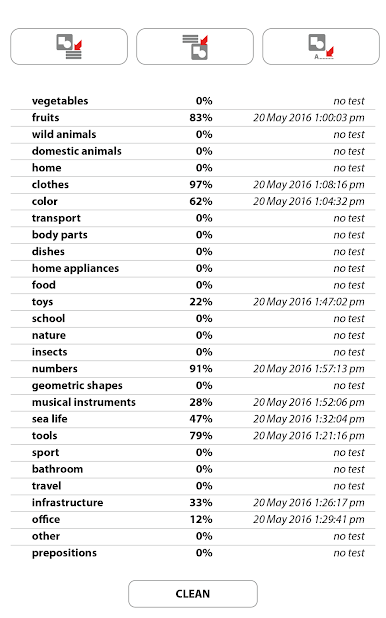
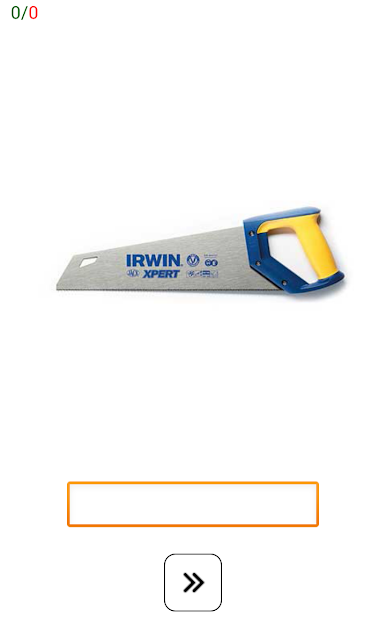
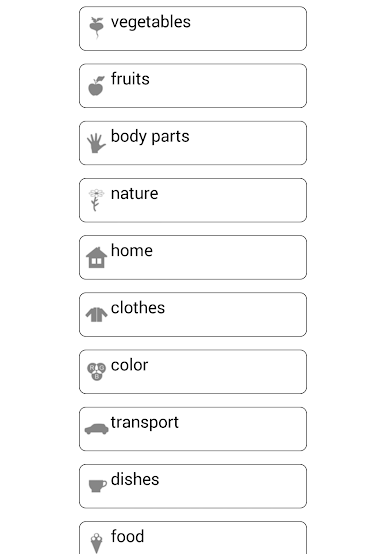
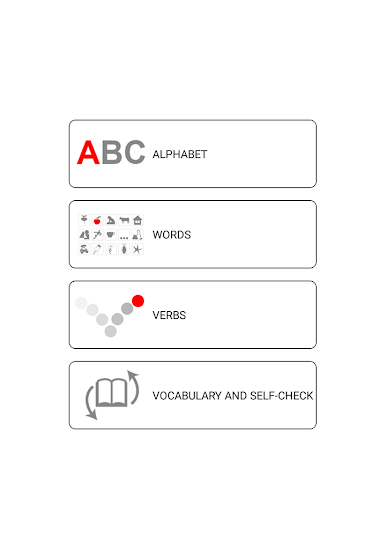
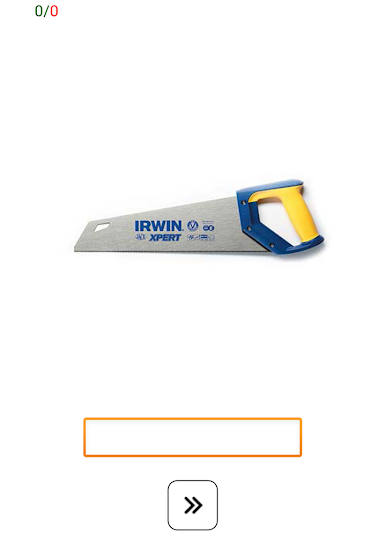
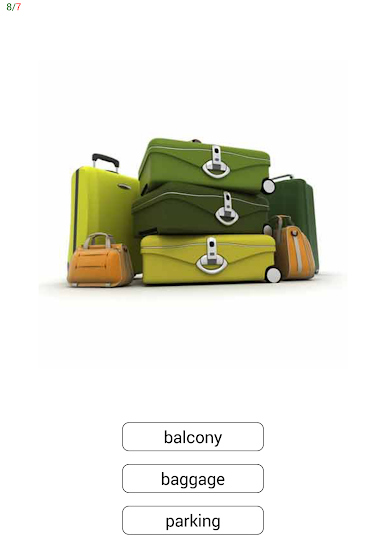
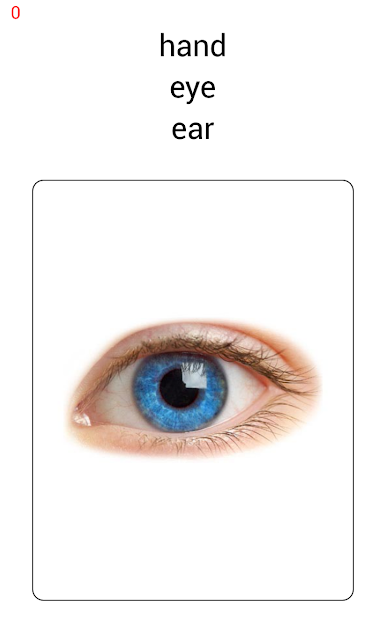
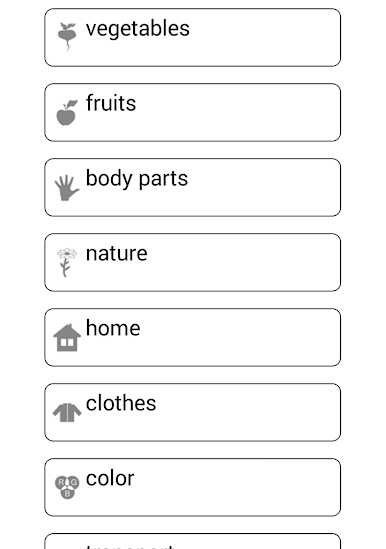
Learn and play English words feels like a small tutor that acts more like a game than a lesson. It focuses on beginner stuff, the everyday words someone would actually use, and it keeps things simple. Pick a topic, see a word with a clear picture, tap to hear how it sounds, then try a quick check or a spelling task so the word sticks. The app leans hard on listening and speaking, so there is a lot of repeatable audio and clean phonetic hints. Nothing complicated, no grammar maze, just vocabulary and how to say it right. Sessions are short, which makes practice feel easy rather than heavy.
On a PC with BlueStacks it plays nicely. Clicking through cards is smooth, and the bigger screen helps with reading the letters and seeing accents or tricky sounds. Headphones make the pronunciation pop, and there is enough time between prompts to mimic the word without feeling rushed. What stands out is how direct it is. Hear it, see it, try it, then move on. The word lists are basic but useful, things like food, family, numbers, simple actions, so it suits someone starting fresh or brushing up rusty bits. There are no flashy distractions, just steady practice with visual cues and audio support. If someone wants a gentle way to build correct pronunciation and spelling, this lands in that sweet spot.
Big screen. Bigger performance. Use BlueStacks on your PC or Mac to run your favorite apps.







Öğrenmek ve oynamak İngilizce oyununu PC'de oyna. Başlamak çok kolay.
-
BlueStacks'i PC'nize İndirin ve Yükleyin
-
Play Store'a erişmek için Google girişi yapın ya da daha sonraya bırakın.
-
Sağ üst köşeye Öğrenmek ve oynamak İngilizce yazarak arayın.
-
Öğrenmek ve oynamak İngilizce uygulamasını arama sonuçlarından indirmek için tıklayın.
-
(iEğer Adım 2'yi atladıysanız) Öğrenmek ve oynamak İngilizce uygulamasını yüklemek için Google'a giriş yapın.
-
Oynatmaya başlatmak için ekrandaki Öğrenmek ve oynamak İngilizce ikonuna tıklayın.

