


FreeCell Solitaire - Karten
Spiele auf dem PC mit BlueStacks - der Android-Gaming-Plattform, der über 500 Millionen Spieler vertrauen.

Seite geändert am: Oct 28, 2025
Spiele FreeCell Solitaire - Karten für PC
KLASSISCHES FREECELL FÜR MOBILGERÄTE
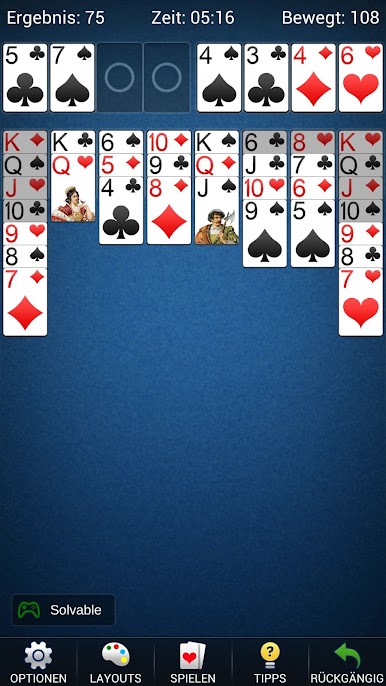
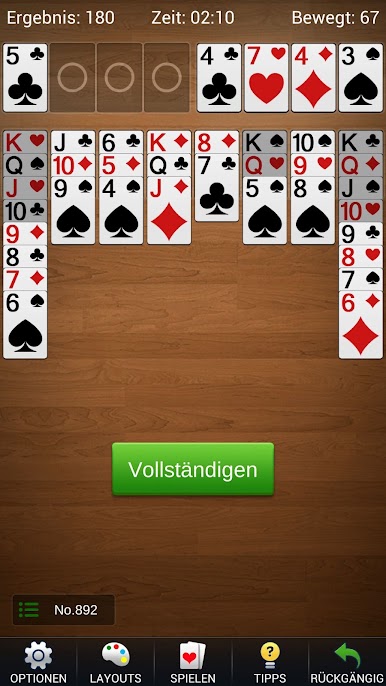
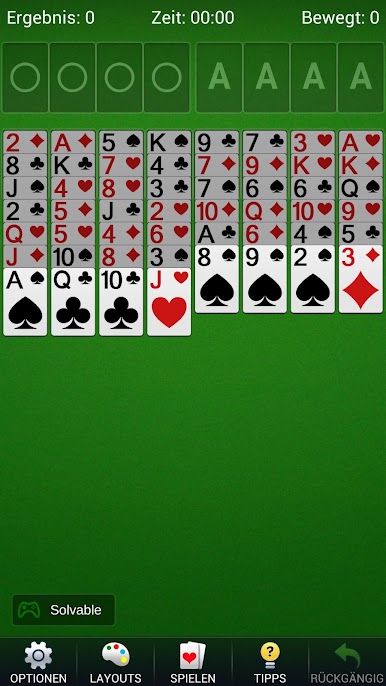
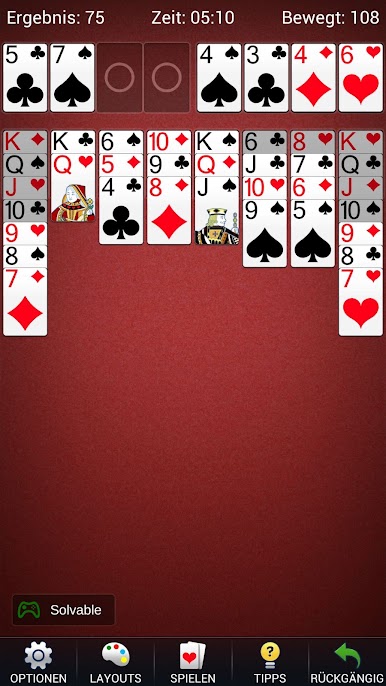
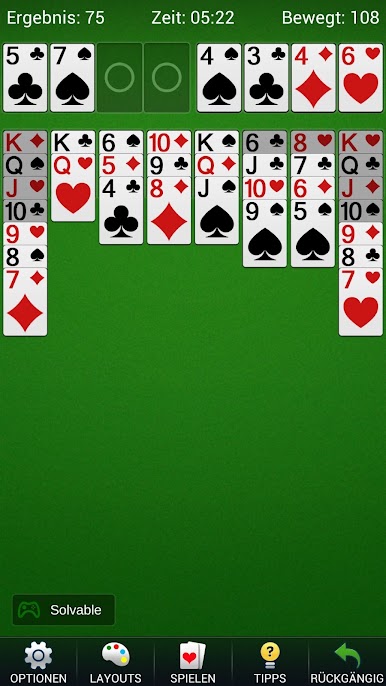
• Spiele mit 52 offenen Karten in acht Tableau-Spalten.
• Lege Karten und gültige Folgen auf die nächstniedrigere Karte der anderen Farbe.
• Bewahre in jeder der vier freien Zellen vorübergehend eine Karte auf.
• Baue vier nach Farben getrennte Ablagestapel vom Ass bis zum König auf.
OFFLINE UND IM EIGENEN TEMPO
Genieße das Kartenspiel jederzeit ohne Netzwerkverbindung. Eine begonnene Partie wird automatisch gespeichert, sodass du später weiterspielen kannst. Wähle zufällige oder nummerierte Partien für eine neue Aufgabe oder eine bestimmte Kartenverteilung.
PRAKTISCHE HILFEN UND STEUERUNG
Nutze unbegrenzt Rückgängig und Tipps, wenn du einen Zug neu überdenken möchtest. Kartenmarkierungen, Tippen zum Verschieben, automatische Züge und gut lesbare Karten erleichtern die Bedienung. Wechsle passend zu deinem Gerät zwischen Hoch- und Querformat.
GESTALTE DEINEN SPIELTISCH
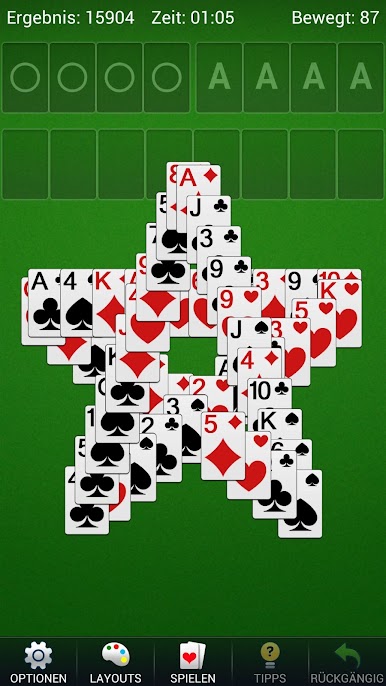
Wähle verschiedene Kartenstile und Hintergründe, passe Einstellungen an und sieh nach einer gewonnenen Partie eine Siegesanimation. Detaillierte Statistiken und ein Timer helfen dir, deinen Spielverlauf zu verfolgen.
Starte deine nächste FreeCell-Partie und finde die Zugfolge, die das Tableau öffnet.
Spiele FreeCell Solitaire - Karten auf dem PC. Der Einstieg ist einfach.
-
Lade BlueStacks herunter und installiere es auf deinem PC
-
Schließe die Google-Anmeldung ab, um auf den Play Store zuzugreifen, oder mache es später
-
Suche in der Suchleiste oben rechts nach FreeCell Solitaire - Karten
-
Klicke hier, um FreeCell Solitaire - Karten aus den Suchergebnissen zu installieren
-
Schließe die Google-Anmeldung ab (wenn du Schritt 2 übersprungen hast), um FreeCell Solitaire - Karten zu installieren.
-
Klicke auf dem Startbildschirm auf das FreeCell Solitaire - Karten Symbol, um mit dem Spielen zu beginnen

