


Пасьянс FreeCell - карточные
Играйте на ПК с BlueStacks – игровой платформе для приложений на Android. Нас выбирают более 500 млн. игроков.

Страница изменена: Oct 28, 2025
Играй Пасьянс FreeCell - карточные На ПК
FreeCell - одна из самых популярных карточных игр в мире. Если вам нравятся пасьянс, пасьянс паук, пасьянс FreeCell, пасьянс пирамида, карта Sanfeng, пасьянс казино или другие казуальные карточные игры, эта игра для вас!
Особенности игры:
♠ Классические правила пасьянса FreeCell
Smooth Чрезвычайно плавный опыт работы
Appropriate Размер карточки соответствующий и понятный
Play Вы можете играть в игры в любое время, в любом месте, без поддержки сети
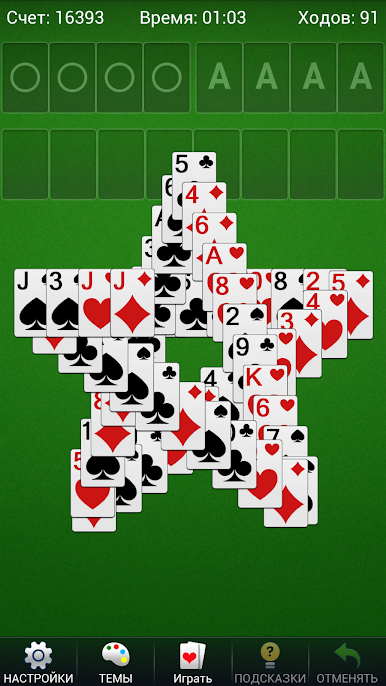
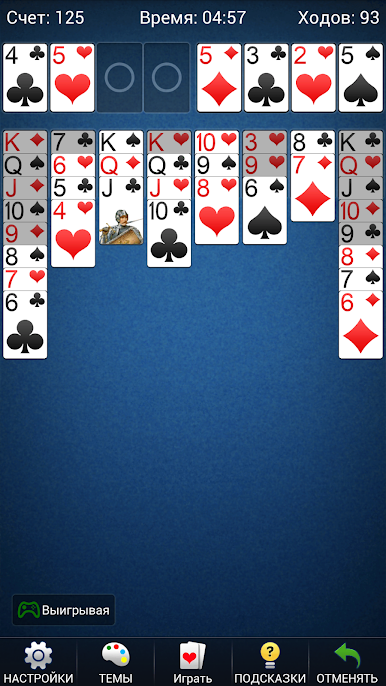
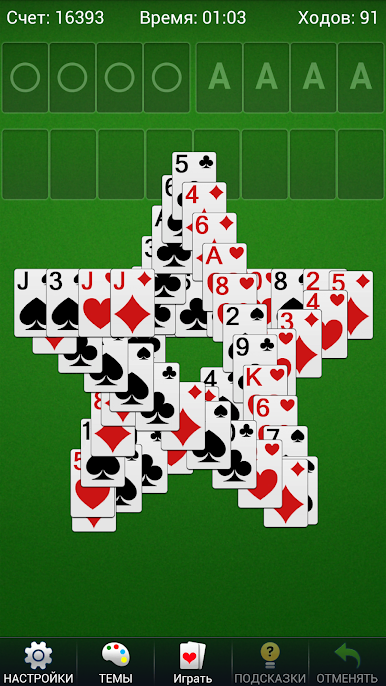
Styles Несколько стилей карт и фонов рабочего стола, вы можете настроить фоновое изображение рабочего стола
Animation Красивая анимация победы игры
Функция игры:
Save автоматически сохранять текущие незавершенные игры
♠ Подробная статистика, чтобы сохранить историю игр
♠ Различные настройки
Prompt Автоматическая подсказка
♠ Подсветка карты
Vertical Поддержка вертикального и горизонтального экрана
Multiple Поддержка нескольких языков
Limited Неограниченный отзыв и подсказки
♠ Случайные карты, живые карты или пронумерованные карты
♠ Нажмите на мобильную функцию
♠ Автоматическое закрытие карты
♠ функция хронографа
Цель игры:
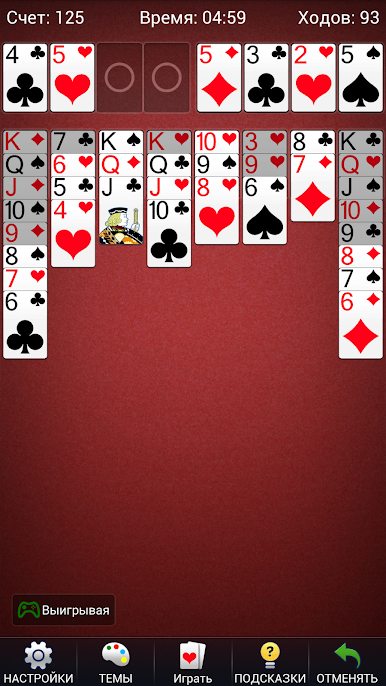
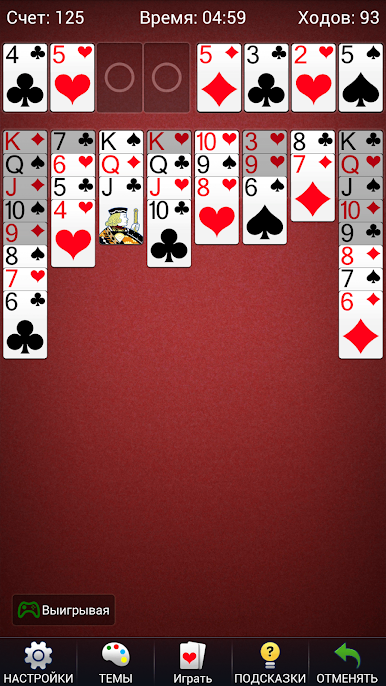
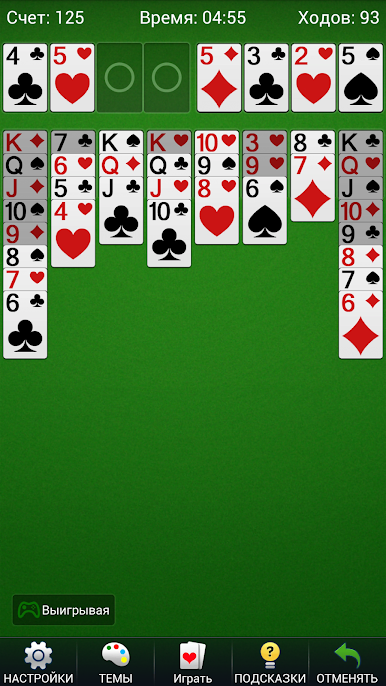
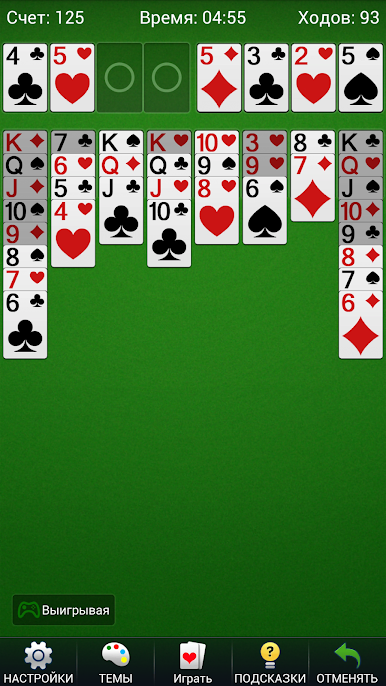
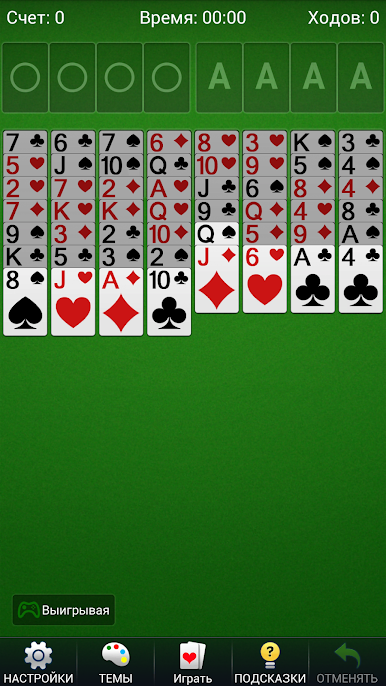
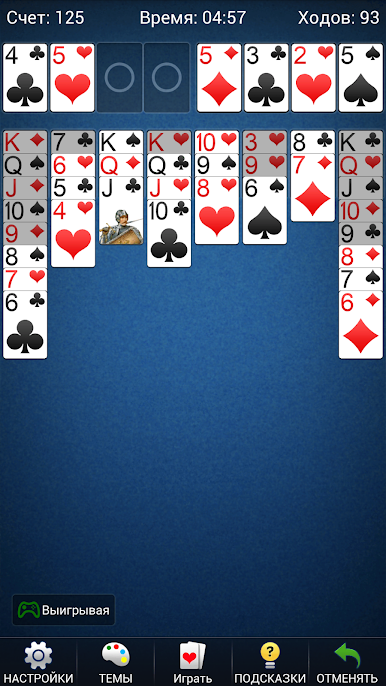
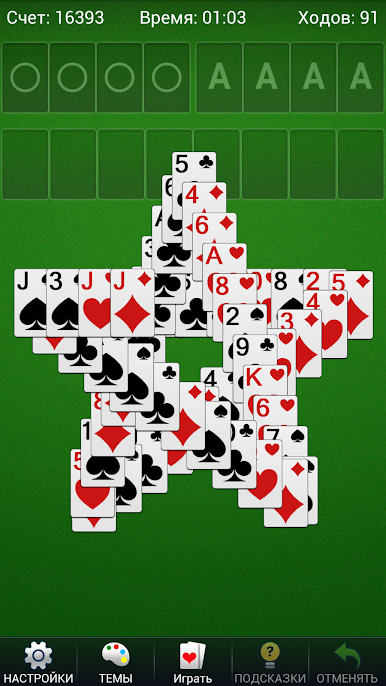
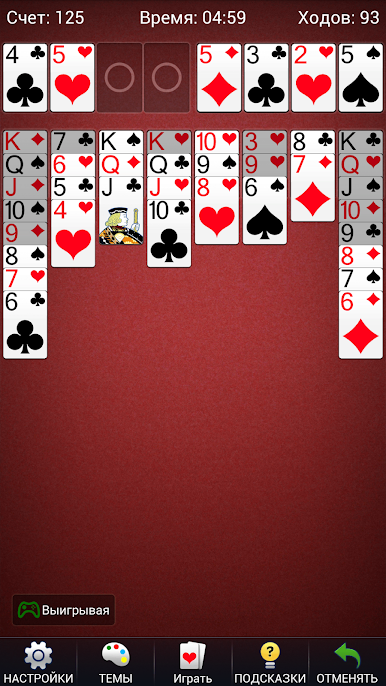
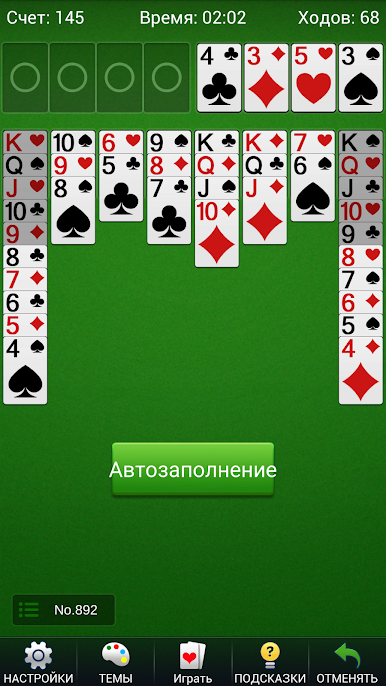
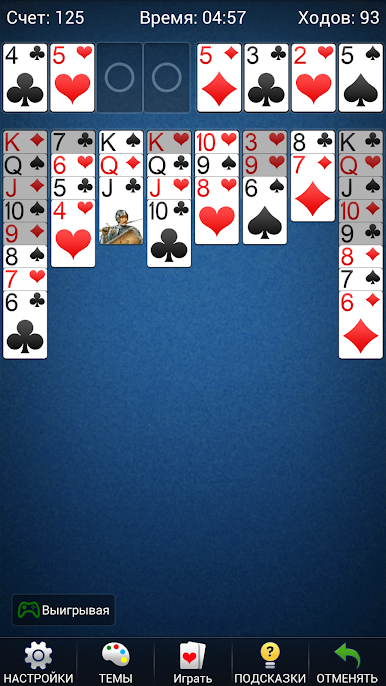
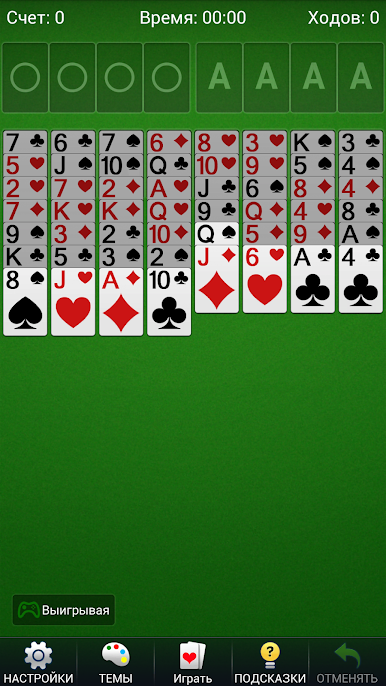
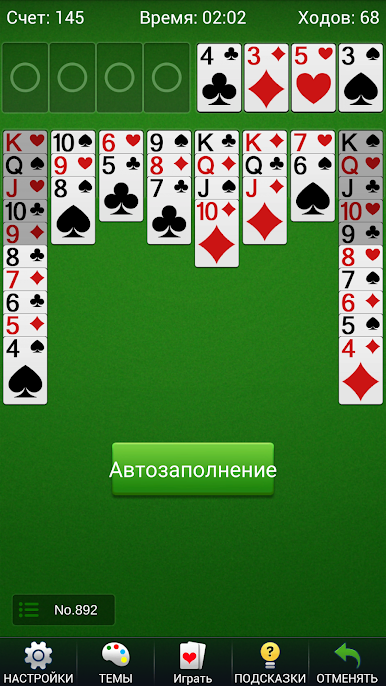
Цель пасьянса FreeCell - положить все карты в игровой зоне на столе в игровую зону. В начале игры 52 карты появятся в 8 столбцах в игровой зоне, в нижней части каждого столбца. Перечисленные карты можно перетаскивать, а карты, которые нельзя перетаскивать выше, являются заштрихованными частями. Когда 1 набор карточек одинакового цвета и точки расположены от большого к маленькому, их можно перемещать целиком. Правило карт заключается в том, что под каждую карту могут быть помещены только карты разных цветов, и их можно размещать только в порядке количества очков от большого до маленького. Четыре вакансии в верхнем правом углу являются областями приема карт. В четырех местах в зоне приема карт каждое место может быть размещено только с одной мастью, и его нужно разместить от маленького до большого, то есть порядок карт должен быть размещен. Это от А до К. В левом верхнем углу есть четыре пустых области передачи, каждая из которых может временно хранить карту. Символ A можно в любой момент переместить в любой слот, а другие карты должны быть перемещены от малого к большому в той же цветовой единице. Когда все карты будут перемещены в карту, они выиграют.
Чего ты ждешь? Скачайте и запустите карточную игру прямо сейчас! Я верю, что вам понравится эта игра. Если у вас есть какие-либо вопросы или предложения, пожалуйста, свяжитесь с нами, и мы свяжемся с вами как можно скорее. Спасибо Вам за поддержку.
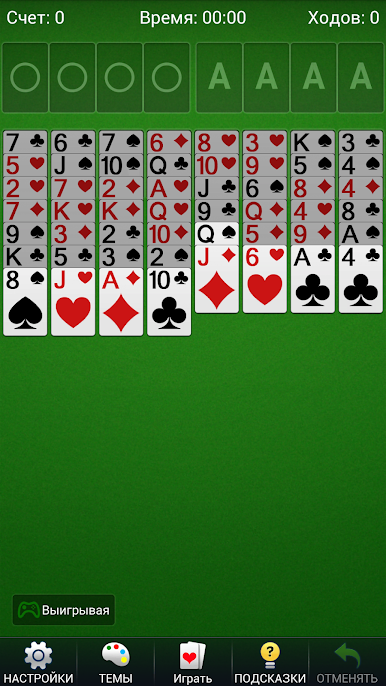
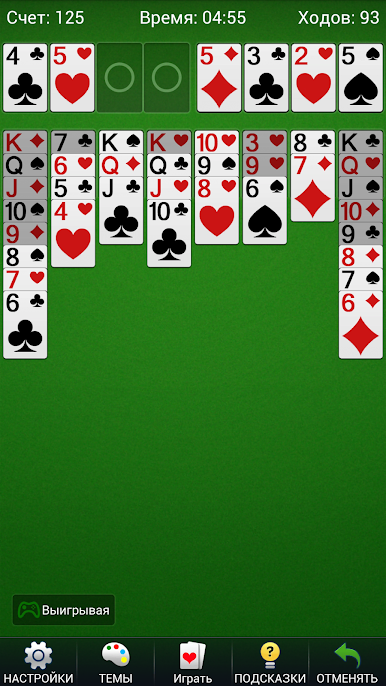
Играйте в игру Пасьянс FreeCell - карточные на ПК. Это легко и просто.
-
Скачайте и установите BlueStacks на ПК.
-
Войдите в аккаунт Google, чтобы получить доступ к Google Play, или сделайте это позже.
-
В поле поиска, которое находится в правой части экрана, введите название игры – Пасьянс FreeCell - карточные.
-
Среди результатов поиска найдите игру Пасьянс FreeCell - карточные и нажмите на кнопку "Установить".
-
Завершите авторизацию в Google (если вы пропустили этот шаг в начале) и установите игру Пасьянс FreeCell - карточные.
-
Нажмите на ярлык игры Пасьянс FreeCell - карточные на главном экране, чтобы начать играть.

