


Color By Number Pixel Art
500M + oyuncunun güvendiği Android Oyun Platformu, BlueStacks ile PC'de oynayın.

Sayfa Değiştirilme tarihi: Oct 31, 2025
Oyun Color By Number Pixel Art PC'de Oynayın
Çocuklar ve yetişkinler sayılara göre renklendirmeyi sever ve sizin için seçebileceğiniz bir sürü uygulamamız var. Çocuklar ve yetişkinler için mükemmel olan Sayıya Göre Renklendirme - Piksel Sanat Boyama Sayfaları, stres atma, rahatlama, konsantrasyonu geliştirme ve motor becerileri geliştirme için mükemmeldir.
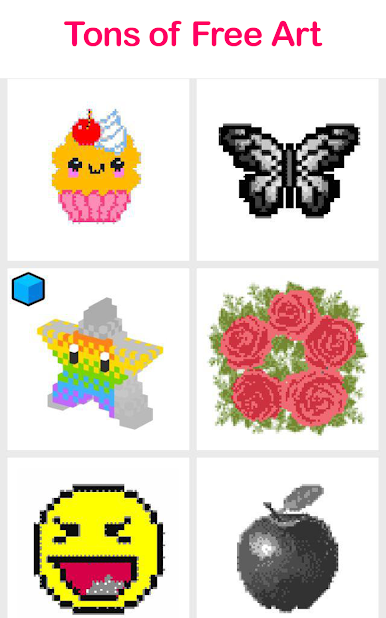
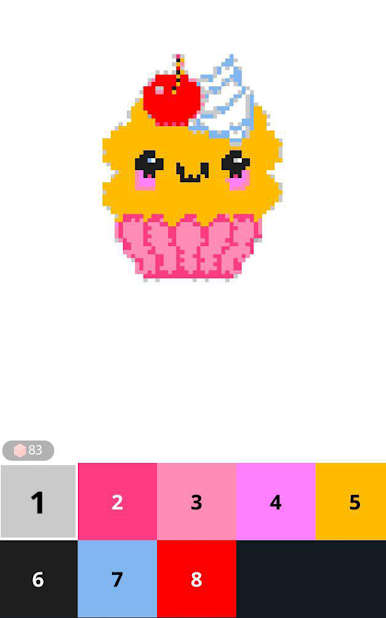
Pix.Color - Sayıya Göre Renklendirme - Piksel Sanat Boyama Sayfaları, renklendirilmeye hazır farklı resimlerden oluşan devasa bir kütüphane sunar! Çok çeşitli manzaralar, hayvanlar, süper kahramanlar, spor efsaneleri, çiçekler ve çok daha fazlası arasından seçim yapabilirsiniz. Çok sayıda piksel tarzı resmi renklendirmenin tadını çıkarın!
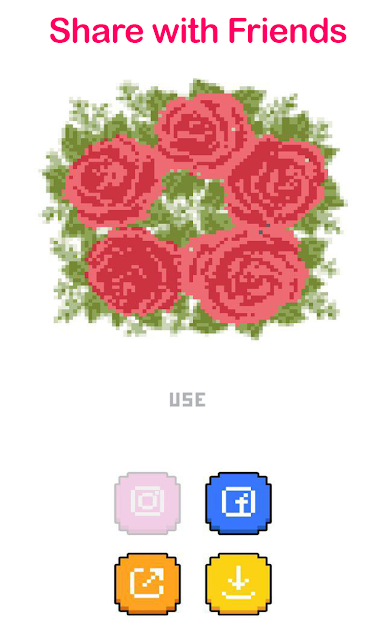
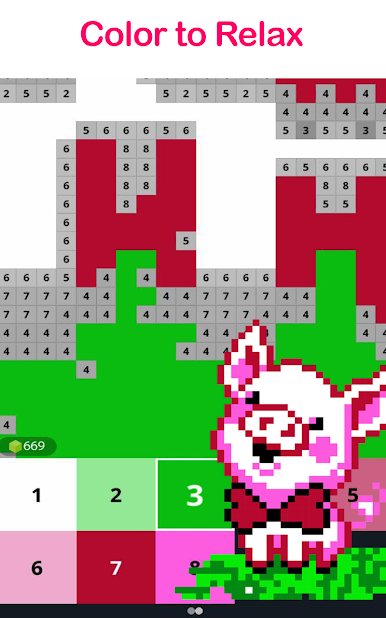
Uygulamayı indirdikten hemen sonra kullanmaya başlayabilirsiniz! Kullanımı inanılmaz derecede kolaydır: sadece bir resmi açın, yakınlaştırın, dokunun ve belirtilen sayıları takip ederek renklerle doldurmaya başlayın. Bitirdiğinizde, arkadaşlarınız ve ailenizle paylaşabilirsiniz.
Artık, kamera rulosundan bir resim de boyayabilir ve arkadaşlarınızın keşfetmesini sağlayabilirsiniz!!
Sayıya Göre Boya - Piksel Sanat Boyama Sayfaları Özellikleri:
- Seçebileceğiniz çok sayıda ücretsiz sanat eseri. Sayıya Göre Boya Aşklar, Süper Kahramanlar, Mandalalar, Çiçekler, Tatlılar ve kolaydan çok ayrıntılıya kadar diğer boyama sayfaları;
- Rahatlama / Stresten uzak
- Her gün yeni resimler. Her gün yeni boyama sayfaları edinin;
- Aile dostu uygulama
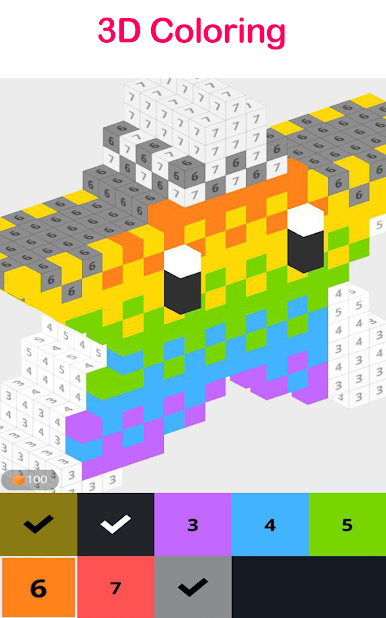
- 3D sanat eserleri. Sayılara göre 3D nesneleri boyayarak son derece eğlenceli ve keyifli bir boyama deneyimi yaşayın;
- Sayıları ve renkleri öğrenin
- Piksel Sanat Kamerası. Özçekimler yapın veya fotoğraflarınızı kullanarak onları piksel sanatına dönüştürün!
- Kullanımı kolay
- Sayıya göre boyama araçları. Aynı renkteki hücreleri boyamak için Sihirli Değnek'i kullanın ve boyama alanına Renk Sıçratma'yı bırakın
- Motor becerilerinizi ve konsantrasyonu geliştirin
- Instagram, Facebook ve diğer sosyal ağlarda paylaşın
Bir hata mı buldunuz, bir öneriniz mi var veya yeni bir özellik mi istiyorsunuz?
Color By Number Pixel Art oyununu PC'de oyna. Başlamak çok kolay.
-
BlueStacks'i PC'nize İndirin ve Yükleyin
-
Play Store'a erişmek için Google girişi yapın ya da daha sonraya bırakın.
-
Sağ üst köşeye Color By Number Pixel Art yazarak arayın.
-
Color By Number Pixel Art uygulamasını arama sonuçlarından indirmek için tıklayın.
-
(iEğer Adım 2'yi atladıysanız) Color By Number Pixel Art uygulamasını yüklemek için Google'a giriş yapın.
-
Oynatmaya başlatmak için ekrandaki Color By Number Pixel Art ikonuna tıklayın.

