

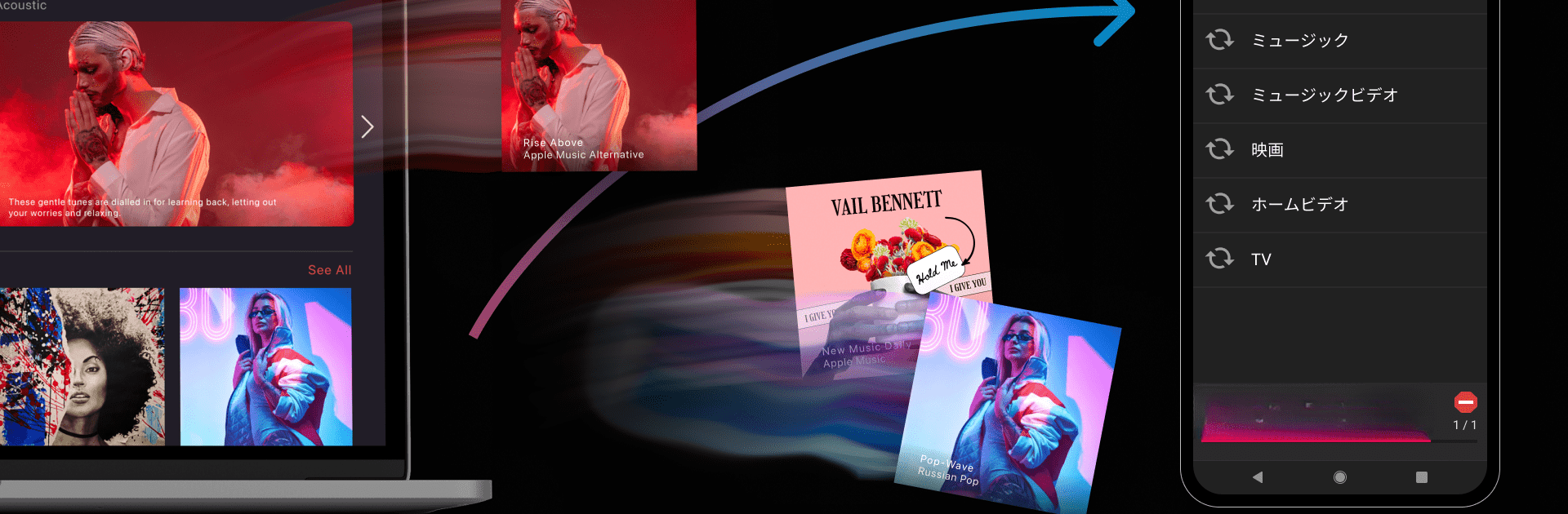
iSyncr: iTunes auf Android
Spiele auf dem PC mit BlueStacks - der Android-Gaming-Plattform, der über 500 Millionen Spieler vertrauen.

Seite geändert am: Feb 15, 2024
Run iSyncr: iTunes to Android on PC or Mac
Get freedom from your phone’s obvious limitations. Use iSyncr: iTunes to Android, made by JRT Studio Music Players, a Music & Audio app on your PC or Mac with BlueStacks, and level up your experience.
About the App
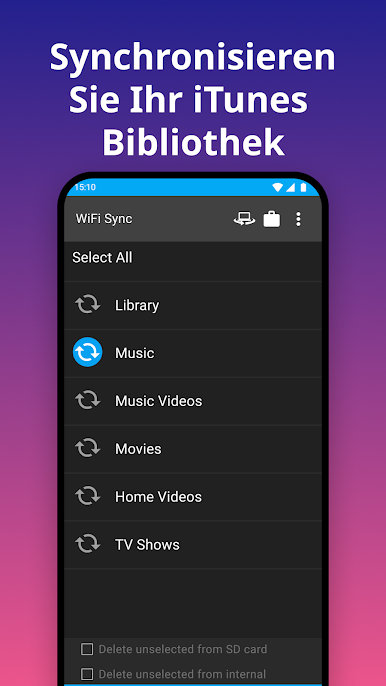
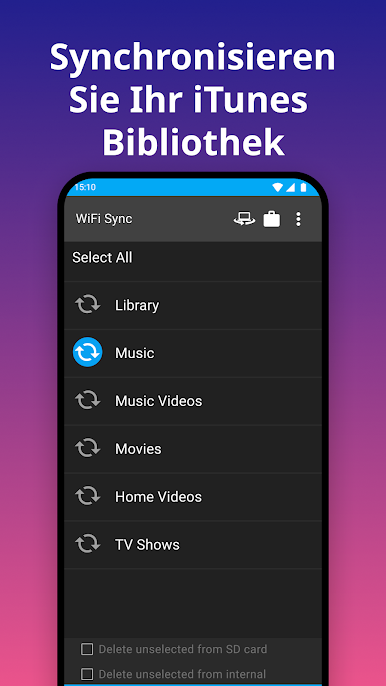
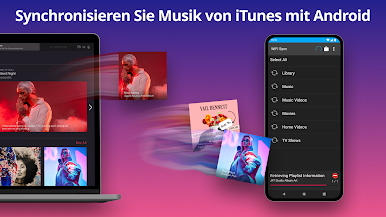
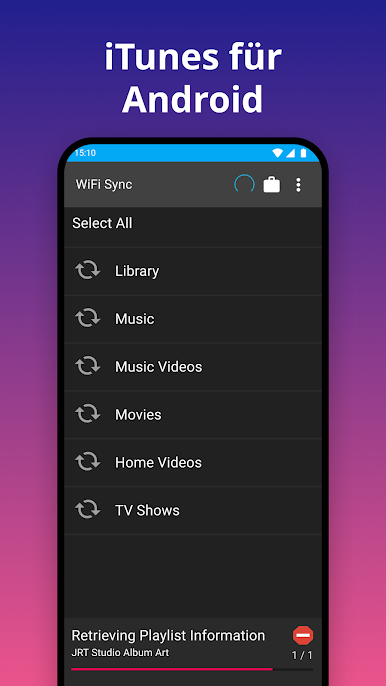
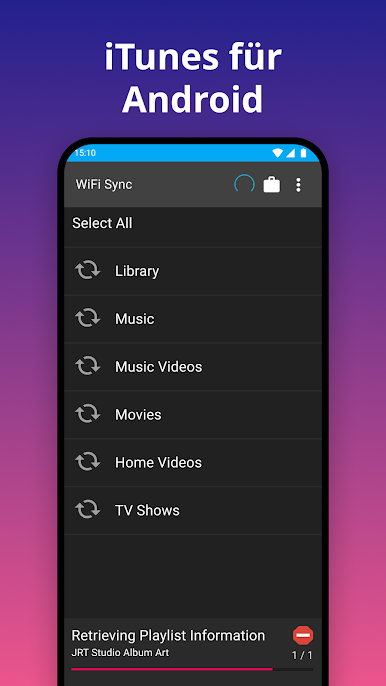
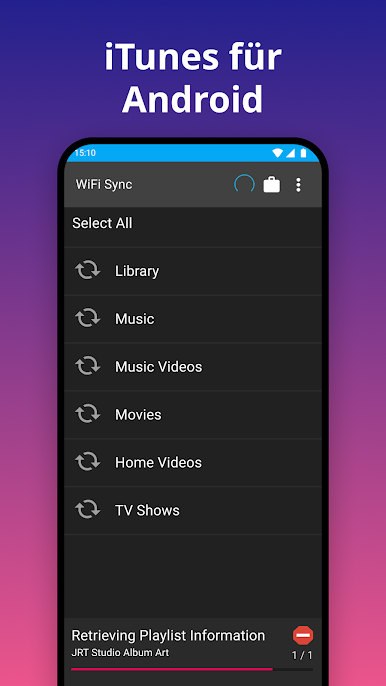
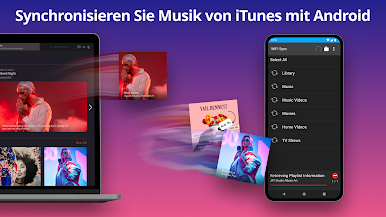
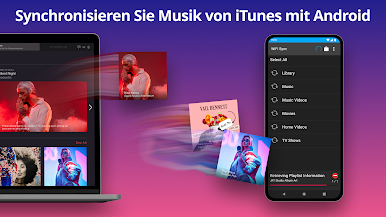
iSyncr: iTunes to Android, brought to you by JRT Studio Music Players, is your go-to app for syncing music effortlessly. Say goodbye to the hassle of transferring iTunes playlists, music, podcasts, and even videos to your Android device. Expect smooth integration with your existing iTunes library, while enjoying song details like album art, ratings, and play counts on the go.
App Features
Music Transfer Made Easy
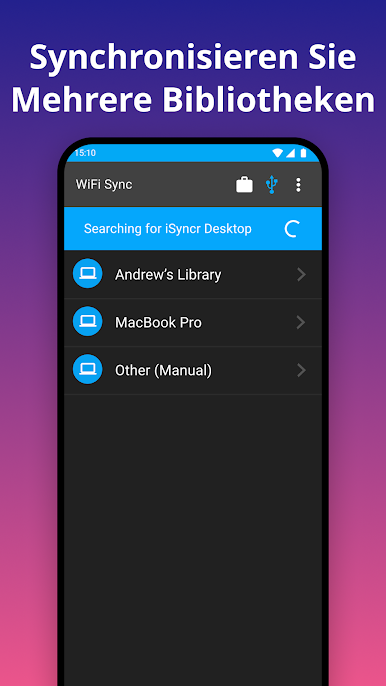
– Sync your entire iTunes library from PC or Mac to Android.
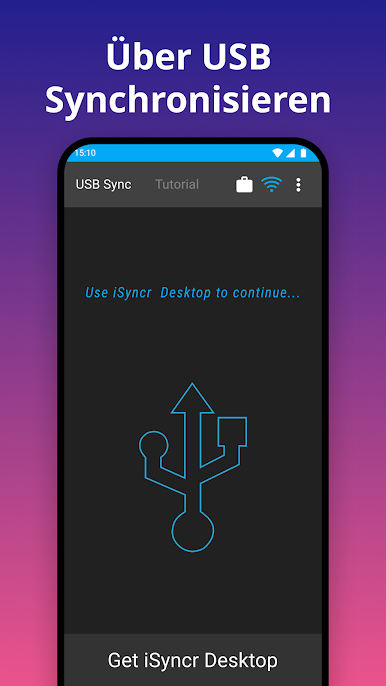
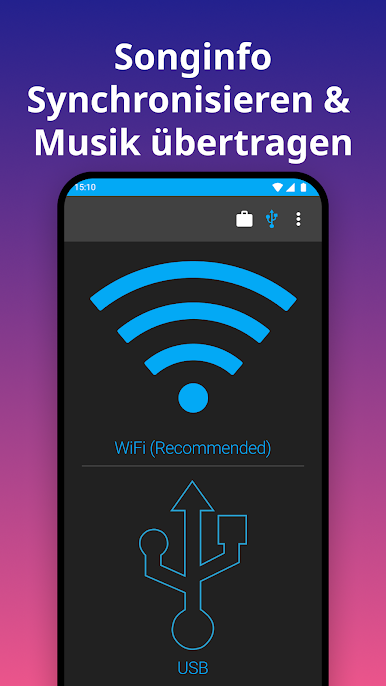
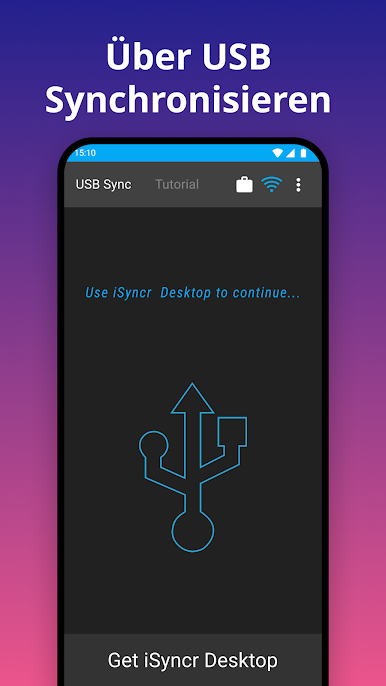
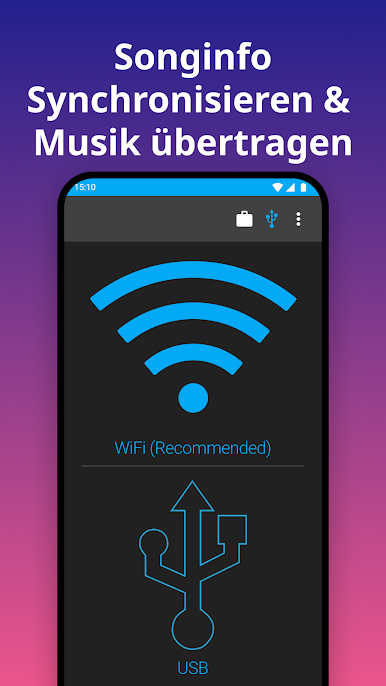
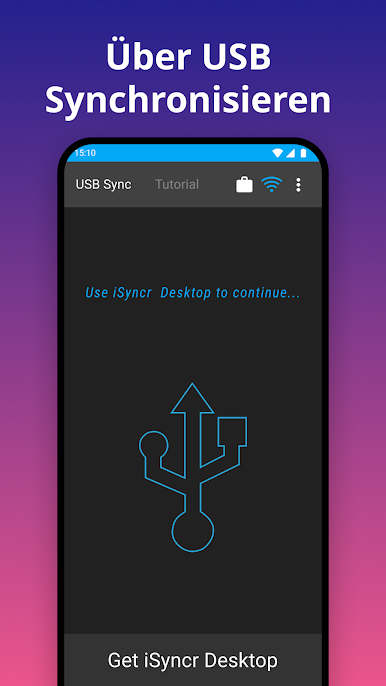
– Works with both USB/MTP and WiFi synchronizations.
Detailed Song Syncing
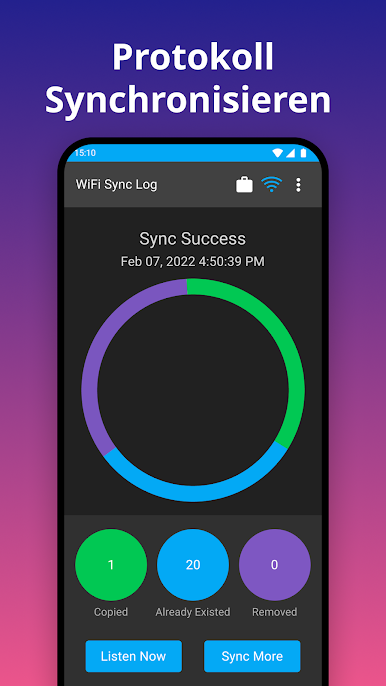
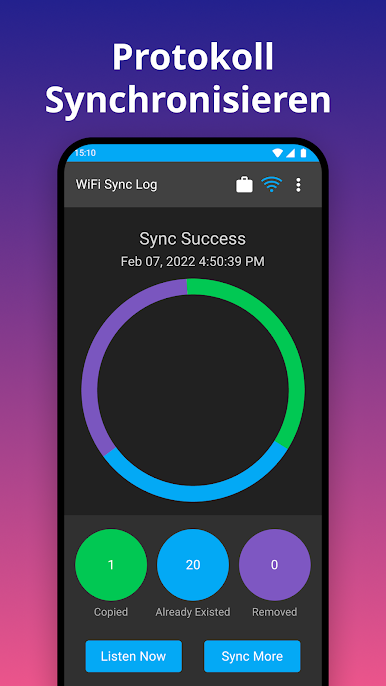
– Transfers song information: album art, ratings, play count, and more.
– Automatically notifies you of any DRM content that can’t be transferred.
Storage Flexibility
– Choose between syncing to internal or SD card storage.
Requires iSyncr Desktop
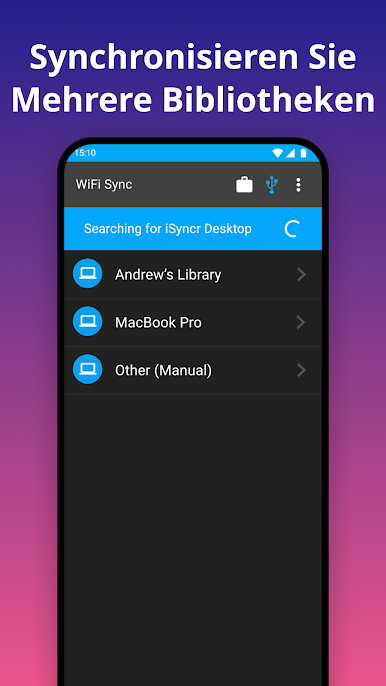
– Needs iSyncr Desktop (free) on your computer to connect with iTunes.
Limitations and Options
– Free version supports 100 songs per playlist; upgrade for unlimited syncing!
For a seamless experience on larger screens, consider running it with BlueStacks.
Switch to BlueStacks and make the most of your apps on your PC or Mac.
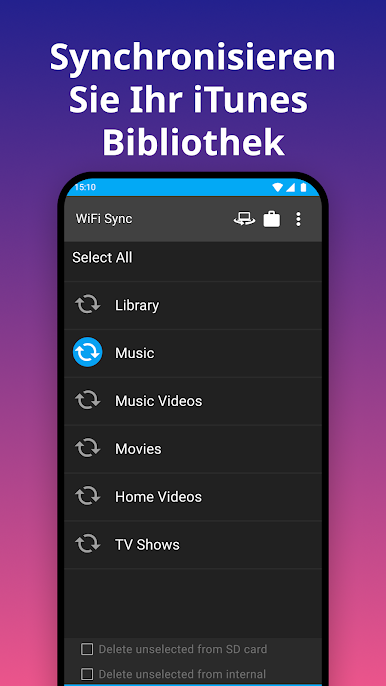

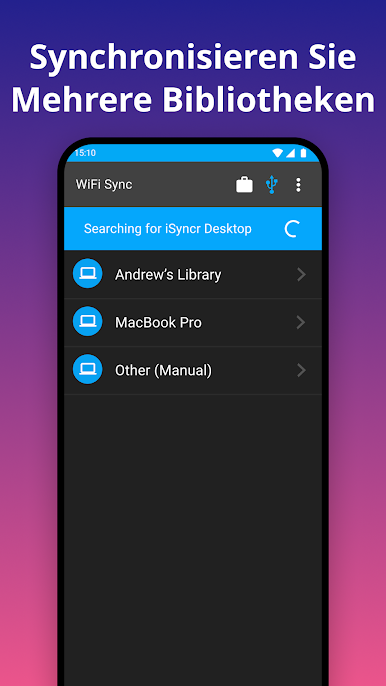

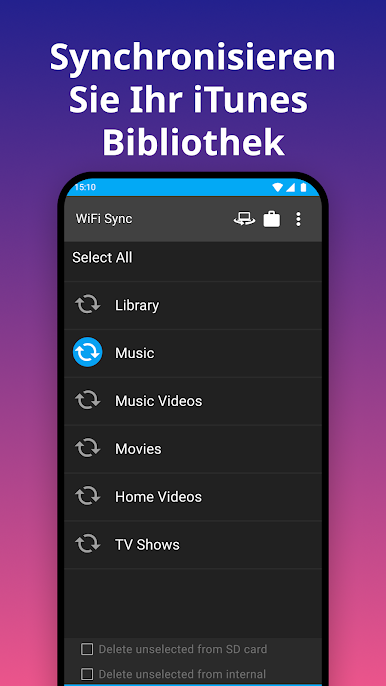



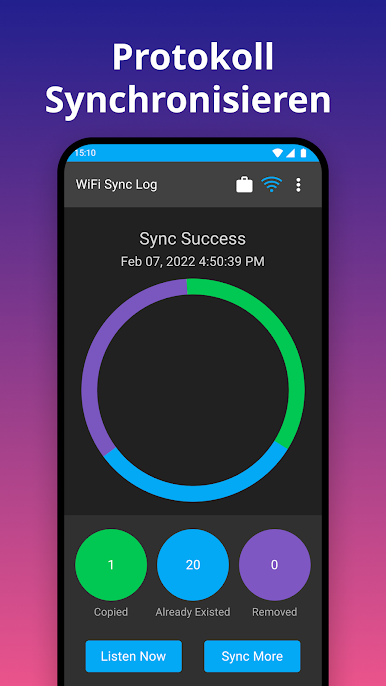
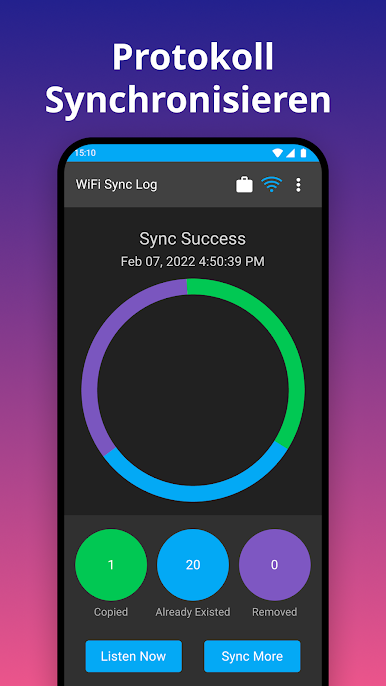
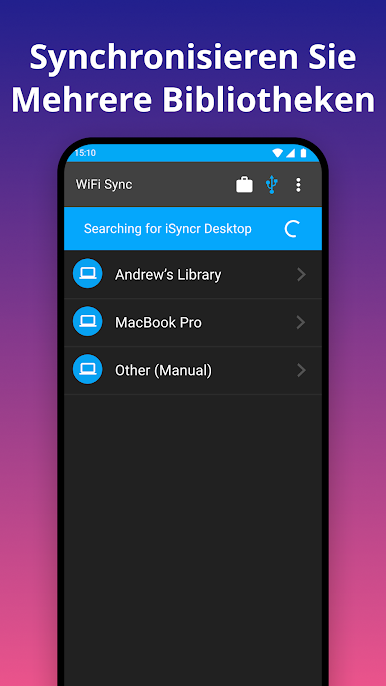

Spiele iSyncr: iTunes auf Android auf dem PC. Der Einstieg ist einfach.
-
Lade BlueStacks herunter und installiere es auf deinem PC
-
Schließe die Google-Anmeldung ab, um auf den Play Store zuzugreifen, oder mache es später
-
Suche in der Suchleiste oben rechts nach iSyncr: iTunes auf Android
-
Klicke hier, um iSyncr: iTunes auf Android aus den Suchergebnissen zu installieren
-
Schließe die Google-Anmeldung ab (wenn du Schritt 2 übersprungen hast), um iSyncr: iTunes auf Android zu installieren.
-
Klicke auf dem Startbildschirm auf das iSyncr: iTunes auf Android Symbol, um mit dem Spielen zu beginnen

