

Вифи анализер - Нет объявлений
Играйте на ПК с BlueStacks – игровой платформе для приложений на Android. Нас выбирают более 500 млн. игроков.

Страница изменена: Aug 28, 2025
Run Wifi Analyzer Pro on PC or Mac
Multitask effortlessly on your PC or Mac as you try out Wifi Analyzer Pro, a Tools app by Webprovider on BlueStacks.
About the App
Ever feel like your WiFi signal just isn’t cutting it? Wifi Analyzer Pro by Webprovider is here to help you get the most out of your wireless network. Whether you’re troubleshooting laggy connections or just curious about all the signals buzzing around your home, this Tools app gives you a clear view into what’s happening behind the scenes. If you’re the type who likes to see real numbers rather than just guessing where the best signal is, you’re in the right place. And yeah, using it on BlueStacks makes checking your networks a breeze.
App Features
-
Ad-Free Experience
No interruptions, no popups—just you and the info you need. Wifi Analyzer Pro doesn’t bother you with ads so you can focus on your network. -
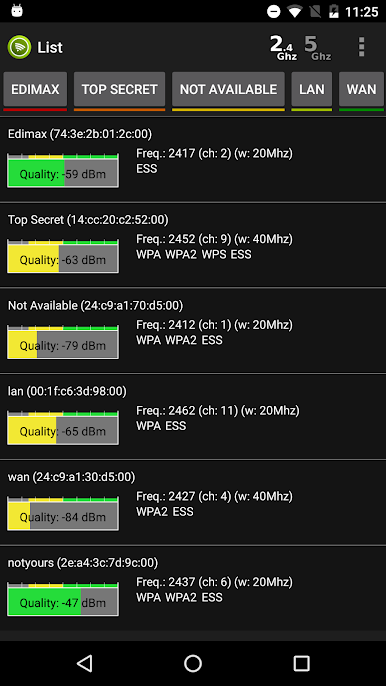
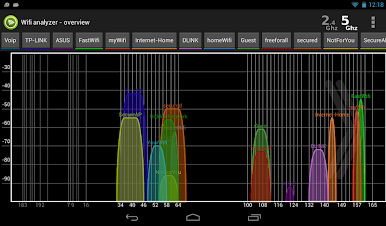
2.4GHz & 5GHz Support
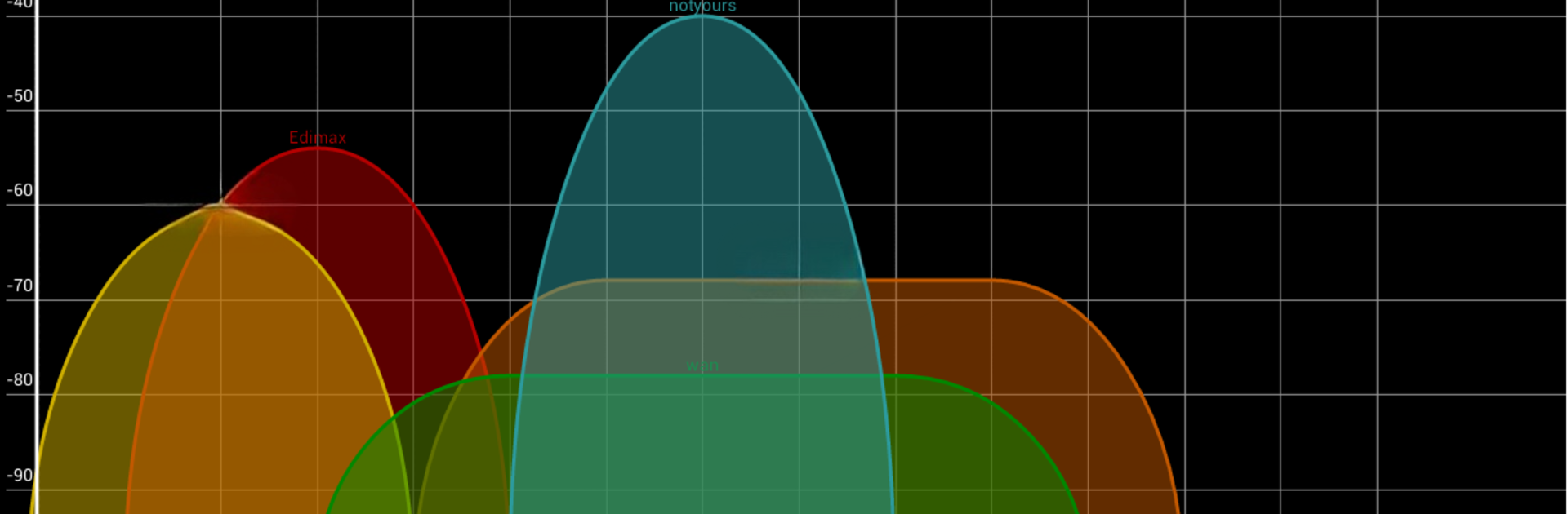
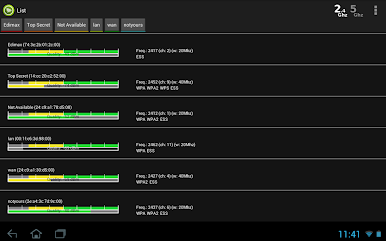
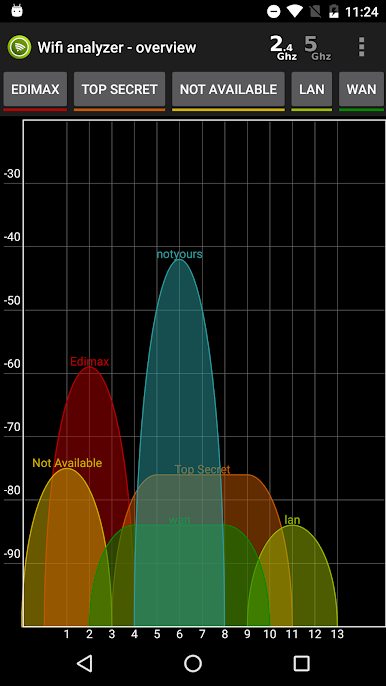
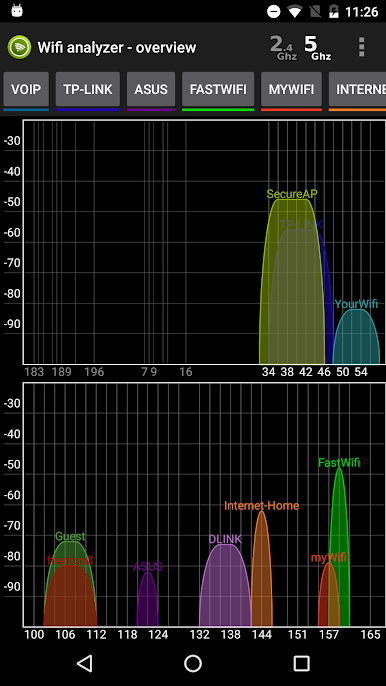
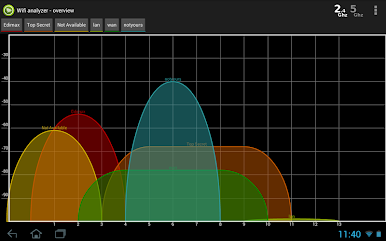
Pick up details on both major WiFi bands. See which network is strongest or least crowded so you can make the best connection. -
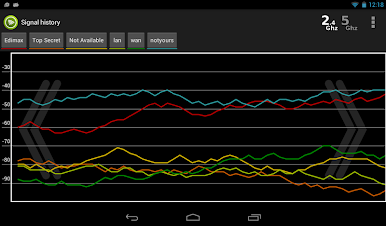
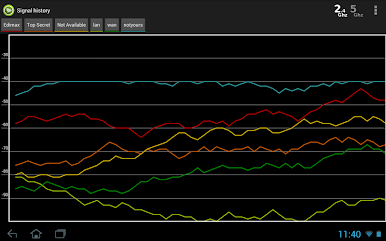
Visual Signal History
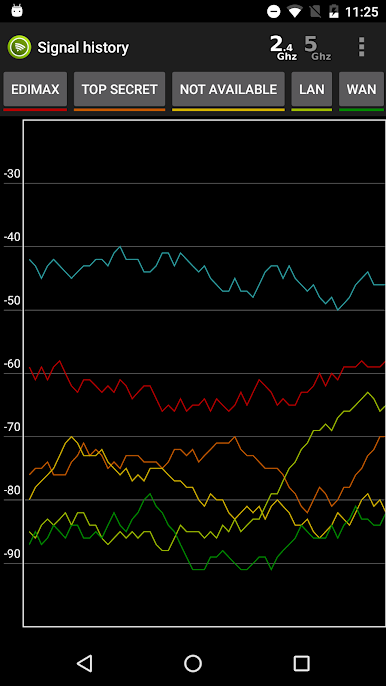
Track how your WiFi’s been performing over time. With handy graphs, you can spot hiccups or signal drops at a glance. -
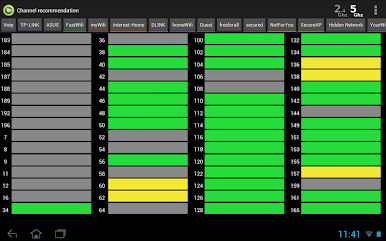
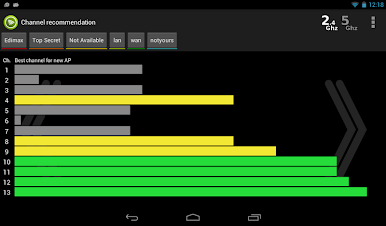
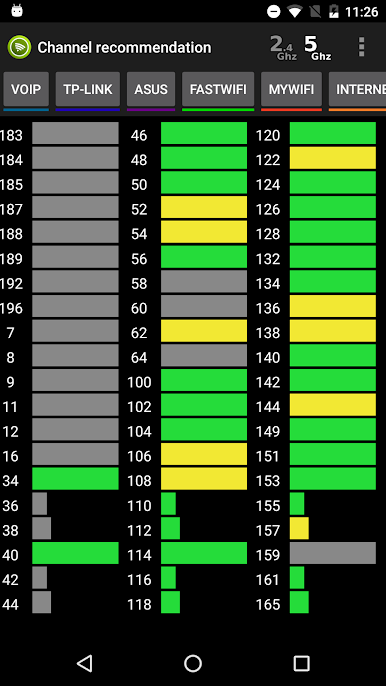
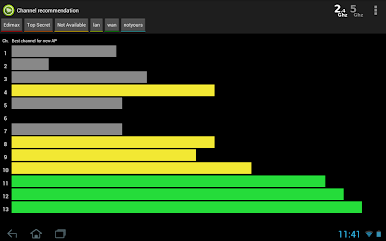
Smart Channel Recommendations
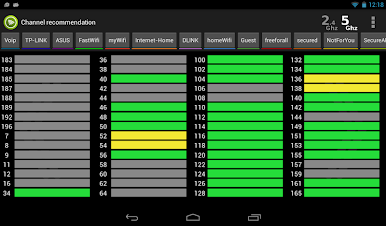
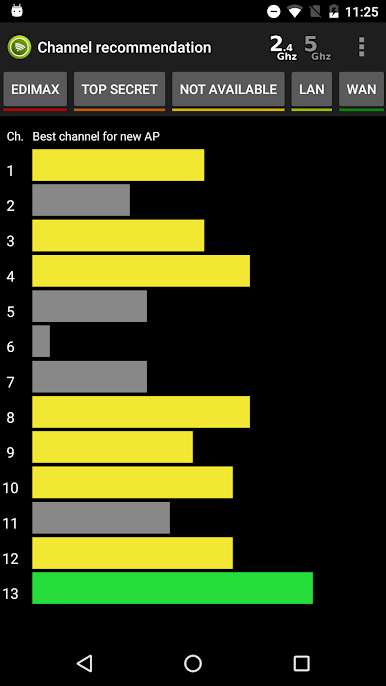
Not sure which channel is best for your new access point? The app analyzes what’s around and points you to the optimal choice for less interference. -
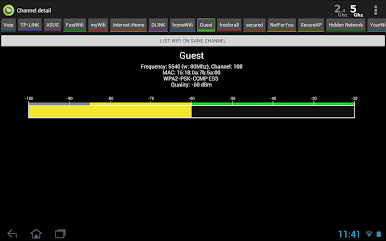
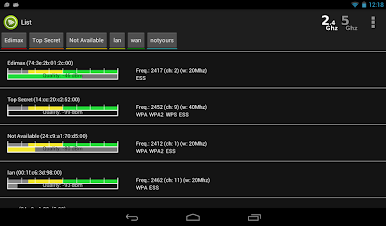
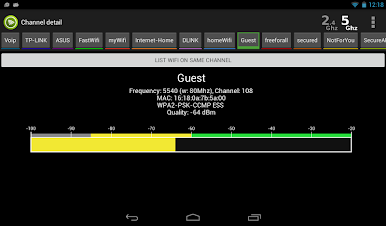
Detailed Channel and Signal Info
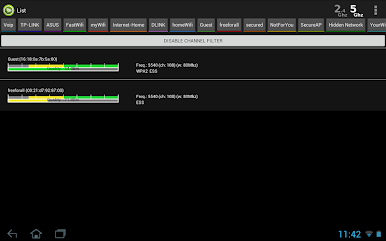
Dig deeper with info about channel width for each network (including 20/40/80MHz, if you’re on Android 6+). Find out exactly which channel each network is using, and see individual signal strengths. -
Network Export Options
Found something interesting? Capture network data with screenshots or export everything to a CSV file for later analysis. Perfect if you need to share info or keep records. -
Find the Best Spot
Get help figuring out where to place your device or router for the strongest signal. Makes rearranging gear way less of a hassle. -
Location Permission Basics
For Android 6 and up, the app needs location access—a standard thing due to how the system handles WiFi scanning now. -
Best for Android 8.1 & Earlier
Heads up: Wifi Analyzer Pro works best on Android 8.1 or lower. You’ll see the most features and fewest restrictions there, though you can try it on newer systems if you want. -
Great on BlueStacks
Curious how your networks stack up? Running Wifi Analyzer Pro on BlueStacks feels smooth and easy, letting you handle WiFi analysis right from your desktop.
Big screen. Bigger performance. Use BlueStacks on your PC or Mac to run your favorite apps.
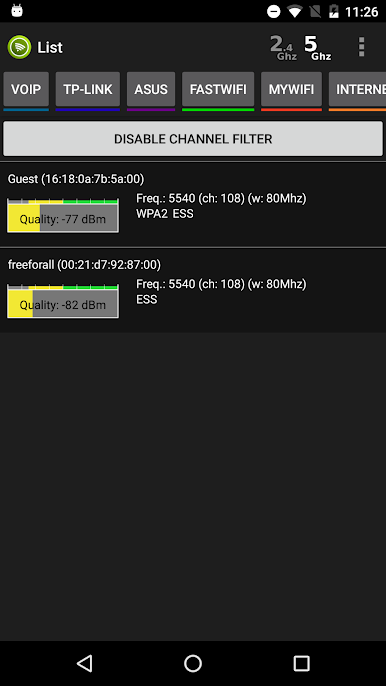
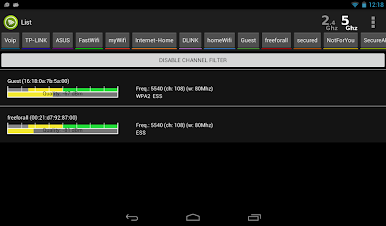
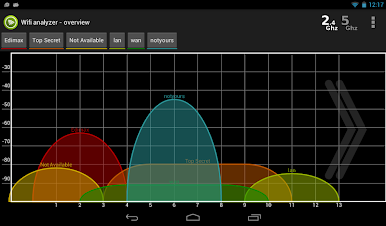
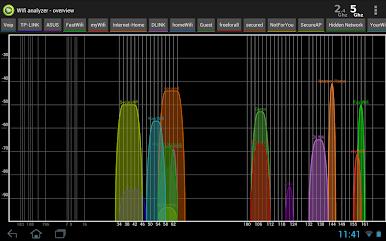
Играйте в игру Вифи анализер - Нет объявлений на ПК. Это легко и просто.
-
Скачайте и установите BlueStacks на ПК.
-
Войдите в аккаунт Google, чтобы получить доступ к Google Play, или сделайте это позже.
-
В поле поиска, которое находится в правой части экрана, введите название игры – Вифи анализер - Нет объявлений.
-
Среди результатов поиска найдите игру Вифи анализер - Нет объявлений и нажмите на кнопку "Установить".
-
Завершите авторизацию в Google (если вы пропустили этот шаг в начале) и установите игру Вифи анализер - Нет объявлений.
-
Нажмите на ярлык игры Вифи анализер - Нет объявлений на главном экране, чтобы начать играть.

