


MapGenie: Fallout 76
Spiele auf dem PC mit BlueStacks - der Android-Gaming-Plattform, der über 500 Millionen Spieler vertrauen.

Seite geändert am: Dec 9, 2025
Run MapGenie: Fallout 76 on PC or Mac
What’s better than using MapGenie: Fallout 76 by Map Genie? Well, try it on a big screen, on your PC or Mac, with BlueStacks to see the difference.
About the App
MapGenie: Fallout 76 is that companion you never realized you needed for your next Fallout adventure. Whether you’re hunting down rare collectibles or just exploring every nook and cranny, this app lays out all the essentials without any fuss. It pulls together hundreds of spots across the Wasteland, so it’s super easy to keep track of what you’ve discovered and what you still need to find.
App Features
-
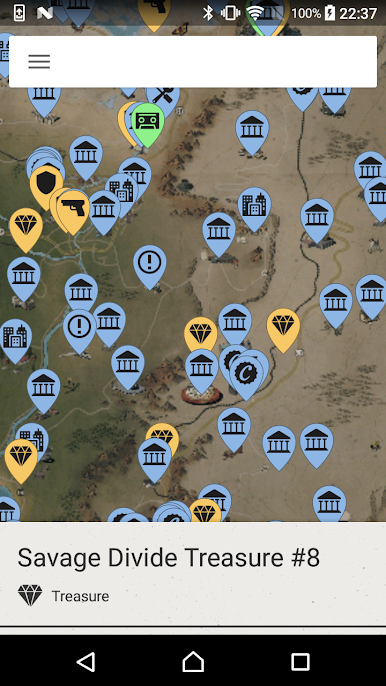
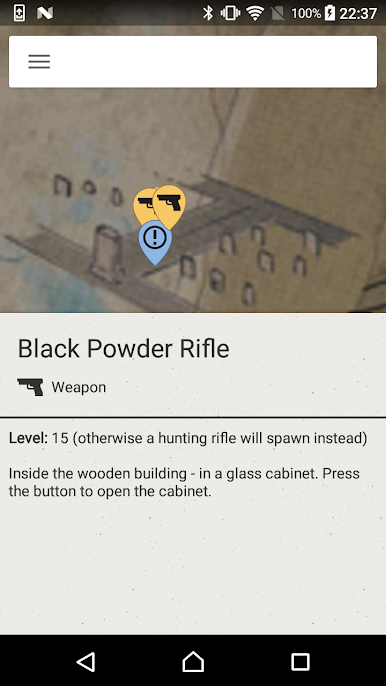
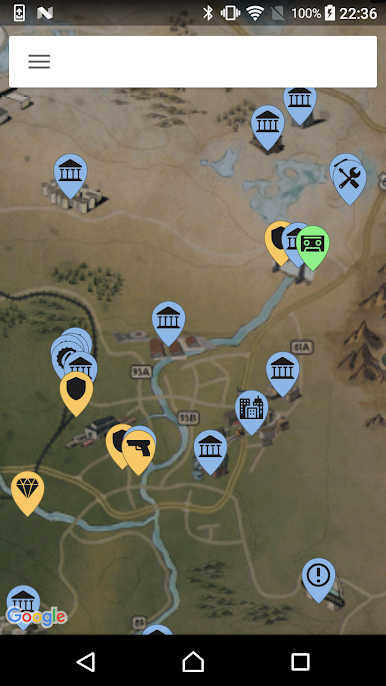
Everything on One Map
Looking for holotapes, power armor, or hidden treasures? This map’s packed with hundreds of important Fallout 76 locations, all in a straightforward layout. -
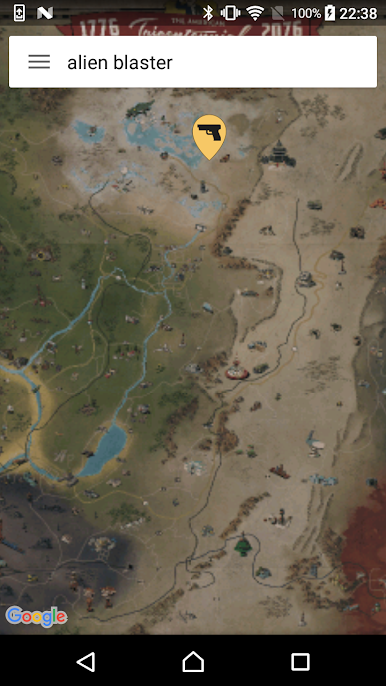
Easy Search Function
Can’t remember where you saw that magazine? Just use the quick search bar—type in the name, and it’ll pinpoint the spot right away. -
Handy Categories
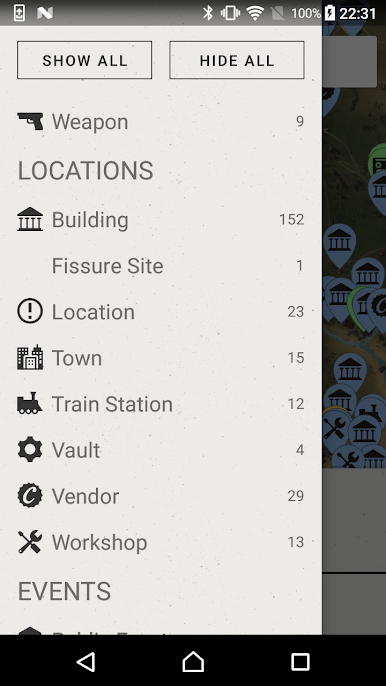
Want to focus on just Bobbleheads, Magazines, or maybe Vaults? The map sorts things into 15 categories, making it painless to filter down to exactly what you’re after. -
Totally Free
No sneaky fees or weird subscriptions. Everything in the app is free and ready whenever you want it. -
Helpful Progress Tools (Coming Soon)
Features like syncing your progress, marking items you’ve found, or even jotting down notes on the map are being worked on for future updates.
Prefer a bigger screen? You can use MapGenie: Fallout 76 with BlueStacks—it runs just as smoothly and makes poking around the map more comfortable.
BlueStacks brings your apps to life on a bigger screen—seamless and straightforward.
Spiele MapGenie: Fallout 76 auf dem PC. Der Einstieg ist einfach.
-
Lade BlueStacks herunter und installiere es auf deinem PC
-
Schließe die Google-Anmeldung ab, um auf den Play Store zuzugreifen, oder mache es später
-
Suche in der Suchleiste oben rechts nach MapGenie: Fallout 76
-
Klicke hier, um MapGenie: Fallout 76 aus den Suchergebnissen zu installieren
-
Schließe die Google-Anmeldung ab (wenn du Schritt 2 übersprungen hast), um MapGenie: Fallout 76 zu installieren.
-
Klicke auf dem Startbildschirm auf das MapGenie: Fallout 76 Symbol, um mit dem Spielen zu beginnen

