

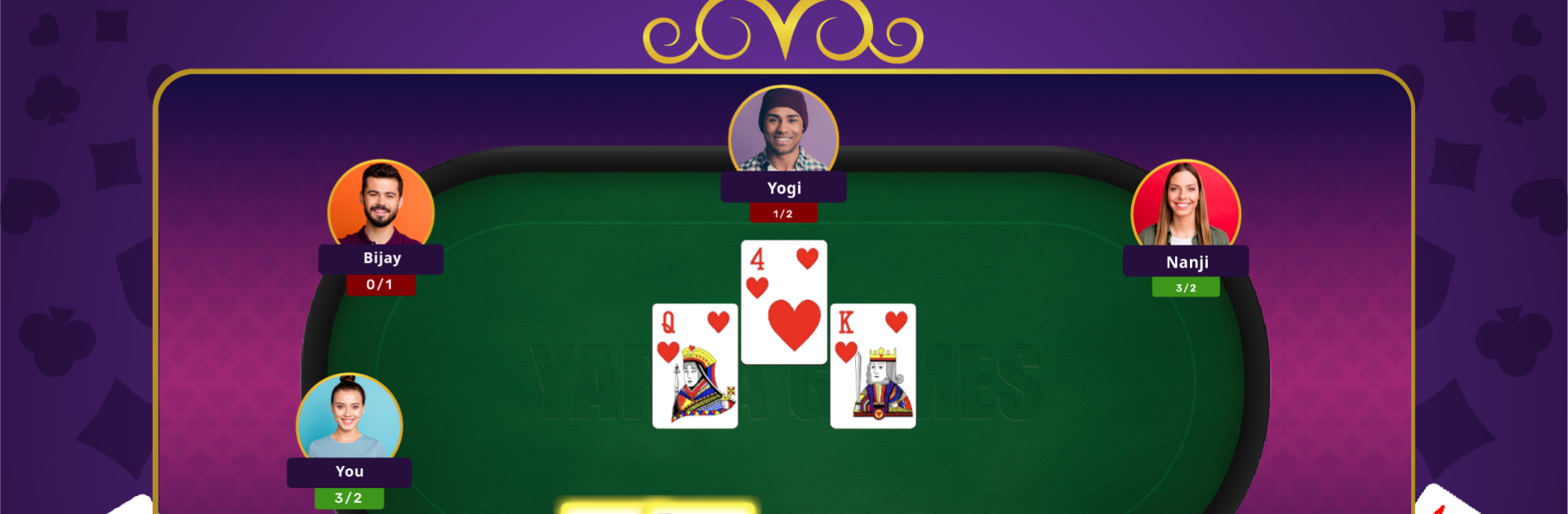
Callbreak Multiplayer
Spiele auf dem PC mit BlueStacks - der Android-Gaming-Plattform, der über 500 Millionen Spieler vertrauen.

Seite geändert am: Oct 15, 2025
Play Callbreak Multiplayer on PC or Mac
Bring your A-game to Callbreak Multiplayer, the Casual game sensation from Yarsa Games. Give your gameplay the much-needed boost with precise game controls, high FPS graphics, and top-tier features on your PC or Mac with BlueStacks.
About the Game
Callbreak Multiplayer by Yarsa Games brings the classic card table right to your screen—no need to gather everyone in person. Whether you’re new to the game or a longtime fan, it’s all about outsmarting your opponents, playing your best hand, and racking up those wins. It’s a Casual game that lets you connect with friends, family, or total strangers from around the world, one round at a time.
Game Features
-
Real-Time Online Play
Go head-to-head with real players anywhere, anytime. It’s all about reading your rivals and making those bold calls. -
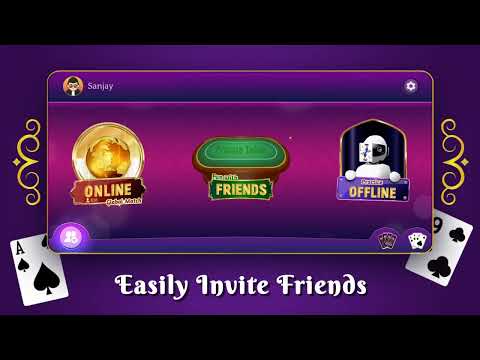
Invite Your Crew
Got friends on Facebook who love card games? Bring them straight into your match—send out invites and fill your table with familiar faces. -
Private Rooms
Want a smaller, closed game? Set up a private room, toss out invites, and play just with your chosen group. Joining’s easy—just a click, and you’re in. -
Offline Mode
No internet? No problem. Challenge the computer and keep your skills sharp whenever you’ve got a few minutes to spare. -
Smooth Experience with BlueStacks
If you like to play on your PC, using BlueStacks makes things even smoother, offering better control as you shuffle and deal your cards.
Slay your opponents with your epic moves. Play it your way on BlueStacks and dominate the battlefield.




Spiele Callbreak Multiplayer auf dem PC. Der Einstieg ist einfach.
-
Lade BlueStacks herunter und installiere es auf deinem PC
-
Schließe die Google-Anmeldung ab, um auf den Play Store zuzugreifen, oder mache es später
-
Suche in der Suchleiste oben rechts nach Callbreak Multiplayer
-
Klicke hier, um Callbreak Multiplayer aus den Suchergebnissen zu installieren
-
Schließe die Google-Anmeldung ab (wenn du Schritt 2 übersprungen hast), um Callbreak Multiplayer zu installieren.
-
Klicke auf dem Startbildschirm auf das Callbreak Multiplayer Symbol, um mit dem Spielen zu beginnen

