

GhostTube SLS Kamera
Spiele auf dem PC mit BlueStacks - der Android-Gaming-Plattform, der über 500 Millionen Spieler vertrauen.

Seite geändert am: Sep 2, 2025
Run GhostTube SLS Camera on PC or Mac
What’s better than using GhostTube SLS Camera by GhostTube? Well, try it on a big screen, on your PC or Mac, with BlueStacks to see the difference.
About the App
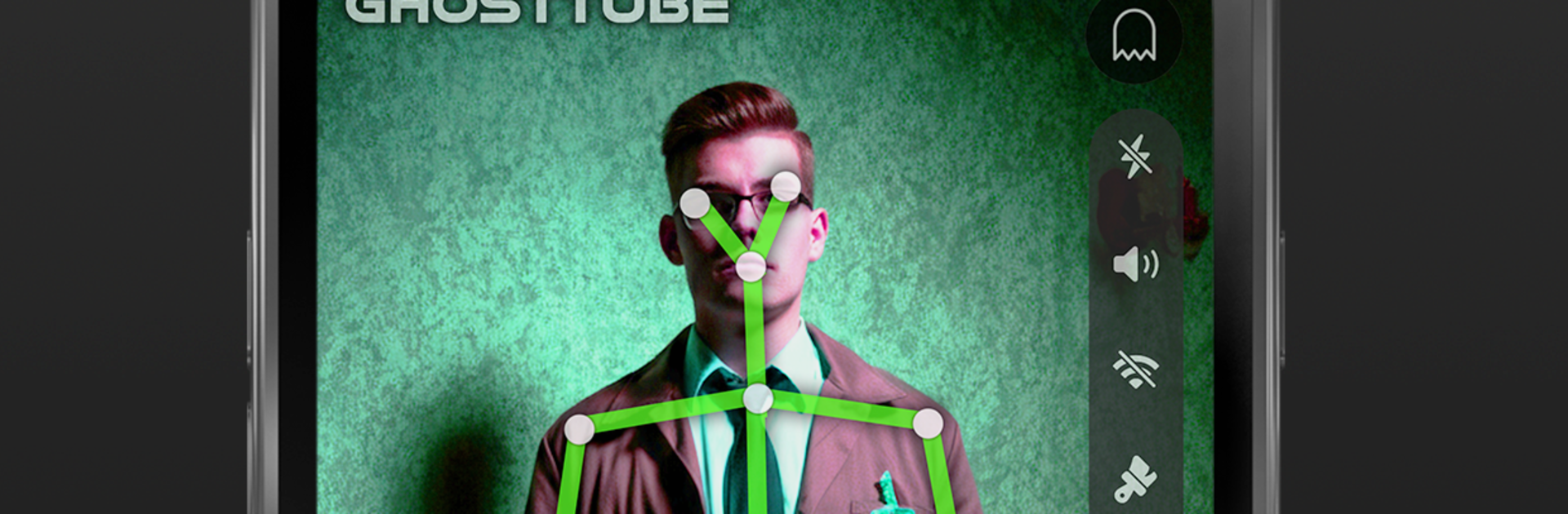
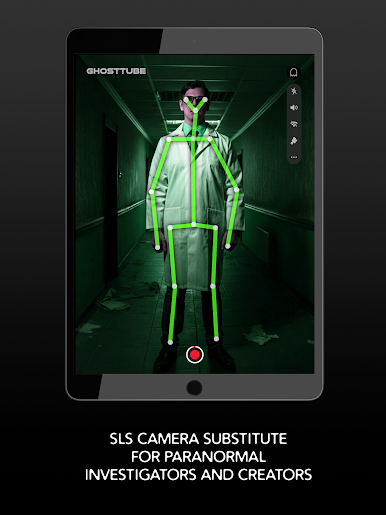
GhostTube SLS Camera brings that classic SLS-style experience to your phone, letting you spot human‑shaped figures through your camera as you explore curious places. It’s simple to use, surprisingly portable, and made for anyone who loves a good late‑night investigation or just wants to experiment. Genre: Entertainment.
App Features
-
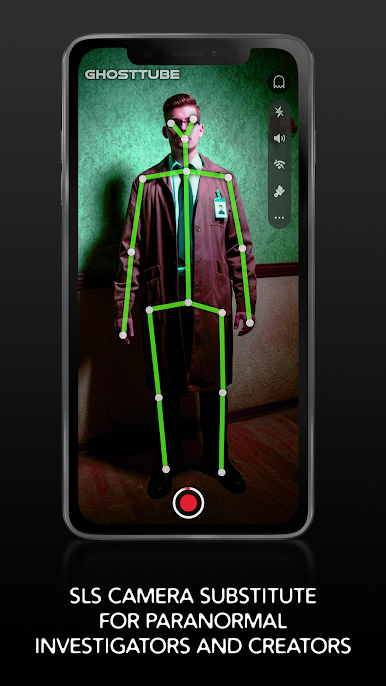
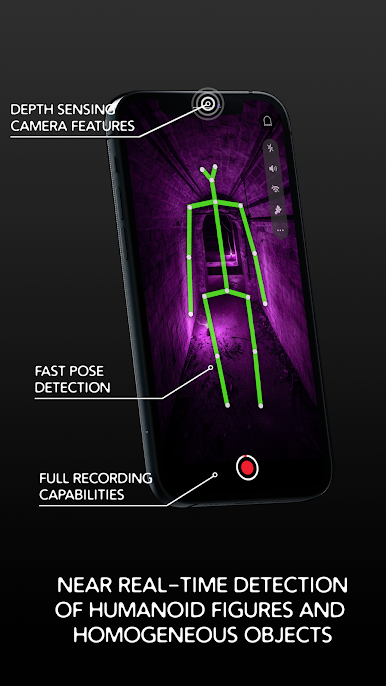
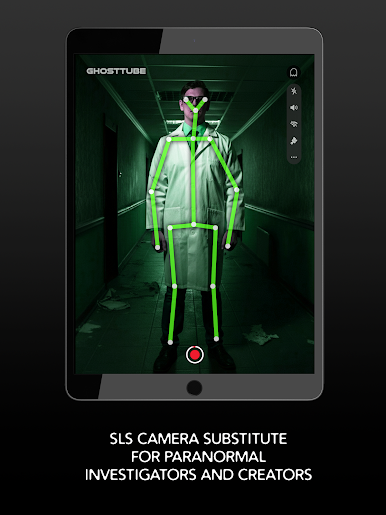
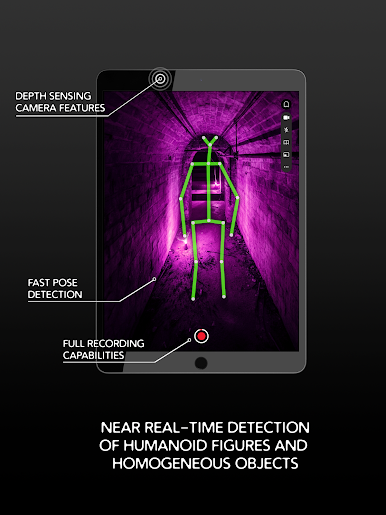
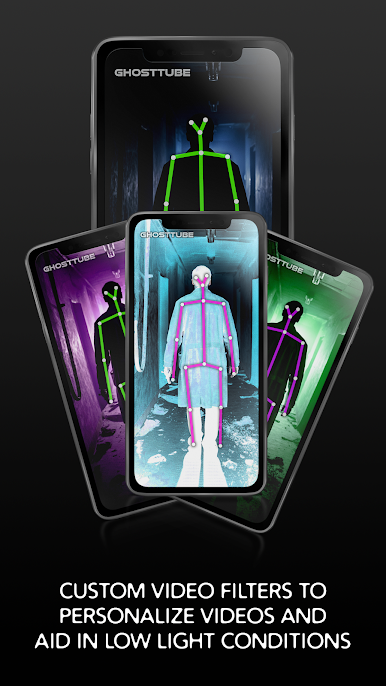
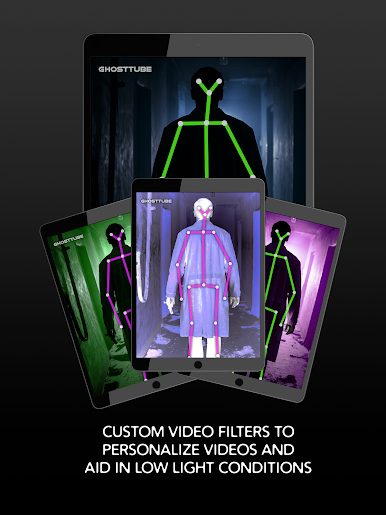
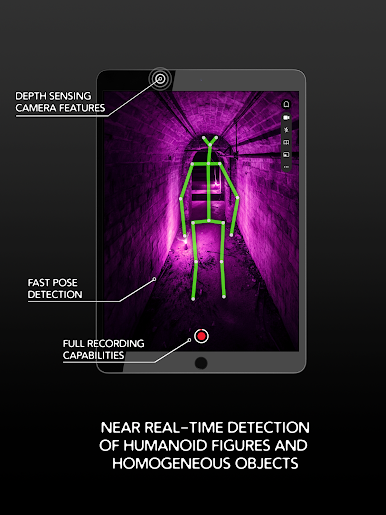
SLS-style figure mapping: Uses your device’s camera to identify human-like shapes and even certain uniform objects that may resemble a person, then highlights them on screen in real time.
-
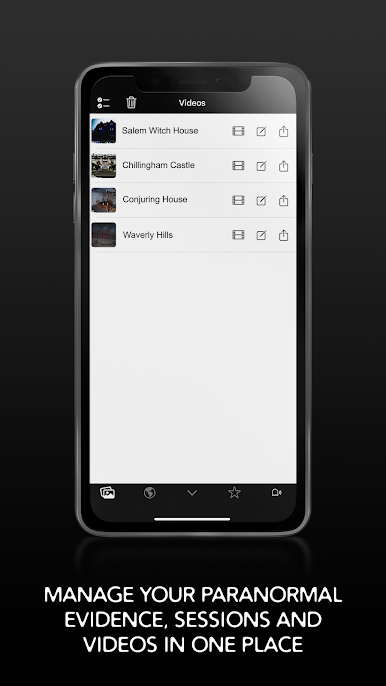
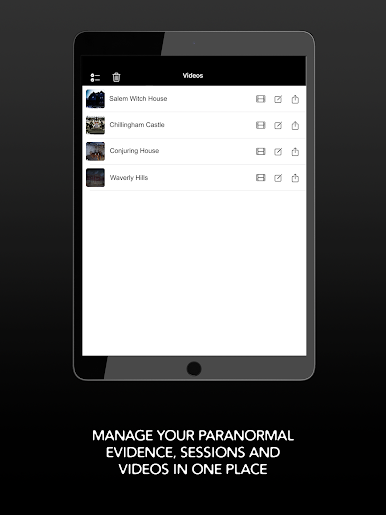
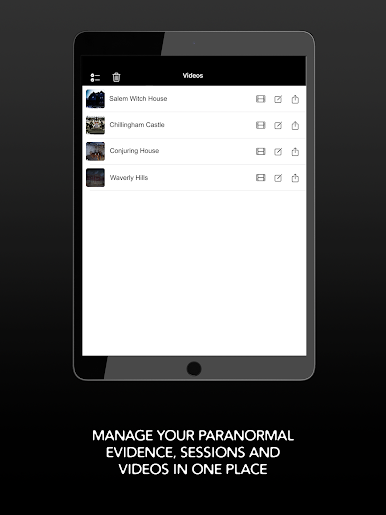
Full-session video recording: Capture everything as it happens so you can review your walkthroughs, share interesting moments, or keep a log of your sessions.
-
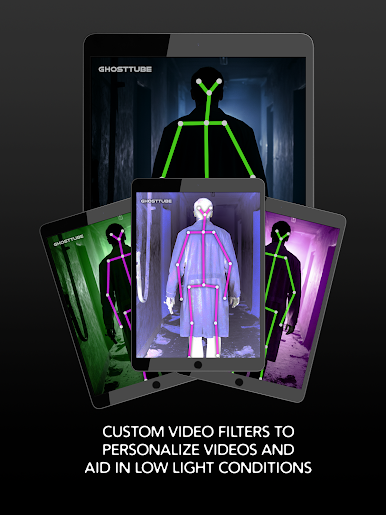
Low‑light filters: Helpful visual filters make filming in dim spaces easier to see on camera. It’s not night vision, though—bring a flashlight and use proper lighting.
-
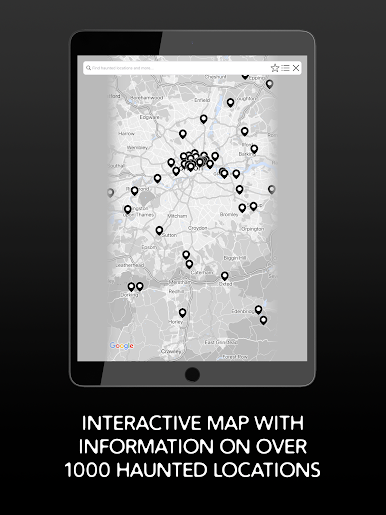
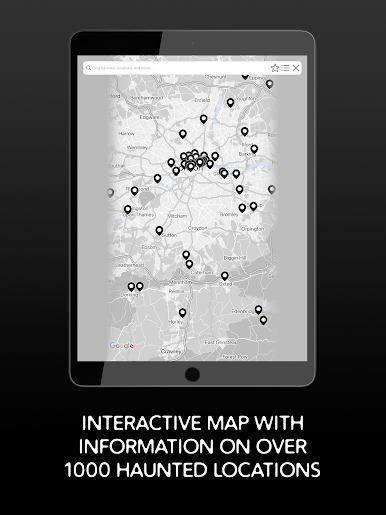
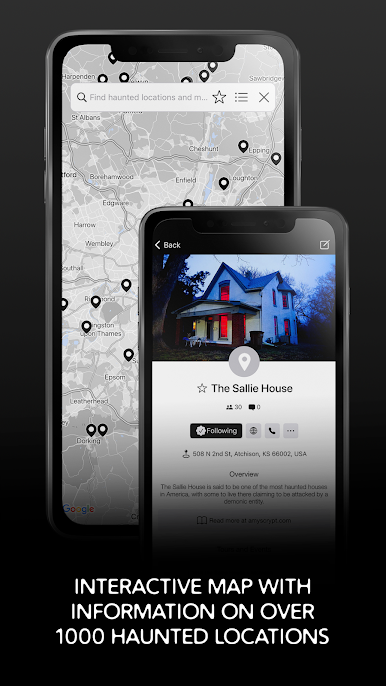
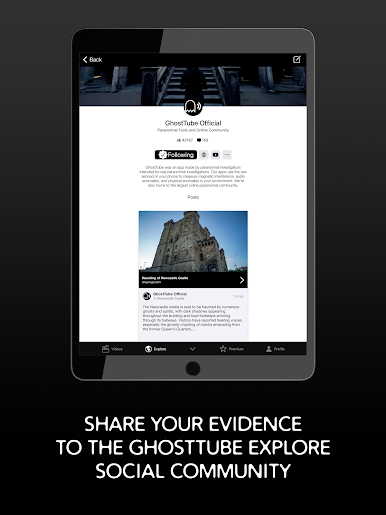
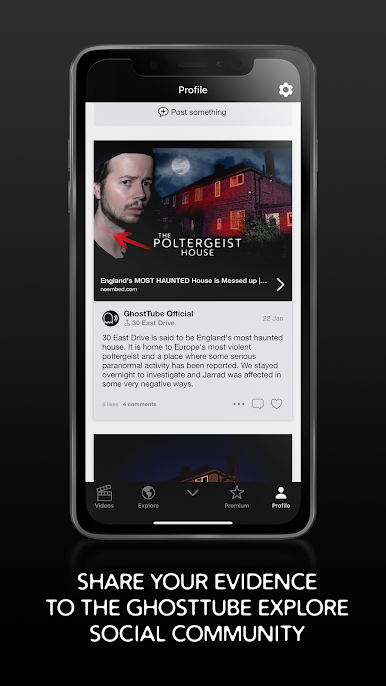
Community and haunted places: Browse a built-in database of haunted locations and connect with the GhostTube community to compare notes and find new spots to check out.
-
Pocket-friendly alternative: Skip the pricey modified hardware. GhostTube SLS Camera gives you an approachable, on-the-go option for your next investigation.
-
Optional upgrades: Some tools and extras are available through in‑app purchases. Auto‑renewable subscriptions are offered if you want ongoing access to premium features.
-
Big‑screen viewing: Prefer more screen space during reviews? You can also run GhostTube SLS Camera on your computer with BlueStacks.
-
Helpful note on detections: Patterns, angles, and certain textures can prompt figure mapping. Treat results as exploratory, not definitive evidence.
Big screen. Bigger performance. Use BlueStacks on your PC or Mac to run your favorite apps.

Spiele GhostTube SLS Kamera auf dem PC. Der Einstieg ist einfach.
-
Lade BlueStacks herunter und installiere es auf deinem PC
-
Schließe die Google-Anmeldung ab, um auf den Play Store zuzugreifen, oder mache es später
-
Suche in der Suchleiste oben rechts nach GhostTube SLS Kamera
-
Klicke hier, um GhostTube SLS Kamera aus den Suchergebnissen zu installieren
-
Schließe die Google-Anmeldung ab (wenn du Schritt 2 übersprungen hast), um GhostTube SLS Kamera zu installieren.
-
Klicke auf dem Startbildschirm auf das GhostTube SLS Kamera Symbol, um mit dem Spielen zu beginnen

