


My Text Editor
Играйте на ПК с BlueStacks – игровой платформе для приложений на Android. Нас выбирают более 500 млн. игроков.

Страница изменена: Aug 5, 2020
Run Abc Editor ( Large file text editor ) Text Editor on PC or Mac
Upgrade your experience. Try Abc Editor ( Large file text editor ) Text Editor, the fantastic Tools app from PolarBear soft, from the comfort of your laptop, PC, or Mac, only on BlueStacks.
About the App
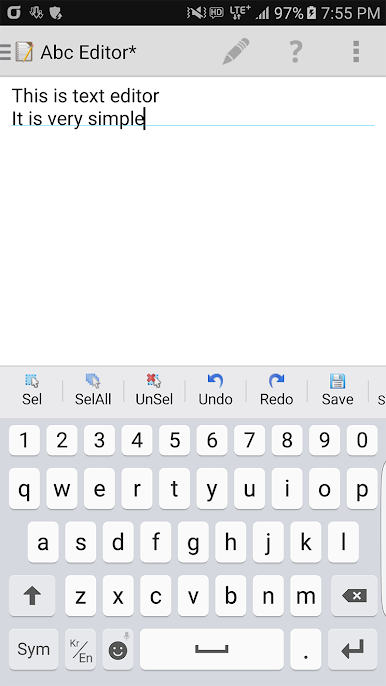
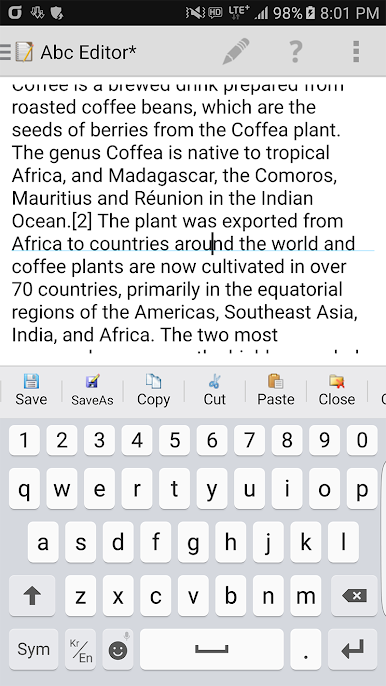
Looking for a way to work with big text files right from your phone or tablet? Abc Editor ( Large file text editor ) Text Editor from PolarBear soft is all about handling plain text, no matter how huge the file is. Whether you’re jotting down notes, updating scripts, or sifting through logs, this Tools app offers a smooth, reliable experience—no need to worry about slowdowns with monster-sized documents.
App Features
-
Handles Large Files
Need to open a file that’s over 50MB? No problem. Abc Editor ( Large file text editor ) Text Editor lets you scroll, edit, and save really big files without your device coming to a crawl. Great for those massive note collections, logs, or even coding projects. -
Simple, Notepad-Style Design
The layout is straightforward and distraction-free—think NotePad, but on your device. Just open your file, and you’re ready to start typing or editing. No confusing extras or clutter. -
Smooth Keyboard Support
Works best with standard keyboards like Google, Samsung, or LG, making it easy to type or paste content. Custom keyboards might introduce some delays, but stick with the usual suspects and you’re good. -
Flexible Text Editing
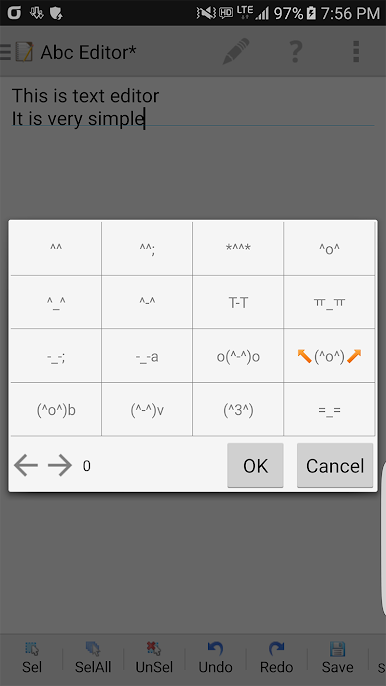
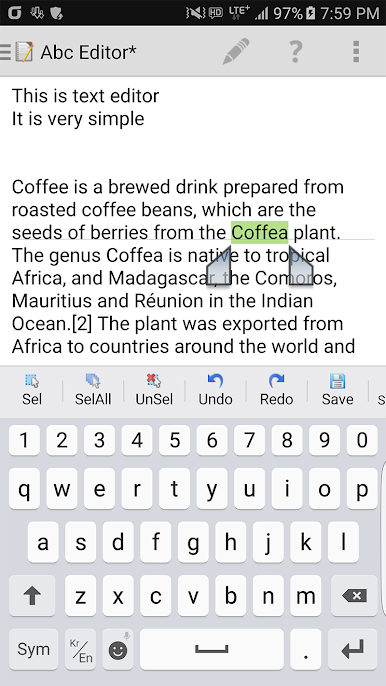
Want to make quick changes, search, or copy-paste? Editing tools are right where you’d expect them, so you don’t have to hunt around for the basics.
If you want the experience on a bigger screen, BlueStacks offers a convenient way to run this handy Tools app from PolarBear soft across different devices.
Switch to BlueStacks and make the most of your apps on your PC or Mac.

Играйте в игру My Text Editor на ПК. Это легко и просто.
-
Скачайте и установите BlueStacks на ПК.
-
Войдите в аккаунт Google, чтобы получить доступ к Google Play, или сделайте это позже.
-
В поле поиска, которое находится в правой части экрана, введите название игры – My Text Editor.
-
Среди результатов поиска найдите игру My Text Editor и нажмите на кнопку "Установить".
-
Завершите авторизацию в Google (если вы пропустили этот шаг в начале) и установите игру My Text Editor.
-
Нажмите на ярлык игры My Text Editor на главном экране, чтобы начать играть.

