


Kids Nursery Rhymes Videos
Spiele auf dem PC mit BlueStacks - der Android-Gaming-Plattform, der über 500 Millionen Spieler vertrauen.

Seite geändert am: Oct 28, 2025
Run Kids Top Nursery Rhymes Videos - Offline Learning on PC or Mac
Why limit yourself to your small screen on the phone? Run Kids Top Nursery Rhymes Videos – Offline Learning, an app by Kidzooly – Kids Games, Rhymes , Nursery Songs., best experienced on your PC or Mac with BlueStacks, the world’s #1 Android emulator.
About the App
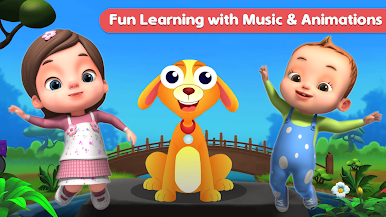
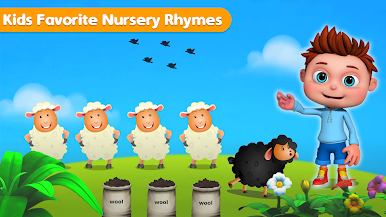
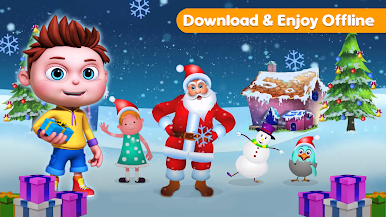
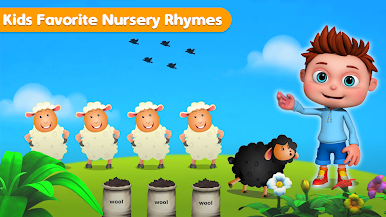
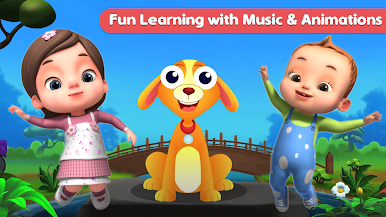
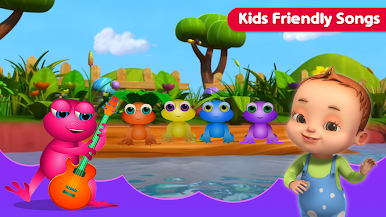
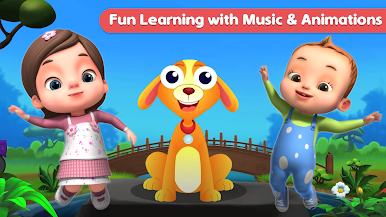
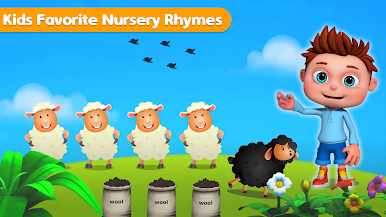
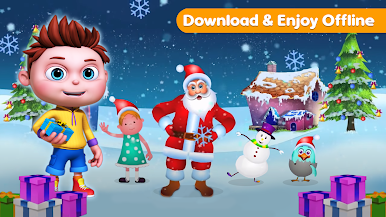
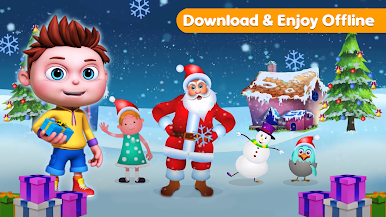
With Kids Top Nursery Rhymes Videos – Offline Learning from Kidzooly – Kids Games, Rhymes , Nursery Songs., you’re in for a treat if you’ve got little ones who love music, singing, and adorable animations. The app brings a colorful, playful world loaded with classic nursery rhymes and children’s songs, all set up to be kid-friendly and super easy to use. Whether you’re on the go or just hanging out at home, everything’s available offline, so there’s no worrying about Wi-Fi when your child wants to watch their favorite tunes again… and again. Get ready for sing-alongs, catchy beats, and animated characters that’ll keep kids engaged—and honestly, probably get you humming too.
App Features
-
High-Quality Videos
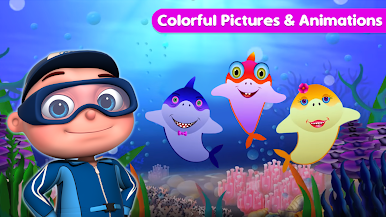
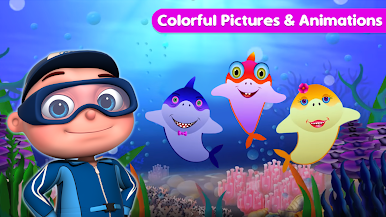
Clear, vibrant videos make every rhyme stand out, with lively colors and crisp visuals that draw kids in. -
Offline Viewing
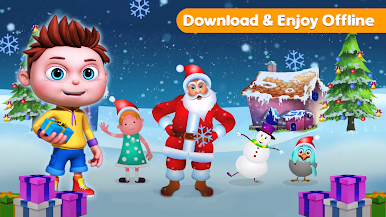
Every song and video is ready to play even if you’re not connected to the internet—great for trips or anytime you’re out and about. -
Classic Rhymes and Songs
From “Wheels on the Bus” to “Old MacDonald Had a Farm,” kids will find tons of upbeat favorites and discover new tunes they’ll want to replay. -
Interactive Sing-Along Text
Lyrics show up onscreen, making it easier for little ones to sing along (and maybe for parents to finally figure out those tricky verses). -
Parental and Children Modes
Easy toggling keeps things age-appropriate and safe, with a children’s mode for worry-free viewing and a parental mode for a bit more control. -
Cute Animations and Characters
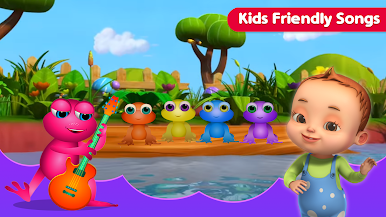
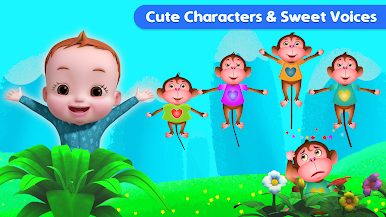
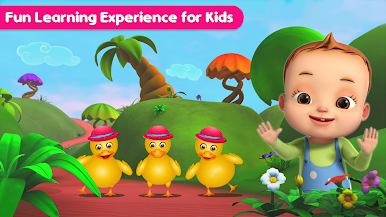
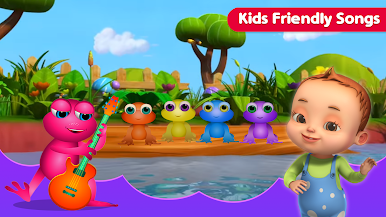
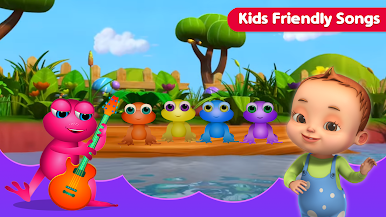
Every song has its own lively cast—think dancing monkeys, singing frogs, or adorable little ducks to keep the fun going. -
Simple Navigation
The interface is super straightforward, so even toddlers can jump into their favorite songs with just a tap—no tech wizardry needed.
Want to enjoy these energetic videos on a bigger screen? Run the app using BlueStacks for an even more eye-popping, shareable experience at home.
Big screen. Bigger performance. Use BlueStacks on your PC or Mac to run your favorite apps.
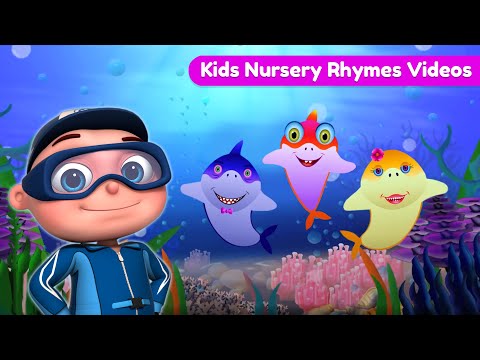
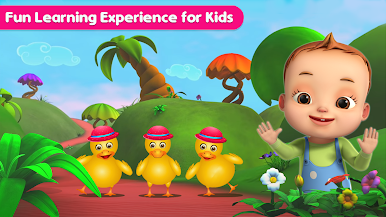
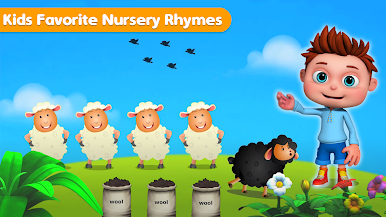
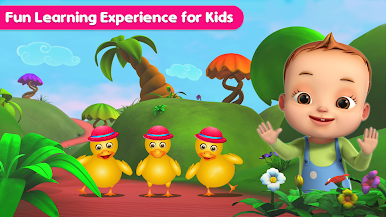
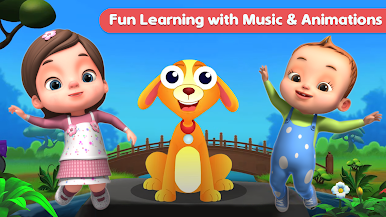
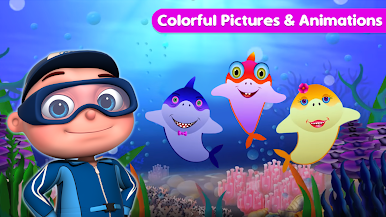
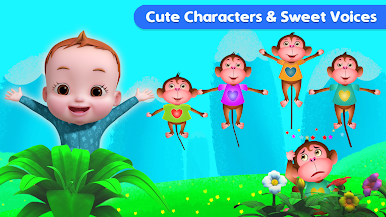
Spiele Kids Nursery Rhymes Videos auf dem PC. Der Einstieg ist einfach.
-
Lade BlueStacks herunter und installiere es auf deinem PC
-
Schließe die Google-Anmeldung ab, um auf den Play Store zuzugreifen, oder mache es später
-
Suche in der Suchleiste oben rechts nach Kids Nursery Rhymes Videos
-
Klicke hier, um Kids Nursery Rhymes Videos aus den Suchergebnissen zu installieren
-
Schließe die Google-Anmeldung ab (wenn du Schritt 2 übersprungen hast), um Kids Nursery Rhymes Videos zu installieren.
-
Klicke auf dem Startbildschirm auf das Kids Nursery Rhymes Videos Symbol, um mit dem Spielen zu beginnen

