


Hausaufgaben Pro
Spiele auf dem PC mit BlueStacks - der Android-Gaming-Plattform, der über 500 Millionen Spieler vertrauen.

Seite geändert am: Dec 3, 2025
Play HomeWork Pro on PC
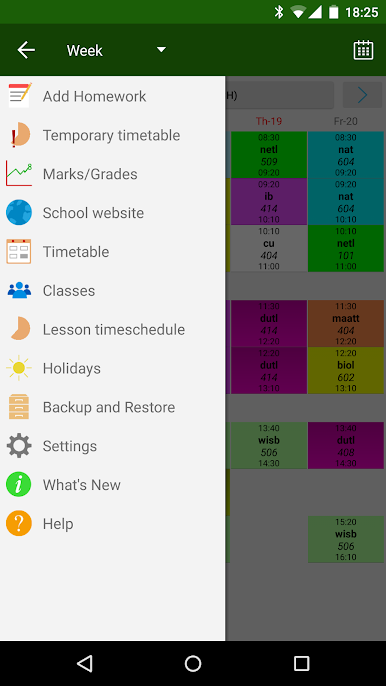
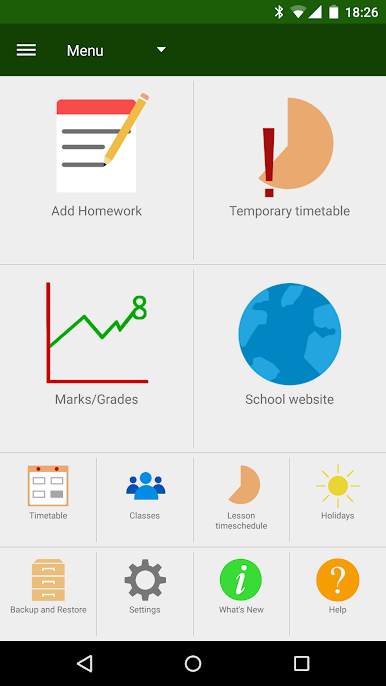
2. You can define your own subjects/lessons.
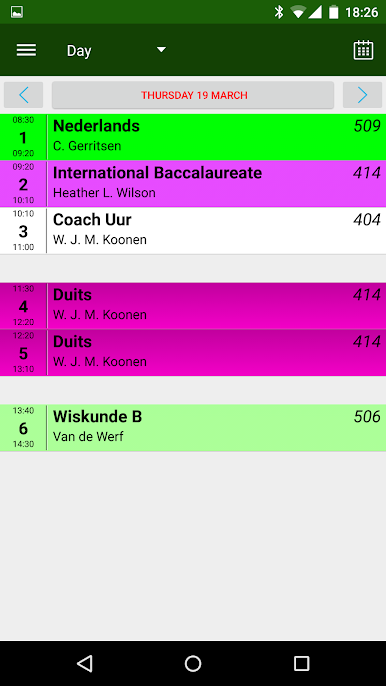
You can define the start and end times of the lessons.
Upto 20 lessons per day.
You can define contact information for each subject.
3. Feature to make a temporary (one lesson, one day) timetable change.
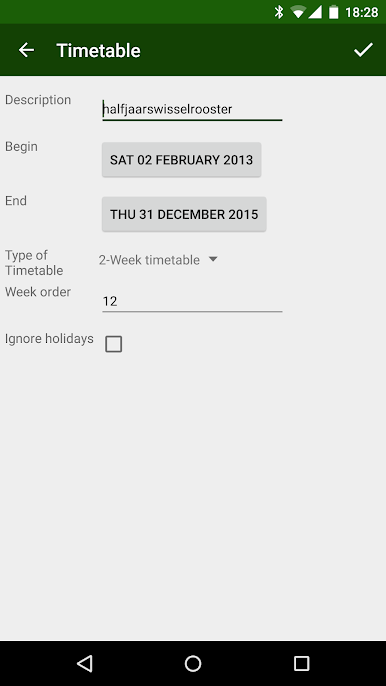
4. ---> Possible to use a 2- 3- and 4-week timetable (enable it in the Settings!)
5. ---> Possible to use a rotating timetable (enable it in the Settings!)
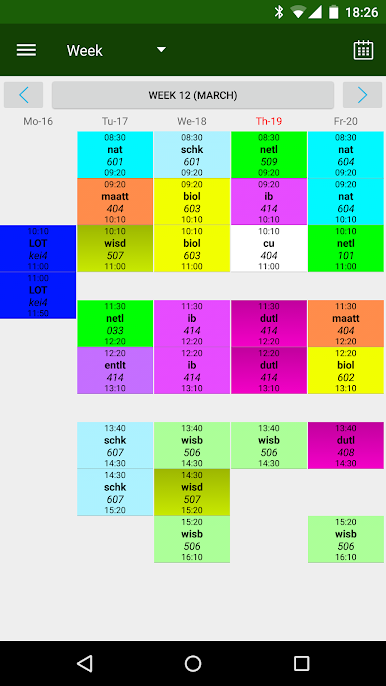
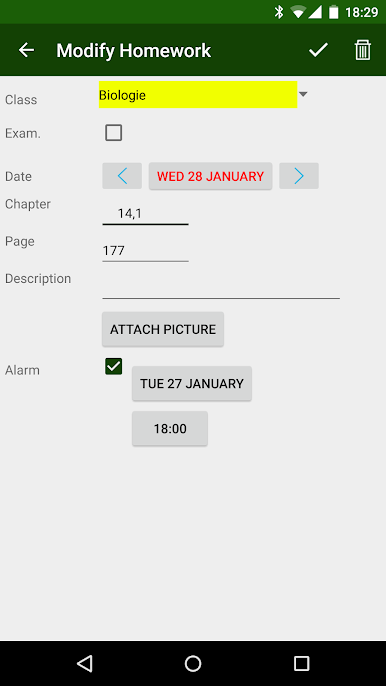
6. By (short) Clicking on a lesson in the timetable screens, you can define homework for that lesson.
By (long) Clicking on a lesson in the timetable screens, you can define a one-time timetable change for that lesson.
7. In the Timetable screens, there are indications for unfinished homework and examinations for lessons.
8. By sweeping left or right on the timetable screen, you can go forward or backward in time.
Sweep down is back to current day/week
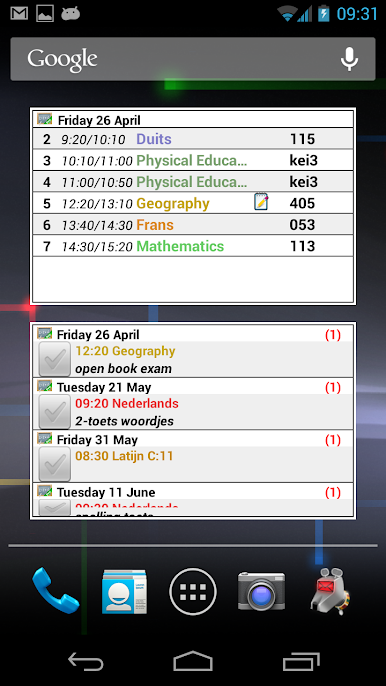
9. Multiple homescreen widgets available.
klwinkel.com
Tablet optimization was sponsored and designed by Digitally Different Srl
[Arabic translation by: Adel Al-Ghuzaili]
Spiele Hausaufgaben Pro auf dem PC. Der Einstieg ist einfach.
-
Lade BlueStacks herunter und installiere es auf deinem PC
-
Schließe die Google-Anmeldung ab, um auf den Play Store zuzugreifen, oder mache es später
-
Suche in der Suchleiste oben rechts nach Hausaufgaben Pro
-
Klicke hier, um Hausaufgaben Pro aus den Suchergebnissen zu installieren
-
Schließe die Google-Anmeldung ab (wenn du Schritt 2 übersprungen hast), um Hausaufgaben Pro zu installieren.
-
Klicke auf dem Startbildschirm auf das Hausaufgaben Pro Symbol, um mit dem Spielen zu beginnen

