

Hausaufgaben
Spiele auf dem PC mit BlueStacks - der Android-Gaming-Plattform, der über 500 Millionen Spieler vertrauen.

Seite geändert am: Dec 3, 2025
Run HomeWork on PC or Mac
Multitask effortlessly on your PC or Mac as you try out HomeWork, a Education app by Klwinkel.com on BlueStacks.
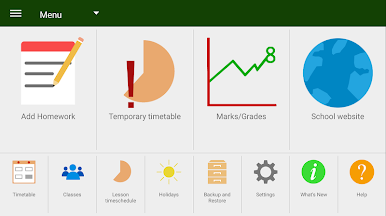
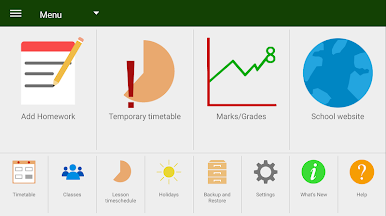
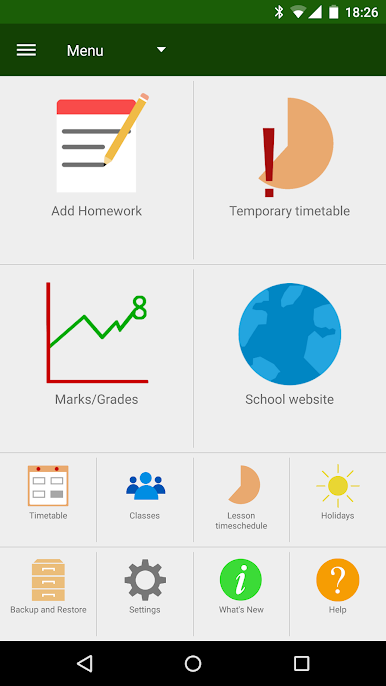
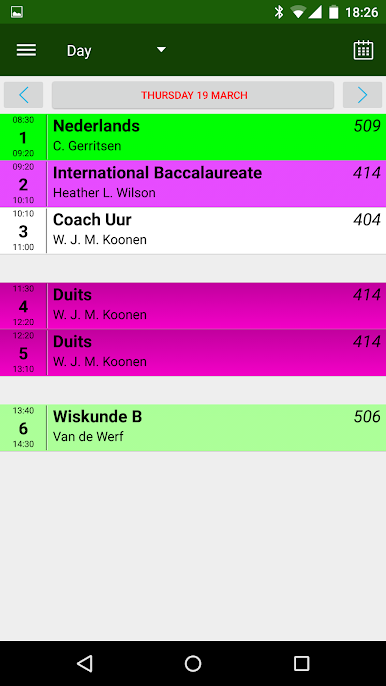
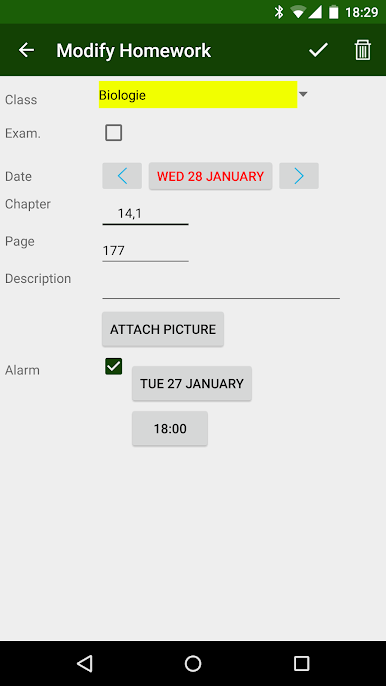
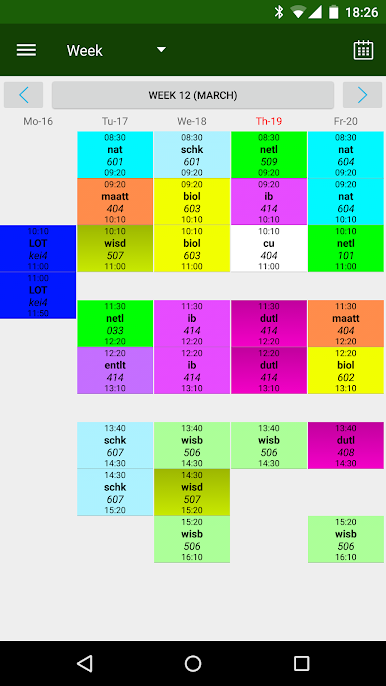
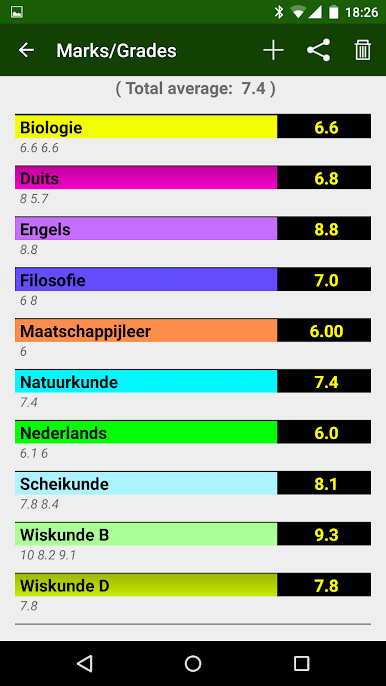
HomeWork feels like a no-nonsense planner made for students who live by a timetable. It lets someone set up subjects from scratch, choose exact start and end times, and even load up to 20 lessons in a single day if that is how the school runs. There is room to add teacher or contact details per subject, which helps when a quick email is needed. A short click on a class adds homework straight from the timetable, and a long click handles one-off changes without breaking the whole plan. The app flags unfinished homework and exams right on the schedule, so nothing hides in a menu. Swiping left or right flips through days or weeks, and a quick swipe down jumps back to today, super handy when the calendar rabbit hole gets deep.
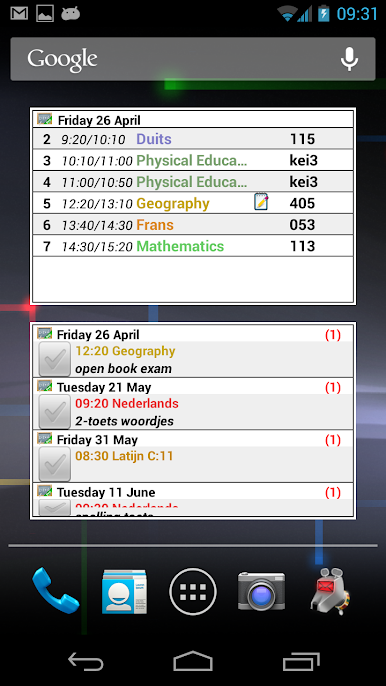
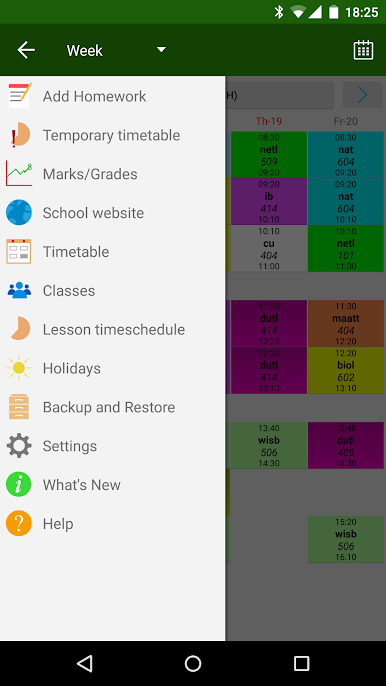
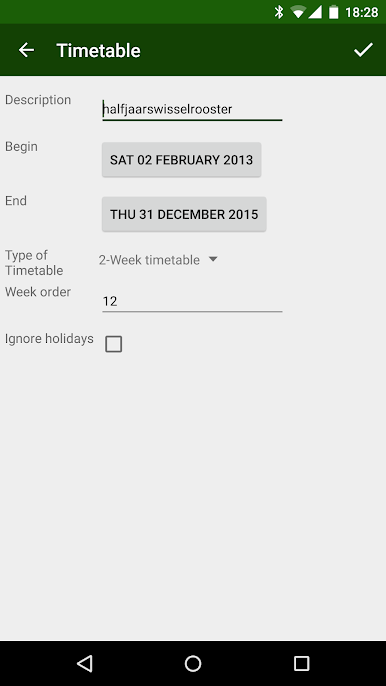
What stands out is how flexible the schedule can be. It supports 2, 3, or 4 week cycles, and there is a rotating timetable option for schools that shift periods around. Temporary changes are built in for that one random assembly or lab move. The widgets are useful too, so the next tasks sit on the home screen without opening the app. On BlueStacks, it works smoothly with a mouse for short and long clicks, and the bigger screen makes the whole week view a lot easier to scan. The layout scales nicely for tablets and larger monitors, and there is Arabic language support as well. It is not flashy, just clean and very practical for keeping class and homework in one place.
Ready to experience HomeWork on a bigger screen, in all its glory? Download BlueStacks now.
Spiele Hausaufgaben auf dem PC. Der Einstieg ist einfach.
-
Lade BlueStacks herunter und installiere es auf deinem PC
-
Schließe die Google-Anmeldung ab, um auf den Play Store zuzugreifen, oder mache es später
-
Suche in der Suchleiste oben rechts nach Hausaufgaben
-
Klicke hier, um Hausaufgaben aus den Suchergebnissen zu installieren
-
Schließe die Google-Anmeldung ab (wenn du Schritt 2 übersprungen hast), um Hausaufgaben zu installieren.
-
Klicke auf dem Startbildschirm auf das Hausaufgaben Symbol, um mit dem Spielen zu beginnen

