

Gewindesteigung : Thread pitch
Spiele auf dem PC mit BlueStacks - der Android-Gaming-Plattform, der über 500 Millionen Spieler vertrauen.

Seite geändert am: May 7, 2025
Run Thread pitch gauge on PC or Mac
Get freedom from your phone’s obvious limitations. Use Thread pitch gauge, made by Smart Tools co., a Tools app on your PC or Mac with BlueStacks, and level up your experience.
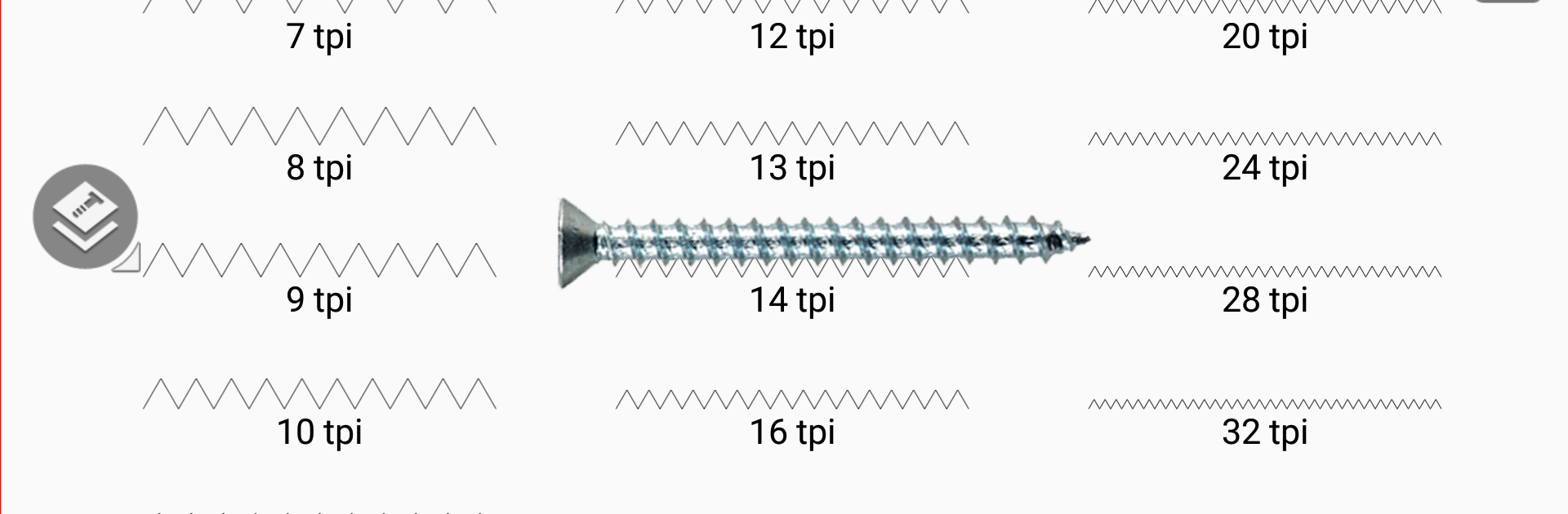
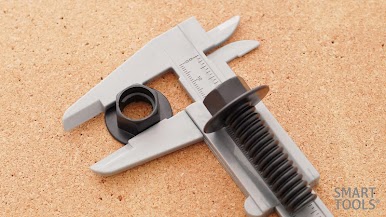
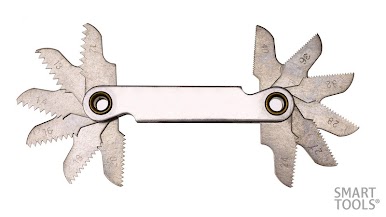
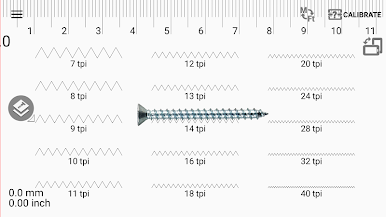
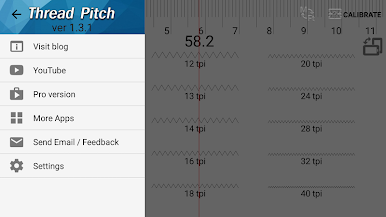
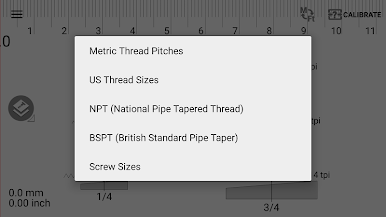
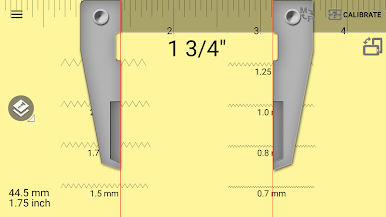
Thread Pitch Gauge feels like having a pocket thread card on a screen. Instead of squinting at a ruler or digging for a plastic gauge, it shows clear pitch patterns that users slide under a screw or bolt until the ridges line up. It covers the usual suspects, metric and US threads, plus pipe threads like NPT and BSPT, and common metric and SAE screw sizes. There is a simple caliper mode for quick diameter checks, a fast switch between metric and inch, and a background color toggle so steel, brass, or black oxide parts stand out better. The layout is clean and plain, no fluff, and the app handles screen calibration so sizes are not guesswork.
On a PC with BlueStacks, the bigger monitor makes matching threads easier, since there is more room to line everything up nicely. Cursor control is steady for small nudges, and zooming the emulator window gives a little extra precision without any fuss. It is still the same idea, hold the screw to the screen and slide the pattern until it clicks visually. Accuracy depends on the display scaling, so doing a quick check of the calibration one time is smart, then it stays consistent. For sorting a mixed bin, telling NPT from BSPT without finding a real gauge, or confirming if that bolt is metric or SAE, it saves time and a headache. It is not flashy, it just does the one job with the right options and gets out of the way.
Eager to take your app experience to the next level? Start right away by downloading BlueStacks on your PC or Mac.

Spiele Gewindesteigung : Thread pitch auf dem PC. Der Einstieg ist einfach.
-
Lade BlueStacks herunter und installiere es auf deinem PC
-
Schließe die Google-Anmeldung ab, um auf den Play Store zuzugreifen, oder mache es später
-
Suche in der Suchleiste oben rechts nach Gewindesteigung : Thread pitch
-
Klicke hier, um Gewindesteigung : Thread pitch aus den Suchergebnissen zu installieren
-
Schließe die Google-Anmeldung ab (wenn du Schritt 2 übersprungen hast), um Gewindesteigung : Thread pitch zu installieren.
-
Klicke auf dem Startbildschirm auf das Gewindesteigung : Thread pitch Symbol, um mit dem Spielen zu beginnen

