

Musikspieler&EQ Bassverstärker
Spiele auf dem PC mit BlueStacks - der Android-Gaming-Plattform, der über 500 Millionen Spieler vertrauen.

Seite geändert am: Oct 17, 2025
Run KX Music Player on PC or Mac
What’s better than using KX Music Player by Coocent? Well, try it on a big screen, on your PC or Mac, with BlueStacks to see the difference.
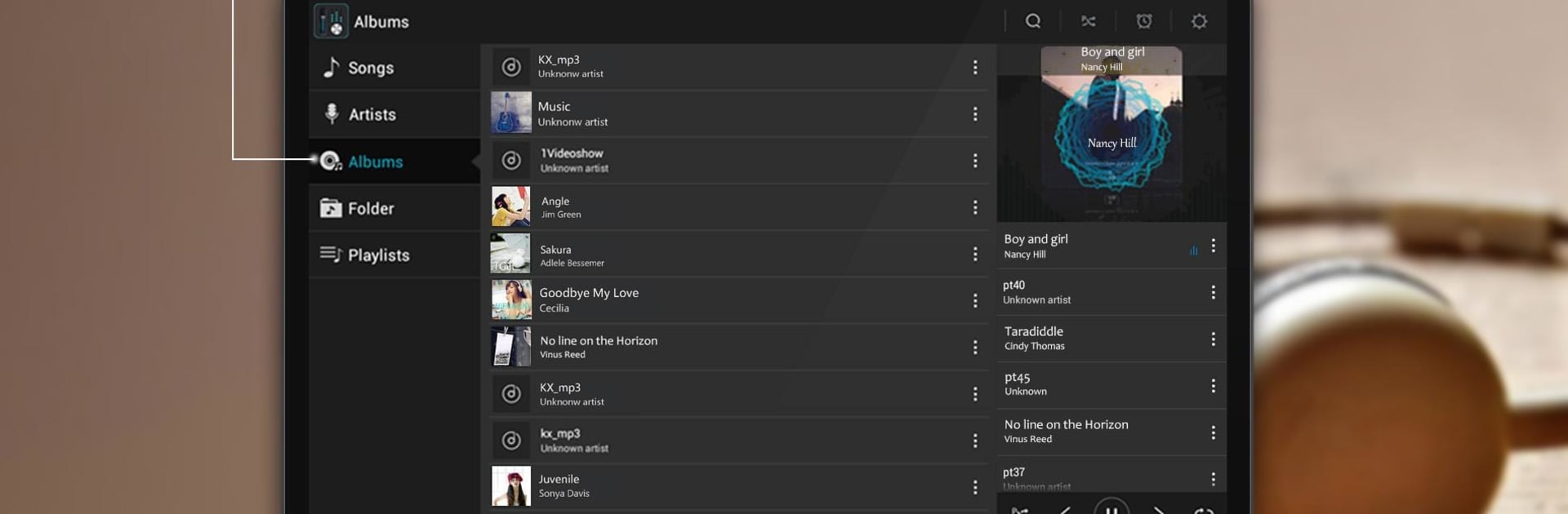
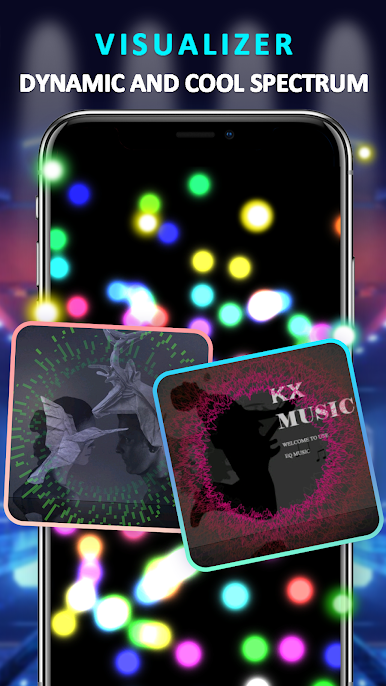
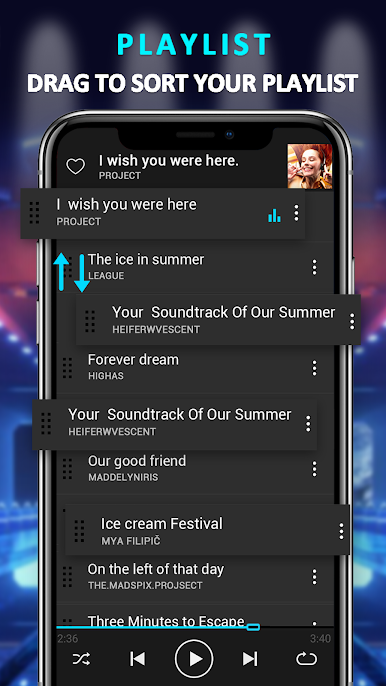
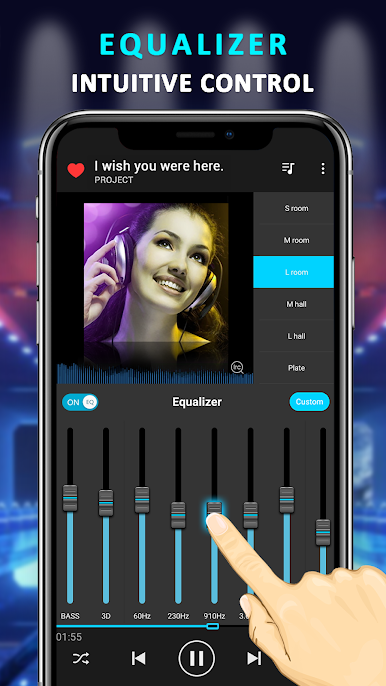
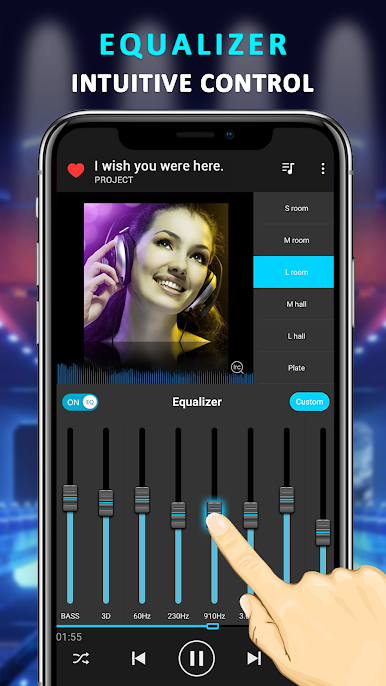
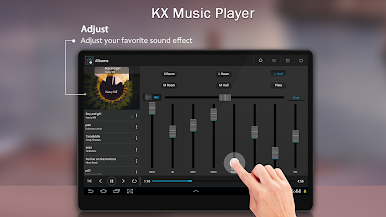
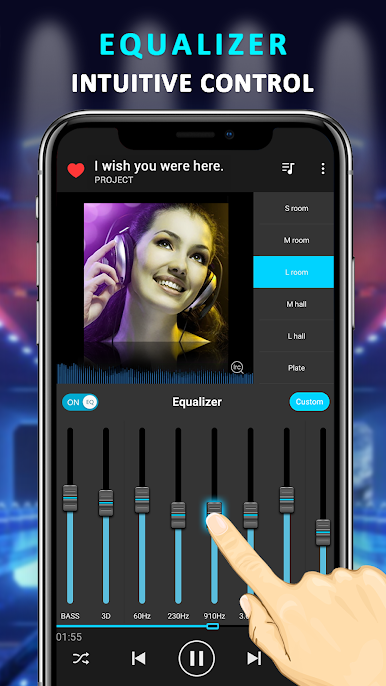
So KX Music Player is honestly one of those apps that’s surprisingly flexible if you want more control over your music. It’s not just for hitting play and letting things run; what stands out is just how many sound tweaks and features are packed in. The equalizer is a big deal here — you’ll find a bunch of sliders, so if you like adjusting bass, treble, or want to try some preset tones (like different genres and moods), it’s easy to flip between them. There’s even a surround-sound effect if you’re listening with headphones, and those extra effects like bass boost and different reverb rooms are immediately noticeable.
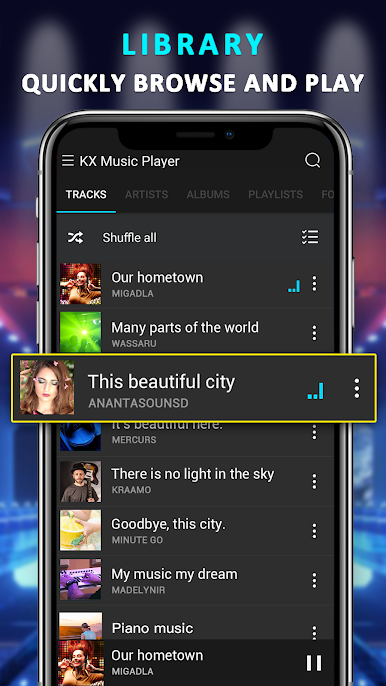
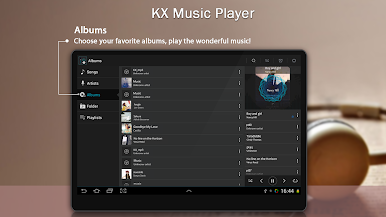
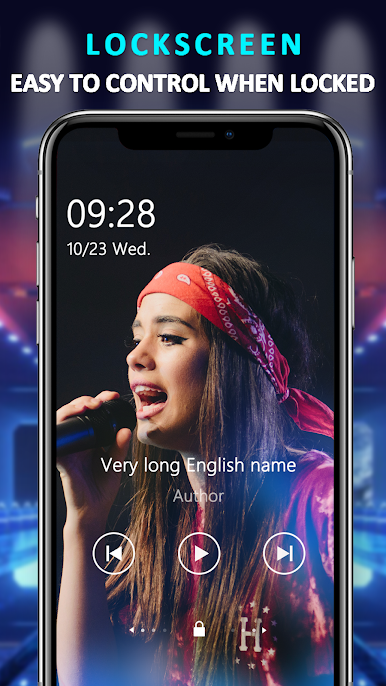
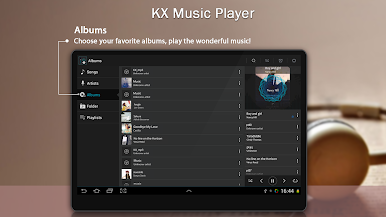
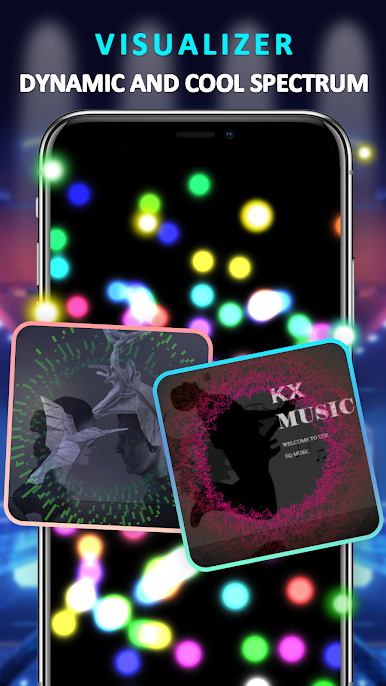
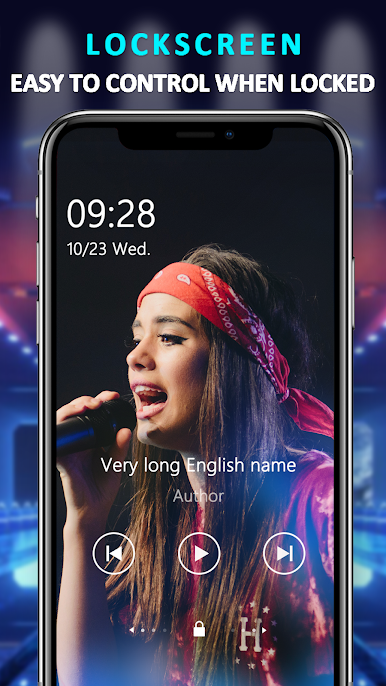
Navigation feels simple: scrolling through songs by artist, album, or if you just want to play from a folder. All the usual stuff is there — shuffle, playlists, next and previous tracks without digging into menus. The look is clean, but with things like a volume meter and stereo display that make it feel a bit more technical, in a good way. On PC through BlueStacks, it runs smooth and actually makes poking at all those extra audio settings easier with a mouse. It covers pretty much all the formats out there, so any weird audio files aren’t a problem. Notifications let you skip or pause tracks without having to switch windows, so it doesn’t get in the way. Overall, it’s that player you go for if you want to fine-tune or just have your music sound a bit bigger and better, without any fuss.
Eager to take your app experience to the next level? Start right away by downloading BlueStacks on your PC or Mac.

Spiele Musikspieler&EQ Bassverstärker auf dem PC. Der Einstieg ist einfach.
-
Lade BlueStacks herunter und installiere es auf deinem PC
-
Schließe die Google-Anmeldung ab, um auf den Play Store zuzugreifen, oder mache es später
-
Suche in der Suchleiste oben rechts nach Musikspieler&EQ Bassverstärker
-
Klicke hier, um Musikspieler&EQ Bassverstärker aus den Suchergebnissen zu installieren
-
Schließe die Google-Anmeldung ab (wenn du Schritt 2 übersprungen hast), um Musikspieler&EQ Bassverstärker zu installieren.
-
Klicke auf dem Startbildschirm auf das Musikspieler&EQ Bassverstärker Symbol, um mit dem Spielen zu beginnen

