


رفيق حفظ القرآن
Spiele auf dem PC mit BlueStacks - der Android-Gaming-Plattform, der über 500 Millionen Spieler vertrauen.

Seite geändert am: Sep 18, 2025
Play رفيق حفظ القرآن on PC or Mac
Step into the World of رفيق حفظ القرآن, a thrilling Educational game from the house of Rachid Dév. Play this Android game on BlueStacks App Player and experience immersive gaming on PC or Mac.
About the Game
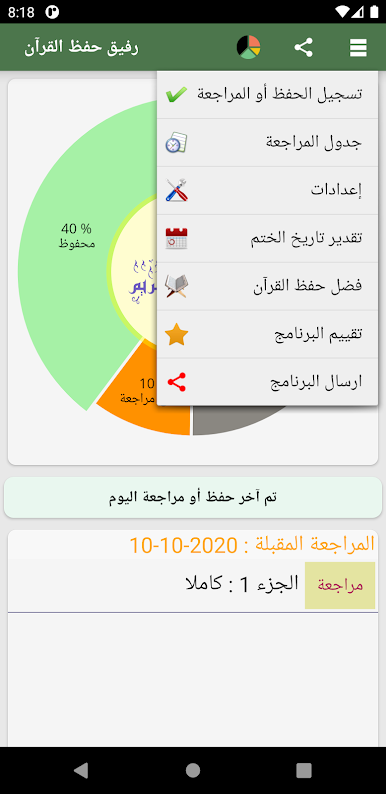
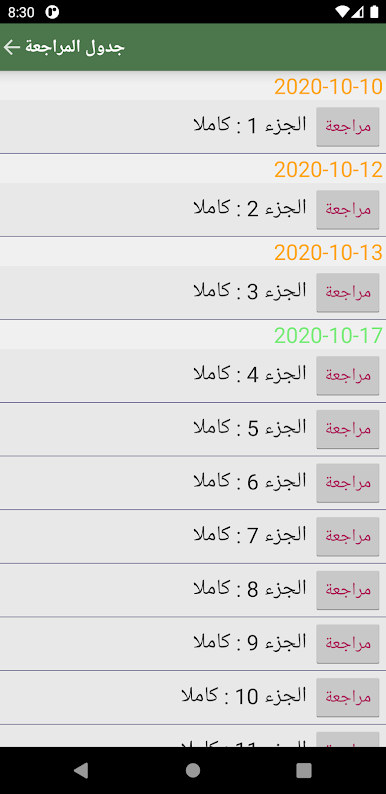
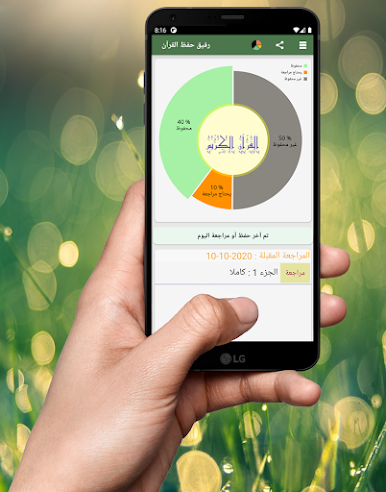
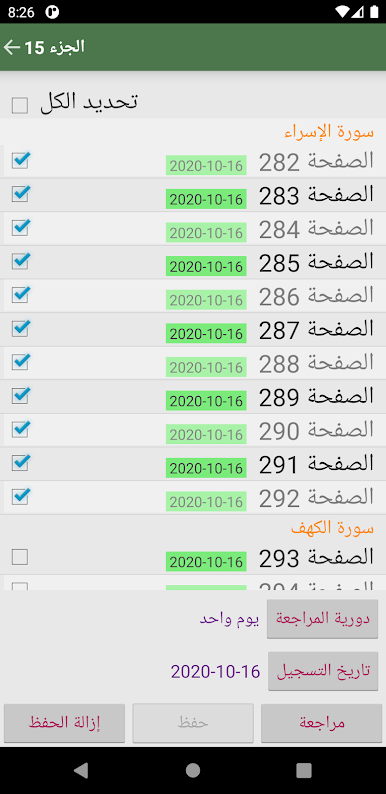
Looking for a simple way to track your Quran memorization and stay on top of your review sessions? رفيق حفظ القرآن by Rachid Dév is your personal companion for Quran study, designed for anyone wanting to organize, remember, and revisit what they’ve memorized. With helpful reminders, clear progress stats, and colorful, user-friendly views, this educational app offers an easygoing but effective approach to building your memorization routine.
Game Features
-
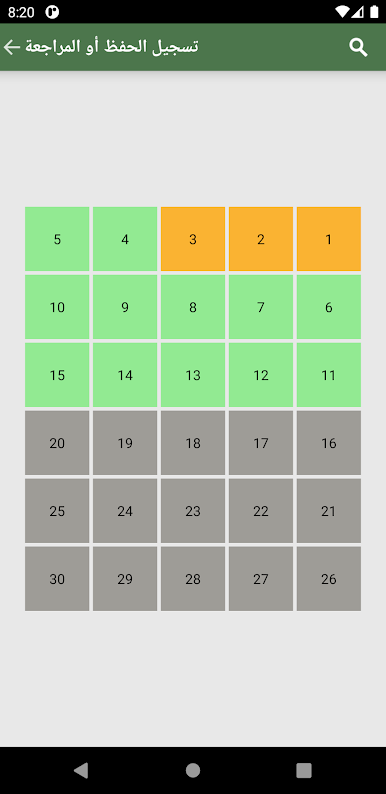
Flexible Tracking Modes
Choose how you want to keep tabs on your memorization—either by parties and eighths, or by sections and pages. It’s all laid out so you can pick the system that matches how you study. -
Smart Reminders
Ever forget the last time you reviewed a page? That’s where the built-in reminders step in. You’ll get gentle notifications about when it’s time to review, helping you avoid slipping behind. -
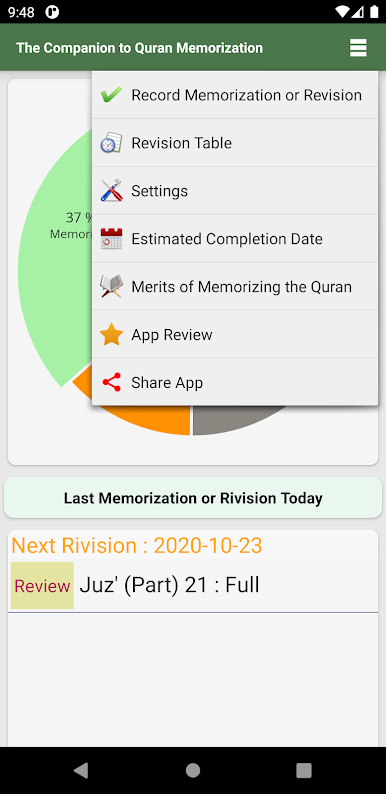
Visual Progress Stats
See how far you’ve come with stats showing both your memorized content and what might need a refresher. The color-coded interface makes it all super easy to glance at—no hunting for numbers or getting lost in menus. -
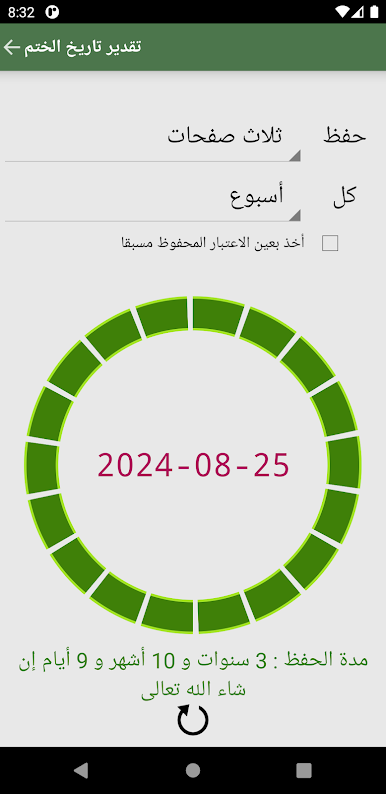
Completion Estimator
Curious how long it’ll take you to finish memorizing? Just enter your pace, and the app estimates your completion date. Handy for setting realistic goals. -
Missed Review Alerts
Get alerts if you haven’t revisited certain parts in a while, so nothing falls through the cracks.
You can explore هذا educational app on your mobile or, if you’re up for it, on a bigger screen using BlueStacks for a more comfortable view.
Get ready for a buttery smooth, high-performance gaming action only on BlueStacks.
Spiele رفيق حفظ القرآن auf dem PC. Der Einstieg ist einfach.
-
Lade BlueStacks herunter und installiere es auf deinem PC
-
Schließe die Google-Anmeldung ab, um auf den Play Store zuzugreifen, oder mache es später
-
Suche in der Suchleiste oben rechts nach رفيق حفظ القرآن
-
Klicke hier, um رفيق حفظ القرآن aus den Suchergebnissen zu installieren
-
Schließe die Google-Anmeldung ab (wenn du Schritt 2 übersprungen hast), um رفيق حفظ القرآن zu installieren.
-
Klicke auf dem Startbildschirm auf das رفيق حفظ القرآن Symbol, um mit dem Spielen zu beginnen

