


Kartenlineal (Maps Ruler)
Spiele auf dem PC mit BlueStacks - der Android-Gaming-Plattform, der über 500 Millionen Spieler vertrauen.

Seite geändert am: Aug 6, 2025
Play Maps Ruler on PC
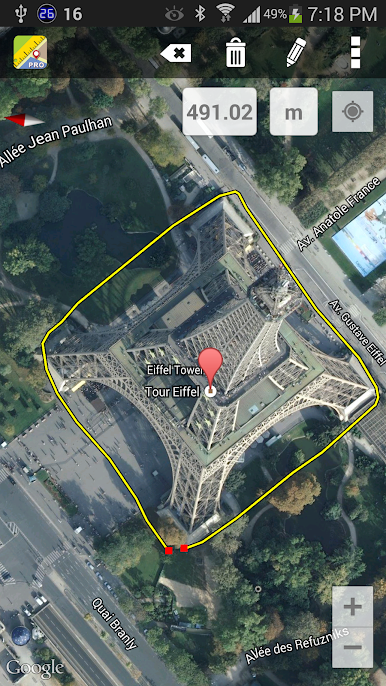
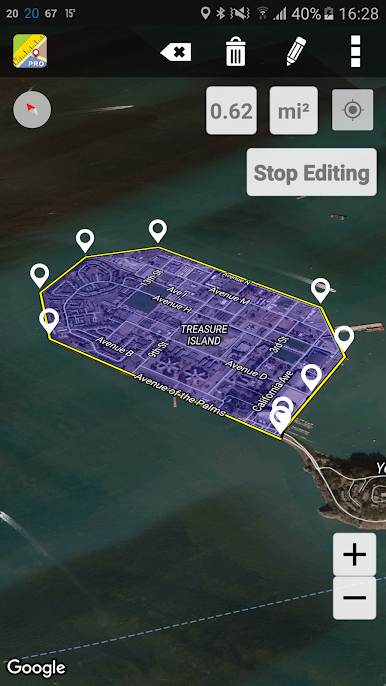
You can also use it as an area calculator, you can measure meter square or kilometer square of the selected areas on map.
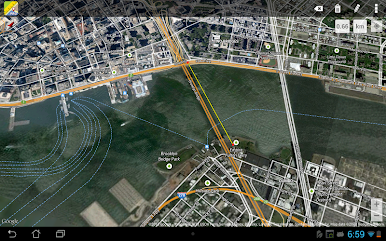
Also you can find shortest way and save energy or use it as a golf distance(yard) calculator.
Good for;
-Calculate area field measure
-Boat trip calculation
-Calculate distance after or before trekking, walking
-Real Estate area measurement
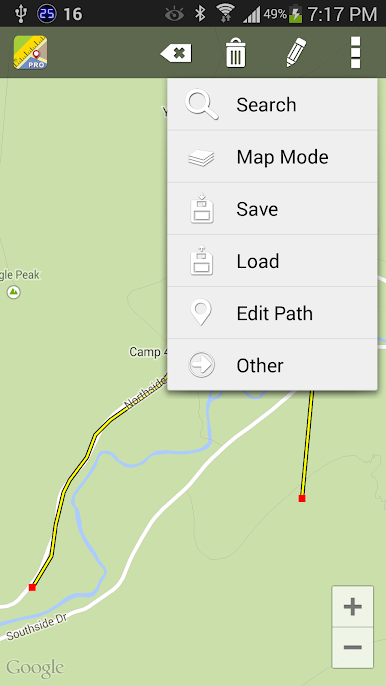
You can save and load calculated distances and areas, you can put labels to calculated paths.
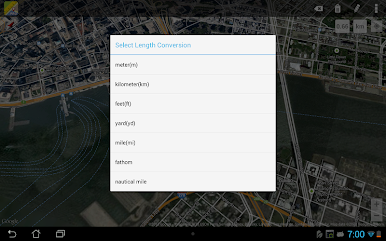
You can view the result in different conversions such as meter, km ,mile and etc.
Continuous path calculation like drawing mode, you can move your finger and it calculates the distance or area when you are drawing on the map.
How to use to app as an distance calculator? For distance measurements; you need to put at least 2 point on map.
How to use to app as a land area calculator? Select area mode from the menu then you need to put at least 3 point on map for mesaruing the area.
For using our distance calculator you should enable gps, so you can easily see your current location.
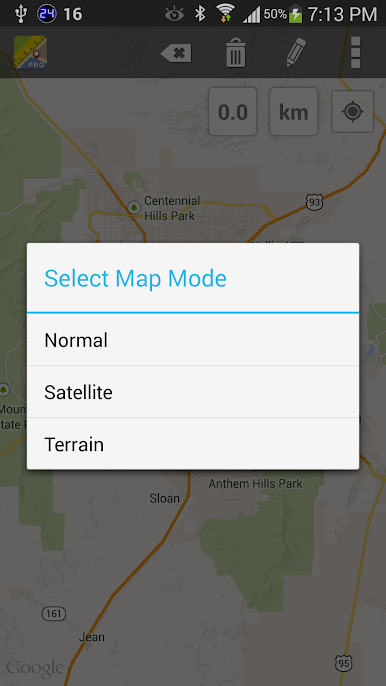
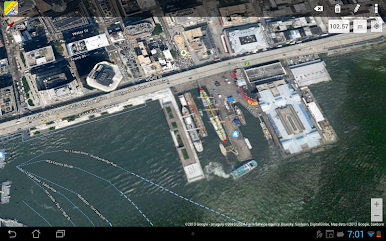
Our distance calculation app supports Satellite maps, normal maps and terrain maps.
You can search a location with autocomplete feature on our map distance measurement app.

Spiele Kartenlineal (Maps Ruler) auf dem PC. Der Einstieg ist einfach.
-
Lade BlueStacks herunter und installiere es auf deinem PC
-
Schließe die Google-Anmeldung ab, um auf den Play Store zuzugreifen, oder mache es später
-
Suche in der Suchleiste oben rechts nach Kartenlineal (Maps Ruler)
-
Klicke hier, um Kartenlineal (Maps Ruler) aus den Suchergebnissen zu installieren
-
Schließe die Google-Anmeldung ab (wenn du Schritt 2 übersprungen hast), um Kartenlineal (Maps Ruler) zu installieren.
-
Klicke auf dem Startbildschirm auf das Kartenlineal (Maps Ruler) Symbol, um mit dem Spielen zu beginnen

