

محفظ الوحيين El-Mohafez
Spiele auf dem PC mit BlueStacks - der Android-Gaming-Plattform, der über 500 Millionen Spieler vertrauen.

Seite geändert am: Apr 23, 2020
Run محفظ الوحيين El-Mohafez on PC or Mac
What’s better than using محفظ الوحيين El-Mohafez by International Waqf Foundation? Well, try it on a big screen, on your PC or Mac, with BlueStacks to see the difference.
About the App
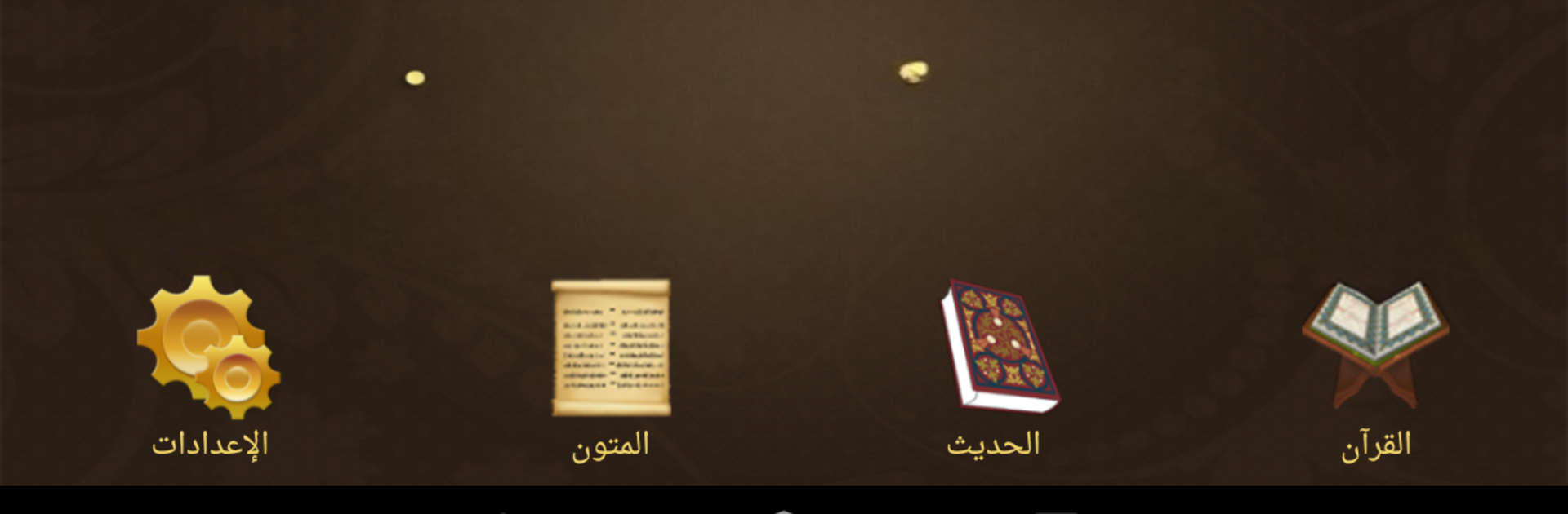
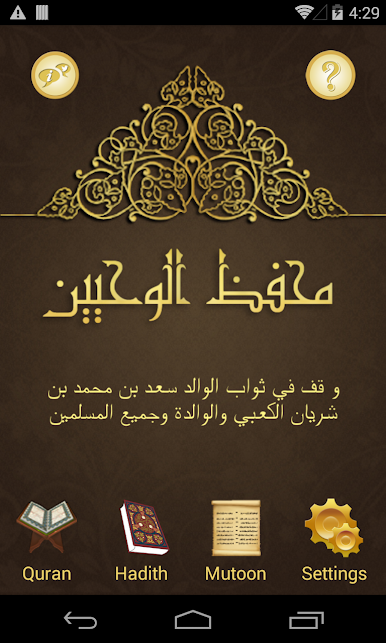
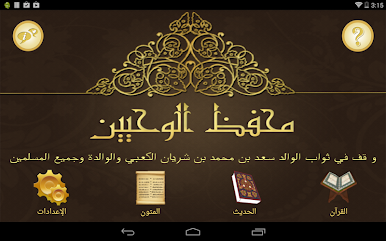
محفظ الوحيين El-Mohafez, created by International Waqf Foundation, is your go-to companion if you’re passionate about learning and memorizing the Quran, Hadith, or Islamic texts. Whether you’re studying at home, teaching in a classroom, or just working solo, this app offers a hands-on way to listen, record, and check your recitation. The experience is intuitive, letting you interact directly with the sacred text, match your recitation, and track your progress along the way.
App Features
-
Interactive Quran Memorization
Listen to recitations, record yourself as the text disappears, then play back your voice to compare with the correct version. It’s a practical routine for perfecting your recitation as you memorize. -
Multiple Modes and Recitations
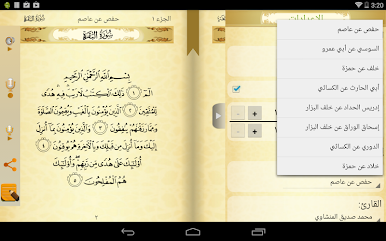
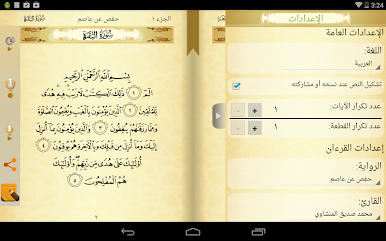
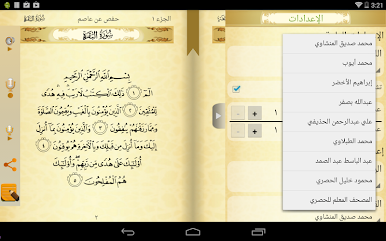
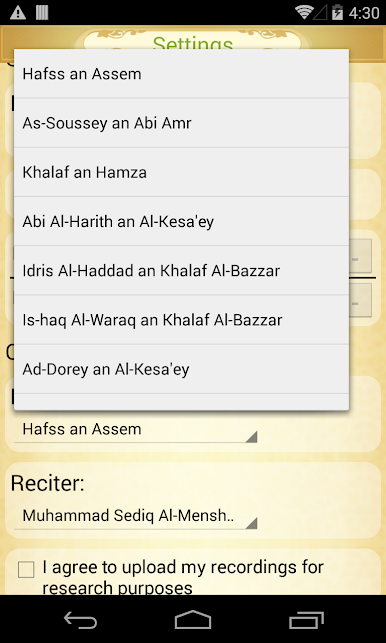
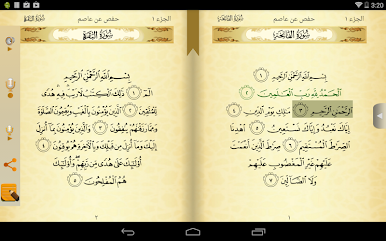
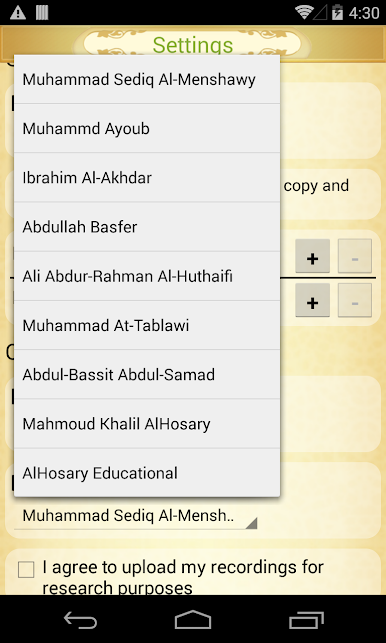
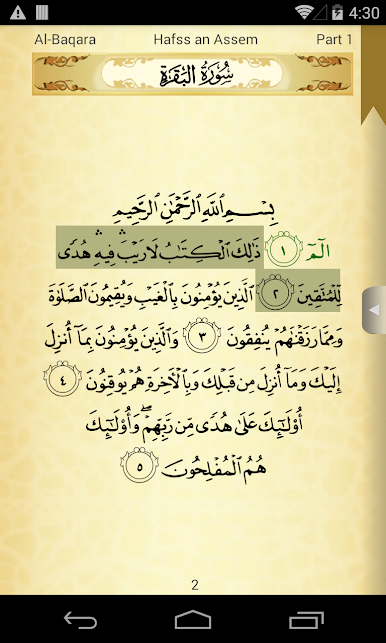
Access the Quran in Ottoman script, just as it appears in the Madinah Mushaf (King Fahd Edition), with support for 16 different recitations and 15 world-renowned reciters—including Abdul Basit, Al-Minshawi, and Hussary. -
Verse Highlighting in Real Time
As recitation plays, each word is highlighted, helping you follow along closely—especially helpful if you’re memorizing word by word. -
One-Tap Word Playback
Tap any word to hear how it’s pronounced on its own, great for focusing on tricky verses or specific words you want to practice. -
Seamless Display in Classroom Settings
Plug in to large screens using Chromecast or Google Cast tech, and have verses fill the screen for group study or teaching. -
Instant Search
Quickly search through the Quran, Hadith collections (like Sahih Bukhari and Sahih Muslim), or key Islamic texts. -
Audio in Multiple Languages
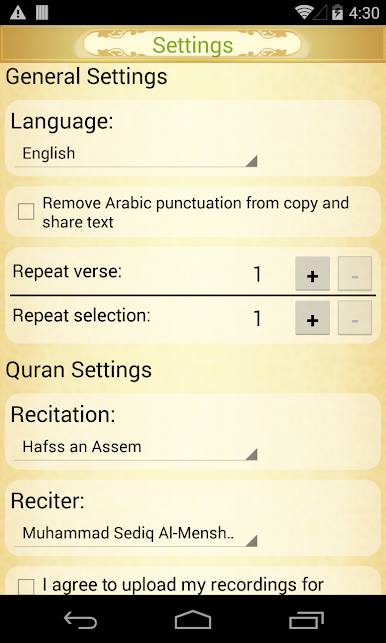
Listen to recitations and translations in English, Persian, Urdu, Azerbaijani, and Bosnian. -
Loop, Repeat, and Track Progress
Loop verses, set up personal memorization playlists, and keep tabs on how much you’ve memorized—by chapter, section, or entire books. -
Multiple Tafsir Choices
Read thematic Tafsir explanations or check easy-to-understand interpretations by renowned scholars in several languages, including English, French, Spanish, Indonesian, and Chinese. -
Organized Memorization for Hadith & Texts
Not just for Quran—track your memorization progress in Hadith collections and foundational Islamic texts. -
Note Taking and Bookmarks
Drop colorful, named bookmarks anywhere, shift them around, and add personal notes to any verse for quick recall later. -
Shareable Content
Easily copy or share verses, hadiths, or texts with friends or study groups through your favorite social apps. -
Offline Mode and Background Play
Download entire surahs or Hadith books for offline use, and enjoy continuous audio playback—even with your phone locked.
And if you prefer studying with محفظ الوحيين El-Mohafez on a bigger screen, you’ll find that using it with BlueStacks gives you extra space and clarity—especially handy during classroom sessions or deep study at your desk.
BlueStacks brings your apps to life on a bigger screen—seamless and straightforward.

Spiele محفظ الوحيين El-Mohafez auf dem PC. Der Einstieg ist einfach.
-
Lade BlueStacks herunter und installiere es auf deinem PC
-
Schließe die Google-Anmeldung ab, um auf den Play Store zuzugreifen, oder mache es später
-
Suche in der Suchleiste oben rechts nach محفظ الوحيين El-Mohafez
-
Klicke hier, um محفظ الوحيين El-Mohafez aus den Suchergebnissen zu installieren
-
Schließe die Google-Anmeldung ab (wenn du Schritt 2 übersprungen hast), um محفظ الوحيين El-Mohafez zu installieren.
-
Klicke auf dem Startbildschirm auf das محفظ الوحيين El-Mohafez Symbol, um mit dem Spielen zu beginnen

