


Mein Tagebuch
Spiele auf dem PC mit BlueStacks - der Android-Gaming-Plattform, der über 500 Millionen Spieler vertrauen.

Seite geändert am: Sep 4, 2025
Play My Diary on PC
Key Features:
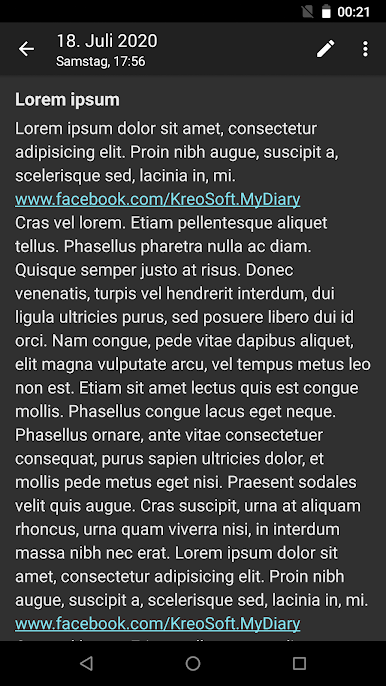
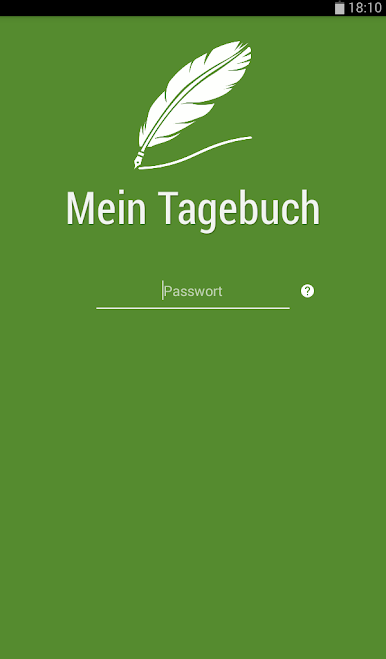
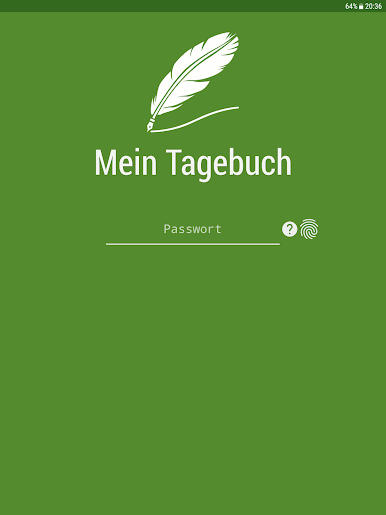
- App lock (PIN or Password + Biometric data - e.g. fingerprint)
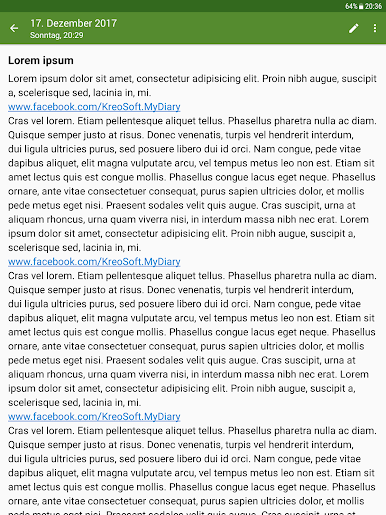
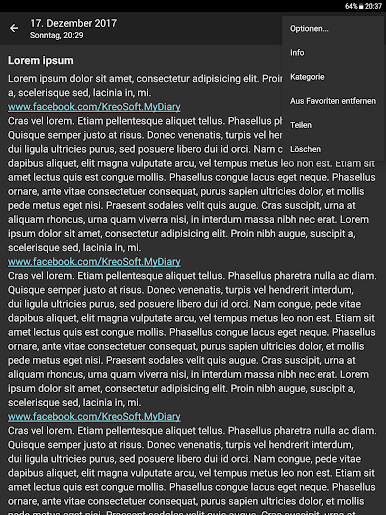
- Save, browse, search and share entries on your smartphone and tablet
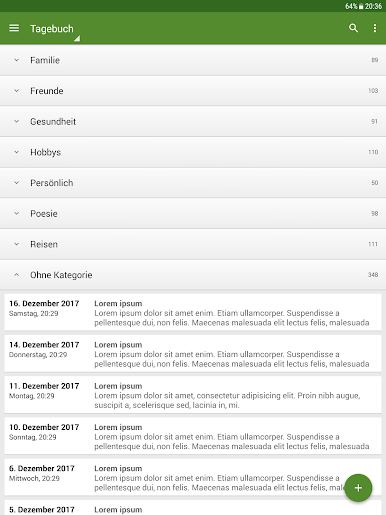
- Sort entries by date created, date updated, title and category
- Organize entries by categories
- Navigation drawer > Categories > Manage categories
- Create backup file, restore data from backup file (.bkp)
- Export your entries (Text file and HTML)
- Sync your entries via Google Drive between all Android devices you use
- Store your entries safely in the cloud
- Unlimited number of entries, long entries
- Swipe left or right to move between entries
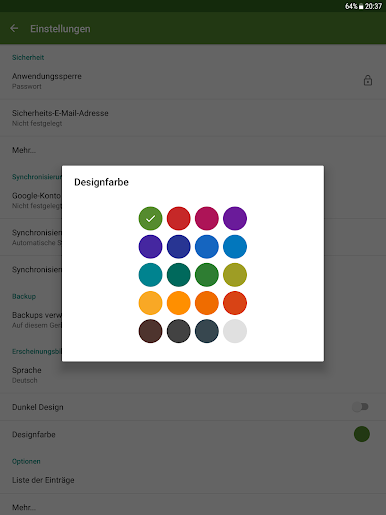
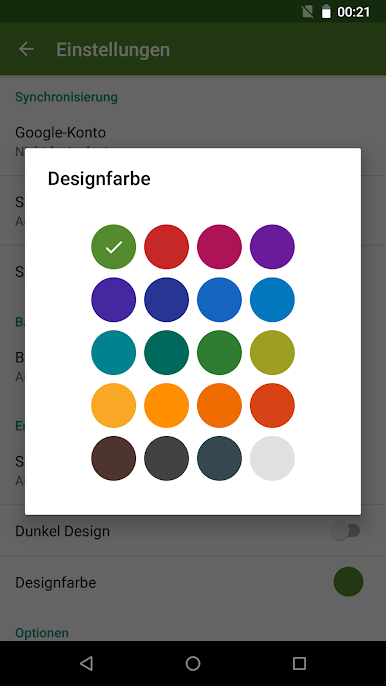
- Light or dark theme
- Theme color
- English language
Premium Features:
- No ads
- Sync options > Auto sync *
- Backup > Preview
- Backup > Export > Text file and HTML
* Manual sync also works in the free version
Remember to regularly use the "Sync" or "Backup" option in the "My Diary" app to avoid accidental data loss.
FAQ:
http://www.kreosoft.net/mydiaryfaq/

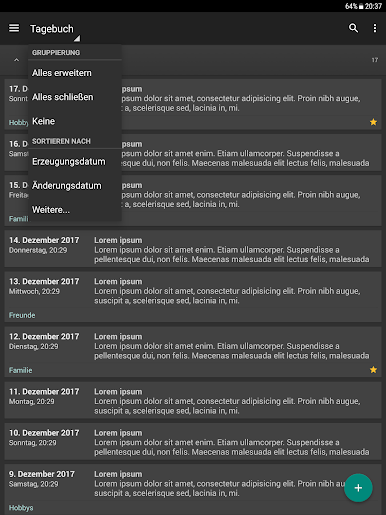
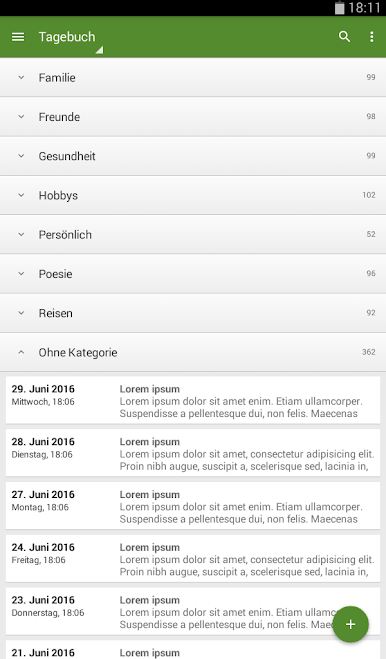
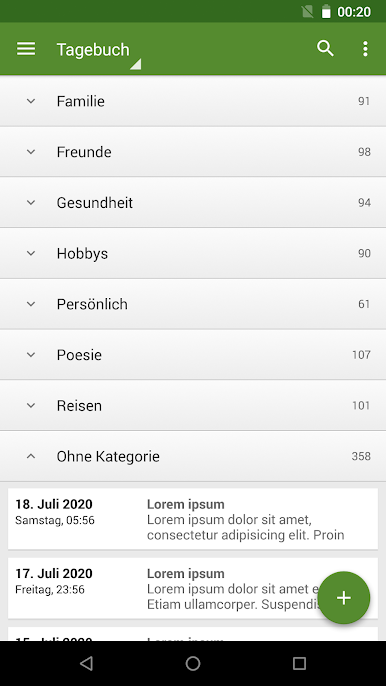
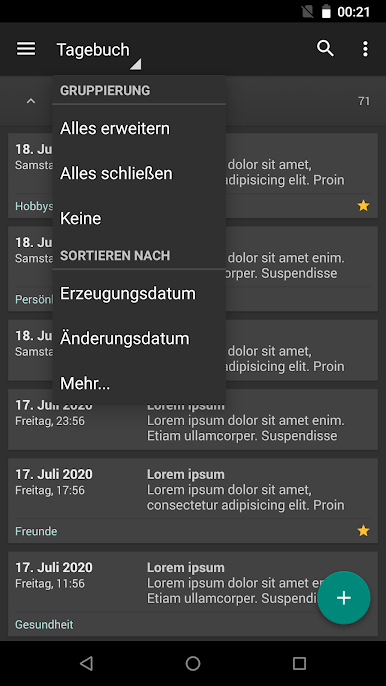
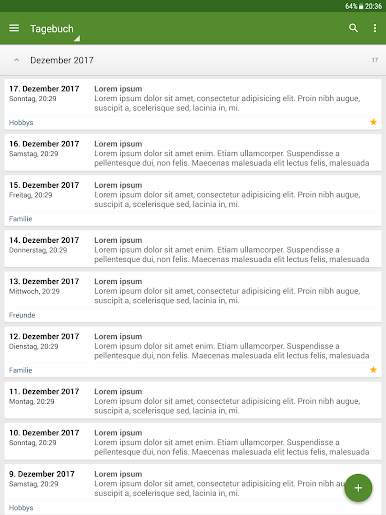
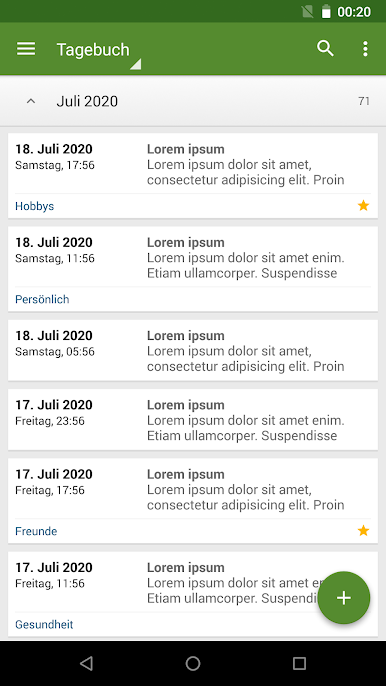
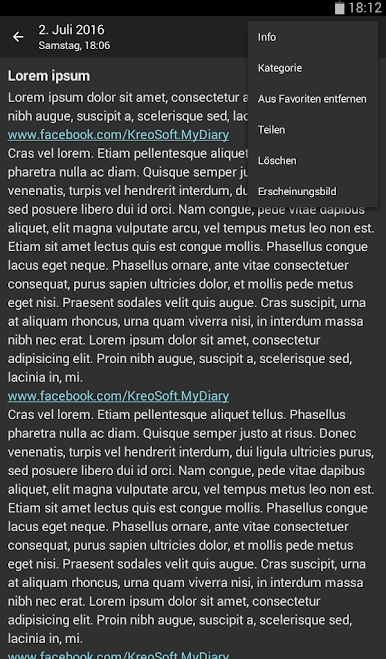
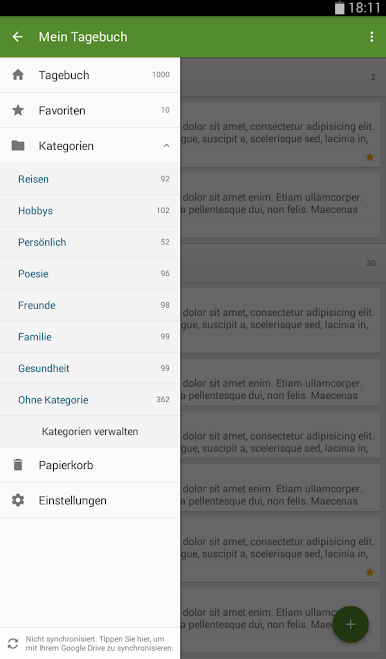
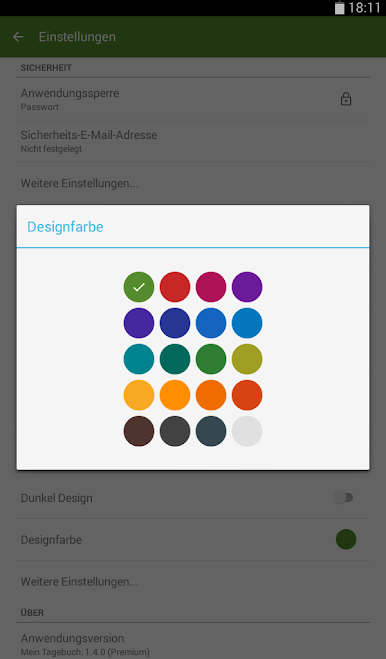
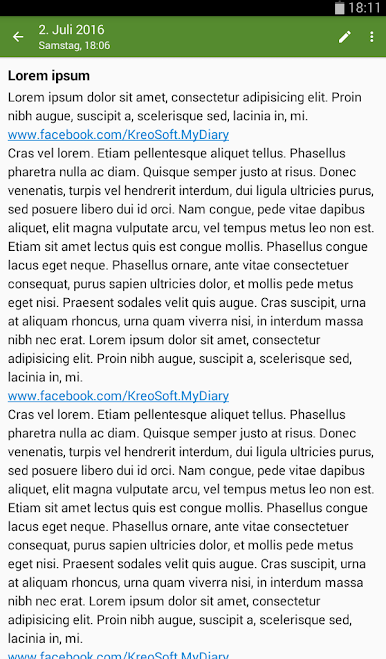
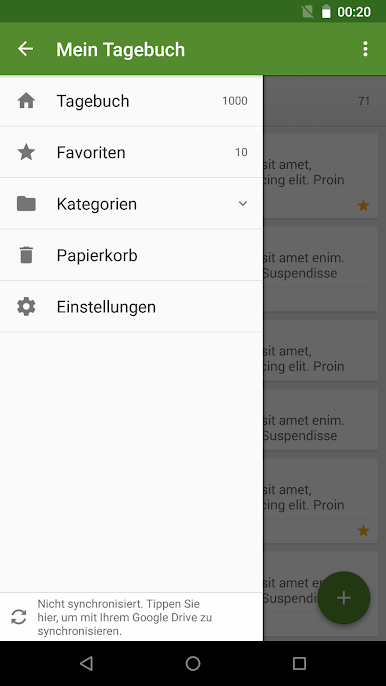
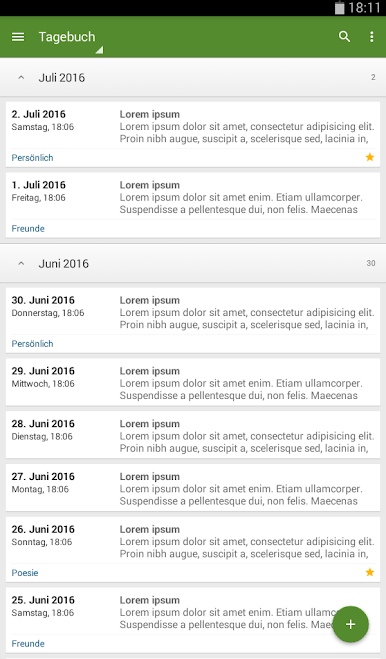
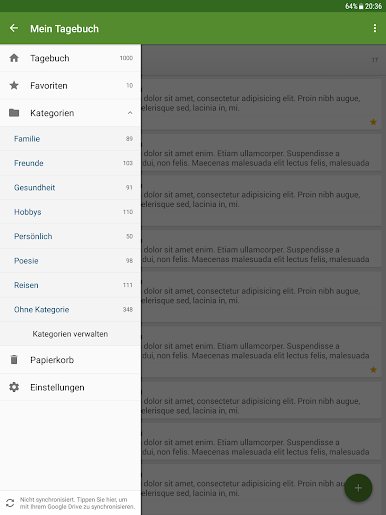
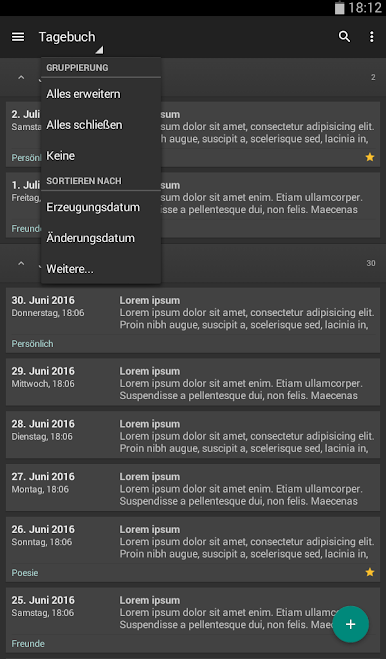
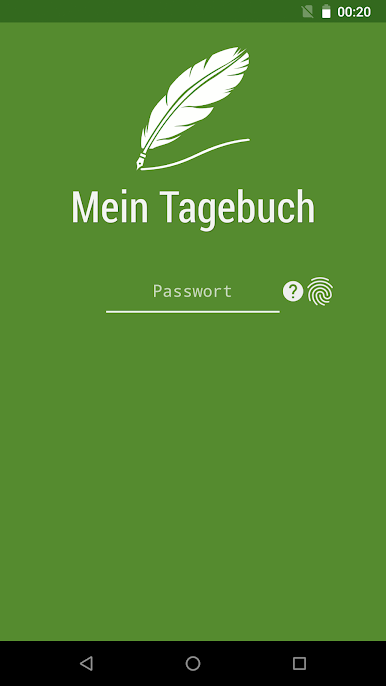
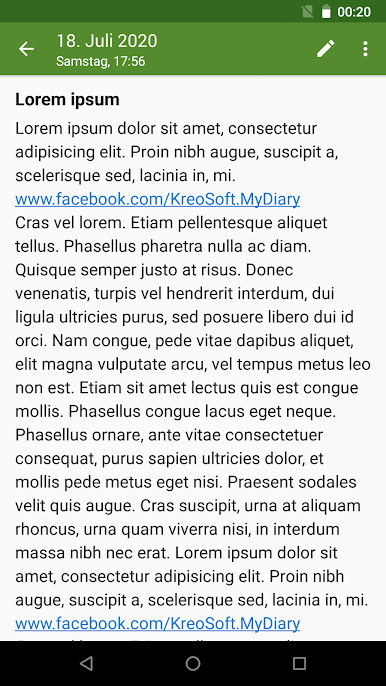
Spiele Mein Tagebuch auf dem PC. Der Einstieg ist einfach.
-
Lade BlueStacks herunter und installiere es auf deinem PC
-
Schließe die Google-Anmeldung ab, um auf den Play Store zuzugreifen, oder mache es später
-
Suche in der Suchleiste oben rechts nach Mein Tagebuch
-
Klicke hier, um Mein Tagebuch aus den Suchergebnissen zu installieren
-
Schließe die Google-Anmeldung ab (wenn du Schritt 2 übersprungen hast), um Mein Tagebuch zu installieren.
-
Klicke auf dem Startbildschirm auf das Mein Tagebuch Symbol, um mit dem Spielen zu beginnen

